Import from Pinterest
1
Open the recipe and tap Share
Find the Pin with the recipe and tap the Share icon under the photo.

2
Tap "More apps"
Swipe the sharing options to the left until you see "More apps", then tap it.

3
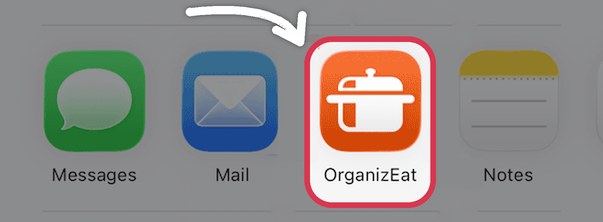
Choose OrganizEat
Tap the OrganizEat icon and we'll save the recipe for you.
Need a hand?
Email us at support@organizeat.com with a question or an idea. We read every message.