
OrganizEat iOS app lets you do three things: keep deleted recipes in a separate folder for 30 days, restore any of them back to your collection, or remove them for good whenever you want.
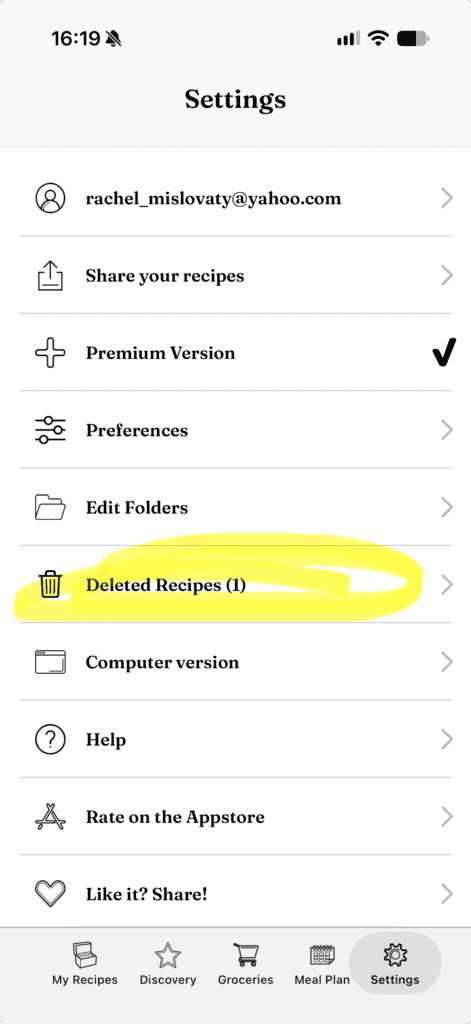
When you delete a recipe, nothing looks different at first. The recipe disappears from your app and stops showing up in search, just like before. The difference is where it goes. Open Settings and you’ll find a new item called Deleted Recipes. Inside are all the recipes you’ve deleted in the last 30 days, ready to restore with a tap. If you’d rather not wait the full 30 days, you can clear them out permanently yourself.
Say you deleted a recipe by mistake, or just changed your mind.
1) Open Settings
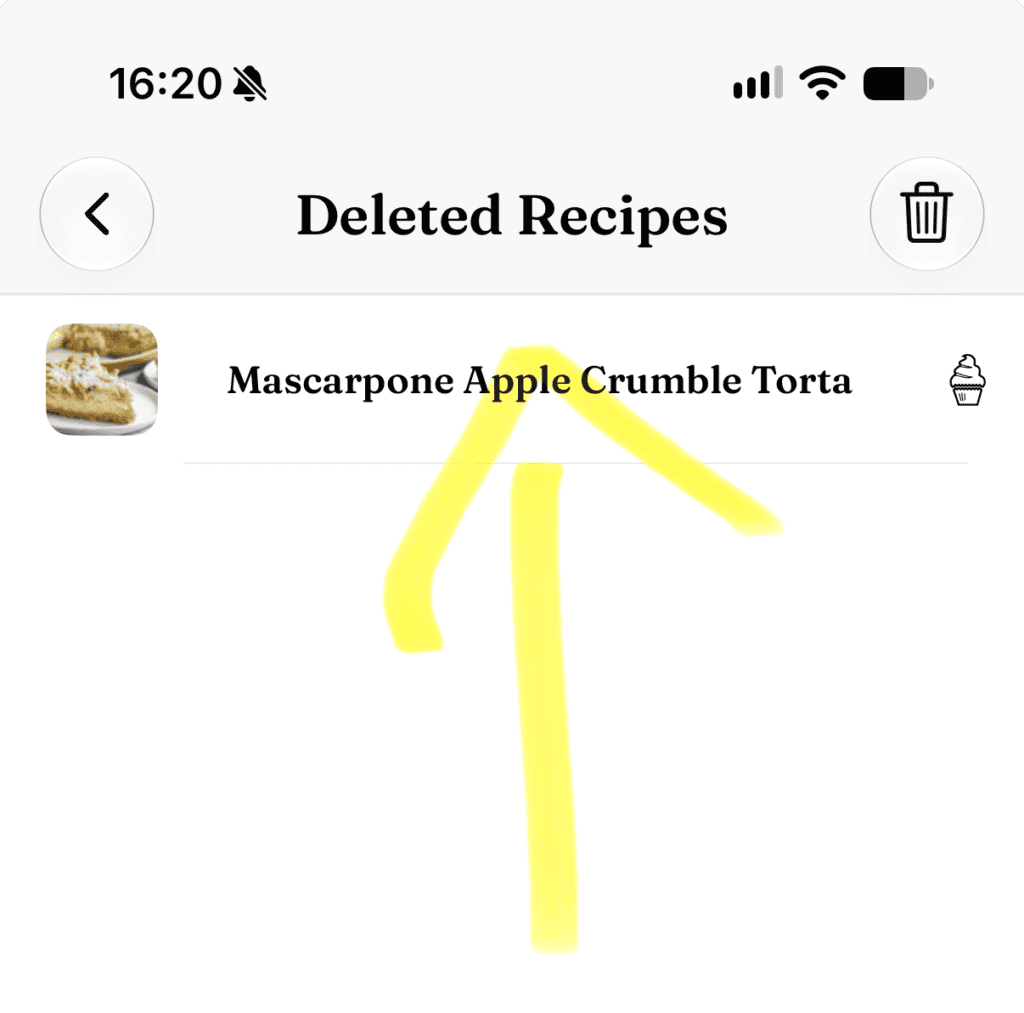
2) Tap Deleted Recipes – and you’ll see everything you’ve removed in the last 30 days.
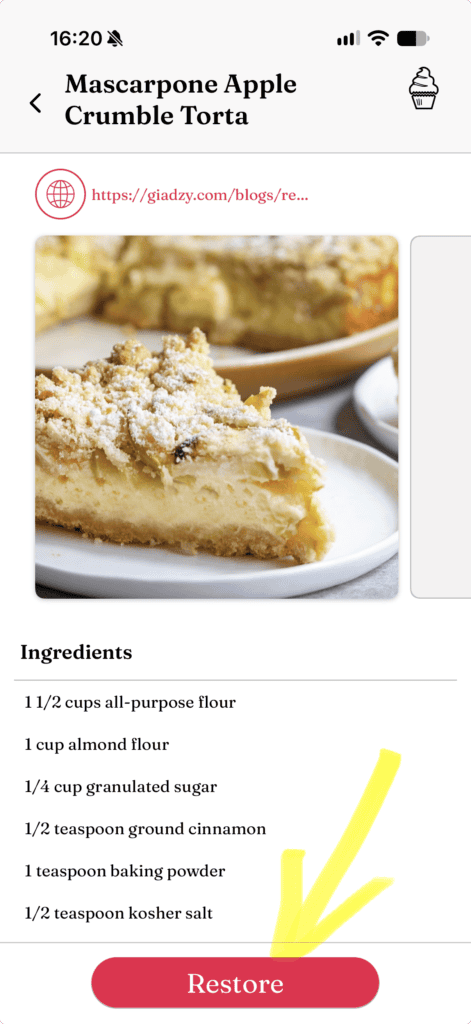
3) Open the one you want and tap Restore. It goes straight back to your collection, right where it was, with all its details intact.
© 2026 OrganizEat. All rights reserved. | Privacy Policy | Terms of Service | Accessibility Statement