OrganizEat
Recipe
Organizer
All your recipes
in one place,
in perfect order

The easiest way to organize your recipes. Save every recipe you love from social media, websites, cookbooks, screenshots, notes, or even handwritten recipe cards – in one place. Just one click, no typing!
Try it free today!



★★★★★ Rated 4.8 by 15,000+ users
1
Recipes from Pictures
Snap a photo of your recipe and store it in one easy step. Perfect for capturing:
- Handwritten recipe cards or stickies
- A page in your favorite cookbook
- Recipes printed from the internet
- All the endless screenshots from your gallery.
Easily categorize or tag these photos to turn your scattered recipes into a well structured, digital collection!
2
Save Recipes from Social Media
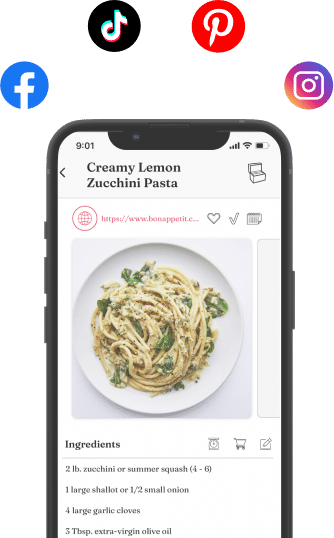
- Instagram, Facebook, Tiktok, Pinterest: download recipes from social media directly into the OrganizEat app.
- No more screenshots.
- No more endless bookmarks that you can never find later.
- Never lose a recipe again!
3
Cooking Mode
- Screen stays on – no more struggling with greasy fingers on screens!
- Rotate the device to display in either landscape or portrait orientation at your convenience.
- Cook using photos of grandma’s handwritten recipes, preserving their original look and feel.
4
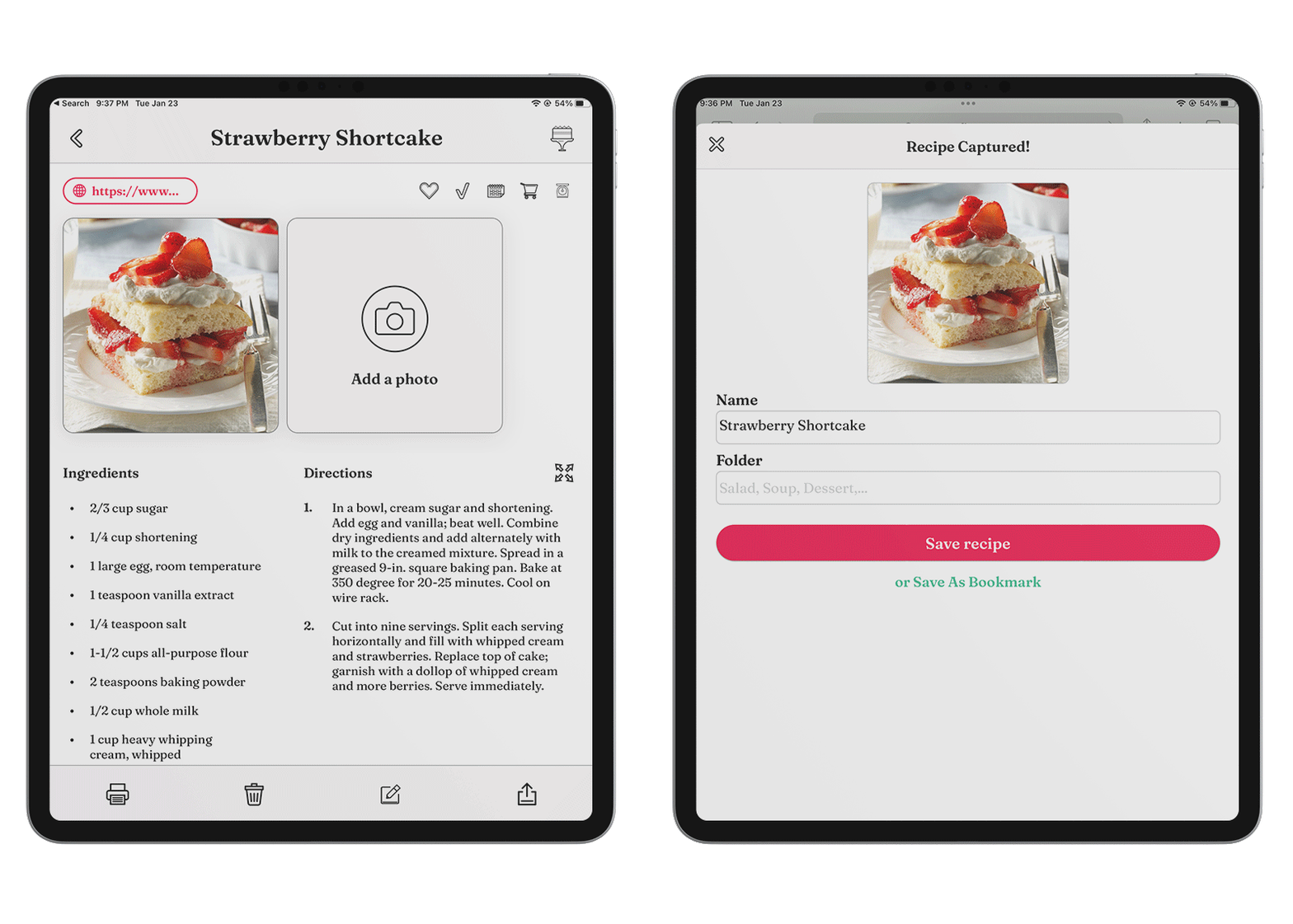
Save Recipes from Websites
- Delish, FoodNetwork, AllRecipes, and all popular recipe websites are supported.
- Recipes are always available, even if the original recipe page is removed.
- Eliminates reliance on Internet access to recall recipes.
- Eliminates the long website texts: save just the recipe, straight to the point!
5
Grocery List
- Instantly create smart grocery lists automatically.
- Add additional items you need to buy (like “shampoo”).
- Scale grocery lists in a click.
- Sync your grocery list across your devices.
- Share lists with family members easily
6
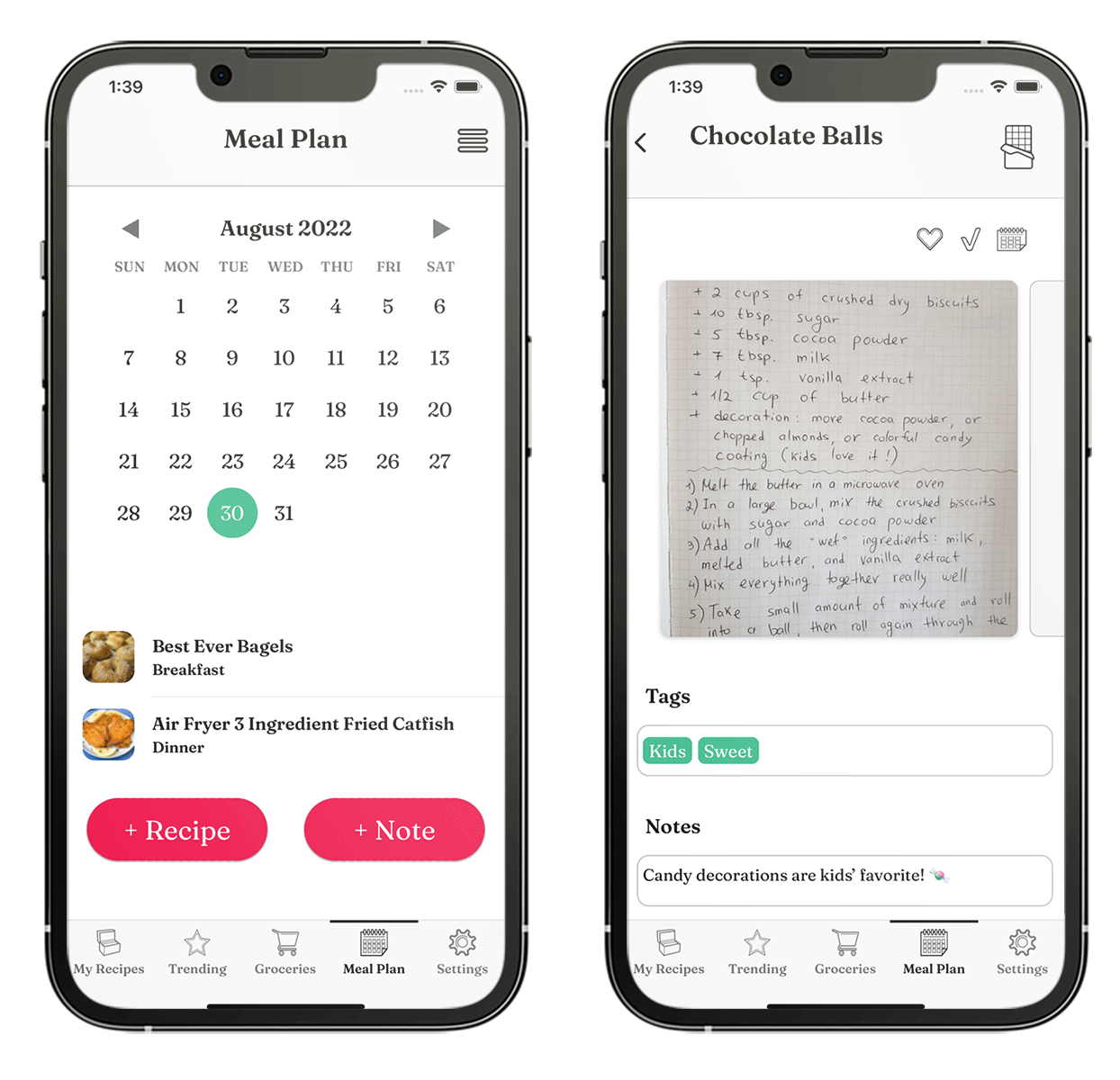
Meal Planner
Plan your meals for the week or entire month with ease.
- Schedule your meal recipes into a calendar.
- Export weekly or monthly grocery lists in a single tap!
- Email or print your meal plan.
- Solving ‘what’s for dinner tonight?’ has never been easier!
7
Custom Entries
- Copy-paste your entire recipe directly into the app. We promise: no typing!
- Intuitive template for listing ingredients and directions.
- Structure it as you want – no mandatory fields!
- Flexibility that lets you save recipes quickly and easily.
Use OrganizEat to keep your recipes in order. Download it now!
★★★★★ Rated 4.8 by 15,000+ users
Key features
No more Typing
Snap a photo of your recipe, whether a physical copy or a snapshot from the Internet, and store it in one easy step. Super easy to use!

All in one place
All of your family recipes are conveniently organized in one central place and always with you. Synced across all your devices and computers.
Never lose recipes
Recipes are backed up on our secure cloud server and synced across all your devices - iOS, Android & Web.

Share the Yum!
One-tap sharing of recipes with friends and family - as simple as sharing a Google Drive, but for recipes!
Trusted by 800,000+ cooks
So impressed by the ease of this app. Finally found a recipe organiser that’s user friendly. Highly recommend it!
by Rachel Friesen Bella
Love having all my recipes in one place and not having to search through recipe books and pieces of paper!
by Mic VanderBrugghen Schulenberg
I love this app. Love that I can sync and have access to ingredients while I’m still shopping at the store.
by Odey2333
Your questions answered
Where can I save recipes from?
OrganizEat saves recipes from Instagram, TikTok, Facebook, Pinterest, and almost any recipe website. It also saves recipes from photos, screenshots, and handwritten recipe cards. Our tutorials walk you through each one.
Can I use OrganizEat for free?
Partly. The free version includes between 10 and 20 recipe imports. After that, you can keep using the rest of the app without a subscription, including the smart grocery list and the meal planner. Sharing recipes with another user stays free too.
Why isn't OrganizEat completely free?
There’s a saying that if you’re not paying for a product, you are the product. OrganizEat is paid for by the people who use it, so our job is to serve you – instead of selling your data or showing you ads.
Does OrganizEat work on iPhone, Android and computers?
Yes. Get it from the App Store or Google Play, or use it in your browser at web.organizeat.com. One account covers all your devices & computers, and your recipes stay in sync between them.
What makes OrganizEat better than other recipe apps?
We’re biased, so we’ll let our users answer. Here are a few reviews from the App Store:
“I have been using another well known app for years, but became frustrated with trying to import recipes into it. Found OrganizeEat – and have never looked back as this is so easy to use and store my recipes.”Cacheman93, US App Store, August 2026
“I had dozens of recipes in pdf format but Paprika doesn’t support importing pdf files. This does so all my recipes are in on app.”mlnmd, US App Store, February 2025
“I’ve tried just about ever app out there for meal planning and nothing beats organize eat.”Brookers2014, US App Store, January 2025
“I’ve tried many apps for storing recipes, and this one is definitely the best! It’s very simple to use, with a brilliant design.”💚💙🩷, Australian App Store, May 2024
This Is PERSONAL
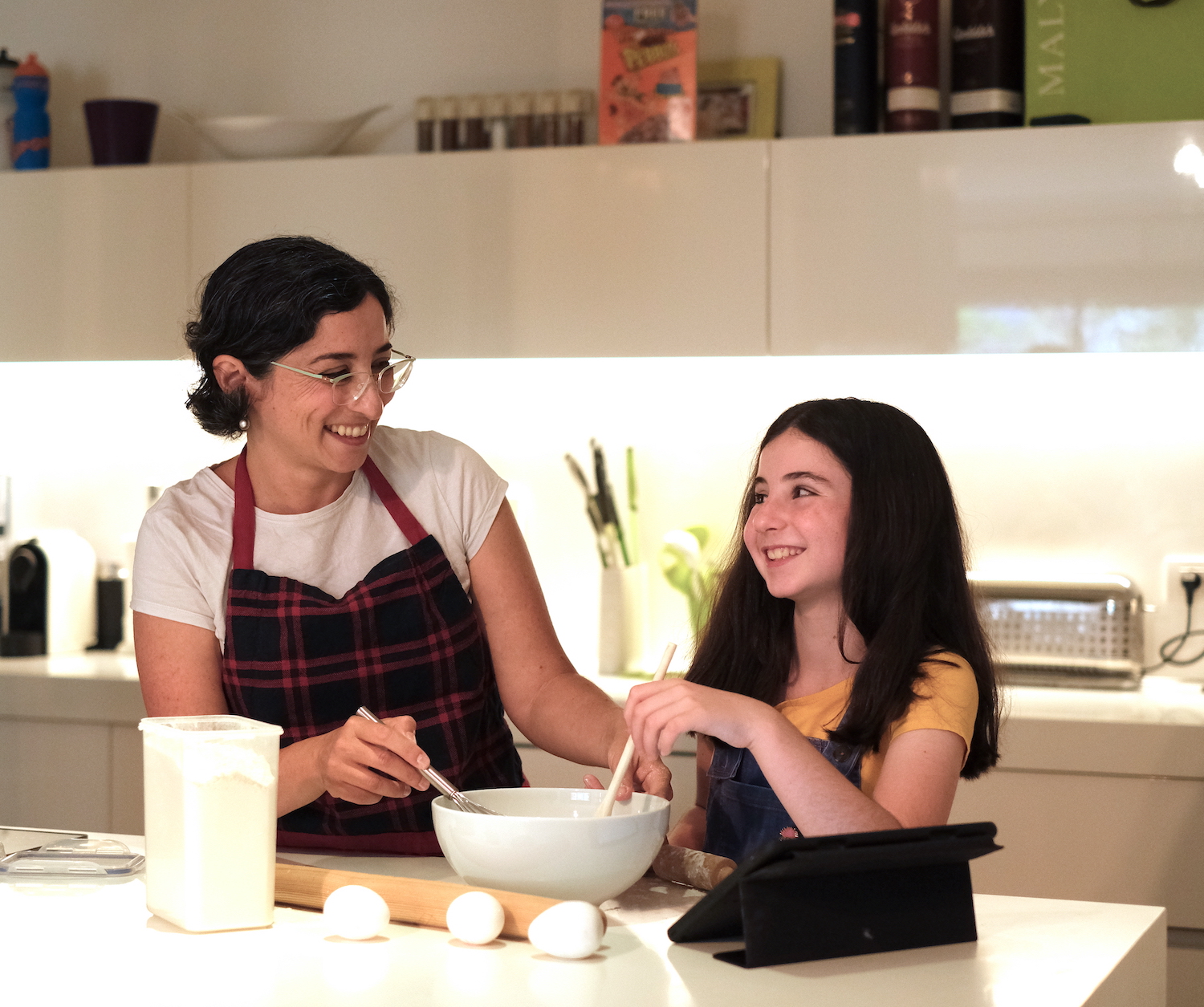
Hi! My name is Rachel. I’m a wife, mother to two girls, and lead software developer for OrganizEat. While I was never a natural in the kitchen, I can still create delicious meals – all due to my precious recipes. Whether it’s experimenting with a new recipe or following Grandma’s, I manage to produce amazing results. The logical next step for me was to migrate my recipes onto my iPhone. However, I quickly found out just how painful this process is.
I had to contend with: a folder full of cutouts from magazines and handwritten notes, an email inbox of internet recipes I had sent to myself, and cookbooks full of yellow sticky notes “bookmarking” the recipe pages. What a mess!
Still, I was undaunted. Moving all of my recipes to my iPhone meant I would always have my recipes with me when I needed them. Such as at the store checking for an ingredient, on the playground with other moms when we share dinner ideas, and of course in the kitchen when I cook.
I searched for an app to help, but I couldn’t find one that suited my needs. Most apps came with their own recipes, while I wanted a place for my own. Some expected me to actually type in all those recipes one by one – seriously?!? Others did allow you to capture a photo of your recipes, but did not allow you to save ones from the web (a huge source of cooking inspiration).
Lastly, they all felt so alienating. I care for my recipe collection too much. I wanted a worthy home for it! A simple yet beautiful digital “cookbook” conveniently divided into sections, with an elegant look and feel. After all, as anyone who likes to cook will tell you, recipes are more than just a list of cooking instructions. Recipes are our memories, our topics of conversation, our ways of expressing ourselves, and our daily companions.
Any app that I would dare use for my recipes should respect all of this, and not merely serve as a storage bin. When I just couldn’t find that ideal app, I decided to create it myself. Armed with my passion, and more than 10 years of experience as a software developer, I created OrganizEat. It’s my own personal and cherished recipe app, but also one I’m happy to share with you. I am sure that you’ll love it as much as I do!
~Rachel