check it out
Below is our full feature set for the OrganizEat app. All of these features were created to help you organize and store your recipes. Check them out and don’t forget it’s free to download our app and try it right away!



★★★★★ Rated 4.8 by 15,000+ users
1
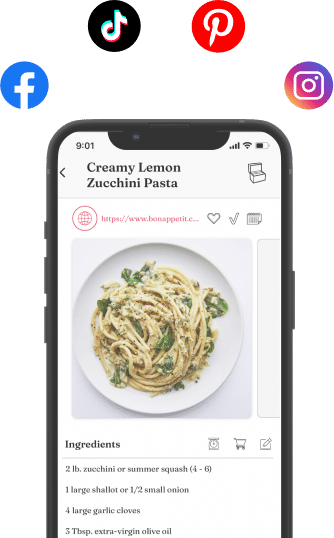
Save Recipes from Social Media
Ever saved a recipe on Instagram or Tiktok, and could never find is again? OrganizEat makes that a problem of the past!
- Instagram, Facebook, Tiktok: download recipes from social networks directly into OrganizEat app.
- No more screenshotting. No more endless bookmarks, that you can never find latter.
- Never lose a recipe again!
2
Snap Recipes from Pictures
Snap a photo of your recipe and store it in one easy step. Perfect for capturing:
- Handwritten recipe cards or stickies
- A page in your favorite cookbook
- Recipes printed from the internet
- A screenshot of a web page.
Easily categorize or tag these photos to turn your scattered recipes into a well structured, digital collection!
3
Save Recipes from Websites
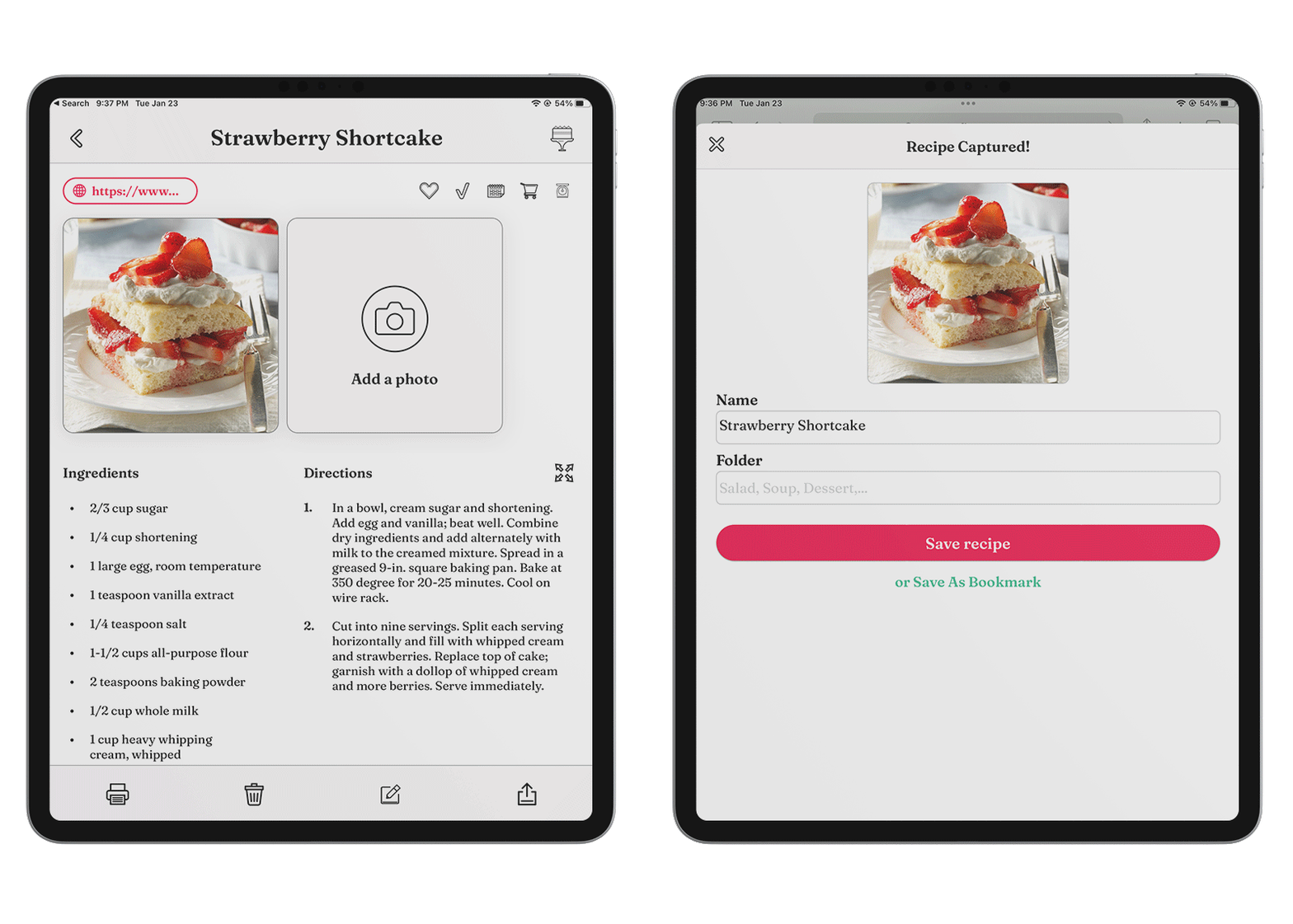
See a recipe you like on the web? Import with a tap of one button!
- Delish, FoodNetwork, AllRecipes, and all popular recipe websites are supported.
- Recipes remain available, even if the original recipe page is removed.
- Eliminates reliance on Internet access to recall recipes.
- Skip the long texts bloggers love so much: save just the recipe, straight to the point!
4
Custom Entries
Sometimes simple is the best way to go.
- Type or copy and paste your recipe directly into the app.
- Intuitive template for listing ingredients and directions.
- Or structure it as you want – no mandatory fields!
- Flexibility lets you save recipes quickly and easily.

+

5
Sync across All Devices
Back up your recipes to the cloud and sync across all your devices. Every computer, phone, or tablet shows the same recipes now!
- Runs on all iOS devices (iPhone, iPad, iPod touch).
- Runs on all Android devices with Android 5.0+.
- Runs on Chrome and Edge browsers for Windows OS computers.
- Runs on Chrome and Safari browsers for Mac OS computers.
- Your purchase is valid for all your devices – both iOS, Android & Computers!
- Sync recipes across your devices.
- Upload and backup recipes to our cloud server.
6
Grocery List made EASY
Create a shopping list by. adding ingredients with. a single tap!
- Add recipe ingredients straight to your list with a tap.
- Add additional items you need to buy (like “shampoo”).
- Sync & Share your grocery list across your devices.
7
Meal Planner
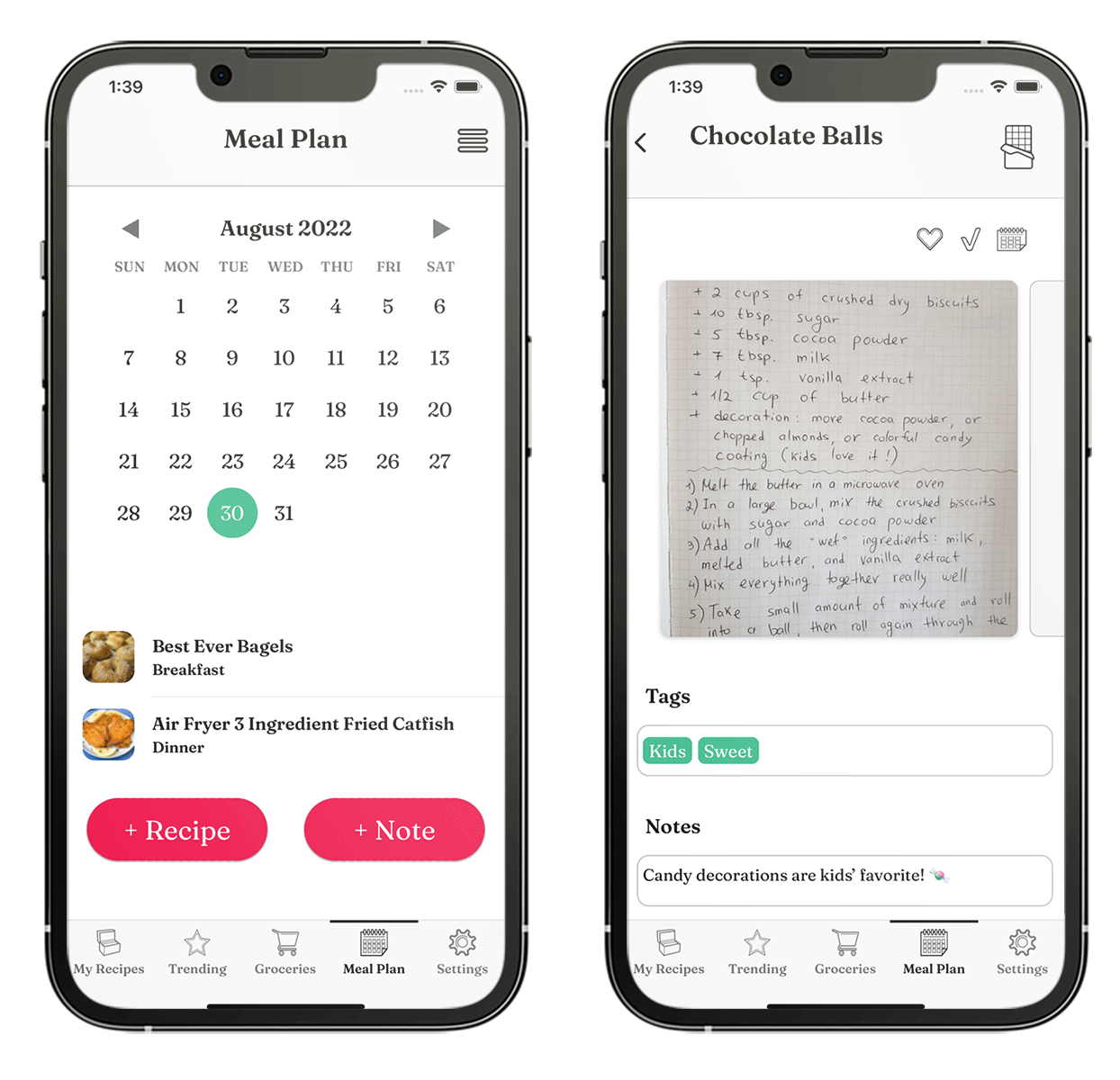
Plan your meals for the week or the entire month and generate a grocery list automatically.
- Schedule your meal recipes into a calendar.
- Export weekly or monthly grocery lists in a single tap!
- Email or print your meal plan.
- Weekly dinners have never been easier!
8
Cooking Mode
Presents your recipe in full screen and prevents your device’s screen from going black.
- View recipe full screen.
- Screen stays on – no more struggling with greasy fingers on screens!
- Rotate device to display in either landscape or portrait orientation to your convenience.
- Cook using photos of grandma’s handwritten recipes, preserving their original look and feel.

+

9
Share the Yum!
One-tap sharing of recipes with friends and family (not iTunes Family Sharing)
- Invite friends and family to connect to your OrganizEat account.
- Once the email invitation is accepted, each of you can view (but not edit) each other’s recipes.
- That’s it! As easy as a “Google Drive” for your recipes.
- You can also email or text a recipe directly from within the app.
10
Recipes Nutrition Values
- Get an estimate of the nutrition values for any recipe you’ve saved
- Entire recipe in one click, without looking up each ingredient yourself.
- Stay on track with your nutrition easily, as a natural part of your cooking.
11
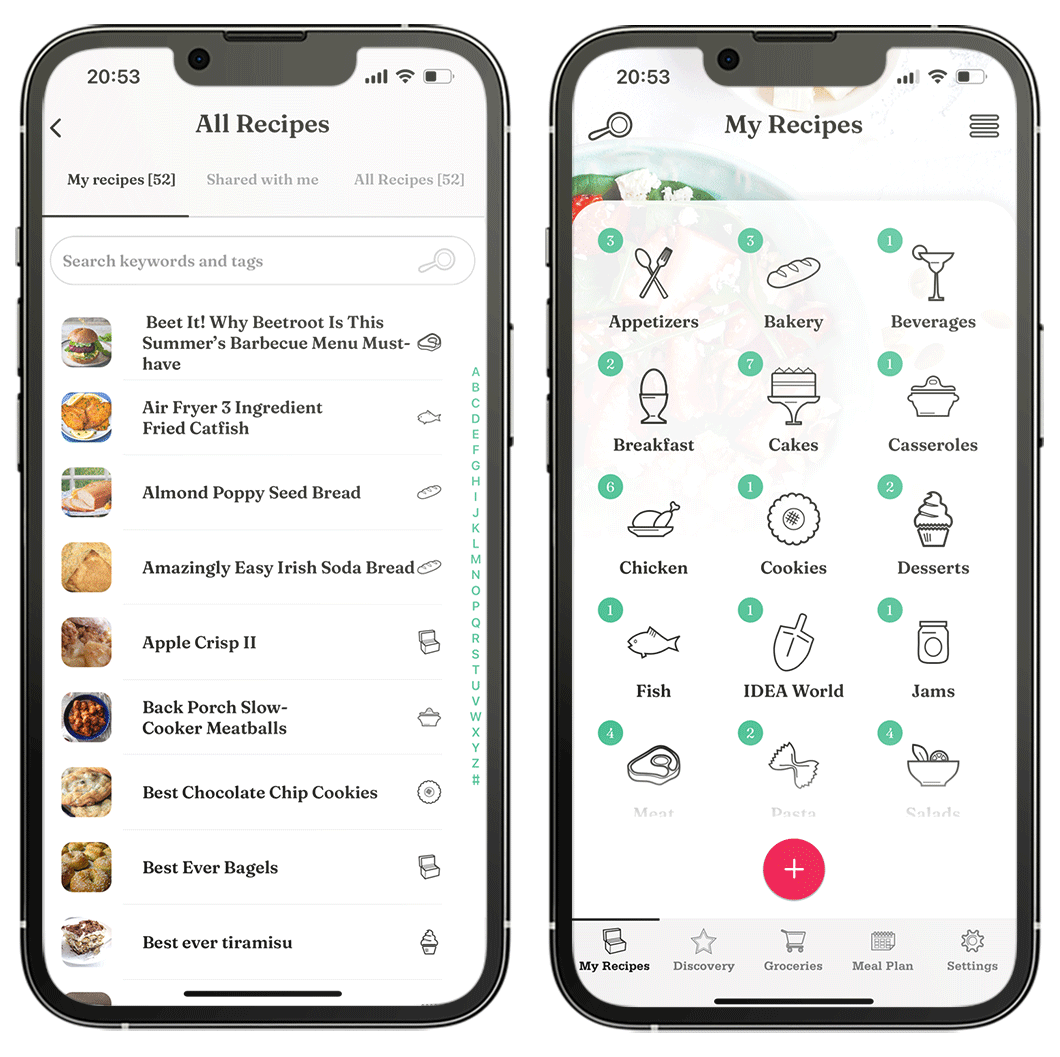
Organize by Folders
- Organize recipes by categories.
- Large variety of existing folders.
- Customize them or add new folders.
- Folder icons make the navigation easy.
- Create perfect order for your recipes!
12
Search Easily
- Add tags and keywords.
- Add your own notes.
- Search across all tags, keywords, and notes.
- Even photos are searchable! (for now supports English text only)
- Never lose a recipe again!
13
Computer Access
- Your recipes are available on every computer (Windows or Mac)
- Access them from any web browser (Chrome, Safari & Edge are supported).
- Syncs with all mobile devices.
- Enjoy the convenience of using your recipes on a computer, with easy text entry and a large screen!
Try it free today!
★★★★★ Rated 4.8 by 15,000+ users