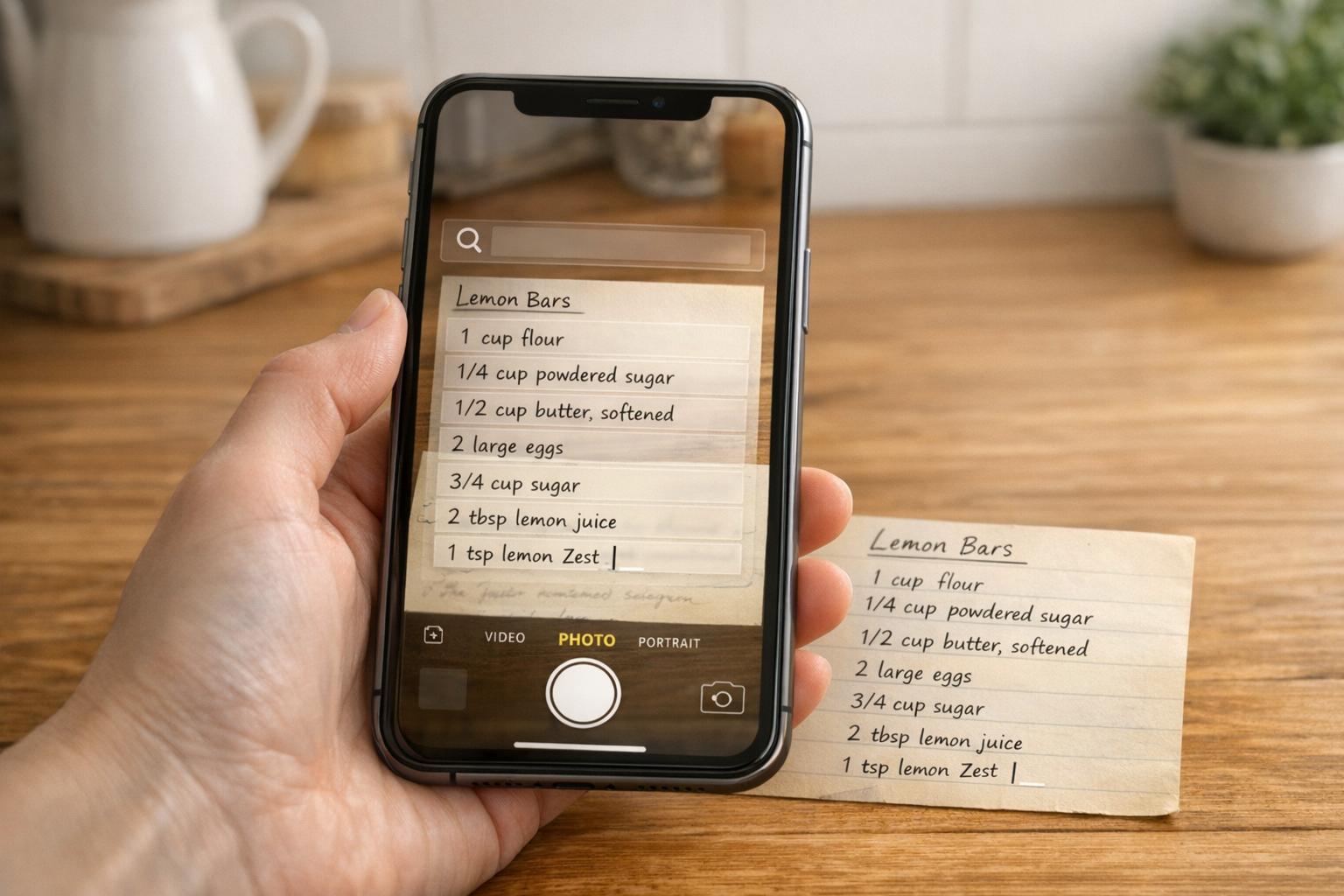
Handwritten recipes are a treasure trove of family memories, but they’re fragile and prone to damage over time. AI transcription tools offer a quick and efficient way to digitize these recipes, turning them into searchable, editable text. This saves hours of manual work while preserving cherished recipes for future generations.
Here’s a breakdown of three popular AI tools for this task:
- OrganizEat AI Transcribe: Best for personal use, it converts clear handwriting into searchable text within the OrganizEat platform. It supports over 50 languages and integrates well with recipe organization tools.
- Transkribus: Ideal for complex or historical handwriting, it allows users to train custom AI models for improved accuracy. It’s a robust option for large-scale or challenging projects.
- FromThePage AI-Assist: Combines AI with human oversight, making it suitable for collaborative transcription projects. It’s particularly useful for archival or group work.
Each tool has strengths tailored to different needs, from casual recipe digitization to preserving historical culinary records.
How to digitize handwritten notes with ChatGPT Vision
1. OrganizEat AI Transcribe
OrganizEat AI Transcribe leverages the platform’s robust organizational tools to digitize and preserve handwritten recipes. With almost million of users, it uses advanced AI-powered OCR (Optical Character Recognition) to transform handwritten recipes into searchable and editable text.
Handwriting Accuracy
This tool works best when recipes are captured in good lighting with clear, legible handwriting. If transcription errors pop up, the AI Edit feature steps in to correct typos, refine grammar, and even simplify lengthy instructions.
OrganizEat supports types texts and handwriting recognition, making it a fantastic choice for families with multilingual recipe collections. The platform boasts a 4.4/5 rating across G2, Capterra, and the App Store, based on feedback from over 12,000 reviewers.
Now, let’s look at how OrganizEat handles different file formats to make recipe digitization even smoother.
File Format Support
OrganizEat AI Transcribe accommodates a variety of common image and PDF formats, offering flexibility for digitizing recipes. It supports images up to 9,216 pixels in dimension and files as large as 25 MB.
Integration with Recipe Management
Once recipes are transcribed, they’re stored as digital folders within OrganizEat ecosystem, making them instantly searchable. You can use queries like “chocolate chip cookies” to find specific recipes. Recipes can be organized into folders, tagged for easy filtering (e.g., “desserts” or “weeknight dinners”), and even linked to shopping list and meal planning.
OrganizEat prioritizes privacy, ensuring your recipe collection stays secure. Files processed by third-party AI vendors are not used to train AI models, offering peace of mind for privacy-conscious users.
2. Transkribus
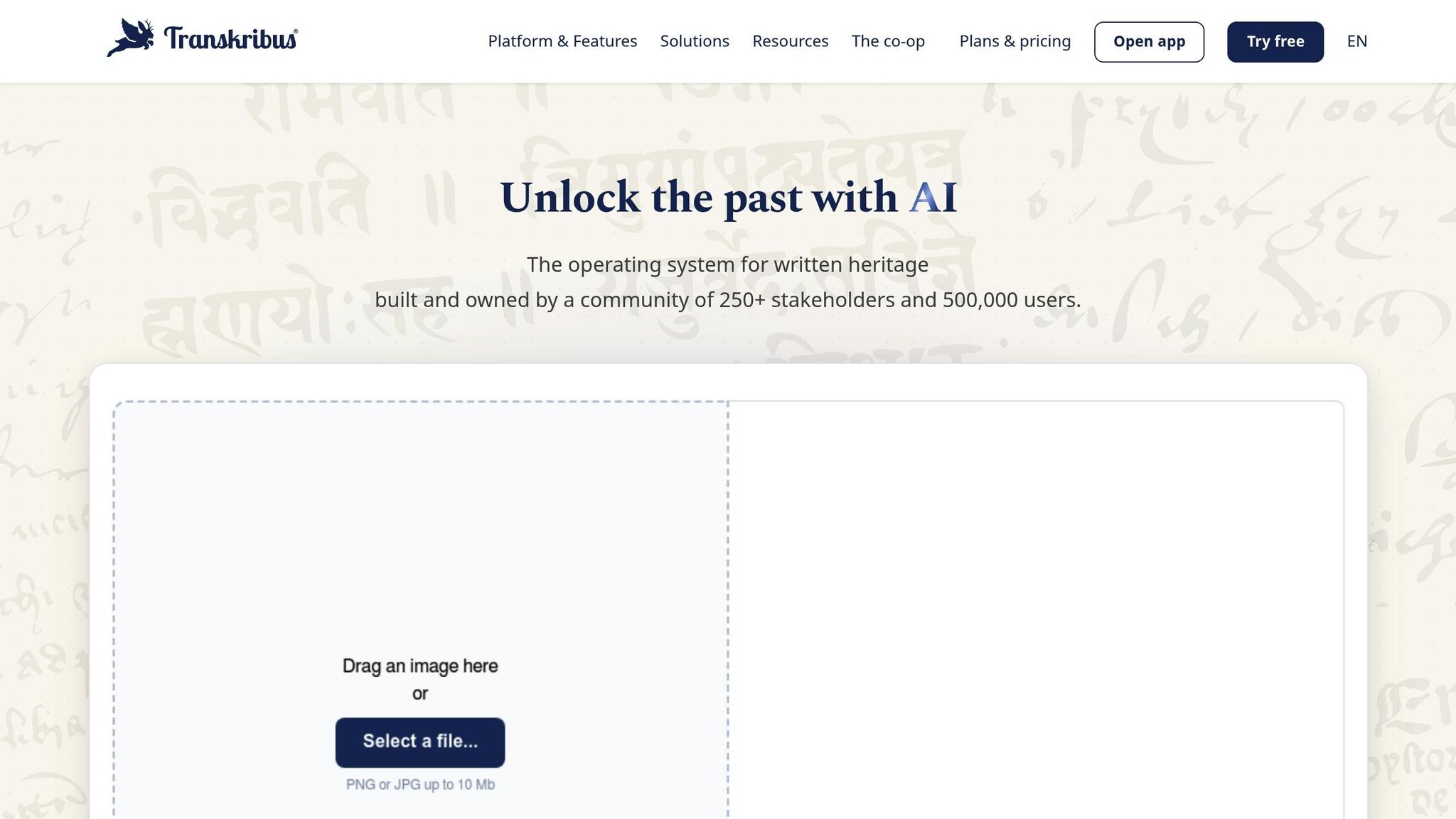
Transkribus leverages Handwritten Text Recognition (HTR) technology that learns and adapts to personal handwriting styles. This makes it a great tool for digitizing family recipes, especially those written in unique scripts or containing specialized culinary terms.
With over 200 million pages processed and support for more than 100 languages, Transkribus offers a powerful solution for preserving handwritten recipes. The platform even allows users to train custom AI models tailored to their handwriting, ensuring accurate transcription of even the most distinctive scripts.
Handwriting Accuracy
Transkribus uses Character Error Rate (CER) to measure how accurately it transcribes text. For recipes with unusual handwriting, the platform provides access to over 140 public AI models, giving users the chance to find one that works best for their needs.
“With the right model, you can achieve an almost perfect transcription at just the click of a button.” – Transkribus
If existing models don’t meet your expectations, you can train your own AI model using as few as 20–30 manually transcribed pages. Alternatively, you can use “Super Models”, which are transformer-based AI systems designed to handle a wide range of handwriting styles[13, 14, 17, 18]. Transkribus also incorporates “Language Models” that improve transcription accuracy by making context-based predictions[13, 17, 18].
File Format Support
Transkribus supports a variety of file formats, including JPEG, PNG, and TIFF images (up to 10 MB) and PDFs (up to 512 MB)[20, 21]. You can even upload photos taken with your phone, making it easy to digitize recipe cards on the fly. For the best results, the platform recommends images at approximately 300 dpi, as higher resolutions provide only minimal improvements in accuracy.
Batch processing is another standout feature, allowing users to upload up to 3,000 files or 200 PDFs at a time. All documents are securely stored on GDPR-compliant servers in Austria, ensuring privacy and data protection.
Customization Options
One of Transkribus’s strengths is its ability to adapt to specific needs. For example, you can create “Field and Table Models” to identify and transcribe particular recipe components, such as ingredient lists or cooking steps. The platform also supports “Structure Tags”, which limit text recognition to specific areas of a document. This is especially useful for avoiding interference from handwritten notes or marginalia.
“By creating custom AI models that are tailored to your specific documents, it can produce transcriptions that are up to ten times more accurate than those from traditional OCR systems.” – Transkribus
To begin, you can process your recipes with a pre-trained “Super Model” and manually correct any errors. This correction process generates the Ground Truth data needed to further refine your custom model[14, 23]. For challenging handwriting, achieving a CER of 5% or less is considered excellent. Additionally, the platform offers 50 free credits each month, no credit card required, providing an accessible entry point for new users.
Integration with Recipe Management
Once transcribed, recipes can be seamlessly integrated into digital workflows. Transkribus supports exporting files in JSON and Page XML formats, making it easy to incorporate them into recipe management systems[15, 18]. Developers can also use the REST API to create custom workflows or link directly to recipe databases[15, 24].
For recipes with intricate layouts – such as columns of ingredients or nested instructions – using the Layout Recognition feature before transcription ensures every detail is captured accurately. This makes the platform a comprehensive tool for digitizing and organizing handwritten recipes.
3. FromThePage AI-Assist
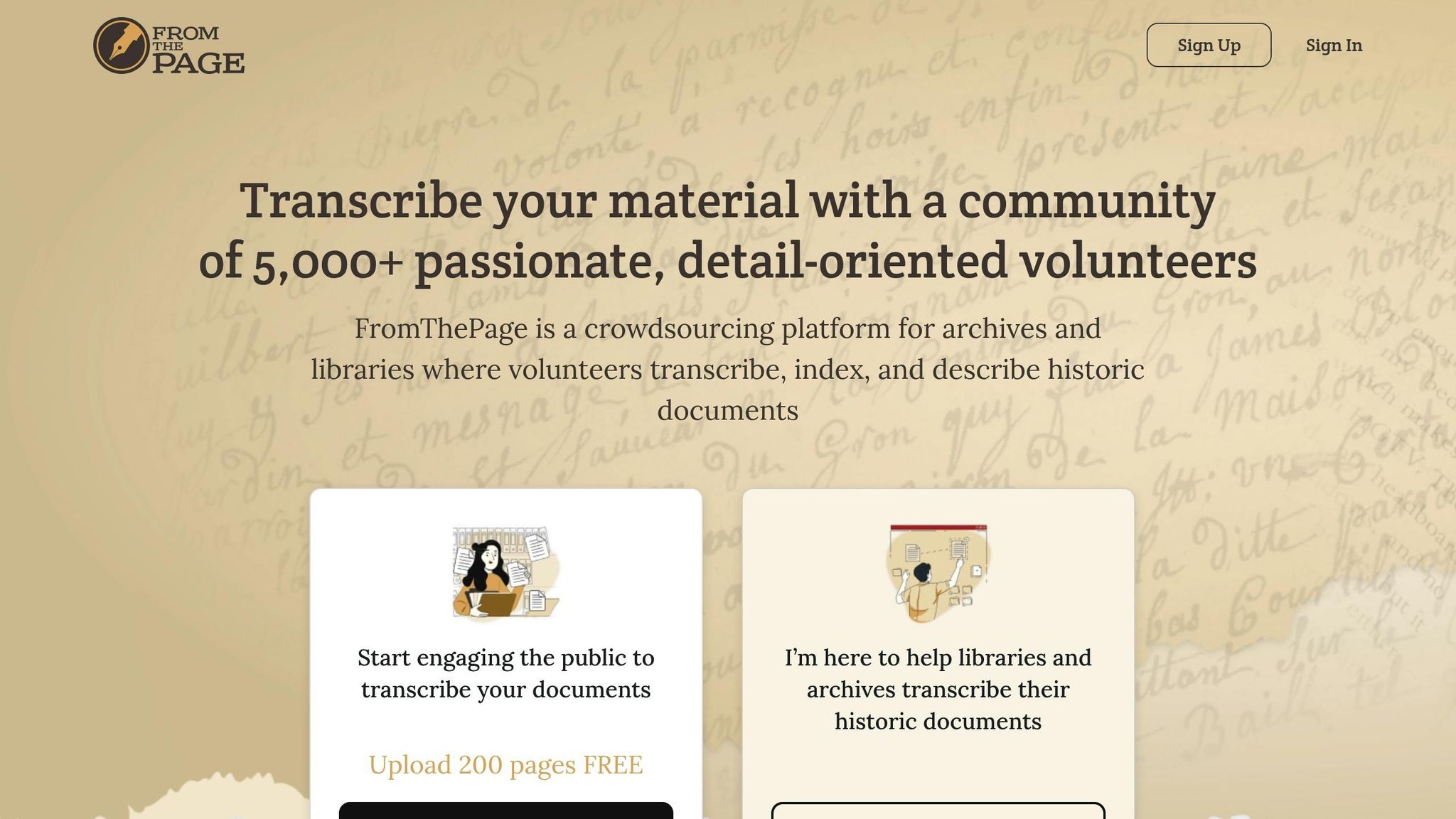
After examining fully automated tools, let’s dive into a collaborative AI solution that works alongside human expertise. FromThePage AI-Assist employs a specialized Handwritten Text Recognition (HTR) model to support human transcribers, combining AI efficiency with human oversight. This “human-in-the-loop” approach bridges the gap between automation and accuracy.
Handwriting Accuracy
Unlike standard OCR, FromThePage utilizes HTR, which recognizes text word-by-word, making it better suited for cursive handwriting. Its accuracy depends on the document, with Character Error Rates (CER) ranging from 3% to 10%. For instance, a 5% CER means roughly one error every four words. To address this, the platform treats AI-generated text as a starting point rather than a definitive answer. Visual cues flag potential errors, encouraging users to cross-check with the original image.
“We want AI-generated data to seem tentative instead of ‘authoritative’.” – Ben and Sara Brumfield, Founders, FromThePage
The “AI Assist” button overlays text on the image, helping users interpret challenging words – like regional terms such as “station” (meaning ranch) – without altering the entire transcription. Additionally, project owners can integrate their own Transkribus credentials to access HTR models tailored to specific eras or languages.
File Format Support
FromThePage supports document uploads through the International Image Interoperability Framework (IIIF) as well as direct PDF and text file imports. The platform retrieves HTR data in ALTO-XML format, converting it into editable wikitext.
However, HTR can struggle with documents featuring complex layouts, sometimes misinterpreting key recipe content as supplementary text. This reflects the platform’s focus on archival projects, shaping its integration capabilities.
Integration with Recipe Management
FromThePage is designed for archival transcription rather than consumer-focused recipe management. While it generates structured data in formats like ALTO-XML and wikitext that could be used in other systems, it doesn’t offer direct integration with recipe keeper apps. The platform has been instrumental in transcribing historical recipe collections, such as the 18th-century Sheldon Family Recipe Book from Weston, Warwickshire. In March 2024, it partnered with the State Library of New South Wales to test its AI-Assist feature on Emily Creaghe’s 1883 diary.
Users should exercise caution when employing tools like ChatGPT to “normalize” or correct HTR text, as this can lead to errors – plausible yet incorrect interpretations not found in the original image. By keeping humans in the loop, FromThePage ensures that AI serves as a productivity tool for volunteers rather than a replacement for their critical judgment. This collaborative model highlights the variety of AI tools available for preserving handwritten recipes.
Pros and Cons
Each tool comes with its own strengths and trade-offs, tailored for different needs.
OrganizEat AI Transcribe stands out for its smooth integration with its ecosystem and mobile-friendly features, making it a great choice for personal recipe collections. For example, you can snap a photo of your handwritten recipes, and it will convert them into searchable text. The AI Edit feature further refines the text by fixing errors and simplifying instructions. However, it has a limitation on image size (capped at 9,216 pixels) and uses a general-purpose OCR, which might struggle with niche culinary shorthand.
Transkribus offers exceptional accuracy – up to 10 times better than standard OCR tools. It allows users to train custom AI models to recognize specific handwriting styles with as few as 20–30 sample images. This makes it particularly effective for handling historical documents or tricky cursive writing. Its advanced layout analysis is also helpful for working with tables and forms. That said, it requires a desktop setup and has a steeper learning curve, especially if you’re training your own models.
FromThePage AI-Assist is designed for collaborative transcription, featuring a unique overlay tool that displays AI-generated text directly on the original image. This makes it easy to verify and edit the output. Its “human-in-the-loop” approach ensures higher accuracy by treating AI results as provisional until reviewed. However, it’s best suited for institutional or group projects, as its collaboration features are primarily geared toward that audience.
Here’s a quick comparison of these tools and their key features:
| Feature | OrganizEat | Transkribus | FromThePage AI-Assist |
|---|---|---|---|
| Primary Strength | Seamless integration & mobile use | High accuracy & custom model training | Collaborative review & text overlay |
| Accuracy | Standard AI OCR (with AI Edit) | Up to 10× better than conventional OCR | Variable (depends on chosen model) |
| Customization | Low (fixed AI models) | High (train your own models) | Medium (choose from existing models) |
| Supported Formats | JPG, PNG, GIF, TIFF, WEBP, HEIC | PNG, JPG (up to 10MB) | Standard image formats |
| Best For | Personal recipe archives & mobile users | Historical documents & large collections | Collaborative & group projects |
Each tool caters to different use cases, from casual personal use to professional-level transcription projects.
Conclusion
Selecting the right AI transcription tool hinges on the type of handwritten recipes you’re working with and how you plan to use the results. For recipes with clear, modern handwriting, OrganizEat AI Transcribe offers a quick way to turn photos into searchable text – especially useful if you’re already using the OrganizEat platform. On the other hand, older recipes with cursive writing, faded ink, or unusual abbreviations may require the precision of Transkribus, which excels after training a custom model using 20–30 sample cards. If collaboration is key, FromThePage AI-Assist provides tools for multiple users to review and verify transcriptions, ensuring accuracy and structure. Together, these tools cater to a variety of needs when digitizing handwritten recipes.
Once transcribed, connecting these tools to a recipe management app can transform your collection into a fully searchable digital library. Platforms like OrganizEat allow you to organize recipes, create grocery lists, sync across devices, and search based on ingredients, cooking time, or dietary preferences. Beyond convenience, this process helps preserve cherished family traditions while saving significant time. AI transcription reduces manual cataloging from 10 minutes per recipe to under 3 minutes, making it a practical solution for even the largest collections.
It’s important to treat the AI-generated transcription as a starting point – always review details like ingredient measurements and yields for accuracy. For those concerned about privacy, especially when working with sensitive family documents, local tools like Kraken offer offline transcription options.
Whether you’re preserving your grandmother’s handwritten recipes from the 1940s or organizing a mix of modern clippings, these tools make it easier than ever to create a searchable, shareable digital cookbook that bridges the past and present.
FAQs
How can I get the best results when photographing recipe cards for AI transcription?
To get precise AI transcription results, start with high-resolution photos – aim for at least 2000 pixels on the longest side. Make sure the card is sharp, well-lit, and free of any glare or shadows. Lay the card flat and keep it stable during the photo shoot. If you can, use a tripod to avoid any distortion caused by movement. For lighting, natural or diffuse light works best. Position your lights at 45° angles to reduce reflections and ensure clear visibility.
Which tool works best for messy cursive or faded, older handwritten recipes?
For those dealing with messy cursive or faded, older handwritten recipes, the Advanced Handwritten Note Scanner & Old Document Transcription Tool by InkDecoder can be a game-changer. Using AI-powered OCR technology, it converts even the most challenging handwriting into digital text with over 95% accuracy. It’s designed to handle cursive and faded scripts while maintaining the original formatting.
For a more personalized solution, there’s also a locally built AI model, as outlined by Alibaba. This model focuses on adapting to individual handwriting styles, making it especially useful for older or more complex scripts – all without needing cloud services.
How can I quickly turn transcribed text into organized recipes in OrganizEat?
Organizing transcribed recipes is a breeze with OrganizEat’s user-friendly tools. Once you’ve captured or imported a recipe – whether through photos, web import, or copy-pasting – you can effortlessly create a custom entry. Just input the ingredients and directions into the app’s pre-designed template.
For handwritten or printed recipes, the app uses OCR technology to turn images into editable text. You can then review and tweak the text to ensure your recipe collection stays precise and well-organized.