


You probably have some version of the same problem on your phone right now. A few saved Instagram meals, screenshots from TikTok, one “healthy dinner” note in your Notes app, a grocery list that doesn't match what you planned, and a vague promise to “eat better this week.”
That kind of chaos wears people down long before hunger does. Weight loss often fails because the process is messy, not because the person is lazy or unmotivated. If you have to make food decisions from scratch three times a day, eventually convenience wins.
A good meal planner app for weight loss fixes the workflow first. It gives your recipes, your schedule, and your shopping list one home. That matters more than commonly understood, especially if you want results you can maintain instead of another short burst of dieting.
Table of Contents
- From Diet Chaos to a Cohesive Plan
- Setting Your Foundation for Success
- Building Your Personal Recipe Library
- Crafting Your Weekly Meal Plan and Shopping List
- Tracking Progress and Staying Consistent
- Frequently Asked Questions
From Diet Chaos to a Cohesive Plan
Most failed diet attempts don't look dramatic. They look ordinary.
Monday starts strong with a healthy breakfast. Tuesday gets busy, so lunch becomes whatever is easiest. By Wednesday, the ingredients for the planned dinner are missing, the recipe is buried in a screenshot folder, and takeout feels like the only realistic option. By Friday, the plan is gone.
That cycle is exactly why a meal planner app for weight loss helps so many people. The app isn't magic. The structure is. Instead of juggling recipe tabs, sticky notes, and mental math, you build one repeatable system for choosing meals, organizing ingredients, and following through.
This isn't niche behavior anymore. Nutrition and diet apps are used by about 30% of smartphone users worldwide, and one dataset found that about 45% of users reported successful weight loss through app use, while 70% said they improved their eating habits after using such apps for at least three months according to diet and nutrition app usage statistics.
A workable system beats a perfect plan you can't repeat.
In practice, the people who do well with meal planning aren't always the most disciplined. They're the ones who remove friction. They save meals they want to eat, plan before they're tired, and shop from a list that already matches the week.
If you're still figuring out the basics of calories, consistency, and habit-building, this guide on personalized weight loss guidance is useful because it frames weight loss as a process, not a punishment.
The shift that matters most is mental. Stop looking for the perfect diet. Start building a food system you can run on a busy Wednesday.
Setting Your Foundation for Success
A meal planner only works if it has something clear to aim at. “Eat healthier” is too vague. “Lose weight” is better, but it's still not enough to build meals around.
Start with targets you can follow
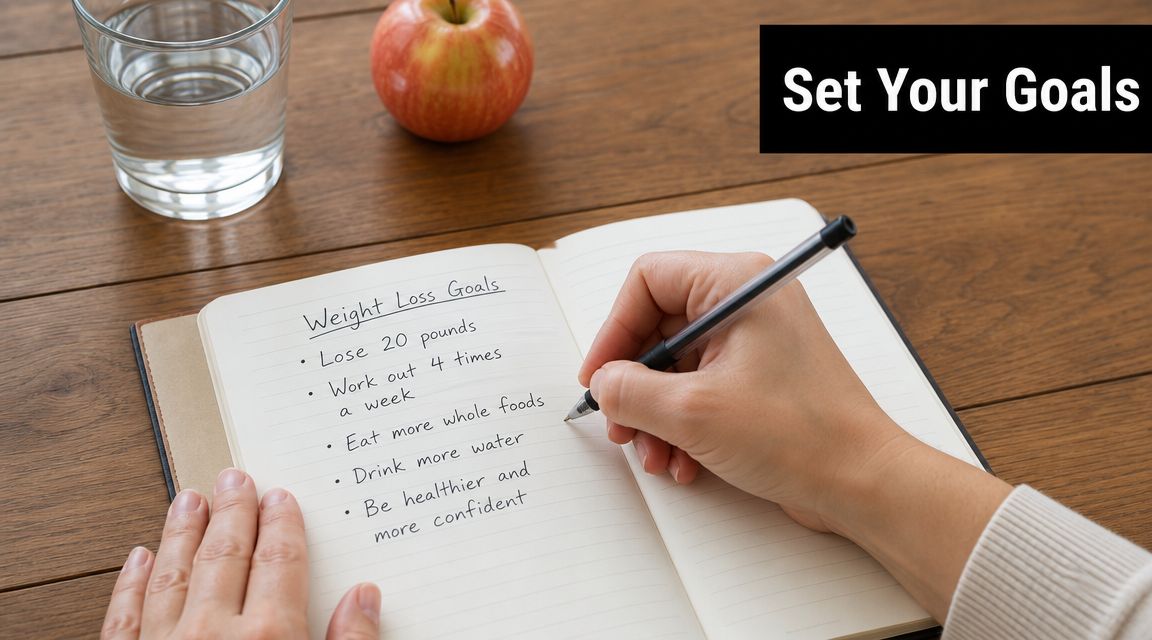
Start with three personal inputs:
- Your weight goal: Decide whether you're trying to lose steadily, maintain for a while, or to stop gaining.
- Your daily routine: Be honest about activity level, work hours, commute, family meals, and how often you cook.
- Your appetite pattern: Some people do better with larger dinners. Others need a substantial lunch or a planned snack to avoid overeating later.
You don't need to obsess over advanced nutrition formulas to get started. You do need a calorie target that creates a realistic deficit and macro targets that help with fullness and consistency. Generally, protein matters because it makes meals more satisfying, carbs matter because they affect energy and food preferences, and fat matters because meals without enough of it often feel unsatisfying.
A practical way to think about this is simple:
- Calories set the budget: Your weekly eating pattern needs to fit the goal.
- Protein supports staying power: Meals that include enough protein are usually easier to repeat without constant snacking.
- Food preferences still matter: A plan you dislike won't survive a stressful week.
If you're trying to improve food quality while shopping with the seasons, reading about the benefits of eating locally grown food can help you choose ingredients that fit both your plan and your routine.
Let the app do the hard part
Once you enter your goal, weight, and activity level, a modern meal-planning tool can turn those inputs into an actual eating plan instead of a vague intention. As described in this overview of apps that generate what to eat for weight loss, modern meal planner apps convert user inputs like goals, weight, and activity level into a prescriptive daily plan. The app isn't just counting calories after you eat. It generates portions and recipes before you eat, which reduces decision friction and makes adherence more actionable.
That distinction matters. Logging after the fact is useful for awareness. Planning beforehand is what changes behavior.
Practical rule: If your meals only exist in your head, you haven't planned them yet.
Before you choose recipes, decide on guardrails you can live with:
- Breakfast policy: Will you repeat the same breakfast most weekdays or rotate two options?
- Lunch reality: Are you packing food, eating leftovers, or buying lunch?
- Dinner bandwidth: How many nights can you cook without resenting the plan?
Those answers become the framework your app can use. The best setup isn't the most impressive one. It's the one you can still follow when work runs late and nobody wants a complicated recipe.
Building Your Personal Recipe Library
Rigid meal plans break down for a simple reason. They ask you to live on someone else's food preferences.
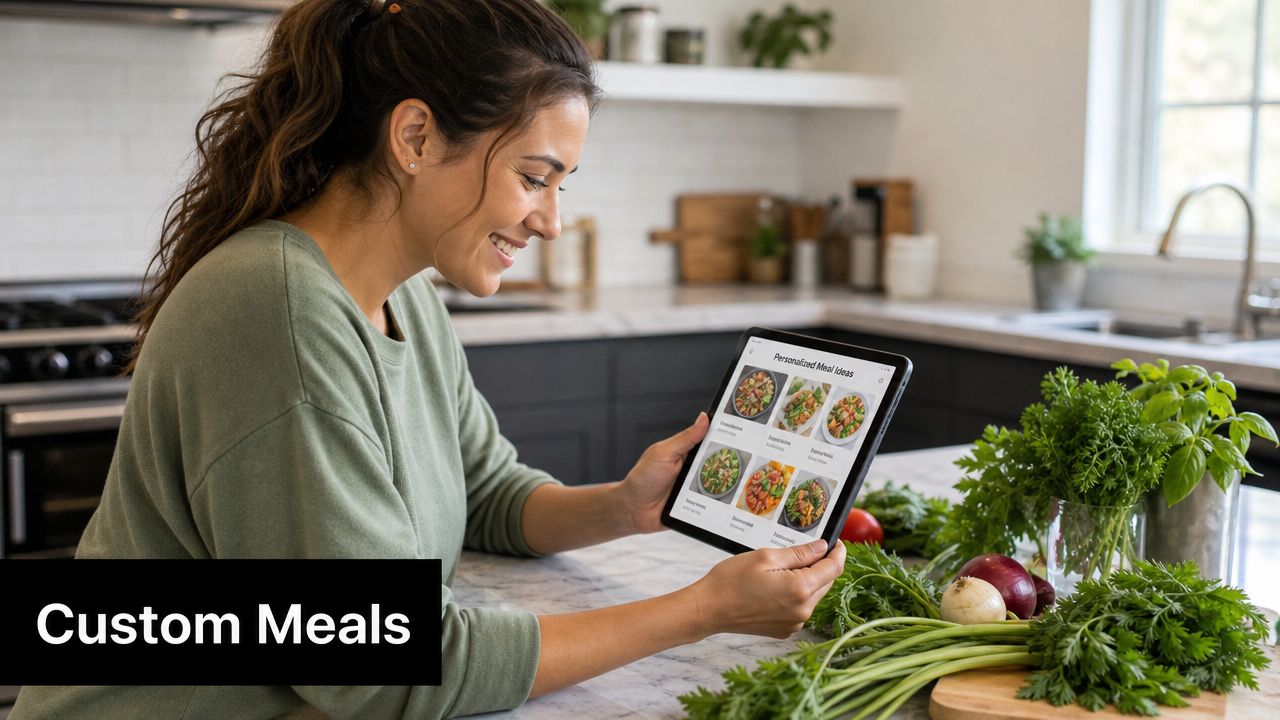
A better approach is to build a recipe library around meals you already enjoy and can realistically cook. That's where a flexible tool beats a prescriptive app. Instead of being told what to eat every day, you create a collection that matches your taste, budget, and household.
Save what you already like
Start with recipes from places you already trust.
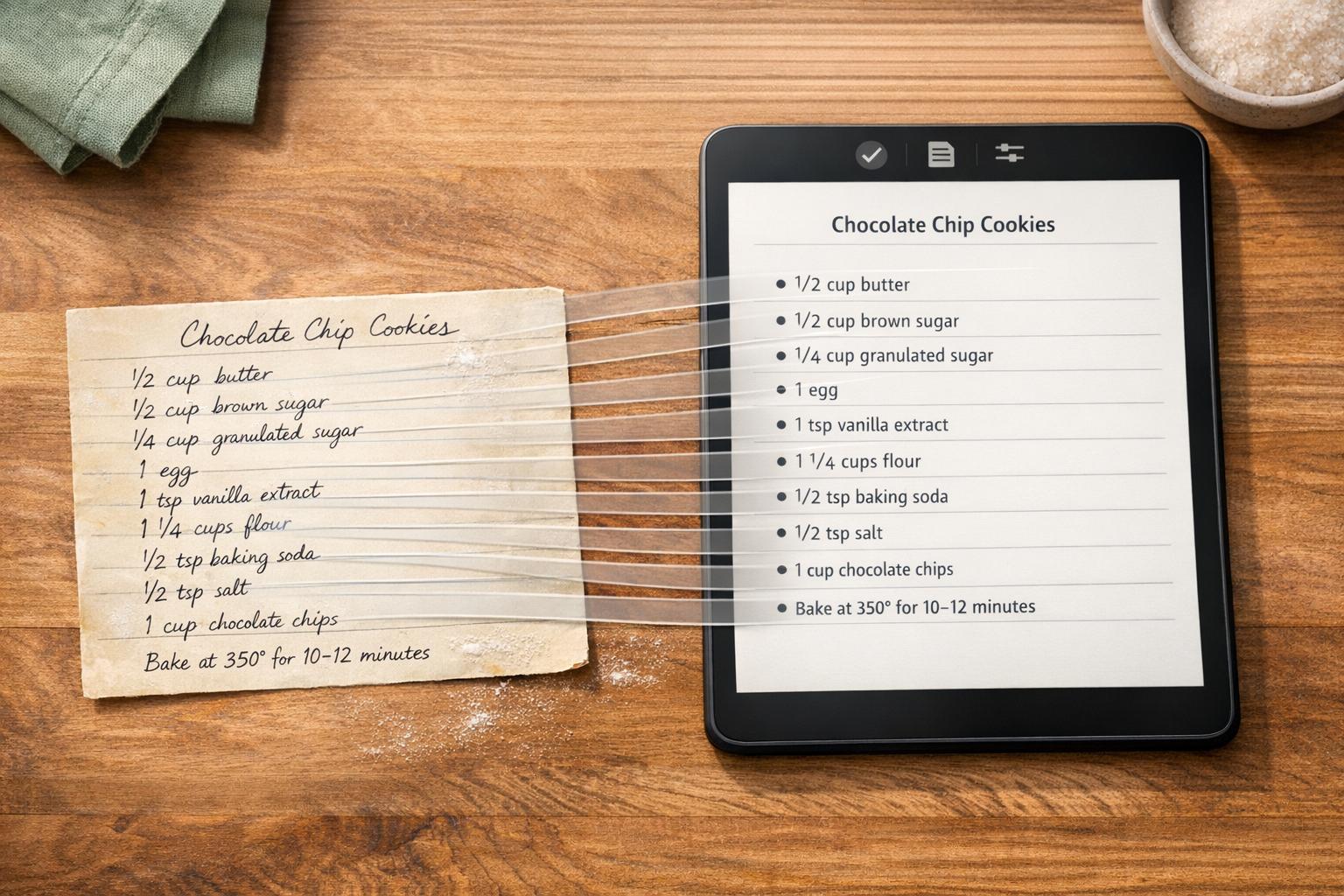
That can include social media, favorite food blogs, cookbook pages, and family recipes written on cards. If you want a practical walkthrough for organizing all of that in one place, this ultimate guide to digital recipe management is a good reference.
Use a simple filter while saving:
- Would you cook it on a normal weeknight?
- Does it fit your calorie target with minor adjustments?
- Would you still want it next month?
If the answer is no, don't save it just because it looks healthy.
One option in this category is OrganizEat. It lets users save recipes from social platforms and websites, digitize handwritten cards, tag recipes, and place them on a meal-planning calendar. For weight loss, that matters because your own library often produces better adherence than a generic list of “diet meals.”
Tag recipes like you mean it
Many individuals stop at saving recipes. An effective time-saver is tagging them well enough that you can find the right meal fast.
Useful tags include:
- High-Protein: Good for meals that need more staying power.
- Under 30 Minutes: For nights when cooking motivation is low.
- Freezer-Friendly: Helpful for backup meals and recovery weeks.
- Work Lunch: Recipes that travel well and reheat well.
- Kid-Approved: Important if one dinner has to work for the whole house.
You can also tag by ingredient, effort level, season, or whether a meal works as leftovers. That turns your app from a storage box into a usable planning tool.
This short video shows the kind of workflow that makes recipe organization easier in real life:
Save fewer recipes. Reuse better recipes more often.
A strong recipe library gives you something prescriptive apps often don't. Control. You can keep favorite meals in rotation, lighten them when needed, and build a plan that feels like your life instead of a temporary diet phase.
Crafting Your Weekly Meal Plan and Shopping List
Planning works best before the week starts getting loud. Once hunger, work, and family logistics pile up, even good intentions get shaky.
Build the week before you're hungry
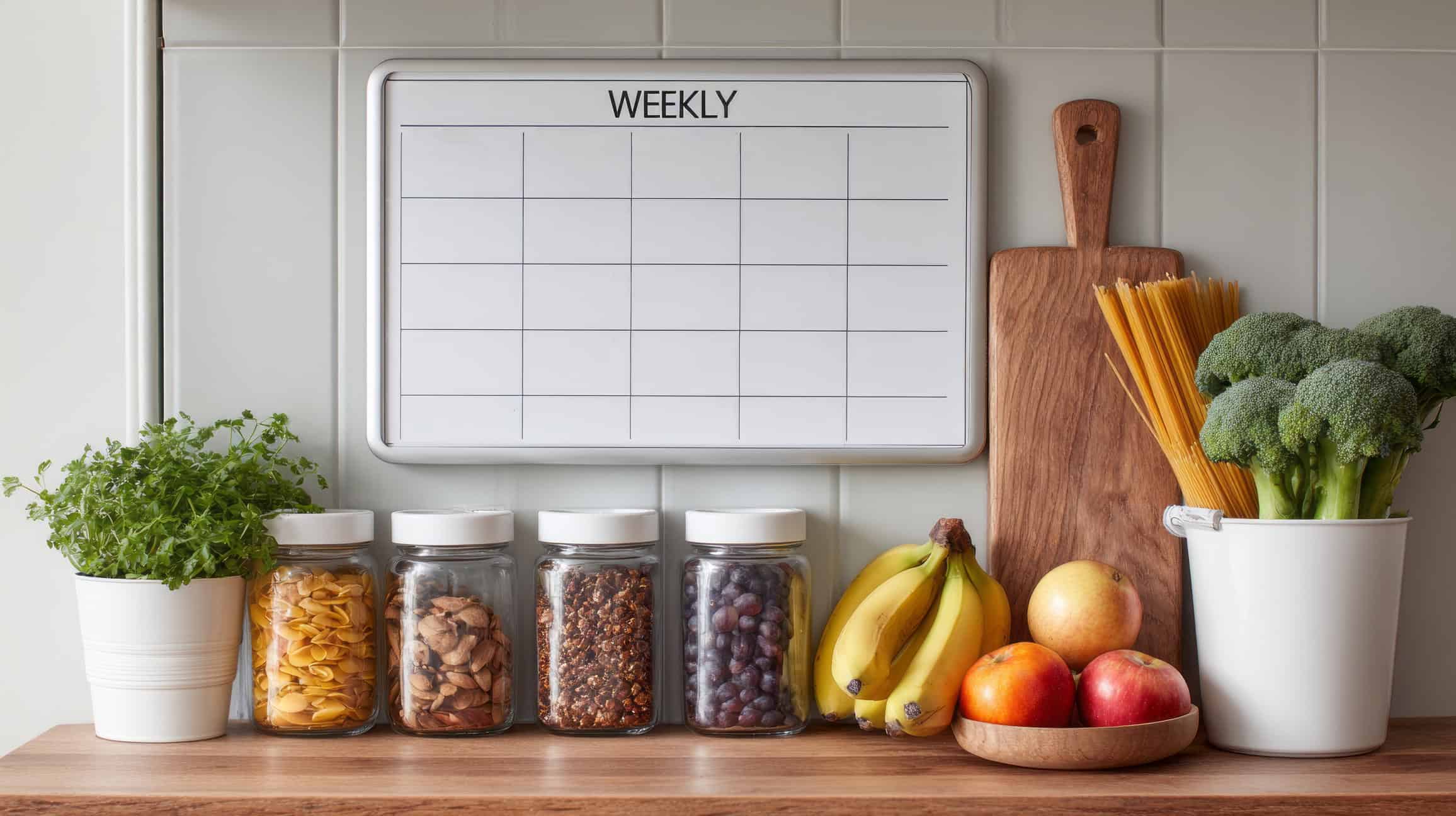
Take your tagged recipes and place them into a weekly calendar. Breakfast, lunch, dinner, and if needed, one planned snack. Don't aim for novelty every day. Aim for coverage.
Curated planning often beats full automation. As noted in this consumer guide to meal planning apps and practical trade-offs, AI-generated meal plans are popular, but they can become repetitive or impractical. Building a plan from your own curated library offers a better balance of control, variety, and adherence, which helps you avoid a one-size-fits-all setup that doesn't reflect family preferences or changing schedules.
A weekly plan is easier to sustain when it includes a few repeatable patterns:
- Anchor breakfasts: Keep one or two breakfast options on rotation.
- Leftover lunches: Cook dinners with next-day lunch in mind.
- Low-effort nights: Add at least one meal that requires minimal prep.
- Emergency backup: Keep one freezer meal or pantry meal available.
If you want a closer look at the calendar side of this workflow, this meal plan generator for easy weekly menus shows how to turn recipes into a usable weekly menu.
Sample Weekly Meal Plan Skeletons
Use this as a starting framework, not a strict prescription. The exact foods can change. The structure is what helps.
| Meal | 1500 Calorie Target | 1800 Calorie Target | 2000 Calorie Target |
|---|---|---|---|
| Breakfast | Protein-forward breakfast with fruit | Protein-forward breakfast with fruit and a starch | Larger protein-forward breakfast with fruit and a starch |
| Lunch | Lean protein, vegetables, moderate carb | Lean protein, vegetables, fuller carb portion | Lean protein, vegetables, fuller carb portion plus healthy fat |
| Dinner | Balanced plate with measured portions | Balanced plate with slightly larger portions | Balanced plate with larger portions or an added side |
| Snack | One planned snack if needed | One to two planned snacks | One to two planned snacks with room for training or hunger swings |
This table isn’t meant to replace your personal targets. It helps you see the rhythm of the day before you start plugging in specific recipes.
Turn the plan into a real shopping list
The best part of a meal planner app for weight loss isn’t the calendar. It’s the shopping list that follows automatically from the calendar.
When your meals generate a list from actual ingredients, a few good things happen at once:
- You stop buying random “healthy” foods with no plan.
- You reduce the odds of missing one ingredient that derails dinner.
- You spend less mental energy in the store.
A good list should be editable. Add household staples, remove ingredients you already have, and combine overlapping items from multiple recipes. If chicken appears in two dinners and one lunch, your app should help you shop once, not three times.
Planning is what makes the grocery list honest.
That honesty matters for weight loss. The less your home is stocked with impulse purchases and disconnected ingredients, the easier it is to eat according to the plan you already made.
Tracking Progress and Staying Consistent
The first week of a new system usually feels good. The harder part is staying with it after the novelty wears off.
Research supports that distinction. A study of adults using a digital meal-planning platform found that 22.4% achieved sustained weight loss of over 5% of their body weight, and the rate remained consistent at 12, 24, and 36 months, as reported in this study on sustained weight loss with a digital meal-planning platform. The practical lesson is clear. Planning helps, but maintenance is what makes planning worth anything.
Measure more than the scale
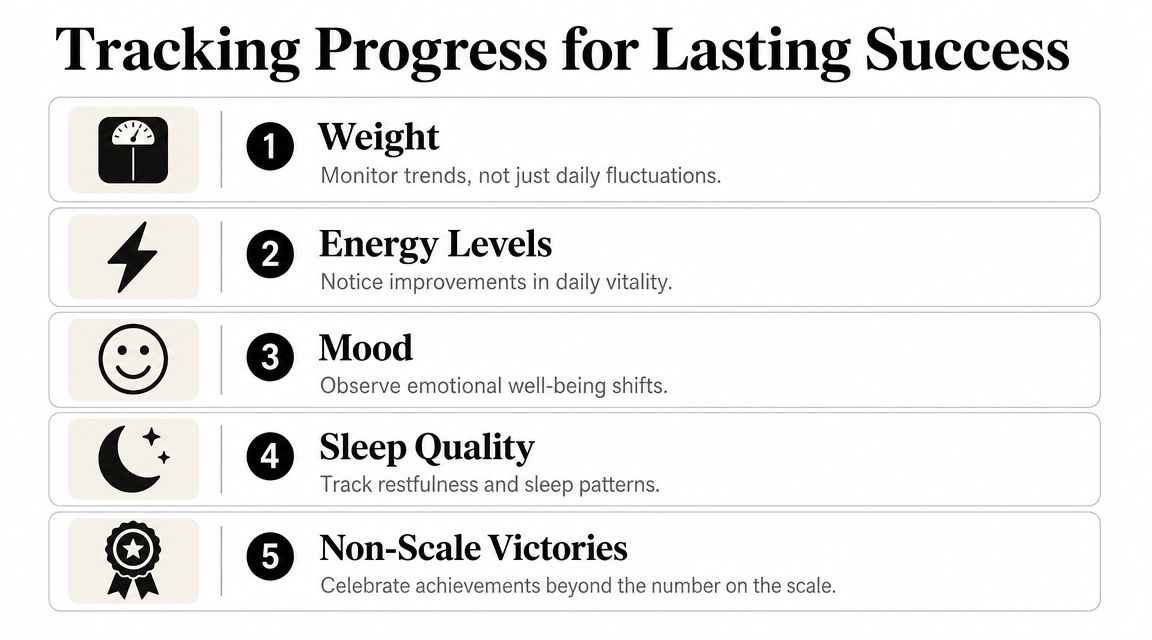
Scale weight matters, but it shouldn’t be your only feedback loop. A useful system tracks trends and context.
Keep an eye on:
- Weight: Look for direction over time, not daily noise.
- Energy levels: Notice whether your meals support stable afternoons and better workouts.
- Mood: Restrictive plans often show up here before they fail elsewhere.
- Sleep quality: Poor sleep can make hunger and cravings harder to manage.
- Non-scale victories: Better portion awareness, fewer takeout nights, easier grocery trips, and clothes fitting differently all count.
If you like writing things down outside the app, a simple printable food journal template can help connect meal choices with hunger, mood, and consistency.
Adjust the system when life changes
Plateaus happen. Boredom happens. Social events happen. None of that means the plan stopped working.
What usually helps is not a full reset but a small adjustment:
- Swap two stale dinners for new tagged recipes.
- Reduce the number of decisions by repeating breakfast and lunch for a few days.
- Pre-plan restaurant meals the same way you pre-plan home meals.
- Keep one flexible meal slot each week for real life.
A rigid app often makes people feel like they “blew it” when a meal changes. A recipe-based system is more forgiving. You can move meals, swap recipes, carry leftovers forward, or rebuild the week without starting over.
The people who stay consistent aren’t the ones who never go off-plan. They’re the ones who know how to recover without drama.
Frequently Asked Questions
Can I still eat out and lose weight?
Yes. Check the menu ahead of time, decide before you arrive, and fit that meal into your day rather than treating it like a cheat event. Planning works outside the house too.
What if I plan meals and then don’t want them?
That’s normal. A flexible recipe organizer helps because you can swap meals without losing the whole week. Keep a few easy backup recipes tagged for low-motivation days.
How long does it take to see results?
That depends on your starting point, consistency, and how well the plan fits your real life. Clinical evidence shows that diet-tracking and digital self-monitoring tools can support weight loss, but the effect is usually modest and highly dependent on consistent use, with adherence and long-term engagement being the biggest factors according to this overview of weight-loss meal planning and self-monitoring.
Is a manual recipe library better than a fully prescriptive app?
For many people, yes. Prescriptive tools can reduce decisions, but they can also feel impersonal. A personal library gives you more control over taste, variety, family needs, and long-term adherence.
If you want one place to save recipes, organize them into tags, plan them on a calendar, and turn that plan into a shopping list, OrganizEat is built for exactly that kind of flexible meal-planning workflow.