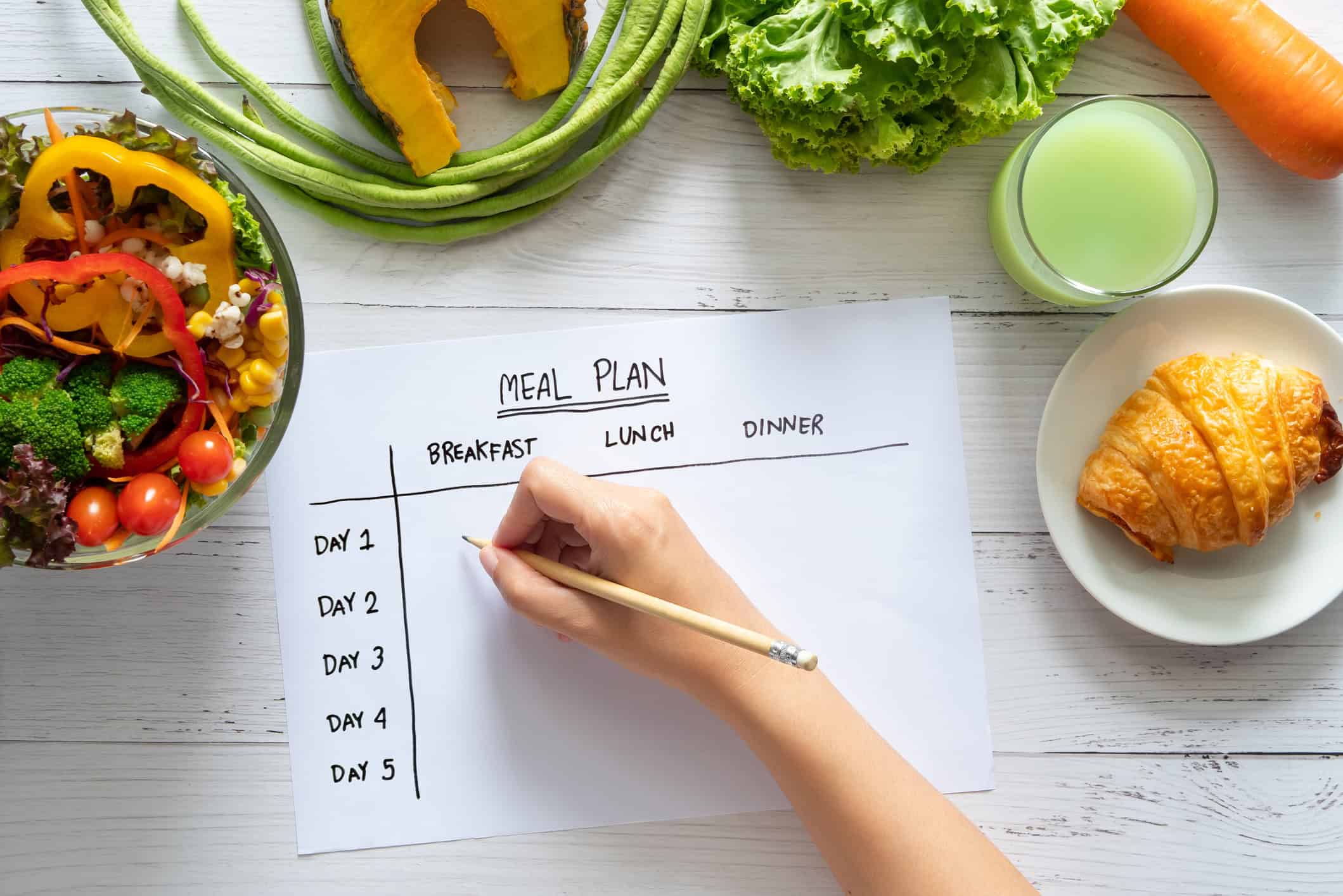



Dinner gets decided in three different places. Someone texts “I can shop after work.” Someone else adds pasta to a paper list on the counter. A child asks for tacos, a partner remembers there's leftover chicken, and by 5 p.m. nobody knows what the actual plan is. That's how kitchen chaos usually happens. Not because people don't care, but because the plan lives in fragments.
A meal planning app you can share fixes that problem when it becomes the single place where recipes, the weekly calendar, and the grocery list all stay in sync. The value isn't just having meals written down. The value is that everybody is looking at the same version, on the same day, with the same shopping list.
That's why these apps have become a mainstream household tool, not a niche hobby. The global meal planning app market is projected to reach $2.71 billion in 2026 and $7.49 billion by 2035, with over 33.4% of the market held by individual consumers and families, according to Business Research Insights on the meal planning app market. Households are clearly using digital tools to coordinate everyday cooking, not just collect recipes.
Table of Contents
- The End of Kitchen Chaos
- Why Sharing Your Meal Plan Changes Everything
- The Anatomy of a Great Shareable App
- Your Checklist for Choosing the Right App
- How to Share Your Meal Plan in OrganizEat
- Tips for Successful Collaborative Meal Planning
The End of Kitchen Chaos
The worst meal planning systems are the ones that almost work. A handwritten list helps until someone leaves it at home. A spreadsheet helps until one person updates it and another never opens it. A text thread helps until the grocery run starts and half the ingredients are buried under jokes, schedule changes, and “do we need onions?”
A shared app works better because it acts like a kitchen command center. The recipes live in one place. The meal calendar lives in the same place. The shopping list gets built from the plan instead of from memory. When that setup is done well, the weekly dinner routine stops depending on whoever happens to be the most organized person in the house.
The real problem is coordination
Most households don't struggle with ideas. They struggle with coordination. One person knows what's in the fridge. Another remembers the school schedule. Another is stopping by the store. The friction comes from those bits of knowledge never landing in one durable system.
A good shared meal plan doesn't just answer “What are we eating?” It answers “Who knows, who changed it, and who's buying what?”
That's a different standard than a private recipe box. It asks the app to support actual household behavior. People change plans. They swap days. They forget ingredients. They shop from their phones in spotty reception. They need something more resilient than notes and screenshots.
What a calmer week looks like
In a calmer setup, Sunday takes a few minutes. Meals go onto the calendar. The grocery list populates from selected recipes. One person cooks Tuesday. Another shops Wednesday. Everyone can see the same plan without asking for a screenshot.
What doesn't work is pretending “sharing” means forwarding a single recipe link. Real sharing means the plan survives edits, device changes, and busy schedules. That's where the right app starts earning its place on your phone.
Why Sharing Your Meal Plan Changes Everything
When households switch from separate lists to one shared planning workflow, dinner stops being a daily negotiation. The best modern tools don't just store recipes. They tie together calendar planning, automated shopping list creation, and cross-device convenience, covering the path from meal choice to grocery purchase, as noted in Eat This Much's roundup of meal planning apps.

One plan instead of many partial plans
Before sharing, each person usually holds a different piece of the process. One person remembers recipes. Another remembers pantry gaps. Another buys staples on the way home. That sounds manageable until the plan changes midweek.
With a shared app, the meal plan becomes the source of truth. If Thursday dinner moves to Friday, the shopping list reflects the new plan. If someone adds an ingredient while standing in the store, the rest of the household can see it. If dinner needs to stretch to feed one more person, everyone is working from the same updated version.
That changes the emotional side of meal planning too. It turns “Who forgot?” into “What's the current plan?” That's a healthier question.
Different households use sharing differently
Families, couples, and roommates all need collaboration, but the pressure points aren't the same.
- Families need coordination: Parents are balancing work, school pickups, activities, and preferences. A shared calendar helps everyone see what's realistic on busy nights.
- Couples need visibility: One person may cook more often, but both people still need access to the recipe library, the week's meals, and the grocery list.
- Roommates need clear responsibility: Shared planning helps divide shopping and cooking without duplicate purchases or silent assumptions.
Practical rule: If your current system depends on one person being the household memory, it will eventually break.
A meal planning app you can share also reduces the small forms of friction that make dinner feel heavier than it should. Nobody has to retype ingredients from a recipe into a list. Nobody has to ask whether the list on the fridge is the latest one. Nobody has to wonder whether “buy yogurt” means plain yogurt for breakfasts or Greek yogurt for a marinade.
The practical benefit isn't novelty. It's fewer preventable mistakes.
The Anatomy of a Great Shareable App
A shareable meal planning app doesn't need a huge feature list. It needs the right mechanics. If the collaboration model is weak, the app becomes another place to save recipes without fixing the actual household problem.
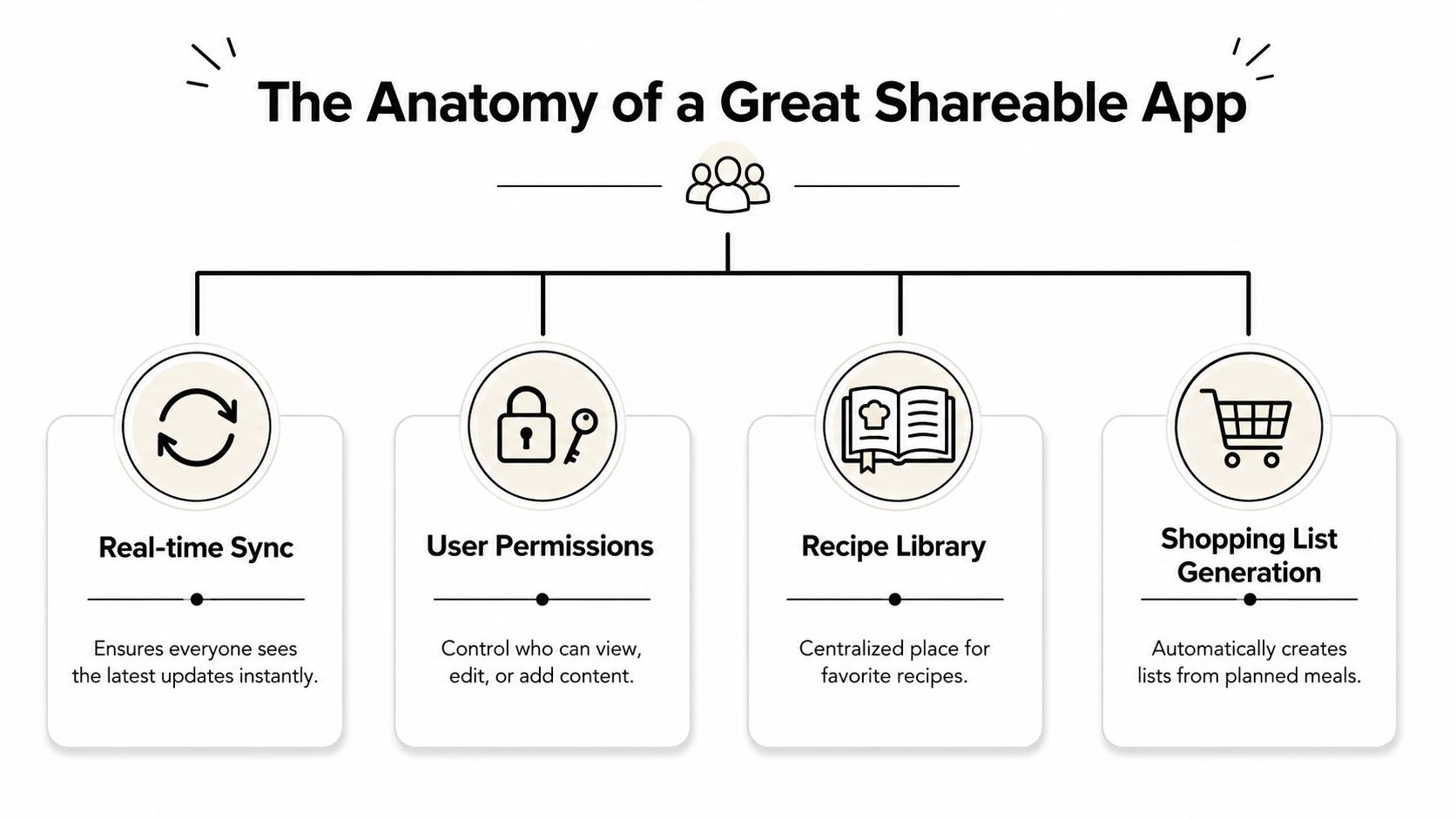
Real-time sync is the core feature
For multi-user planning, the technical foundation is real-time shared state across recipes, calendars, and shopping lists, which keeps household members synchronized without manual re-entry or conflicting versions, as described in this overview of family meal planning and shared lists.
That sounds technical, but the kitchen version is simple. If one person removes cilantro from the grocery list while shopping, it should disappear for everyone else right away. If a recipe gets moved from Wednesday to Saturday, the calendar shouldn't take hours to catch up on another device.
Without that, sharing becomes fake. You're not collaborating. You're passing around delayed copies.
Smart lists should think like a cook
The second essential feature is ingredient handling. A good app should merge recipe ingredients into one usable grocery list instead of dumping raw ingredient lines into a giant mess.
What that means in practice:
- It combines duplicates: Two recipes calling for onions shouldn't create two unrelated onion entries.
- It groups by shopping flow: Produce with produce, dairy with dairy, pantry with pantry.
- It reduces noise: The list should help you shop, not make you decode recipe text in the aisle.
If you also track pantry basics, the workflow gets even smoother. A setup that connects meal planning with what you already have at home is much easier to maintain. A guide on using a meal planning app with pantry inventory offers valuable assistance, because planning and shopping are better when the app reflects your real kitchen.
The list isn't a side feature. It's the moment where planning either becomes practical or falls apart.
Permissions and access matter more than most people expect
Many apps say they support sharing, but they don't clarify what happens after something is shared. Can another person only view a recipe, or can they edit it? Can the whole household work from one library? Can a child or roommate see the shopping list without touching the recipe archive?
That matters because homes aren't one-size-fits-all. Some people want a fully shared workspace. Others want limited editing so treasured family recipes don't get accidentally overwritten.
A strong setup usually supports these levels of access:
| Access type | Best use | Risk if missing |
|---|---|---|
| View only | Let others cook or shop from the plan | People make unwanted edits |
| Edit shared plan | Couples or families planning together | One person becomes the bottleneck |
| Shared recipe library | Households reusing the same meals | Duplicate recipe collections grow fast |
Cross-platform access matters too. A meal planning app you can share should work across phones and on the web. Real households mix devices. If one person uses iPhone, another uses Android, and someone else wants to check the week from a laptop, the app can’t assume a single ecosystem.
Offline access matters for a simpler reason. Grocery stores and warehouse clubs often have bad reception. If the list disappears when the signal drops, the “shared” experience stops exactly when you need it most.
Your Checklist for Choosing the Right App
Many individuals evaluate meal planning apps incorrectly. They look for a pretty calendar, a polished recipe screen, or a long feature page. That’s understandable, but it overlooks the fundamental test. You’re not choosing a personal tool. You’re choosing a coordination system.
The fastest way to judge an app is to test it with a realistic household scenario. Add a few recipes. Plan several meals. Generate a list. Share it. Edit it from another device. Try to break the workflow before you trust it with your week.
Questions worth testing before you commit
An essential feature is recipe-to-grocery normalization, where ingredients from selected meals are merged, deduplicated, and grouped by store section, reducing shopping errors and list clutter. If an app can’t do that well, every shared shopping trip becomes harder than it needs to be.
Here’s a practical checklist to use during a trial.
| Feature Area | Question to Ask | Why It Matters |
|---|---|---|
| Shared calendar | Does a meal change appear instantly for all users? | Prevents mismatched versions of the weekly plan |
| Grocery list sync | If one person checks off an item, does it update for everyone? | Stops duplicate purchases |
| Ingredient merging | Does the app combine overlapping ingredients into a cleaner list? | Makes shopping faster and less error-prone |
| Store organization | Are items grouped into sections that match how you shop? | Reduces backtracking in the store |
| Recipe capture | Can I save recipes from websites, photos, or manual entry? | Real households use recipes from many sources |
| Library sharing | Can I share an entire recipe collection, not just one recipe at a time? | Keeps recurring meals easy to reuse |
| Permissions | Can I control who edits versus who only views? | Protects recipe quality and avoids accidental changes |
| Cross-device use | Does it work well on phone and web across different devices? | Households rarely use one device type only |
| Offline reliability | Can I still use the list with weak reception? | Grocery shopping often happens in poor signal areas |
| Family workflow | Can shopping and cooking duties be split cleanly? | Sharing should reduce friction, not just duplicate data |
If grocery coordination is your main pain point, it also helps to compare your options against a more shopping-focused lens. This guide to the best grocery list app for family use can sharpen what to look for when multiple people are buying from the same plan.
What usually fails in real life
The weak spots tend to show up quickly.
- Clumsy sharing: You can send a recipe, but not collaborate on the living meal plan.
- Raw ingredient dumps: The shopping list looks like copied recipe text instead of a useful store list.
- No role control: Everyone can edit everything, or nobody can.
- Desktop neglect: The mobile app works, but planning on a larger screen feels awkward or unsupported.
An app doesn’t need to be flashy. It needs to hold up on a Tuesday night when someone swaps dinner, another person stops at the store, and the whole house still needs the same answer.
How to Share Your Meal Plan in OrganizEat
A useful way to think about sharing is to separate the workflow into three parts. Save the recipe, place it on the calendar, then turn the plan into a list other people can act on. That keeps the process grounded in what a real household needs.
A simple workflow that works in practice
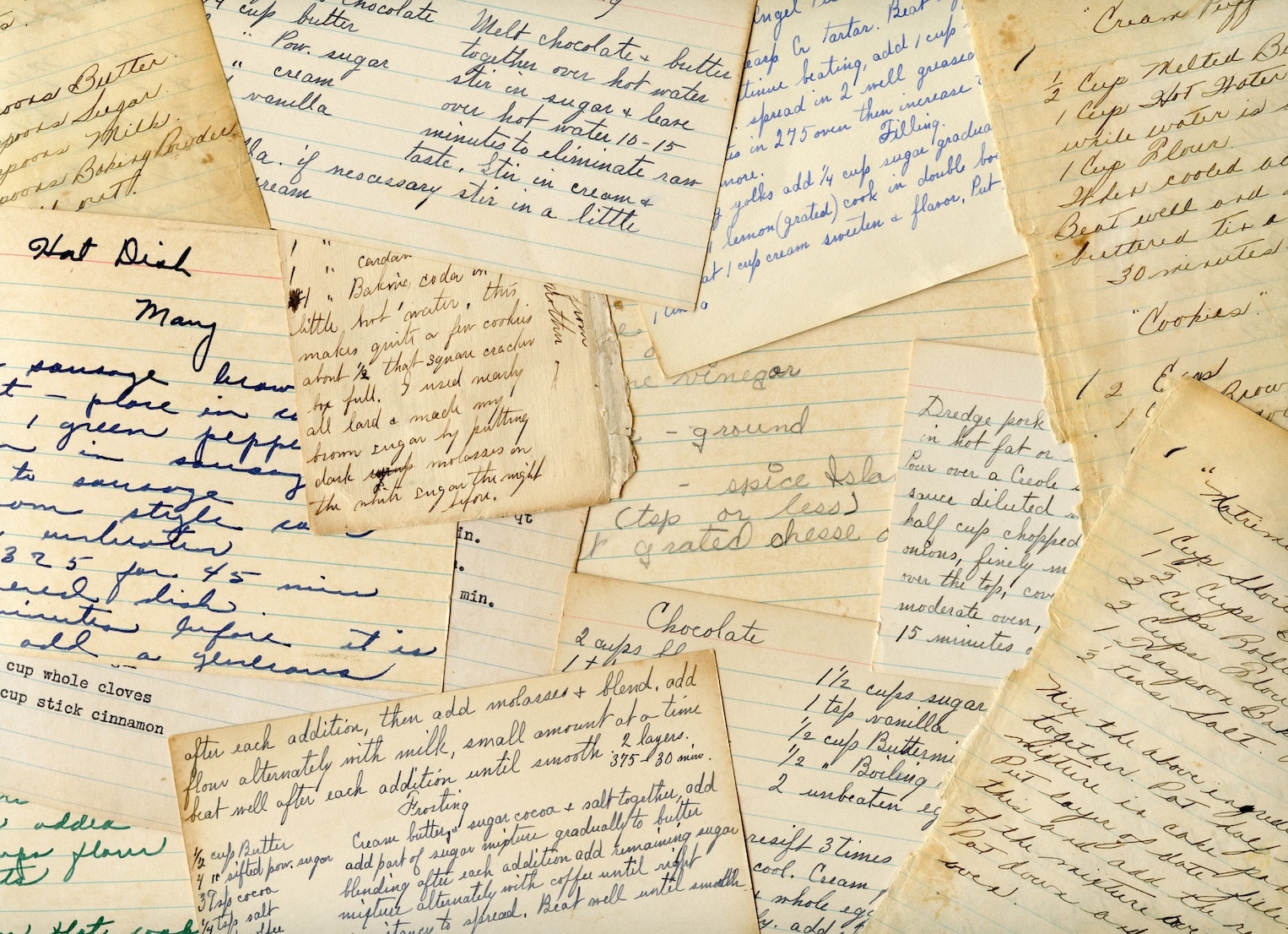
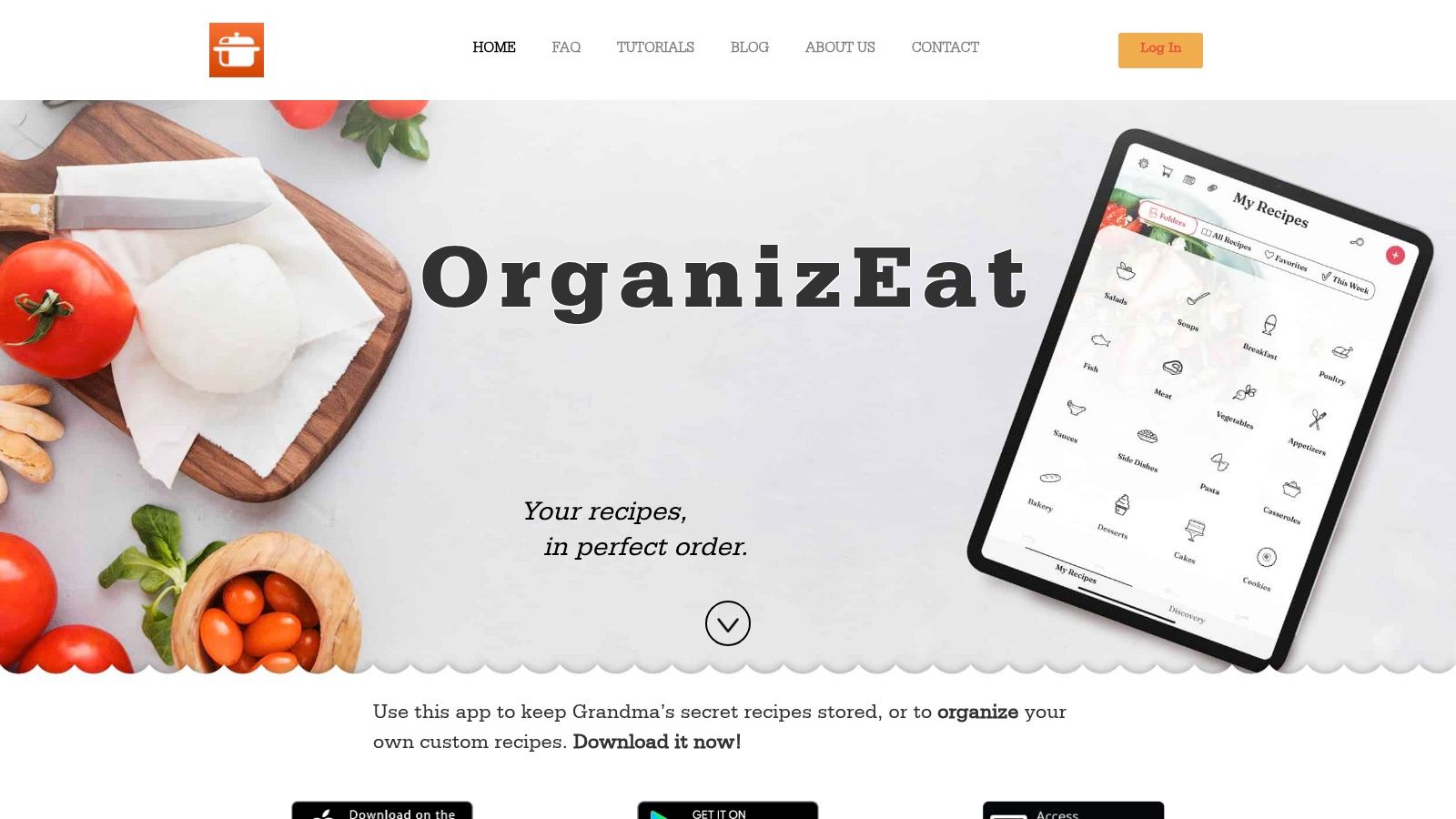
In OrganizEat, the first step is building a recipe library that people will use. That might mean saving recipes from social platforms and websites, snapping photos of handwritten cards, or typing in simple house staples. Once those recipes are in place, they become much easier to reuse than a folder full of screenshots.
The second step is scheduling meals on the calendar. Then, sharing starts to feel practical instead of theoretical. A recipe stops being an idea and becomes Tuesday dinner, Friday lunch prep, or next Sunday’s family meal.
Then comes the part that usually saves the most hassle. The grocery list is generated from planned meals, and that list can be used as the shared shopping reference for the household. If you want a walkthrough focused specifically on preserving and sharing family recipes, this guide to making a shared family recipe album with OrganizEat shows how that side of the workflow fits in.
Sharing recipes and sharing planning are different jobs
A lot of people treat these as the same thing, but they’re not.
Sharing a recipe is helpful when you want someone else to cook the same dish or keep a copy of a family favorite. Sharing a meal plan is different. That’s about coordination. It tells people what’s scheduled, what ingredients are needed, and what still has to be bought.
A practical routine often looks like this:
- Save the recipes you repeat most often. Weeknight meals should be easy to pull back into the calendar.
- Add selected recipes to the meal planner. Use the calendar to match meals to actual availability.
- Generate the grocery list from the plan. Let the list reflect the meals rather than rebuilding it manually.
- Share the list with the person shopping. That person doesn’t need to ask for a screenshot or text confirmation.
- Update as the week changes. If dinner moves, the shared system should move with it.
The key advantage is that the recipe library and the meal plan support each other. You aren’t just storing inspiration. You’re turning saved recipes into a usable weekly system.
Keep family recipes, shopping, and planning connected. Otherwise you’ll spend more time moving information between tools than cooking.
Tips for Successful Collaborative Meal Planning
Even the best app won’t fix a chaotic routine by itself. Shared meal planning works when the technology supports a few simple household habits. The point of sharing is reducing friction around viewing, editing, and shopping from the same plan, not turning dinner into a project.
Build a routine people will actually follow
The most durable systems are light. They don’t ask everyone to become a meal prep enthusiast. They ask each person to do one small part consistently.
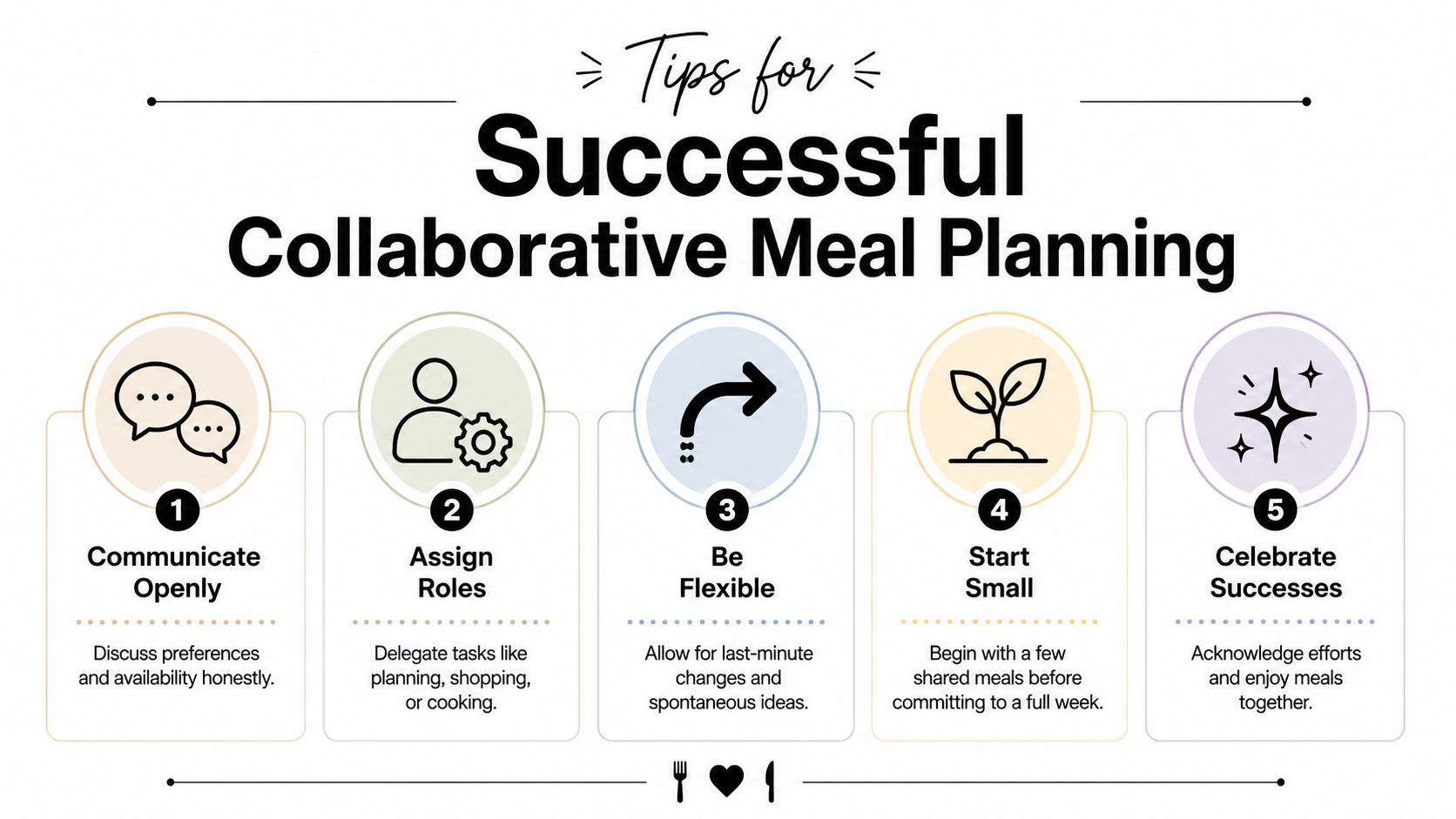
A few habits make a big difference:
- Pick one planning moment: A short weekly check-in works better than constant back-and-forth all week.
- Assign roles clearly: One person can draft the week, another can shop, and cooking can rotate.
- Tag recipes by real needs: Use categories for quick dinners, kid-friendly meals, vegetarian options, or freezer meals.
- Set one list rule: Everyone should know how to add last-minute items so the list stays trustworthy.
- Clean up regularly: Archive meals you no longer make and tidy recipe names so searching stays easy.
Keep the system light
Overcomplicated plans don’t survive normal life. If the app requires too much maintenance, people stop updating it, and then nobody trusts it. A lighter system wins. Keep a short bench of reliable meals, plan only as far ahead as your household can realistically handle, and leave room for leftovers or a change of plans.
Some households do well planning every dinner. Others do better planning only the busiest nights and keeping the rest flexible. Both approaches can work if everybody understands the rules.
Shared planning succeeds when the system feels easier than texting, not more complicated than texting.
That’s the standard worth aiming for. The app should lower the mental load, not add another chore.
If you want one place to save recipes, plan meals, build grocery lists, and share them across devices, OrganizEat is built for exactly that kind of household workflow. It lets you organize recipes from social media, photos, and websites, keep them synced across mobile and web, and turn them into a meal plan and shopping list that other people can use.