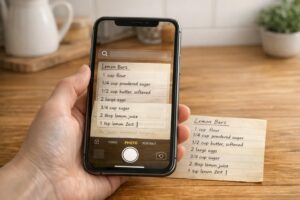



The easiest way to digitize old family recipes is with a dedicated organizer app that has built-in scanning. With an app like OrganizEat, you just snap a photo of a recipe card, newspaper clipping, or handwritten page. Its Optical Character Recognition (OCR) feature automatically converts that image into editable, searchable text. You get a digital photo of the original, preserving your grandmother’s handwriting, plus a clean, typed recipe that’s easy to read, adjust, and add to a grocery list. Before you begin, gather all your physical recipes and group them by source or family member. This creates an organized workflow for quick and simple saving recipes.
The Easiest Way to Digitize Your Old Family Recipes
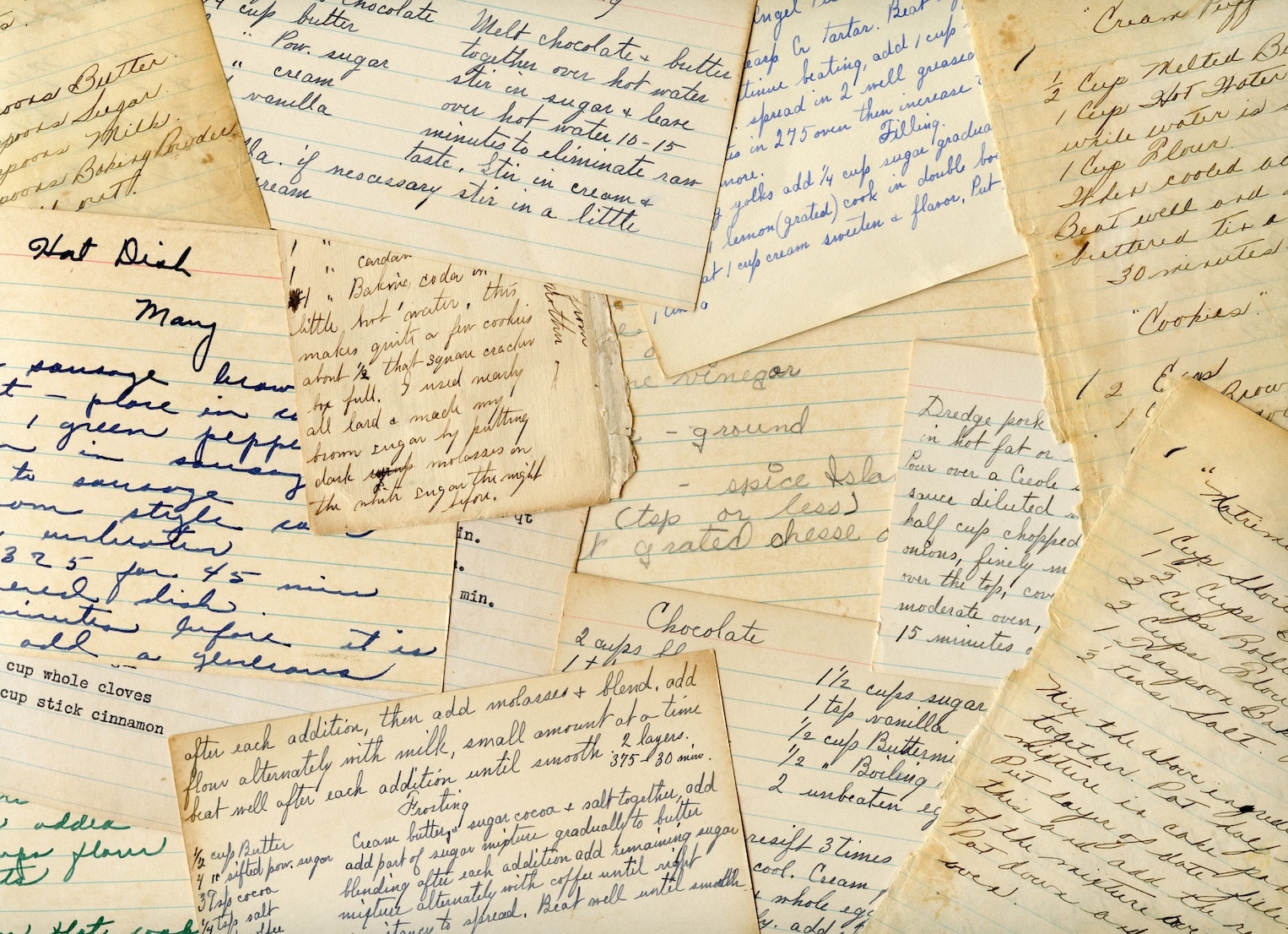
That shoebox overflowing with faded recipe cards and stained notebook pages is a treasure, but it’s not practical for everyday cooking. The simplest method for bringing those heirlooms into your modern kitchen is an app designed for the job.
The key feature is OCR (Optical Character Recognition). When you photograph a recipe, OCR technology analyzes the image and “reads” the text, creating a digital version you can edit and search.
This gives you two things at once:
- The Original Image: The app saves a photo of the original, so you never lose the charm of that familiar handwriting or the butter stain on your aunt's famous cookie recipe.
- Searchable Text: The transcribed text lets you instantly find a recipe by searching for an ingredient (like "zucchini") or a title, something a simple photo can't do.
OrganizEat was designed for this exact task. We wanted to turn that beloved but messy pile of paper into a neat, shareable digital family cookbook you can carry on your phone.
Which App is Best for Saving Recipes from Any Source?
An app for saving recipes should have features that fit how you cook. Look for OCR scanning for physical recipes, a web clipper for importing from sites like The New York Times Cooking, meal planning tools, grocery list creation, and synchronization across all your devices.
The best app solves your biggest problem. If you need to conquer a pile of handwritten cards, a powerful and user-friendly scanner is essential.
OrganizEat: Best for Capturing Physical Recipes
We built OrganizEat knowing that recipes come from everywhere: aunties, websites, magazines, and the back of a cereal box. Our strength is making it simple to capture physical recipes. Just snap a photo, and our app creates an organized, digital copy with both the original image and the transcribed text. It’s perfect for digitizing a beloved family collection.
Paprika Recipe Manager: Best for Power Users and Web Importing
Paprika Recipe Manager is a popular choice known for its powerful web importing tools and its comprehensive meal planning and pantry management features. It’s a great option for serious home cooks who discover many recipes online and want to track their pantry. While it has import options, its main focus isn't digitizing physical documents.
Recipe Keeper: A Versatile All-in-One Option
Recipe Keeper is another strong contender offering a good balance of features, including scanning, web importing, and meal planning. It's a solid all-around choice for users who want a single app to handle a bit of everything.
How to Photograph or Scan Recipe Cards for the Best Results
A clean, clear image is the most critical step for accurate digitization. You don't need professional equipment; your phone is usually perfect for the job.
- Use Your Phone Camera: Your smartphone is fast and effective for most recipe cards. Lay the recipe on a flat, dark-colored surface for contrast. Use bright, indirect natural light (near a window is ideal) to avoid shadows and glare. Shoot directly from above to prevent distortion.
- Use a Flatbed Scanner: A flatbed scanner is a safer, higher-quality option for very old, fragile, or faded recipes. It provides perfectly even lighting and won't risk damaging a delicate document. According to scanning guides from archival experts at Gaylord Archival, wiping the scanner glass clean before starting makes a huge difference.
- Clean Your Lens! Before you begin, wipe your phone’s camera lens with a soft cloth. Smudges and dust are the number one cause of blurry, inaccurate scans.
The Reality of OCR: How to Handle Handwritten Recipes
OCR is fantastic technology, but it's not magic, especially with handwriting. While OCR easily reads printed text from a cookbook, it struggles more with the cursive, faded ink, food stains, and unique abbreviations on a 50-year-old recipe card.
Expect to do some manual cleanup. Think of the OCR scan as a first draft. It does 80% of the typing, and you provide the final proofread. This ensures Grandma's famous cookies don't accidentally call for 2 cups of salt instead of sugar.
Step-by-Step Guide to Cleaning Up Your Scanned Recipe Text
- Scan and Review: After scanning a recipe in an app like OrganizEat, open the editing view to see the original photo and the transcribed text side-by-side.
- Compare and Correct: Read the transcribed text, comparing it against the image. Fix any typos or misread words, paying close attention to ingredients and measurements.
- Standardize Terms: OCR often struggles with fractions (like '1/2' appearing as '1 2') or abbreviations like 'tsp.'. Use this chance to standardize terms for clarity across your collection.
- Save Your Work: Once you've proofread the text, save the recipe. Your once-unsearchable card is now a perfect digital file.
How to Preserve the Stories and Memories Behind the Recipes
A recipe is a story, not just a list of ingredients. The magic of a family cookbook lies in the memories tied to each dish, so make sure you capture that context.
Most good recipe apps, including OrganizEat, have a 'notes' section. Use it. Add details like:
- Who wrote the recipe.
- When it was typically served (holidays, birthdays).
- A short memory you have about eating it.
For a special touch, use your phone to record a short audio or video clip of a relative talking about the recipe. Ask them, "What's the one mistake everyone makes with this?" or "When do you remember eating this for the first time?" You can save the clip and link to it in the recipe's notes. The Library of Congress offers excellent resources on conducting 'oral history' interviews that can help you capture these priceless family narratives.
What to Do With Your Digitized Recipes to Share Them With Family
Once your recipes are digitized, they become a living resource you can easily share.
Creating a Collaborative Digital Family Cookbook
Organize your recipes into a "Family Cookbook" collection in your app. Some apps allow collaborative accounts where children, cousins, and siblings can all add, view, and comment on recipes. This turns your project into a living collection that connects generations.
Printing a Physical Cookbook from Your Digital Collection
For relatives who aren't tech-savvy, a physical book makes an excellent gift. Use your organized digital recipes to design and print a cookbook. Combine the scanned image of the original card with the clean, typed-out version for a gift that is both practical and personal. You can also share individual recipes by text or email directly from the app.
How to Preserve the Original Physical Recipe Cards After Scanning
After digitizing, properly store the original paper recipes. For archival-quality scans meant for long-term preservation, the American Historical Association recommends using a resolution of at least 600 DPI and saving the file as a TIFF. A TIFF file retains more data than a compressed JPEG.
For the physical items, use these archival practices:
- Use Acid-Free Storage: Store original recipes in acid-free, lignin-free folders, sleeves, or boxes. You can find these from archival suppliers like Gaylord Archival or Archival Methods.
- Avoid Lamination: It may seem protective, but the Library of Congress warns that laminating old documents can cause irreversible damage over time from heat and chemicals.
- Control the Environment: Keep the physical recipe box in a cool, dry, dark place with stable humidity to prevent fading, mold, and deterioration.
Frequently Asked Questions
Q: What's the best way to save recipes?
A: The best way is to digitize them in a central recipe organizer app. This allows you to import from websites, scan handwritten cards with OCR technology, and keep everything in one searchable library, making your recipes easy to use and share.
Q: What is the best free app to save recipes?
A: Many great apps offer free versions to get you started. OrganizEat, for example, lets you digitize and organize a number of recipes for free. Other apps might offer free trials or have a one-time cost, so it's best to try a few and see what fits your needs.
Q: Where can I find saved recipes?
A: You can find saved recipes within the specific app or website where you saved them. Using a central recipe organizer like OrganizEat creates a single library on your phone and tablet, so all your recipes are always in one place.
Q: What is the free website to save recipes?
A: While sites like The New York Times Cooking let users save recipes to an account, a dedicated app is better for centralizing recipes from all sources. Many apps, including OrganizEat, have a web version that syncs with your phone for a unified experience.