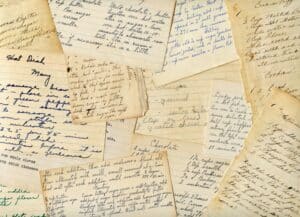



The most efficient way to organize recipes is with a centralized digital system, specifically a recipe organizer app. An app consolidates everything from websites and screenshots to cookbooks and handwritten cards into a single, searchable database. The best method is to choose an app that both imports web recipes with a click and features photo-scanning technology. This allows you to digitize physical recipes just by taking a picture. The app automatically extracts the text and saves the original image, eliminating the tedious work of manual typing while preserving the sentimental value of family heirlooms.
From Kitchen Chaos to Calm: Why Your Recipes Need a Home
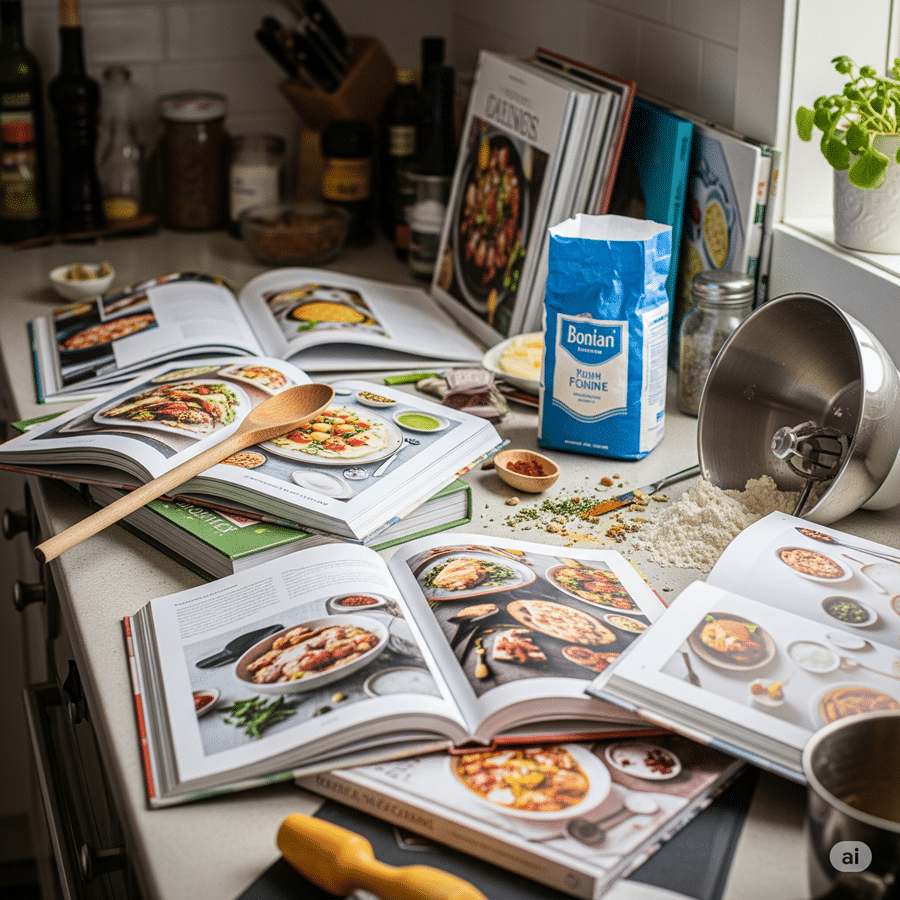
If your kitchen is anything like ours used to be, your favorite recipes are scattered everywhere. You have a recipe binder for clippings, a stack of cookbooks, a Pinterest board, dozens of browser bookmarks, and a camera roll full of screenshots. Recipes are fragmented, which makes it hard to find what you want when you want it. This chaos leads to stress and wasted time – two of the biggest obstacles to cooking at home, according to research from Instacart.
The goal is to create a living, searchable collection you will actually use for meal planning and cooking. A well-organized collection ends the nightly “what’s for dinner?” debate and makes grocery shopping simple.
This guide will walk you through a simple, 4-step process to get you there:
- Gather: Collect every recipe you own.
- Digitize: Get your physical recipes into a digital format.
- Organize: Choose a system and categorize everything.
- Curate: Make your collection useful for daily life.
We will focus on solving the biggest challenge most people face: efficiently digitizing physical recipes like handwritten cards and cookbook pages without losing their sentimental value.
Step 1: Gather Every Recipe Into One Place
Before you can organize, you need to know what you have. The first step is to gather every single recipe from its hiding place.
Start by creating two main piles:
- Physical: Cookbooks, magazine clippings, printed-out pages, and those precious handwritten recipe cards from family members.
- Digital: Browser bookmarks, screenshots on your phone, notes in various apps, and boards on Pinterest or Instagram.
As you gather, perform a quick ‘joy check.’ Be honest with yourself. If you find a recipe for a complicated Beef Wellington you saved five years ago and know you’ll never make, let it go. Don’t let your new, clean system become a digital junk drawer from day one. And since 89% of American consumers use digital recipes according to Chicory, it is clear any good system must handle both our physical history and our digital future.
Step 2: Digitize Your Physical Recipes (Without the Typing)
This is the step where most people give up. The thought of manually typing out hundreds of recipes from cookbooks and cards is exhausting. But what if you could skip the typing entirely?
What is the best way to digitize physical recipes from cookbooks and cards without tedious typing?
The best way to digitize physical recipes is to use a recipe organizer app with photo-scanning technology. Instead of typing, you simply take a picture of the recipe card or cookbook page. The app uses Optical Character Recognition (OCR) to automatically read the ingredients and instructions, then converts them into a standardized, editable digital format.
Why Photo-Scanning Beats Manual Typing Every Time
Manually typing recipes is slow and prone to errors. It’s a chore nobody wants to do. Photo-scanning is instantaneous. You can digitize an entire cookbook in the time it would take to type out just a few recipes, removing the single biggest hurdle in getting your collection organized.
Preserving Sentimental Value: Saving the Story, Not Just the Text
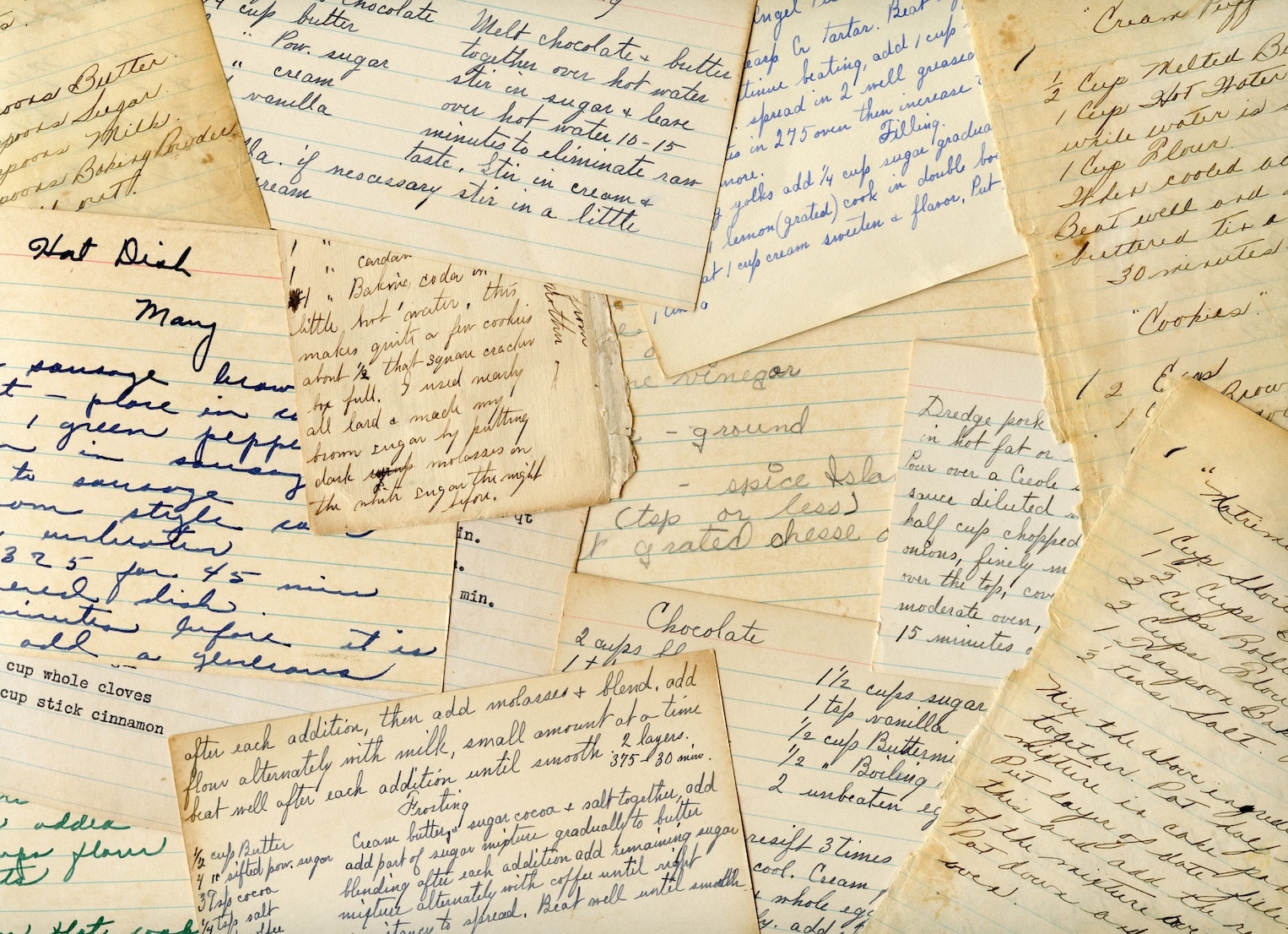
What about your grandmother’s handwriting or the sauce stain on your mom’s famous lasagna recipe? These are part of the recipe’s story, and a simple text file loses all that history.
A good photo-scanning app like OrganizEat excels here. It digitizes the text for practical use and saves the original photo alongside the recipe. You get a searchable, usable recipe for your meal plan, and you get to keep the cherished image of the original card forever.
Step 3: Choose the Best Recipe Organizer App for You
Once your physical recipes are ready for the digital world, it’s time to choose their new home. Digital tools are superior to binders and boxes because they are searchable, easy to share, and can integrate with your meal planning and shopping. Research firms like The Hartman Group note that modern home cooks are increasingly turning to technology to streamline their kitchen routines.
Must-Have Features: What to Look for in a Modern Recipe App
- Versatile Importing: Look for one-click web importing, photo-scanning for physical recipes, and an easy manual entry option.
- Flexible Organization: The ability to use both folders and tags is essential for creating a system that works for you.
- Meal Planner: A built-in calendar to drag-and-drop recipes and plan your weeks.
- Automated Shopping List: The app should be able to generate a grocery list from your recipes and meal plan, ideally combining ingredients.
- Cooking Mode: A feature that keeps your screen on and displays the recipe in a clean, easy-to-read format. The best cooking modes also account for the messy reality of a real kitchen, offering hands-free navigation so you can advance through steps without touching your device with floury fingers.
What are the best recipe organizer apps? Comparison: OrganizEat vs. Paprika vs. AnyList vs. Samsung Food
| Feature | OrganizEat | Paprika Recipe Manager | AnyList | Samsung Food |
|---|---|---|---|---|
| Photo-Scanning | Yes (core feature) | No | No | Yes (limited) |
| Web Importer | Yes | Yes | Yes | Yes |
| Meal Planner | Yes | Yes | Yes | Yes |
| Shopping List | Yes | Yes | Yes | Yes |
| Key Differentiator | Seamlessly digitizes physical recipes with photos | One-time purchase, robust manual controls | Excellent for shared family lists | Focus on community and recipe discovery |
| Price | Freemium / Subscription | One-time Fee (per device) | Freemium / Subscription | Free |
Experience Tip: Before you commit to an app, test its web clipper on your favorite food blogs (like Epicurious, NYT Cooking, or The Kitchn). A good clipper saves the recipe cleanly without ads or extra text, saving you a ton of time and frustration.
Step 4: Create a System With Folders and Tags
Now that all your recipes are in one place, you need a system to find them. The best way is a combination of folders and tags.
How should I use folders and tags to organize my recipes so I can actually find them later?
Think of your organization system like a filing cabinet:
- Folders are the drawers: Use them for broad, stable categories. Most people start with meal types like ‘Breakfast’, ‘Dinner’, ‘Desserts’, and ‘Salads’. You can’t go wrong with these.
- Tags are the colorful tabs: Use them for flexible, specific details that can apply to any recipe, regardless of its folder. Tags are what make your collection truly searchable. Examples include: ‘#quick’, ‘#vegan’, ‘#airfryer’, ‘#holiday’, ‘#kidfriendly’, or ‘#potluck’.
A single recipe for ‘Vegan Black Bean Burgers’ could live in your ‘Dinner’ folder but have the tags ‘#vegan’, ‘#quick’, and ‘#burger’. This system lets you find it whether you’re searching for dinner ideas, a quick meal, or something vegan.
Expert Tip: Start simple. Don’t try to create a perfect, 50-tag system from day one. Begin with a few basic folders and add tags as you go. Over-complicating the setup is a common reason people abandon their efforts to organize recipes.
From a Recipe Vault to a Meal Plan: Making Your Collection Useful
An organized recipe box is great, but its real power comes from solving the “what’s for dinner?” problem. According to a QuestionPro survey, saving money and convenience are top reasons for cooking at home, and a good system delivers both. Plus, organization makes it easier to cook consistently, which has health benefits; people who eat home-cooked meals daily are more than twice as likely to describe their diets as healthy, according to the Pew Research Center.
How can I create a meal plan from my recipe collection?
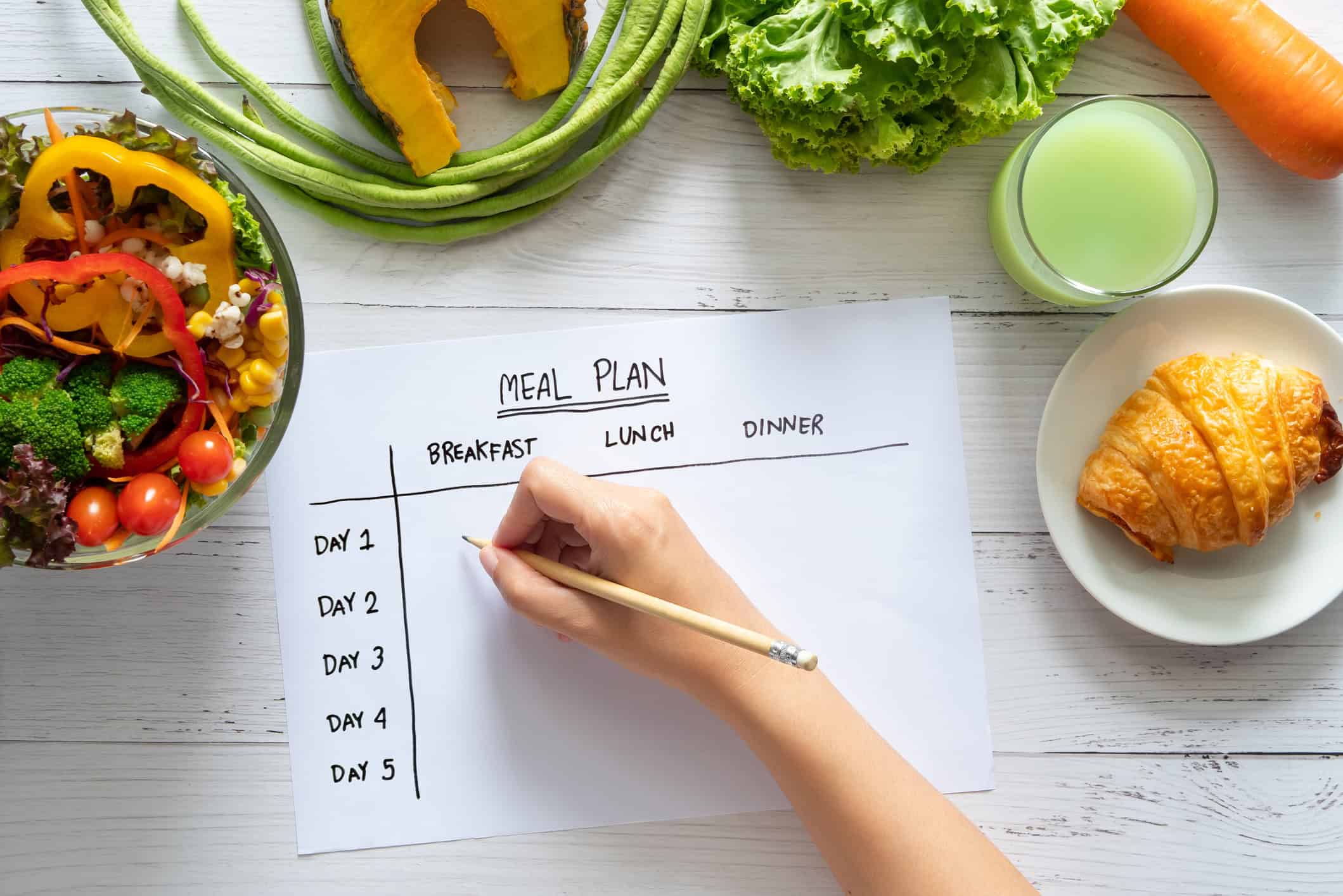
Use your app’s meal planning feature to drag and drop recipes onto a calendar. Seeing your week at a glance reduces decision fatigue and helps you plan for busy nights.
What’s the best way to create a shopping list from recipes?
The best way is to have your app do it for you. A good recipe app will automatically generate a consolidated shopping list from your weekly meal plan. The best ones, like OrganizEat, even combine like-items (e.g., 1/2 cup of flour + 1 cup of flour = 1.5 cups of flour) and sort them by grocery store aisle to make your trip faster.
How to manage and declutter a large digital recipe box?
To avoid creating a ‘digital junk drawer,’ schedule a quarterly ‘recipe review.’ Take 15 minutes to scroll through recipes you’ve saved but haven’t made. If one no longer excites you, archive or delete it. Keep your collection inspiring and relevant to how you cook today.
Frequently Asked Questions
What are the 7 common recipe categories?
A: The seven most common recipe categories for organization are: Breakfast, Lunch, Dinner, Appetizers, Soups & Salads, Desserts, and Beverages. Many people also add categories for specific diets, cuisines, or cooking methods.
What app lets you save recipes by taking a picture?
A: The OrganizEat app is specifically designed to let you save recipes by taking a picture. It uses your phone’s camera to scan and digitize physical recipe cards, cookbook pages, and magazine clippings, saving you from manual typing.
Is there an app to organize my recipes?
A: Yes, there are many apps designed to organize your recipes. Popular options like OrganizEat, Paprika Recipe Manager, and AnyList act as a central hub to save recipes from websites, import them from photos, and plan your meals.
How do chefs organize their recipes?
A: Professional chefs and rigorous test kitchens like America’s Test Kitchen rely on meticulous, standardized systems. Traditionally, this meant binders with plastic sleeves, organized by course or station. Increasingly, they adopt digital tools like specialized recipe apps for their superior searchability, scalability, and ease of sharing with kitchen staff.
How to organize recipes digitally for free?
A: You can organize recipes digitally for free using tools like Pinterest boards for web links, Google Keep for notes and photos, or a structured folder system in Google Drive or Evernote. Some recipe apps also offer free versions with limited features.