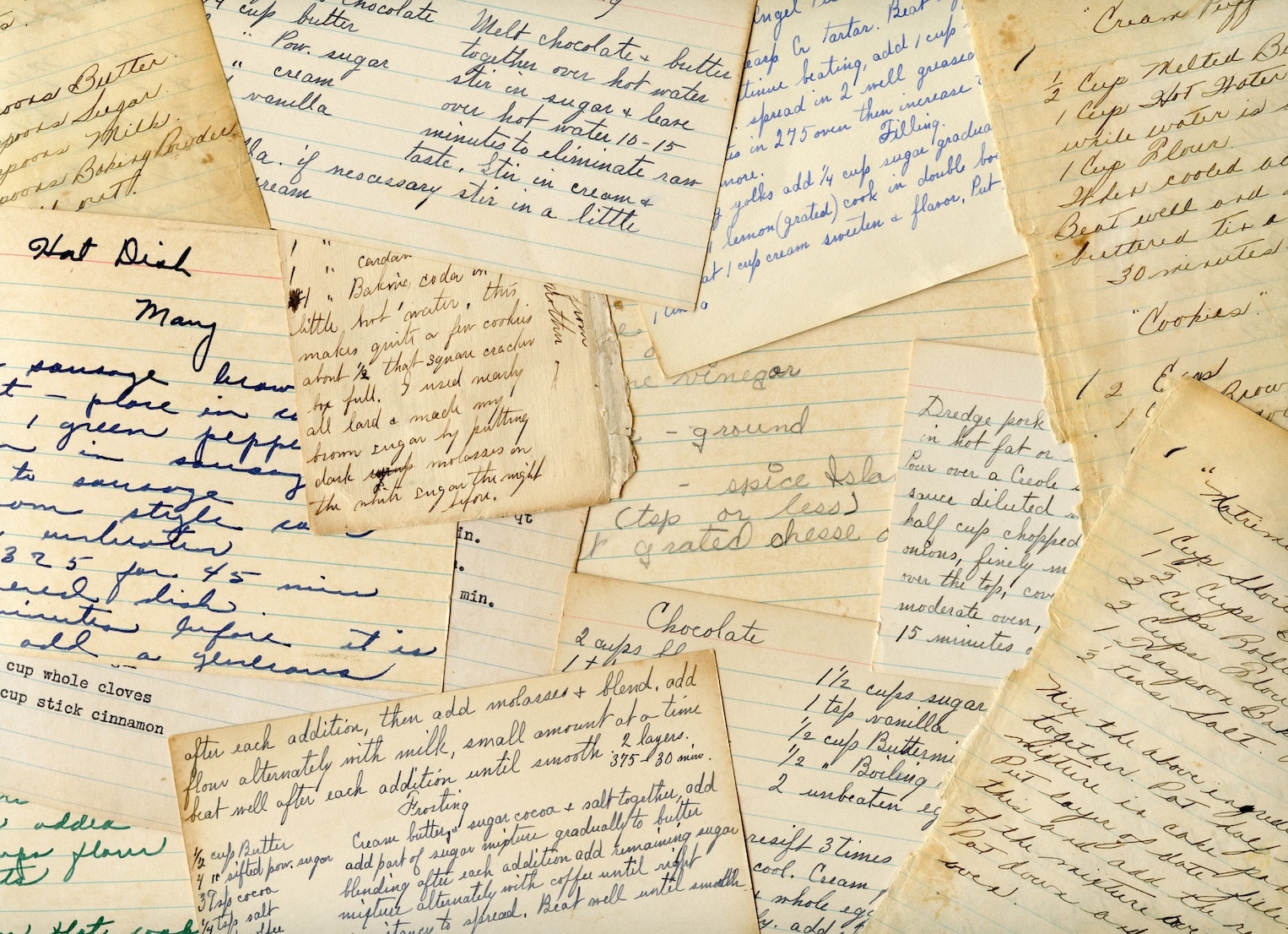




Yes, a digital recipe organizer is worth it if you want to protect, use, and share your handwritten recipes for years to come. It’s the best way to turn a fragile box of cards into a living, usable part of your daily cooking. The primary benefit is preservation. Handwritten recipes on index cards and paper are vulnerable to spills, tears, fading, and being lost forever. Digitizing creates a secure, permanent backup. It also makes your entire collection instantly searchable. A 2024 survey from The Kitchn found 76% of home cooks choose recipes based on ingredients they already have, a task that digital search makes simple. While it takes time upfront, the payoff is having every precious family recipe on your phone for meal planning, shopping, and sharing.
The Investment vs. The Payoff: Is Digitizing Really Worth Your Time?
The biggest hesitation is the upfront effort. Tackling a box overflowing with handwritten cards can seem daunting. Let's look at the time investment versus the long-term return.
Calculating Your Time Investment
Based on our experience helping thousands of users, we estimate it takes about 1-2 minutes per recipe to photograph, review the transcribed text, and add a few tags. For a collection of 50 recipes, you can expect to spend about one to two hours, or a single afternoon of work.
Quantifying the Long-Term Benefits
Now, consider the payoff. Instead of spending five minutes digging through a messy box for Grandma Sue's cookie recipe, you can find it in five seconds using a search bar. You invest that one afternoon, but you save minutes every single time you cook, plan a meal, or make a shopping list for the rest of your life.
Think of it like organizing a closet. The initial effort feels big, but the daily benefit of finding what you need instantly makes it a worthwhile investment in your kitchen routine and your sanity.
How Well Does Modern OCR Actually Work on Messy or Faded Handwriting?
Early OCR (Optical Character Recognition) technology struggled with anything but perfect, printed text. If you tried a generic scanning app a few years ago and were disappointed, you're not alone. Modern AI-powered OCR has made huge advances.
The technology in a dedicated recipe organizer app like OrganizEat is specifically trained on thousands of examples of varied and messy handwriting, including cursive.
Our internal data shows that for most handwritten cards, even those with faded ink, stains, or notes in the margins, our AI-powered OCR achieves over 95% accuracy for ingredients and instructions. This means you only need to make minor corrections, not retype the whole thing. The technology is intelligent enough to identify a recipe's structure, automatically separating the ingredient list from the step-by-step directions.
For extremely difficult or sentimental handwriting, OrganizEat allows you to keep an image of the original card right alongside the neatly transcribed text. You get both perfect readability for cooking and the original's charm for memory's sake.
How to Effectively Digitize Your Handwritten Recipes: A Step-by-Step Guide
Follow this simple process to turn that box of cards into a searchable digital library.
- Gather & Prepare: Collect all your recipes. Find a flat, well-lit surface with good contrast to your recipe cards (e.g., a dark table for a light-colored card) to ensure a clear photo.
- Snap a Photo: Use an app with a built-in recipe scanner, like OrganizEat. Open the app, choose the option to add a recipe from a photo, and snap a clear, top-down picture. This will automatically trigger the OCR process.
- Review & Refine: The AI does most of the work, but take 30 seconds to review the transcribed text. Quickly check for any quirks from the original handwriting and make small edits for perfect accuracy.
- Add Context & Tags: This is where a recipe becomes a family heirloom. Tag the recipe with keywords like 'holiday', 'dessert', '30-minute meal', or 'Grandma Sue'. Use the notes field to add a memory or the story behind the dish.
Beyond Ingredients: How to Preserve the Story and Sentimental Value
A great recipe organizer app helps you capture the who and why behind the food, not just list ingredients. As preservation experts at organizations like The National Archives note, documenting the context surrounding family documents is vital.
With a tool like OrganizEat, you can:
- Attach a photo of the original recipe card, preserving the unique handwriting.
- Add a photo of the person who wrote the recipe, connecting a face to the food.
- Use the notes section to write down family traditions, memories of eating the dish, or tips passed down through generations.
By combining the typed text, a photo of the original, and a note about its history, you're creating a digital artifact that is even richer than the fragile paper copy.
The Payoff: Using Your Digitized Recipes for Meal Planning & Shopping Lists
The real value emerges after your recipes are in the app. This is where your one-time investment pays daily dividends.
From Recipe Card to Shopping List in Seconds
Once Grandma's handwritten chili recipe is digitized, you can automatically generate a shopping list from it. The app’s intelligence extracts all the ingredients and quantities, creating a neat, organized list you can check off at the store. No more manually writing down "2 cans of kidney beans."
Effortless Meal Planning with Family Favorites
You can add your newly digitized family recipes directly to a weekly meal plan with a single tap. Planning meals around the dishes you already know and love has never been easier. Want to make those famous meatballs for a crowd? Simply change the serving size from 4 to 12, and the app will automatically adjust all ingredient amounts, taking the guesswork out of cooking for a party.
What Are the Downsides and Challenges of Digitizing Recipes?
Digitizing isn't without its challenges.
- Time Commitment: The main hurdle is the initial time investment, especially for large collections. It requires setting aside a dedicated block of time.
- OCR Imperfections: Modern OCR is excellent, but it isn’t always 100% perfect. You will likely need to make small manual corrections for very old, faded, or uniquely stylized handwriting.
- Loss of Tactile Charm: Some people feel a digital format loses the feel of a physical recipe card. This is why a hybrid approach works best: use the digital version for daily cooking and securely store the originals as precious keepsakes.
- Choosing the Right App: Some powerful apps like AnyList or Paprika Recipe Manager are excellent for importing from websites but have a steeper learning curve or weaker photo-import features. A specialized tool like OrganizEat is built specifically for the task of digitizing physical recipes.
What Is the Best Way to Organize Recipes After They Are Digitized?
Once your recipes are in the app, a little organization goes a long way.
- Use a Flexible Tagging System: Instead of rigid folders, use tags. A single recipe can have multiple tags like 'chicken', '30-minute meal', 'weeknight', and 'dinner', making it easy to find no matter what you're looking for.
- Standardize Your Titles: Use clear, consistent titles for easy searching. For example, always use 'Grandma's Chocolate Chip Cookies' instead of just 'Cookies'.
- Create a 'Favorites' Tag: Make a tag for 'Tried and True' or 'Family Favorites' to quickly find the recipes you know are winners.
- Add a Photo of Your Finished Dish: This makes browsing for inspiration more fun and helps you remember how a dish is supposed to look!
Frequently Asked Questions
What's the difference between a free and a paid recipe organizer?
A: Free recipe organizer apps often have limits on the number of recipes you can save, may include ads, and typically lack advanced features like AI-powered OCR for handwritten recipes. Paid apps like OrganizEat offer unlimited storage, an ad-free experience, and powerful tools for import, meal planning, and grocery lists.
Is there a free recipe organizer?
A: Yes, many apps like Samsung Food (formerly Whisk) offer free tiers. However, free versions usually have limitations, such as a cap on recipe imports or intrusive ads. For unlimited access and advanced features like digitizing handwritten cards, a paid app is typically required.
What is the best recipe keeper?
A: The 'best' recipe keeper depends on your needs. For users focused on importing from websites, Paprika is popular. For family sharing and shopping lists, AnyList is strong. For those who want the best tool specifically for digitizing and preserving handwritten recipes, OrganizEat is designed with superior OCR and sentimental features.
How do chefs keep track of recipes?
A: Professional chefs often use a combination of methods. Many use binders with plastic sleeves for their core, tested recipes. Digitally, they may use specialized software, simple Word/Google Docs, or apps that allow for precise ingredient scaling and costing for their restaurant operations.