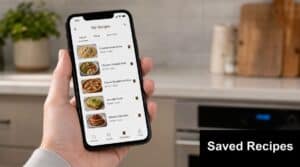



The best way to save recipes from social media is with a dedicated recipe manager app. It moves a recipe from a temporary, distracting feed on TikTok or Instagram into a permanent, searchable format. Screenshots and in-app bookmarks might seem easy, but they create digital clutter: a chaotic photo gallery and isolated collections you can't search when you actually need to cook. A dedicated app becomes your central "recipe brain," pulling recipes from any source into one organized place. And while social media is great for discovery, a study from BlogHer Food and SmartBrief shows that home cooks place far more trust in dedicated recipe apps. At OrganizEat, we've seen this single step close the gap between saving a recipe and making it for your family. It turns inspiration into a meal you can plan, shop for, and enjoy.
Why Do I Never Cook the Recipes I Save Online? The Intention-Action Gap
You see a delicious-looking pasta dish on your Instagram feed and hit 'Save,' feeling a small spark of accomplishment. Weeks later, you've forgotten all about it. Sound familiar? You're not alone—the majority of people now turn to the internet for meal ideas, with Amra & Elma LLC reporting that 91% of U.S. consumers use online recipes. But this behavior is a classic example of the 'intention-action gap.'
According to research, fewer than 15% of bookmarked recipes are ever actually cooked.
Saving a recipe provides an immediate dopamine hit of possibility without commitment. The problem is the friction that follows. Hunting for one screenshot in a camera roll of 5,000 photos, deciphering ingredients from a chaotic video caption, or manually typing a shopping list is often enough to make you give up and order takeout. Reports from industry analysts like Chicory consistently highlight this gap between online recipe discovery and the final grocery purchase.
A good system closes this gap. Using a free recipe saver app cuts down the friction between wanting to make something and actually making it. The next step, planning the meal and buying ingredients, becomes almost as easy as hitting 'save' was.
Recipe Saving Methods Compared: Screenshots vs. Bookmarks vs. Apps
Let's compare the pros and cons of common but inefficient recipe saving methods.
- Screenshots: They're fast, but they create a chaotic, unorganized photo gallery. You can't search for "chicken recipes," create a shopping list from the image, or easily scale the ingredients. It’s digital clutter, plain and simple.
- In-App Bookmarks (Instagram, Pinterest, TikTok): Bookmarking traps your recipes inside a specific platform. To find that soup recipe, you have to remember if you saw it on TikTok or Instagram, open the app, find your saved items, and hope you don't get distracted by the endless scroll of new content, which is exactly what the platform is designed to do.
- Copy/Paste to Notes App: This is slightly more organized than screenshots, but it's a manual, tedious process. You end up with inconsistent formatting, lost images, and a document that's hard to read in the middle of cooking.
A dedicated recipe app solves these problems. It acts as a universal adapter, pulling recipes from any source (a food blog, a Facebook video, a photo of a magazine page) into a consistent, organized, and actionable format.
How Modern Recipe Apps Use AI and OCR to Import Recipes
Modern recipe apps import recipes using a combination of Artificial Intelligence (AI) and Optical Character Recognition (OCR).
OCR is the technology that scans an image, like a screenshot or a photo of a cookbook, and converts the text into machine-readable data. That's just the first step.
Next, AI algorithms parse that raw text. The AI has been trained on thousands of recipes to recognize patterns, so it can distinguish a list of ingredients from instructions, even with messy formatting like you'd find in a TikTok caption. It identifies measurements, ingredients, and steps to properly structure the recipe in your digital cookbook.
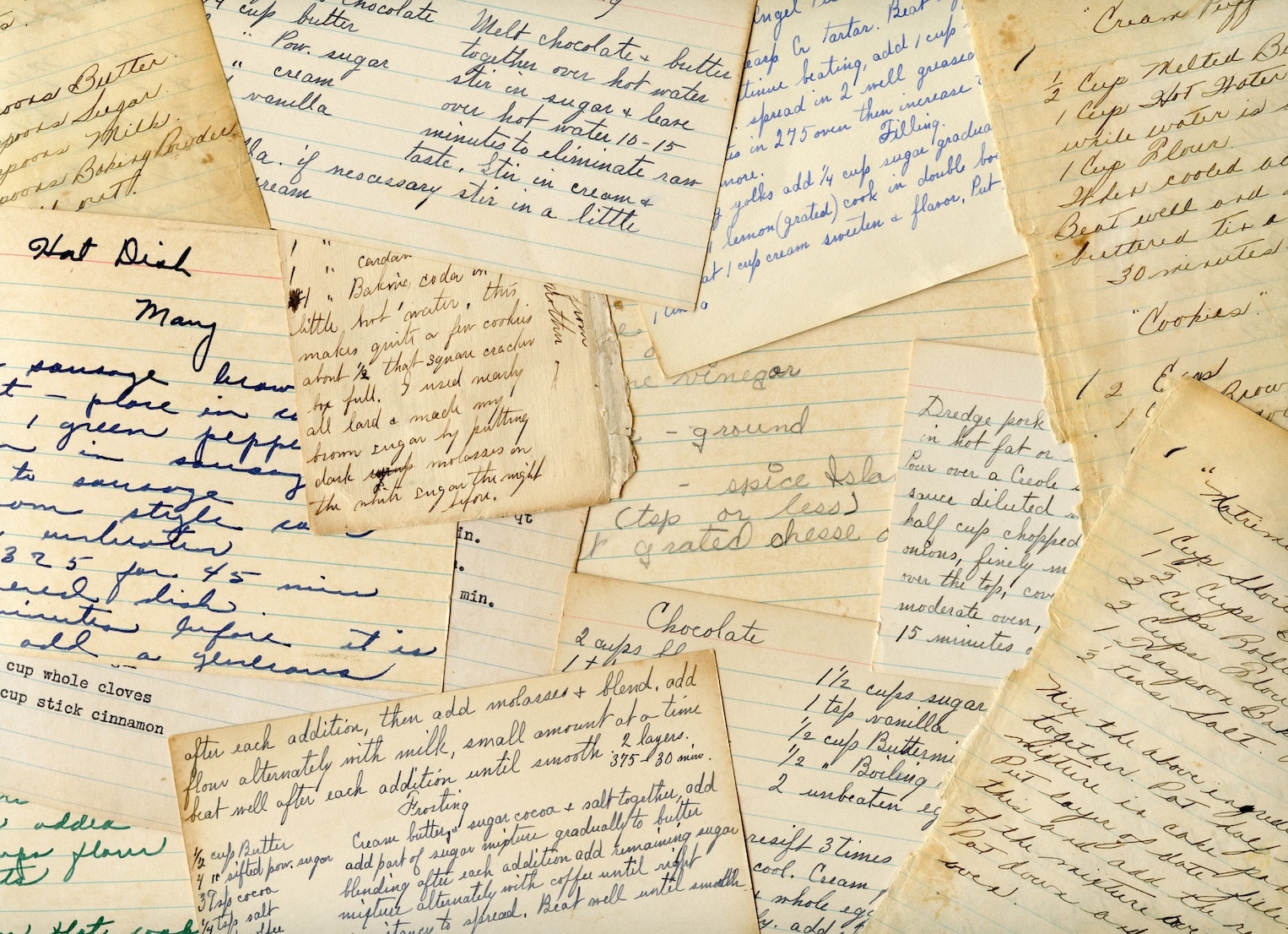
This combination allows an app like OrganizEat to 'read' a recipe from a photo of a handwritten card with the same accuracy as one from a popular food blog.
How to save a recipe from a TikTok or Instagram video
Saving a recipe from a video is simpler than you think; you don't need to take frantic screenshots of the on-screen text.
- In the TikTok or Instagram app, tap the Share button on the recipe video.
- From the list of apps that appears, find and select your recipe manager app (like OrganizEat).
- The app will open and automatically import the link. Its AI will then parse the video's caption and on-screen text to extract the ingredients and instructions, saving the complete recipe to your collection.
How to digitize recipes from a physical cookbook or magazine
This is where OCR technology becomes essential, and it's a core feature for us at OrganizEat. You can finally digitize all those beloved family recipe cards and cookbook pages.
- Open your recipe app and choose the option to add a recipe from a photo.
- Lay the cookbook page or recipe card flat in a well-lit area.
- Snap a clear photo.
- The app's OCR will scan the image, extract the text, and fill in the ingredient and instruction fields for you. You can then make minor edits and save it forever.
Saving recipes from tricky sources like newsletters and paywalled sites
Even recipes in an email newsletter, a private Slack channel, or behind a paywall can be saved. For newsletters, use the 'share' function from your email app. For a Slack channel, you can copy the link to a recipe or the recipe text itself and paste it directly into the app. For paywalled sites where you are a subscriber, you can usually use the app's built-in web browser or share extension after you log in to capture the content.
What Features Should a Good Free Recipe Saver App Have?
A good free recipe saver app should make cooking easier. Look for these essential features:
- Universal Import: The app must save recipes from anywhere: websites, social media platforms like TikTok and Facebook, and photos of physical recipes. This is non-negotiable.
- Smart Organization: The app should offer flexible tagging, custom folders, and a powerful search function. You should be able to find a recipe instantly by searching for an ingredient (
tomato), a cuisine (Italian), or a tag you created (weeknight-dinner). - Kitchen-Ready Utilities: The goal is to cook, so the app needs tools for the job. Look for automatic shopping list generation, a meal planner, and a "cook mode" that keeps your screen on and displays the recipe in a large, easy-to-read font.
- Offline Access & Data Export: You should be able to pull up recipes even with spotty Wi-Fi. You also must be able to export your entire collection. Your recipes are yours, and you should never be locked into a single service.
At OrganizEat, our focus is on a simple, elegant solution for one thing: helping you build a personal, permanent recipe collection from all the places you find inspiration.
Beyond Saving: How to Build a Personal Recipe System That Works
A great app is only a tool; the real results come from building a system around it. These habits have worked for thousands of home cooks.
- Adopt a 'Triage and Tag' System: The moment you save a recipe, take 10 seconds to add a few tags, like
weeknight-dinner,chicken, or30-min-meal. This simple habit makes your collection much more searchable later. - Schedule a 'Pruning' Session: Be honest with yourself. Once a season, spend 15 minutes reviewing your saved recipes and delete the ones you know you will never make. This keeps your collection focused and inspiring.
- Use Your App to Reduce Food Waste: Have carrots about to go bad? Before heading to the store, search your recipe app for "carrots." You can quickly find a meal that uses them, saving money and reducing waste.
- Create a 'To-Cook-This-Week' Folder: At the start of the week, browse your collection and move three or four recipes you want to try into a dedicated folder. This creates a clear, achievable plan and removes the "what's for dinner?" decision fatigue.
What Happens to Your Recipes? A Guide to Data Ownership & Exporting
Before you commit to an app, ask one critical question: "Can I get my recipes out?"
Your recipe collection is valuable personal data. Some services make it difficult to leave, effectively holding your recipes hostage. If an app shuts down or you cancel a subscription, you could lose everything without a proper export option.
Look for apps that are transparent about data ownership and provide clear tools to download your recipes as a PDF, HTML, or another standard format. This ensures your collection is permanent and portable.
At OrganizEat, we believe your recipes belong to you, forever. We make it simple to back up and export your entire recipe collection at any time, on any plan. Your culinary history should always be in your control.
Frequently Asked Questions
Q: What is the best free app to store recipes from social media?
A: The best free app depends on your needs. OrganizEat is excellent for its ability to digitize physical recipes via photo. Whisk (Samsung Food) has strong community features, while Recipe Keeper offers a solid all-around free experience for saving from web and social media.
Q: How to save online recipes for free?
A: The most effective way is to use a free recipe saver app. You can typically use the 'share' button on a website or social media post and send it directly to the app, which will automatically import the title, ingredients, and instructions for you.
Q: Is Recipe Keeper a free app?
A: Yes, Recipe Keeper offers a free version that allows you to store a limited number of recipes. For unlimited recipes and access across all your devices, you need to upgrade to the paid version, which is a one-time purchase per platform (iOS, Android, etc.).
Q: Is there a free app that saves recipes from TikTok?
A: Yes, several free recipe apps like OrganizEat, Whisk, and ReciMe allow you to save recipes from TikTok. You typically use the 'Share' button in the TikTok app and select the recipe app to import the video link, which then parses the recipe details.
Q: What happens to my recipes if an app shuts down?
A: If an app shuts down without providing an export option, you could lose your entire recipe collection. This is why you should choose an app that allows you to back up and export your data in a standard format, ensuring you always have a copy of your recipes.