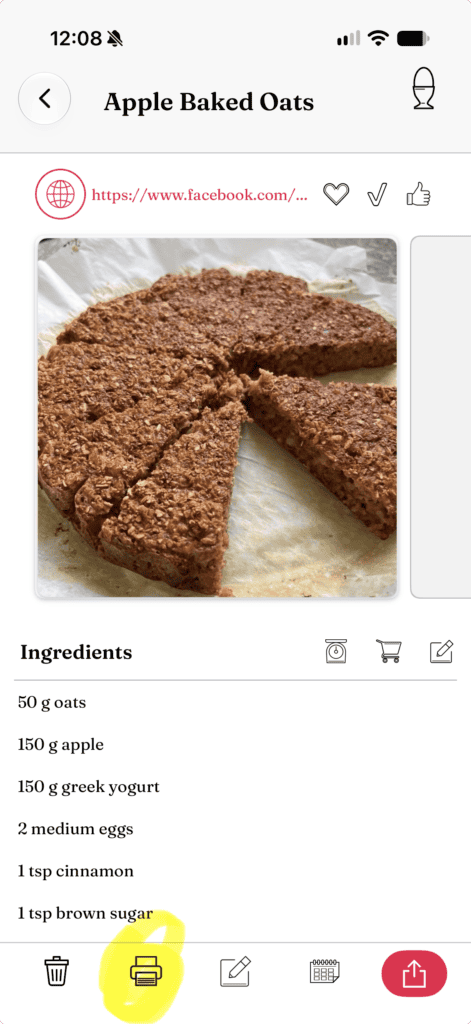
Once the recipe you want to share is open, tap “Print” on the menu at the bottom (the little printer icon).
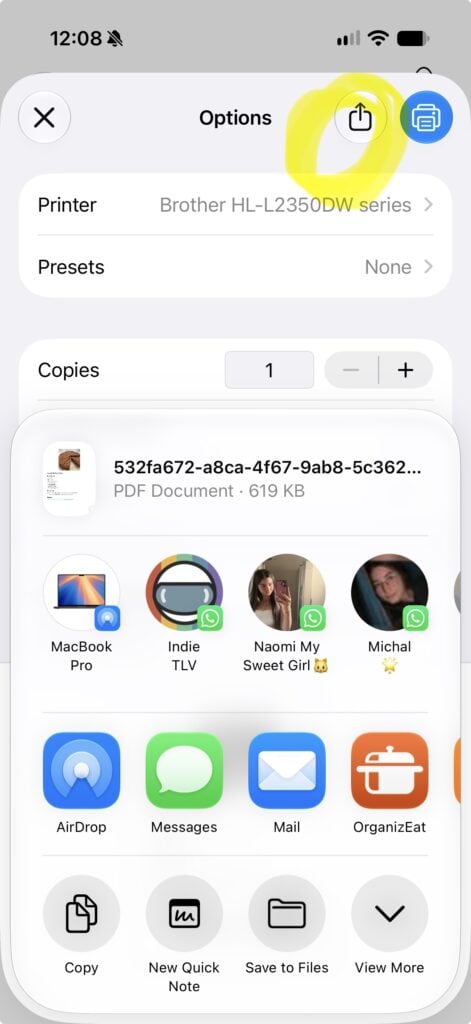
2) The standard print menu shows:
The menu that slides onto the screen is the default printing menu. Instead of tapping on the “Print” button, look for the “Share” icon right next to it (the box with the arrow pointing upwards) and tap on “Share”.
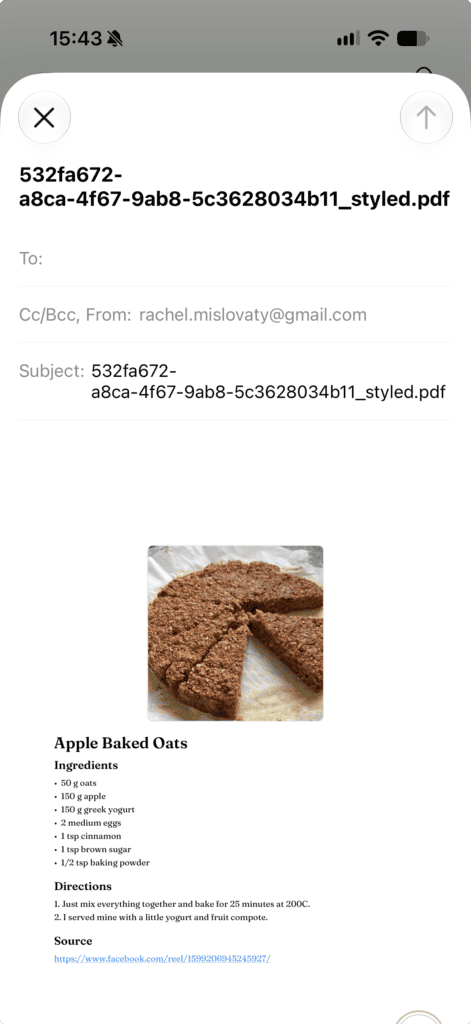
3) Choose one of the sharing options (Email, Text message, Whatsapp, and so on)
For example, in the share menu, select the email button. A printable PDF file of the recipe will be generated and sent by email. If you choose text messenger, the same PDF will be sent by text. Nothing is done automatically; you have full control, and you can always edit the email or the text message before hitting “send”.