


Manually typing recipes is tedious, but OCR (Optical Character Recognition) technology simplifies it by converting photos of handwritten or printed recipes into searchable, editable text. Many apps now combine OCR with features like meal planning, grocery lists, and syncing across devices. Here’s a quick overview of standout apps:
- OrganizEat: Snap photos of recipes to digitize and organize them. Includes grocery lists, meal planning, and cloud syncing.
- CookBook: Offers AI and manual scanning modes for complex layouts.
- Recipe Keeper: Converts images and PDFs into editable recipes. Integrates with Alexa for hands-free cooking.
- Mr. Cook: Focuses on AI-powered OCR for handwritten notes. Free version allows limited scans; Pro costs $59.99/year.
- Cook’n: Specializes in digitizing recipes from screenshots, books, or magazines. Works with Alexa and Apple Watch.
Each app has strengths like handling complex layouts, syncing across devices, or offering hands-free cooking tools. Choose based on your needs, such as OCR accuracy, editing flexibility, or integration with meal planning tools.
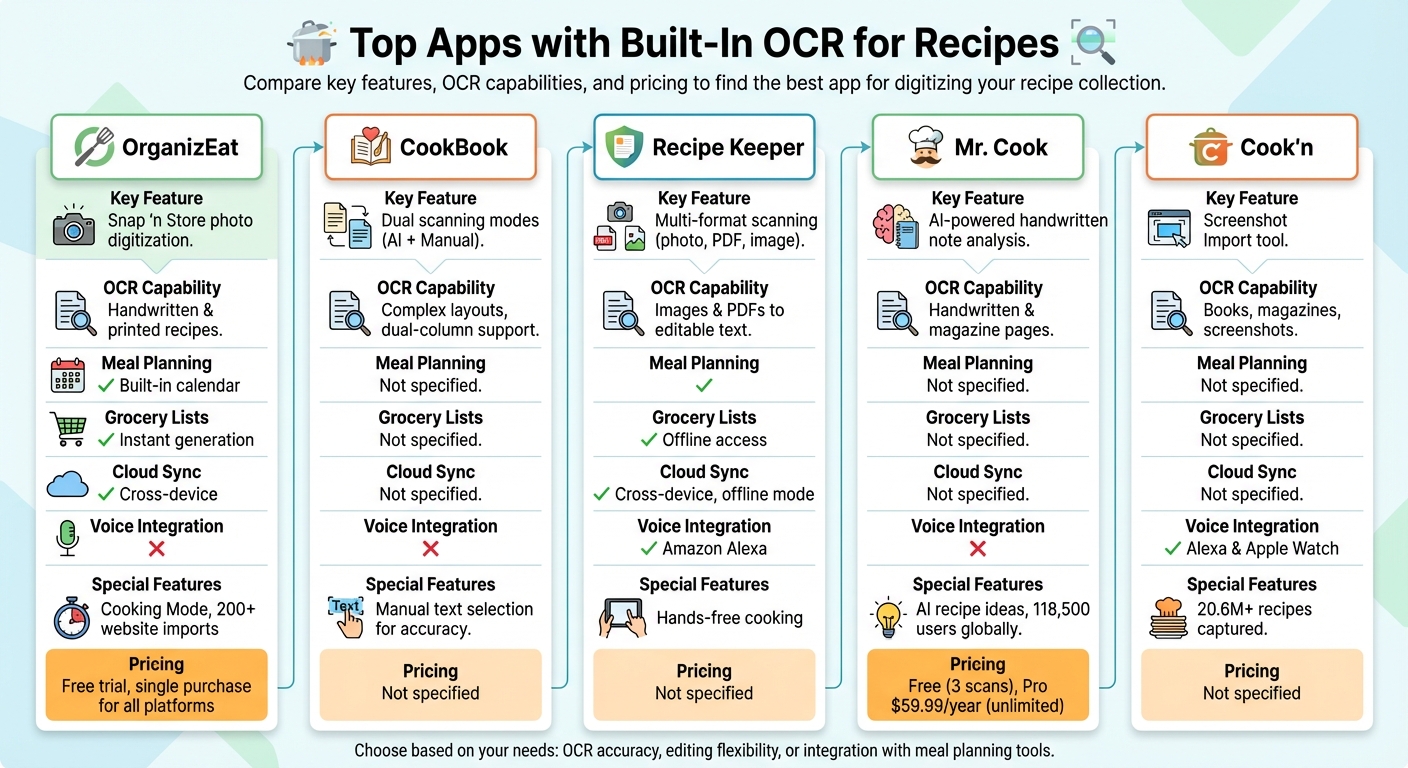
Comparison of Top 5 OCR Recipe Apps Features and Pricing
What OCR Features to Look for in Recipe Apps
Scanning Handwritten and Printed Recipes
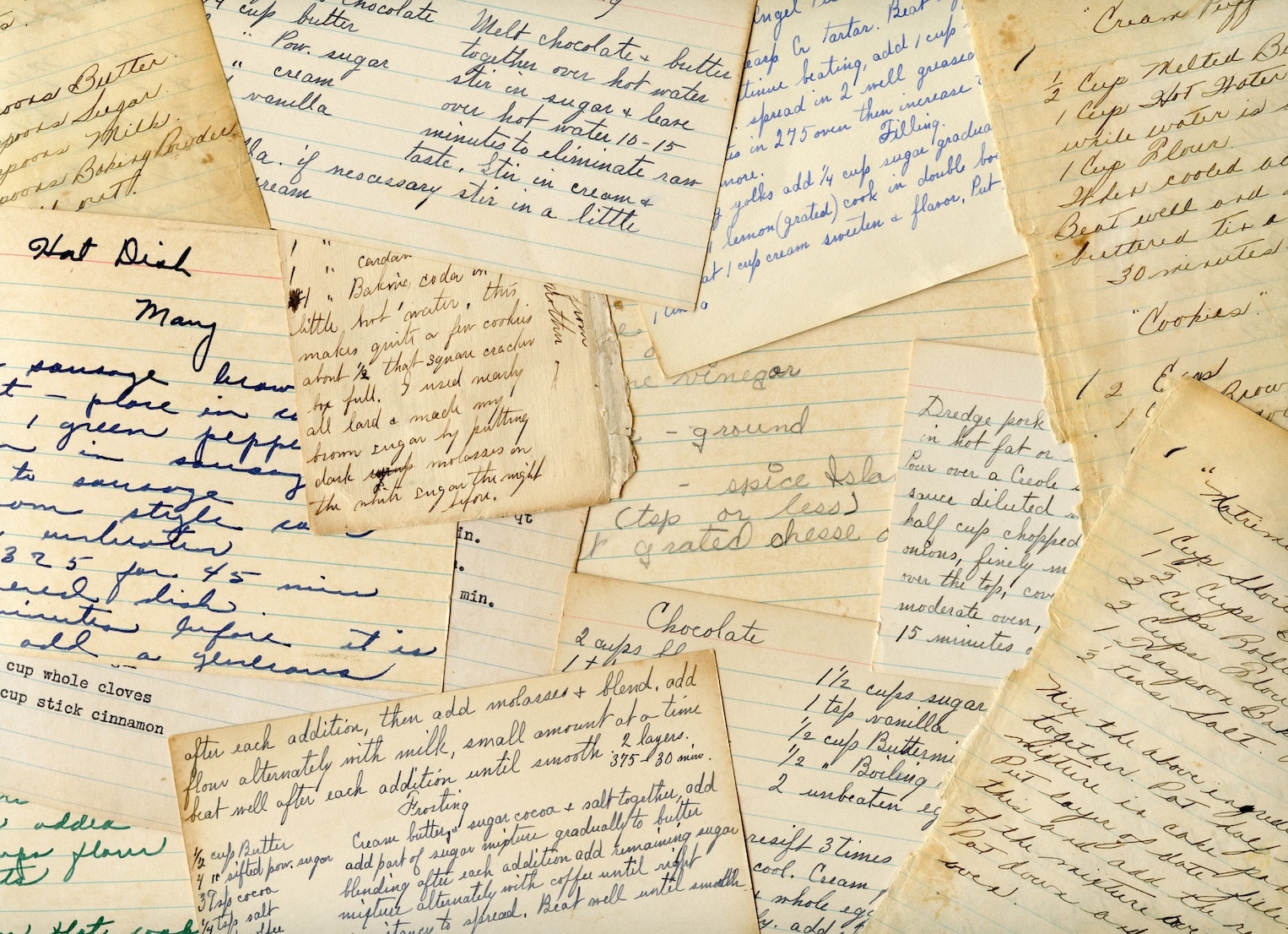
The best recipe apps with OCR use advanced technology to quickly digitize key details like titles, ingredients, cooking times, and instructions. They can handle both printed cookbook pages and handwritten recipe cards, though the accuracy often depends on the quality of the source material.
For the best results, ensure the page is flat, well-lit, and free of shadows when taking a photo. Curved pages or poor lighting can confuse the scanner. For trickier layouts, many apps offer manual scanning options, allowing you to select text blocks precisely. After scanning, you can review and tweak the imported text to ensure everything is accurate before saving.
Once digitized, these recipes become much easier to search, edit, and organize.
Search and Edit Capabilities
When recipes are digitized, they become searchable by title, ingredient, or custom tags. This makes finding that long-forgotten chicken recipe a breeze. Editing tools take it a step further, allowing you to fix OCR errors – like those caused by faded ink or cursive handwriting – adjust serving sizes, add personal notes, or standardize measurements without retyping the entire recipe.
Some apps even boast the ability to process recipes in multiple languages and handle millions of entries with impressive OCR precision.
Meal Planning and Grocery List Tools
Once your recipes are digitized, they can connect seamlessly with meal planning and grocery list features. With just a tap, you can add all the ingredients from a recipe to a shopping list. Advanced apps go the extra mile by merging duplicate ingredients and organizing them by aisle, making grocery trips more efficient.
Some apps also identify time-related keywords in your recipe directions and set cooking timers for you automatically. For an even smoother cooking experience, a “Cooking Mode” feature can keep your screen active and highlight the current step, letting you cook hands-free.
Top Apps with Built-In OCR for Recipes
OrganizEat: Photo-Based Recipe Storage
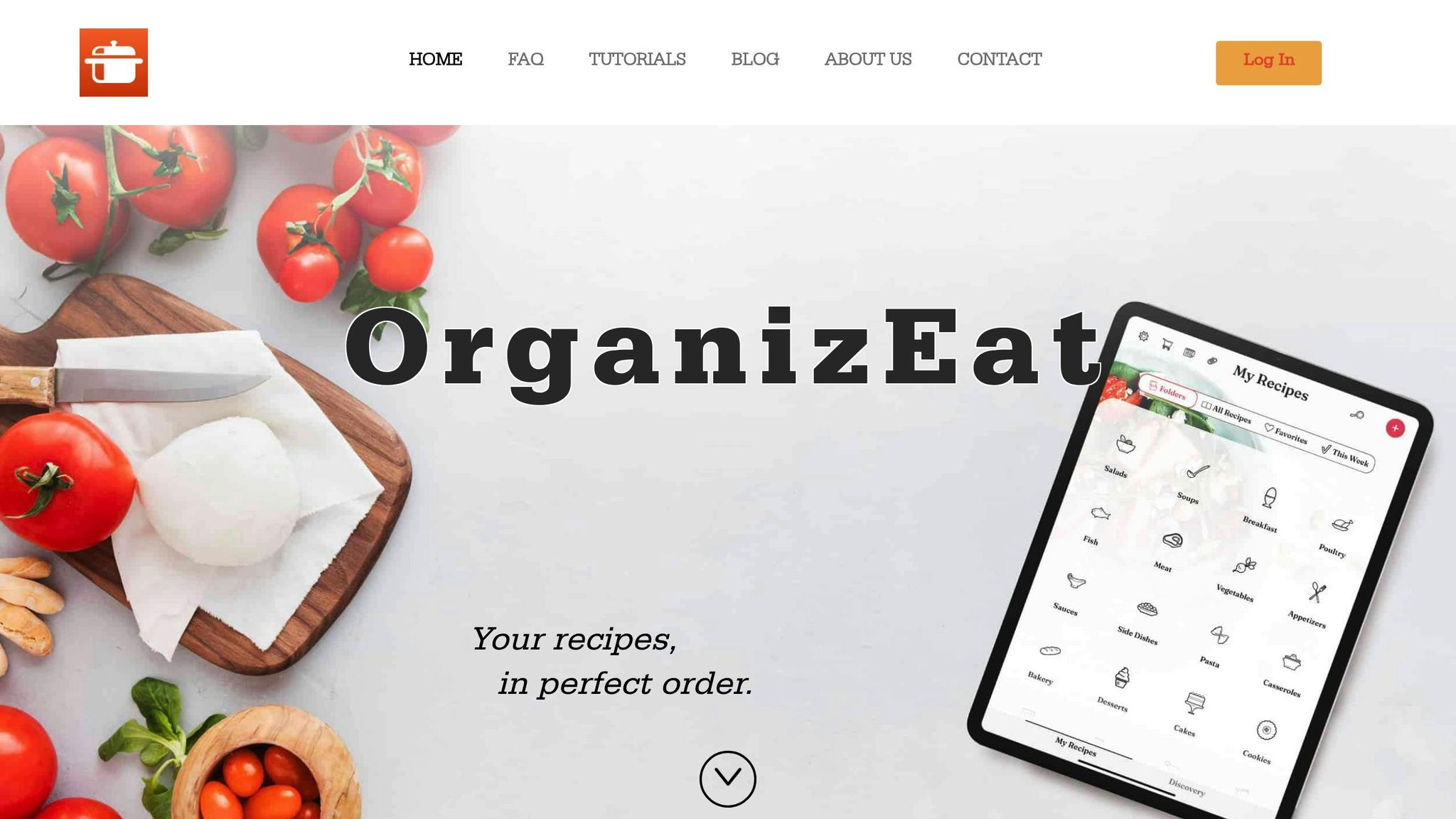
OrganizEat’s “Snap ‘n Store” feature is a handy tool for digitizing handwritten recipe cards, cookbook pages, or even printed recipes. Just snap a photo, and the app transforms it into a searchable digital entry. Beyond that, OrganizEat allows you to import recipes from over 200 websites. Once digitized, these recipes can be used to create grocery lists instantly, plan meals with the built-in calendar, or access Cooking Mode, which keeps your screen from dimming while you cook. Plus, with cloud backup and device syncing, your recipes are always at your fingertips – whether you’re in the kitchen or at the store.
Let’s take a closer look at other apps that use OCR to make recipe management a breeze.
Other Apps with OCR Features
Several other apps also stand out for their OCR capabilities, offering unique features to simplify cooking and recipe organization.
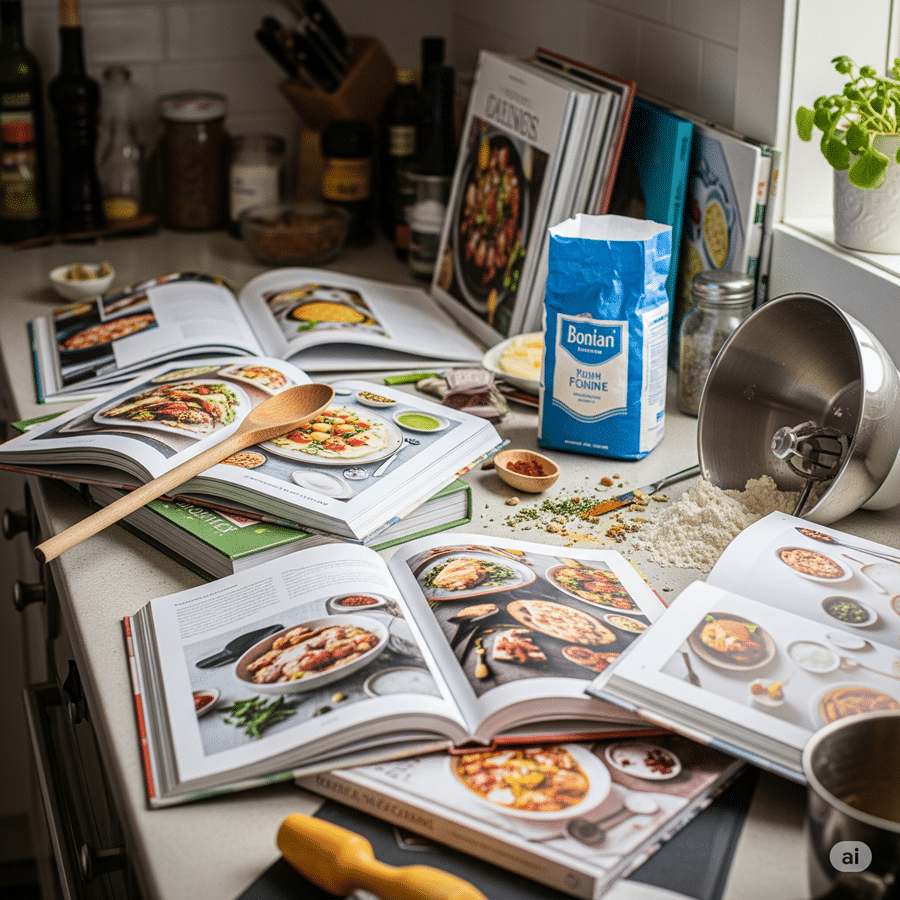
- CookBook: This app provides two scanning modes – “Automatic (AI)” and “Manual.” The manual option is particularly useful for recipes with intricate layouts, like those with dual-column ingredient lists. It lets you select specific text areas to ensure everything is captured in the right order.
- Recipe Keeper: Whether you’re snapping a photo, uploading an existing image, or scanning a PDF, Recipe Keeper converts it all into editable text. For added convenience, it integrates with Amazon Alexa, enabling hands-free cooking.
- Mr. Cook: Using AI, this app analyzes photos of handwritten notes or magazine pages, extracting key details like titles, ingredients, instructions, and cooking times in seconds. With a global user base of 118,500 cooks, it’s a popular choice for managing digital recipe collections. The free version allows three recipe scans, while the Pro version ($59.99/year) offers unlimited scans and improved OCR accuracy.
- Cook’n: This app specializes in digitizing recipes from books and magazines, and its Screenshot Import tool makes it easy to pull recipes from saved phone screenshots. With over 20.6 million recipes captured through its tools, Cook’n is a trusted name. It also works with Amazon Alexa and Apple Watch, making hands-free cooking even simpler.
sbb-itb-6688478
How to Pick the Right OCR Recipe App
OCR Accuracy and Editing Options
When photographing recipes for OCR, make sure the pages are flat and well-lit. Shadows, curves, or poor lighting can distort the scan and affect accuracy. If you’re working with tricky recipes – like those written in cursive or with faint ink – test the app’s free trial to see how well it handles these challenges.
For recipes with complex layouts, look for apps that allow manual selection and support uploading multiple images to accurately capture multi-page recipes. Since OCR technology isn’t flawless, it’s crucial to pick an app that lets you preview and edit key details before saving. This includes titles, serving sizes, cooking times, ingredients, and instructions.
Cloud Storage and Device Syncing
Once you’ve scanned your recipes, backing them up securely is essential. A reliable cloud backup ensures your digitized collection, including scanned images of handwritten family recipes, is safe from device loss or failure. Apps with cross-device syncing let you scan a recipe on your phone, plan meals on your tablet, and access grocery lists on the go. For example, OrganizEat offers seamless cloud backup and syncing across devices. Similarly, Recipe Keeper and BigOven allow you to view synced recipes and grocery lists offline, which is especially handy for shopping trips.
Before subscribing to an app, check whether one subscription covers all platforms (iOS, Android, desktop) or if separate purchases are required. Also, confirm if the app saves the original high-resolution photo alongside the OCR text. This feature can be a lifesaver when the scanner misreads handwritten notes or unusual formatting.
Meal Planning and Shopping Features
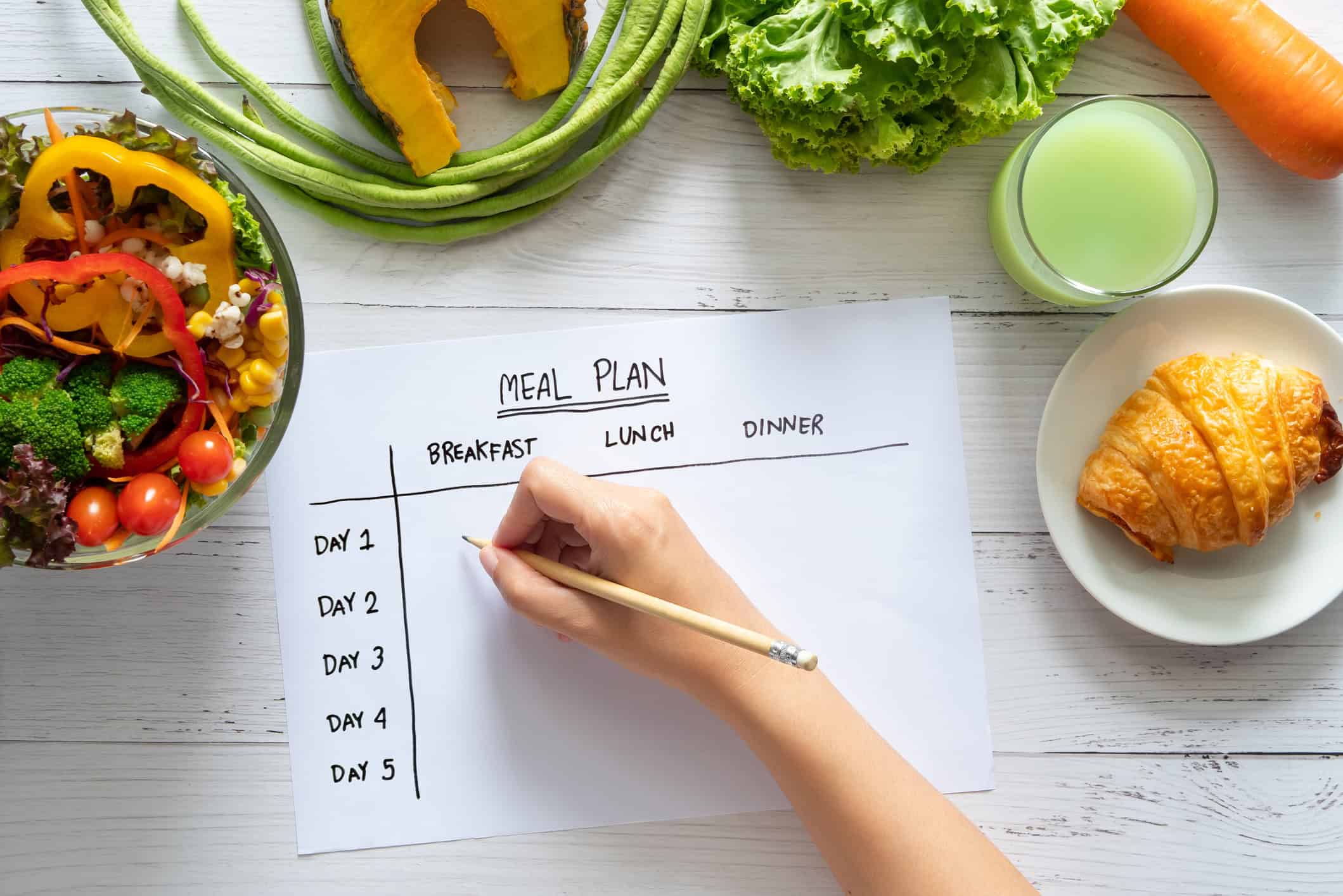
An OCR app becomes even more useful when it includes meal planning and shopping tools. Many apps integrate these features, allowing you to drag scanned recipes into a weekly planner and instantly generate a shopping list. Ingredients are often grouped by aisle (e.g., Produce, Dairy) to simplify your grocery run. Some apps even merge duplicate ingredients to streamline your list further.
For cooks in the U.S. using imperial measurements, apps with serving size adjustment tools are a must. These tools automatically recalculate ingredient quantities when you need to scale a recipe up or down. Additionally, features like OrganizEat’s Cooking Mode ensure your screen stays active while you follow a recipe, making cooking more convenient.
Conclusion
OCR technology has reshaped how home cooks handle their treasured recipe collections. Gone are the days of painstakingly typing out handwritten cards or cookbook pages. Now, with just a quick photo, you can instantly digitize recipes, making them easy to search by ingredient or title while also protecting them from wear and tear.
But OCR doesn’t stop at simple scanning. It transforms your recipes into a dynamic kitchen tool. From adjusting serving sizes to creating well-organized grocery lists and syncing your collection across devices, OCR ensures your recipes are always accessible. Whether you’re checking ingredients at the store or using hands-free Cooking Mode, these features make cooking and planning seamless.
Apps like OrganizEat take this functionality to the next level. Their Snap ‘n Store feature allows you to digitize recipes while preserving the charm of handwritten originals:
“Recipes are our memories, our topics of conversation, our ways of expressing ourselves, and our daily companions. Any app that I would dare use for my recipes should respect all of this, and not merely serve as a storage bin”.
OrganizEat is free to try, with a single purchase unlocking access across iOS, Android, and desktop browsers. This all-in-one system makes meal planning a breeze. Start digitizing your recipes today to enjoy a more organized and efficient cooking experience. Let OCR revolutionize the way you cook and plan meals.
FAQs
How does OCR technology make managing recipes easier?
OCR (Optical Character Recognition) technology makes managing recipes a breeze by transforming handwritten or printed recipes into digital, searchable text. Forget about typing out recipes manually – just snap a photo, and the app extracts the text for you, ready to organize or edit.
This tool is perfect for digitizing recipes from cookbooks, magazines, or personal notes, helping you create a tidy, searchable recipe collection. It not only saves time and effort but also makes it simple to find and update your favorite dishes, streamlining your cooking routine.
How does OCR improve recipe organization and meal planning?
Adding OCR (Optical Character Recognition) to meal planning tools brings a whole new level of ease and speed to organizing your recipes. With OCR, you can digitize handwritten or printed recipes in seconds – just snap a photo, and voilà! Your recipes are stored, searchable, and ready to access anytime. No more tedious manual typing or losing track of those cherished family recipes.
OCR doesn’t stop there. It lets you pull recipes straight from cookbooks, magazines, or even those scribbled notes passed down through generations. Once digitized, these recipes can be seamlessly integrated into your meal planning system. Imagine creating grocery lists automatically, syncing recipes with your meal schedule, and even accessing step-by-step instructions hands-free while cooking.
This feature doesn’t just save time – it transforms your kitchen routine. By keeping everything neatly organized and easy to find, OCR helps make meal prep simpler, faster, and a whole lot more enjoyable.
What’s the best way to get accurate OCR results for recipes with complex layouts?
For better OCR results with complex recipe layouts, start by using clear, well-lit images with minimal background distractions. High-quality photos make it much easier for OCR tools to accurately detect and process text.
Opt for apps that offer a mix of AI-powered recognition and manual editing features. These tools can automatically scan recipes, even handwritten ones, while allowing you to tweak any errors or missed details. Look for apps with options like cropping or image enhancement, as these can further refine the recognition process for detailed or tricky layouts.