



You're standing in the grocery aisle with your iPhone in one hand and a cart drifting away with the other. The note you made earlier has somehow turned into a pile of unrelated reminders, half a recipe title, and an item that might say baking soda or might say baking powder. Then you realize the ingredient you need is trapped in a screenshot, a text thread, or a recipe tab you forgot to save.
That's the moment a grocery list app stops being a nice extra and starts feeling necessary. The best one doesn't just store items. It helps you move from recipe idea, to meal plan, to shopping list, to checkout without constantly switching apps or retyping the same ingredients. It also makes shared shopping much less annoying when two people are buying for the same kitchen.
That's what matters most when picking the best grocery list app for iPhone. Not a giant feature list. Not buzzwords. Just whether the app helps you get food into the house with less friction, fewer missed ingredients, and less backtracking through the store.
Below are the apps worth your time. Some are recipe-first. Some are list-first. Some are best for families, and some are best if you care most about speed on an iPhone.
Table of Contents
- 1. OrganizEat
- 2. AnyList
- 3. Bring!
- 4. OurGroceries
- 5. Listonic
- 6. Cozi Family Organizer Shopping Lists
- 7. Mealime
- 8. Paprika Recipe Manager 3
- 9. Cooklist
- 10. Grocery Smart Shopping List by Conrad Stoll
- Top 10 iPhone Grocery List Apps, Feature & Comparison Guide
- Choosing Your App The Right Tool for a Smarter Kitchen
1. OrganizEat
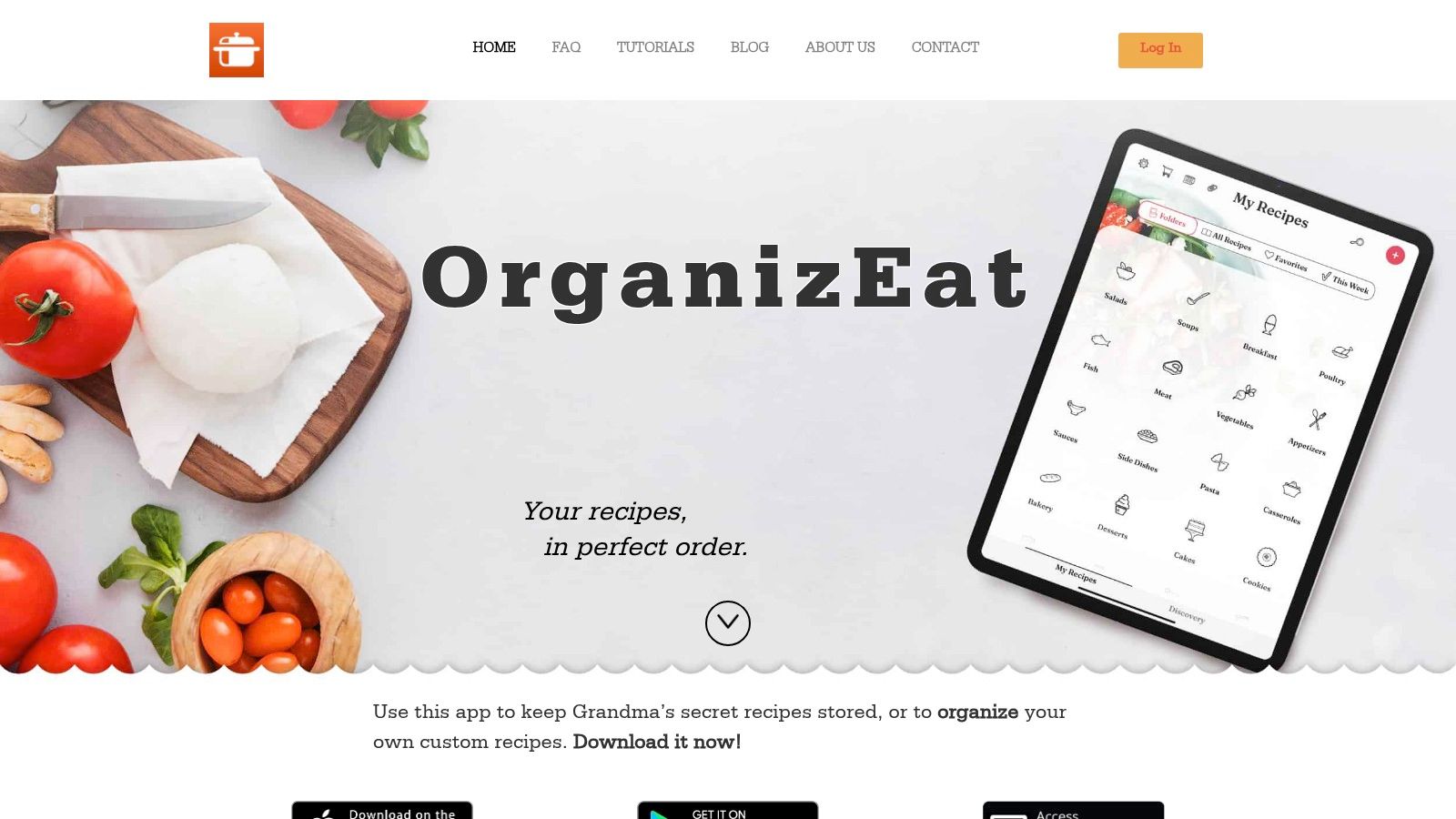
Dinner planning often breaks down before the shopping trip starts. A recipe is saved on Instagram, another lives on a stained index card, and a third is buried in browser tabs. OrganizEat stands out because it handles that messy first step better than the usual grocery list app.
Its strongest selling point is recipe capture. You can save recipes from social platforms and recipe sites, photograph handwritten cards or cookbook pages, and enter recipes manually without fighting a rigid format. For home cooks who use a mixed recipe collection, that matters more than having one more checkbox list.
Why OrganizEat stands out
OrganizEat is one of the few apps here that treats grocery shopping as part of a full cooking workflow. Save the recipe first, turn ingredients into a list, add household items, then build that into a meal plan. That order matches how many people really shop during the week.
The app also solves a problem that gets ignored in simpler list apps. Recipes stay in your collection even if the original post disappears, and offline access helps when service is weak at the store or in the kitchen.
Practical rule: If your recipes are scattered, your grocery list will be scattered too.
Cross-device sync, cloud backup, and sharing make it workable for households, not just solo cooks. Cooking Mode is a useful detail as well. Keeping the screen awake while a recipe is open sounds small until you are cooking with wet hands and checking the next step every few minutes.
A good companion read is this guide on digital lists versus paper lists for smarter grocery shopping, especially if your household is still bouncing between sticky notes, texts, and memory.
Best for
OrganizEat fits cooks whose shopping starts with saved recipes, family recipes, and weekly meal planning. It is a particularly good match for anyone trying to build a personal recipe library and turn that library into a usable shopping list without extra copying.
The trade-offs are clear:
- Excellent recipe capture: Imports from social platforms, websites, photos, and manual entry.
- Strong recipe-to-list flow: Ingredients move to a grocery list quickly, and meal planning connects naturally to shopping.
- Useful in the kitchen: Offline access, cross-device sync, and Cooking Mode help during planning and cooking.
- Pricing takes extra checking: Plan details are not as clear inside the app experience as some competitors.
- Less focused on advanced food data: Nutrition analysis and ingredient intelligence are not the main reason to pick it.
Choose OrganizEat if your recipe collection is the center of your shopping routine. It is less impressive if you only want a fast shared checklist, but it is one of the better options for going from recipe discovery to list-building to checkout with less friction.
2. AnyList
AnyList feels like a mature iPhone app in the best way. It's polished, fast, and built knowing that grocery lists are often shared, edited mid-trip, and connected to meal planning rather than used as isolated notes.
Its biggest practical strength is the recipe-to-list flow. Apple's App Store listing for AnyList says you can add all ingredients from a recipe to a shopping list in one step through the AnyList iPhone app listing. That's the kind of feature that saves time every single week, especially if you cook from saved recipes instead of repeating the same handful of meals.
Where AnyList is strongest
AnyList also leans hard into shared use. Its app-store language around instant shopping lists and the broader category expectation of instant updates make it a good fit for couples and households that divide the trip. A second strength is store and aisle customization. If you care about walking the store once instead of zigzagging back for forgotten produce or canned goods, AnyList gives you more control than most apps.
Shared lists only help if they update fast enough to stop duplicate purchases before they happen.
On iPhone, the Apple-specific touches matter too. Widgets, Watch support, and Siri integration make it feel native rather than ported. That's especially useful for quick additions when your hands are full or when you want a list on your wrist instead of accessing your phone at every aisle.
The trade-off is simple. Some of the better planning and recipe tools are part of the paid tier, so the free version may feel limited if you want the full system rather than a clean grocery list.
For a well-balanced grocery-first app with excellent iPhone polish, use AnyList.
3. Bring!
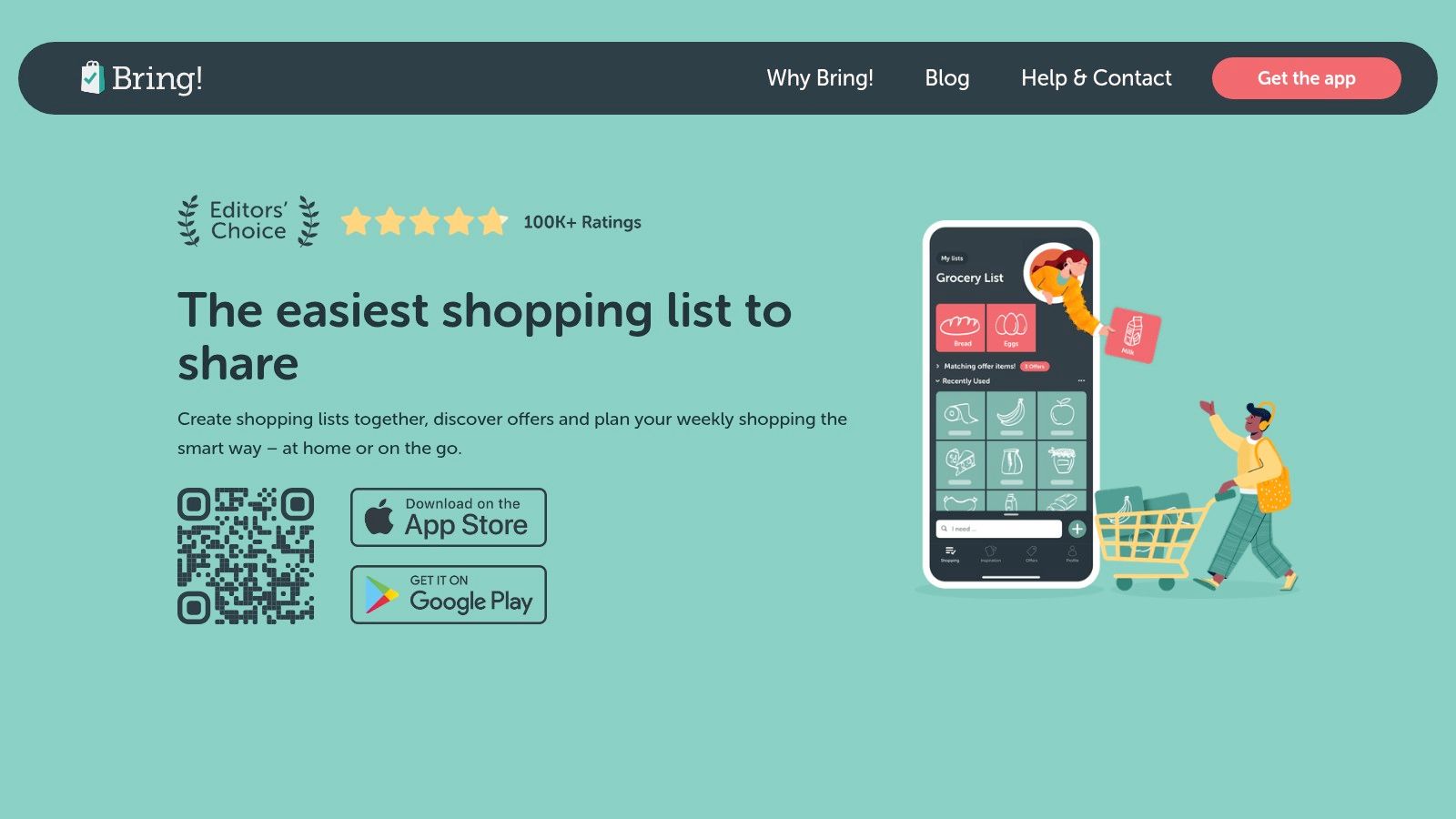
Bring! is one of the easiest apps to recommend when the main problem isn't meal planning. It's getting everyone in the house to use the same list. Its visual style helps more than you'd think. Icon-based items are easier to scan quickly, which is useful for partners, kids, or less tech-comfortable family members.
It also does the basics that matter. Bring! states that it is free, works across devices, and syncs easily between iPhone and iPad in the Bring! App Store listing. That kind of cross-device reliability is one of the most practical benchmarks for any shared grocery app on iPhone.
Why families like Bring!
Bring! works well when two people are shopping from the same list or when one person adds items from home while another is already in the store. Apple Watch support helps here because checking off items on your wrist can be faster than handling a phone while steering a cart or carrying a basket.
The app also includes recipe and inspiration features plus local offer browsing where supported. Some people will like that. Others won't. If you want your grocery app to stay tightly focused, the retail tie-ins can feel busier than necessary.
- Very easy to share: Good fit for couples and family households.
- Strong Apple Watch use: Helpful in-store if you prefer hands-free checking.
- Accessible design: Visual item entry lowers the learning curve.
- Can feel commercial: Offer integrations won't appeal to everyone.
Bring! is less about deep recipe management and more about keeping a household aligned. If that's your main pain point, Bring! does the job well.
4. OurGroceries
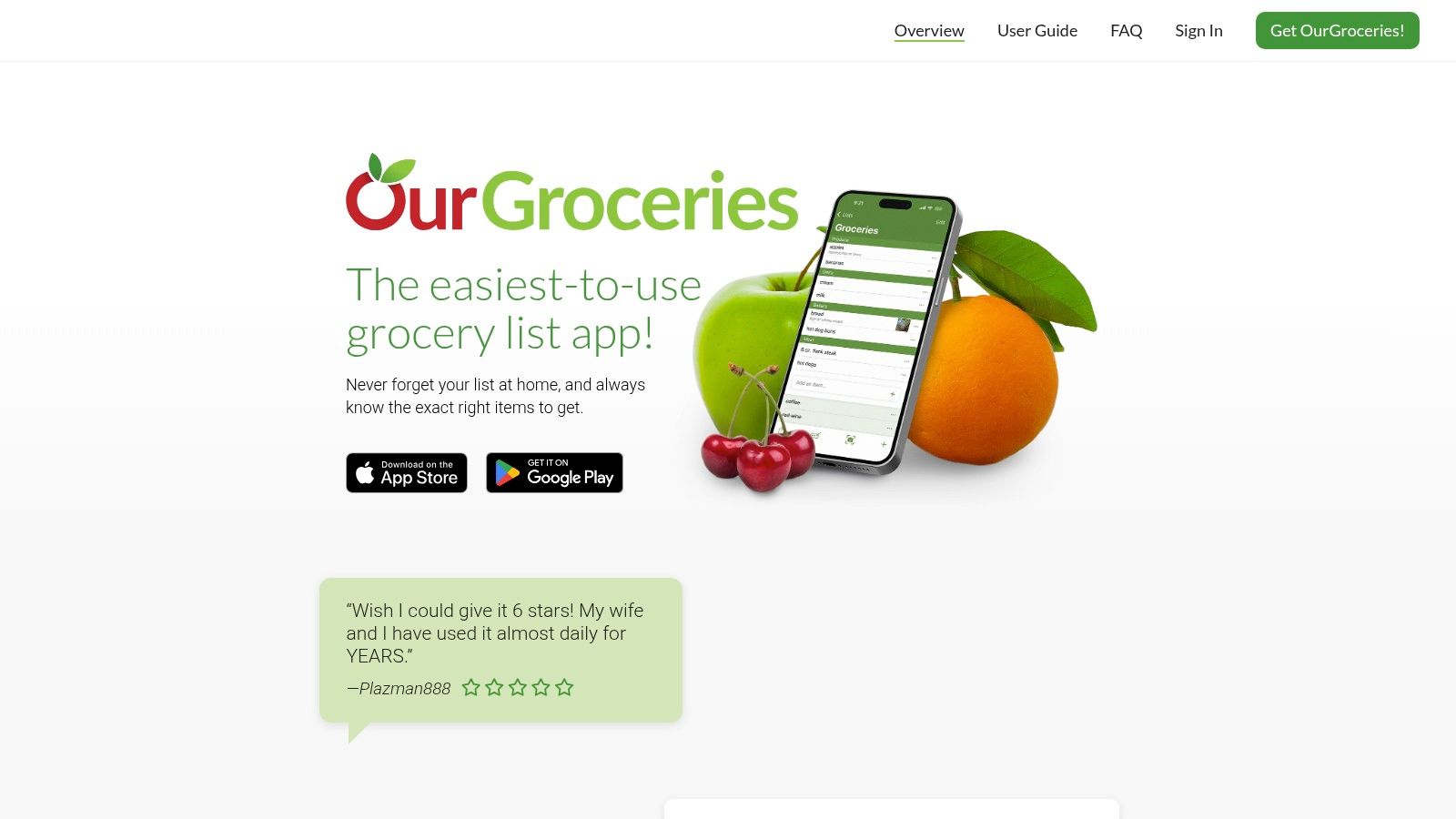
Some apps try to become your kitchen operating system. OurGroceries doesn't. That's exactly why a lot of people stick with it.
It's built around straightforward shared grocery lists, and that focus keeps the learning curve low. You can create multiple lists, organize by categories or aisles, add photos, and share across devices without much setup friction. For many households, that's enough.
What it gets right
The main advantage here is reliability through simplicity. If you've ever handed an app to another family member and watched them immediately ignore it because it felt too busy, OurGroceries solves that problem by staying narrow. The app isn't trying to win you over with a lifestyle pitch. It's trying to get milk, onions, and dish soap onto the same synced list.
That also means its recipe and planning features won't feel as rich as recipe-centered tools. If you want a complete flow from social recipe saving to meal calendar to shopping export, this isn't the strongest pick. If you want a clean shared list that is easy to use within minutes, it's one of the safer options.
The best grocery app for a family isn't always the one with the most features. It's often the one nobody resists using.
The ad-supported free experience may bother some users, though there is a paid upgrade path for those who want a cleaner setup. That keeps it practical for budget-conscious households that still want cross-platform access and dependable syncing.
If your priority is simple family coordination, OurGroceries remains a solid choice.
5. Listonic
Listonic sits in the fast-entry camp. It's built for people who think of grocery lists as something they should be able to create in seconds, not something that requires fiddling with folders, tags, or a planning ritual.
That speed matters because mainstream grocery-list apps are no longer niche tools. Apple's App Store listing says Listonic has been used by over 20 million users and is available on all devices with web browser editing through the Listonic App Store page. That's a strong signal that people now expect shared lists, syncing, and broad device access as table stakes.
Why speed matters here
Listonic is good at quick input, auto-categorization, and cross-platform access. If your typical workflow is “think of item, add item, shop later,” it feels efficient right away. Voice input helps too, especially when you're cooking and notice you're almost out of something.
It's less ideal if your grocery process starts with a personal recipe library. Listonic can support the shopping part well, but it isn't the most recipe-centric option in this lineup. It's more useful for ongoing household replenishment than for preserving recipes and building a weekly cooking plan around them.
A helpful read if you want to improve the actual list-building habit is this guide to smarter grocery list management.
- Very fast to use: Great for quick item capture.
- Strong ecosystem reach: Web access matters when a household uses mixed devices.
- Good everyday app: Best for recurring shopping rather than recipe archiving.
- Ads in free use: Premium details may be clearer in-app than on the public site.
For a fast, mainstream list app with broad device support, Listonic is easy to like.
6. Cozi Family Organizer Shopping Lists
Cozi makes more sense if groceries are just one part of your household logistics. It wraps shopping lists into a broader family organizer with calendars, reminders, and recipe storage, so the appeal is less about grocery specialization and more about keeping family coordination in one place.
That makes Cozi useful for busy families who don't want separate apps for meal planning, schedules, and shared lists. When everyone already checks the family calendar, the shopping list gets pulled into the same routine instead of becoming another app to remember.
Best if your list lives inside family logistics
The shopping-list experience is good enough for shared household use, and the integrated recipe box helps if you want some recipe connection without committing to a dedicated recipe manager. Shopping Mode in the paid tier is a meaningful convenience for in-store use, though it does mean one of the more practical list features sits behind the premium plan.
Cozi is not the best grocery list app for iPhone if your top priority is recipe capture from social platforms or highly refined store-aisle control. It is a very reasonable pick if your bigger problem is family coordination overall.
If that sounds familiar, this article on meal planning for busy families pairs well with Cozi's style of use.
The main trade-off is focus. Cozi can simplify family management, but shoppers who want a dedicated, grocery-first experience may find it broader than necessary. For many households, though, broader is exactly the point.
Use Cozi Family Organizer if your grocery list needs to live alongside the rest of family life.
7. Mealime
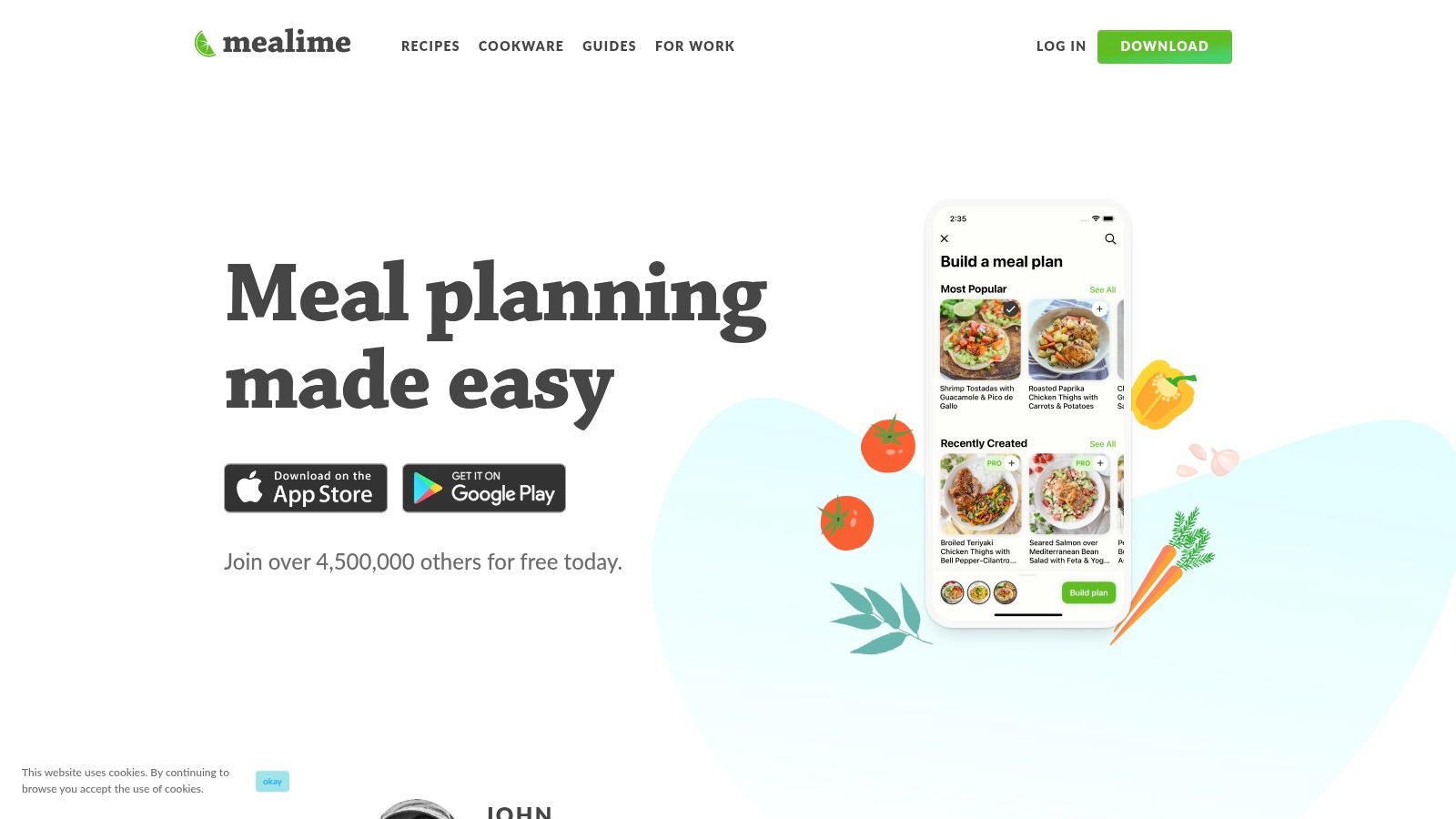
Mealime is one of the clearest picks for people who don't start with a blank grocery list. They start with dinner. You choose meals, and the app turns those choices into an organized list, which is exactly the right sequence for many busy cooks.
That workflow makes Mealime especially strong for weeknight planning. If the hard part for you is deciding what to make, not remembering to buy staples, Mealime removes a lot of friction by keeping meal planning and shopping tightly connected.
Best for meal-plan-first shoppers
The app's aisle-organized lists are useful in-store, and its support for online grocery ordering is a real advantage for people who alternate between store trips and pickup or delivery. Ingredient detail features also help when a recipe calls for something unfamiliar or when you need context while shopping.
The downside is sharing. Mealime is better as a personal or household planning tool than as a fully flexible shared-list system. If two adults need independent access and editing in a more traditional shared-list way, other apps handle that more naturally.
- Excellent meal-to-list workflow: Great when meals drive purchases.
- Strong hybrid shopping flow: Useful for both in-store and online ordering.
- Good ingredient context: Helpful for less confident cooks.
- Less flexible household sharing: Not the best collaborative list model in this group.
Mealime works best for people who want an app to help decide the week's food and automatically turn those choices into a shopping run. If that's you, Mealime is a strong fit.
8. Paprika Recipe Manager 3
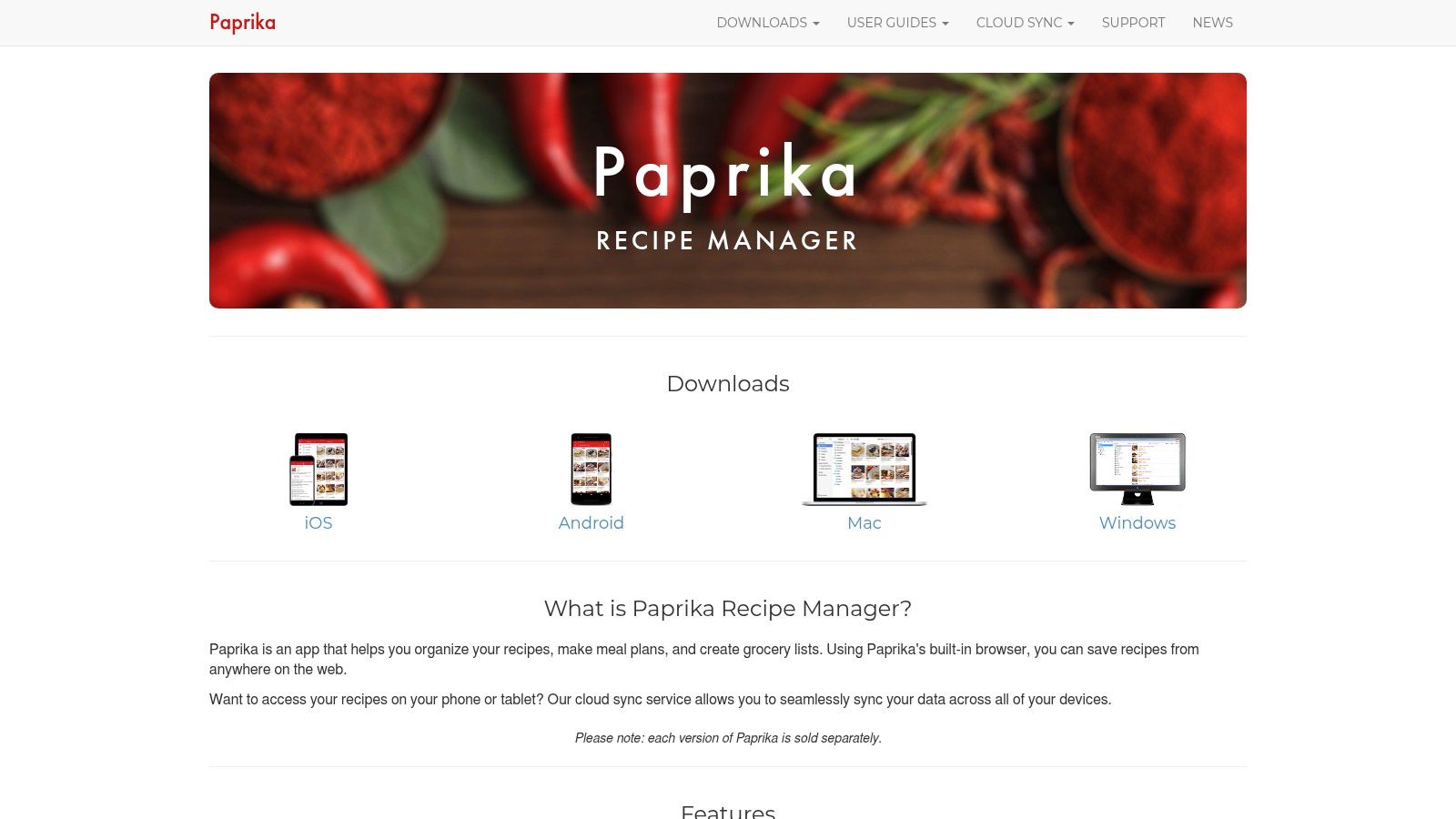
Paprika has been a favorite among serious home cooks for a long time because it handles recipes like assets, not disposable links. That shows up in the grocery workflow too. You add recipe ingredients to a list, and the app does a good job consolidating duplicates and keeping things organized.
This is one of the strongest picks for cooks who maintain a personal recipe archive and want a grocery tool that respects that structure. It feels more deliberate than lightweight list apps, and that's usually a plus if you cook often.
Who should pick Paprika
Paprika is especially appealing if you prefer a one-time purchase model on iOS rather than another subscription. That said, the separate-purchase approach across platforms is a real trade-off. If you want the full setup across iPhone, desktop, and other environments, the convenience of one ecosystem purchase isn't there.
Its grocery-list features are practical and recipe-aware, but the app is still more recipe manager than family collaboration platform. If your main pain point is real-time syncing across several household members, other apps make that feel more central.
Paprika works best when the recipe library is the heart of the kitchen, and the grocery list is an extension of that library.
For solo cooks or organized recipe collectors, Paprika remains one of the most dependable options. Use Paprika Recipe Manager 3 if you want strong recipe parsing and a grocery list that benefits from it.
9. Cooklist
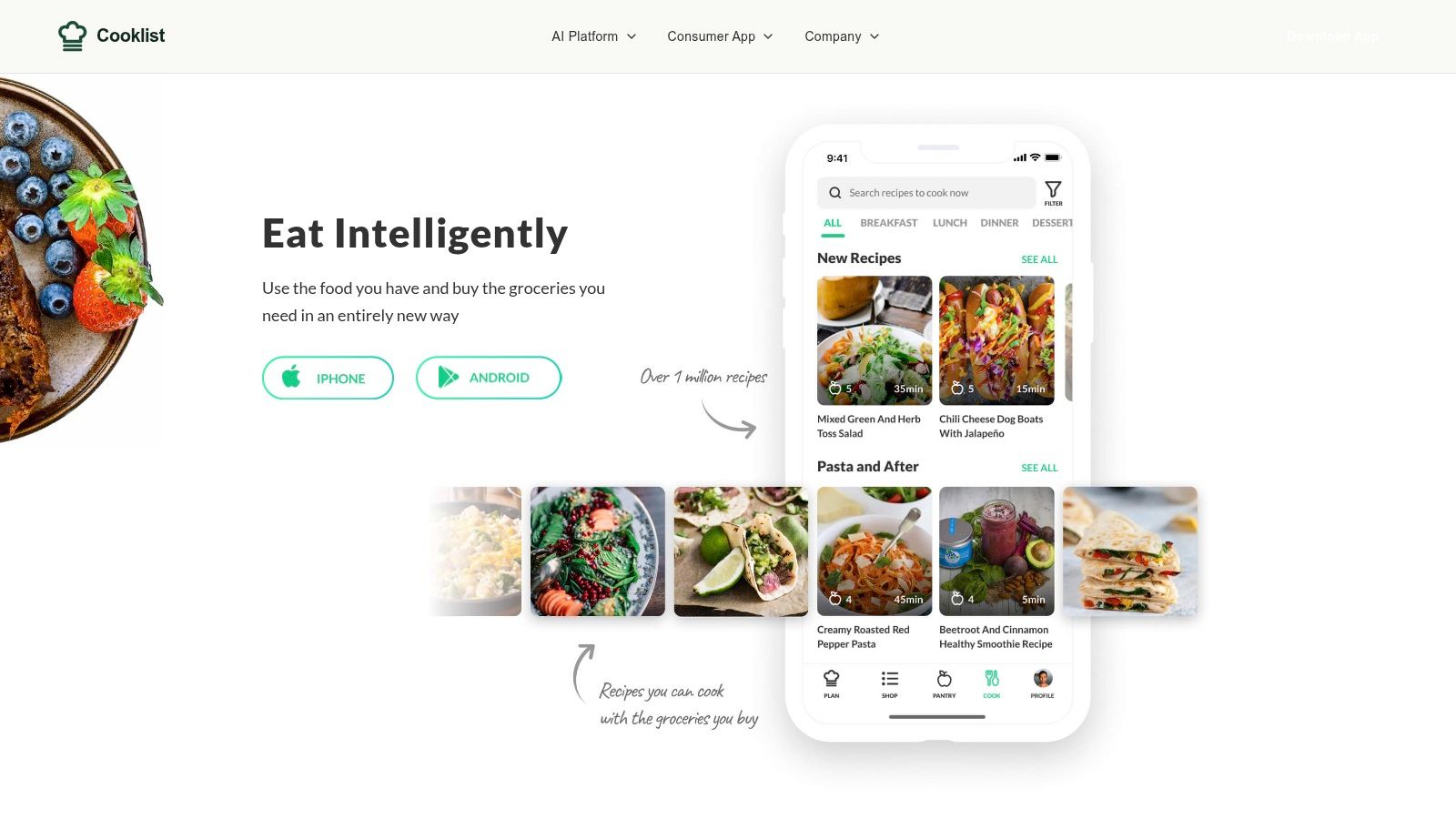
Cooklist takes a different angle. It's not just about writing down what to buy. It tries to connect your list to actual store products, current pricing, and what you already have at home. For some shoppers, that's more useful than a prettier checklist.
This makes Cooklist a smart option for households that care about pantry awareness and store-specific shopping decisions. If your usual grocery problem is buying duplicates, forgetting what's already at home, or trying to compare where to shop, Cooklist has a better argument than a simple list app.
Best for pantry-aware shopping
The strongest feature set here is the combination of pantry tracking, barcode scanning, recipe-linked shopping, and price visibility where supported. That can make trip planning feel more grounded in reality because you're not just making a wish list. You're working from what's already in the kitchen and what local stores carry.
The limitation is consistency. The quality of live pricing and store coverage depends on where you live and which retailers are supported. That means Cooklist can be excellent in one area and less compelling in another.
- Best for budget-minded planning: Useful if store comparisons matter.
- Pantry and list connection: Helps reduce duplicate buying.
- Good recipe support: Better than a plain shopping list for cooking households.
- Retailer-dependent experience: Some value depends on local support.
If you want your grocery app to act more like a shopping companion than a shared note, Cooklist is worth a look.
10. Grocery Smart Shopping List by Conrad Stoll
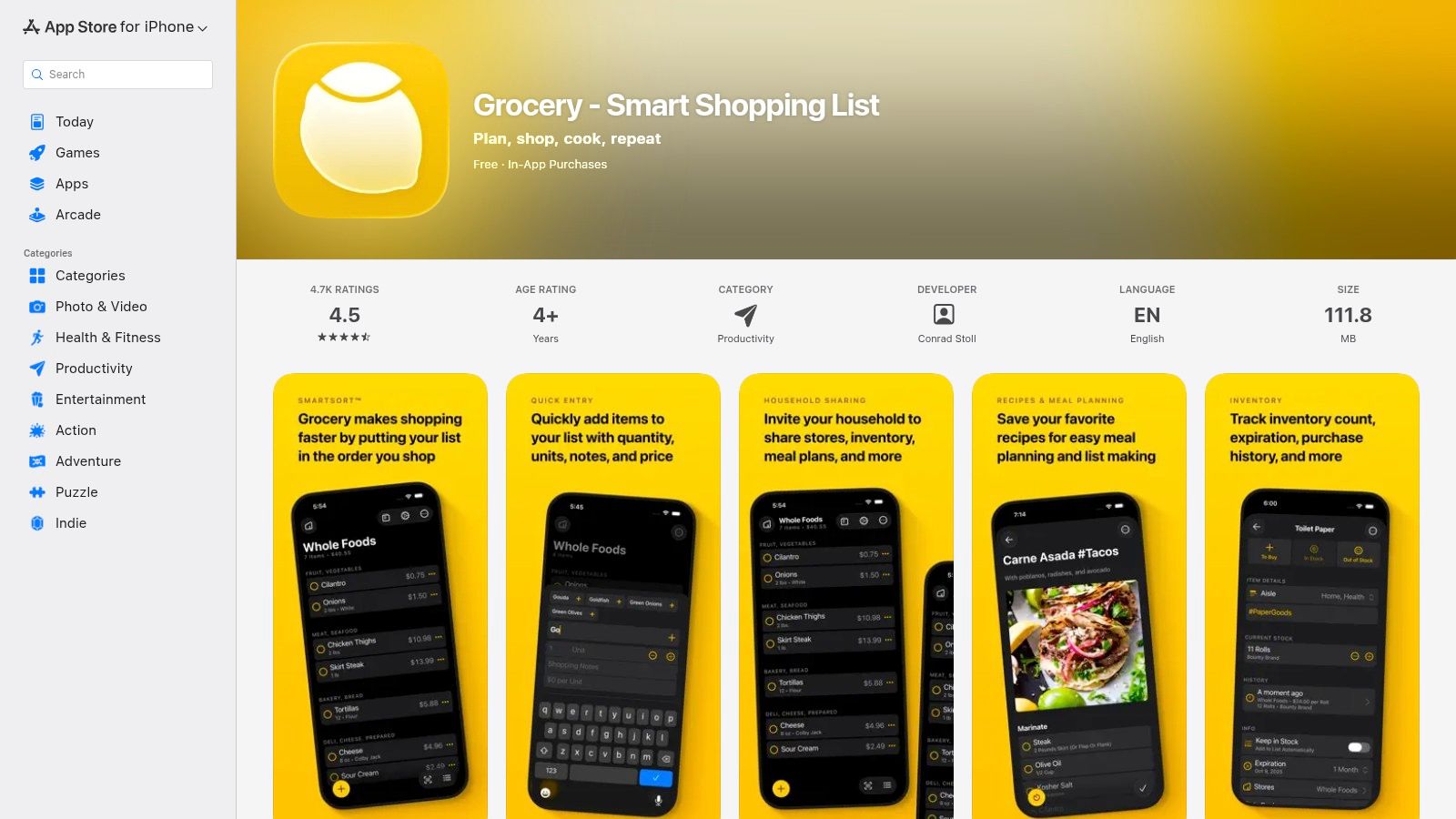
If you want an app that feels at home on Apple devices, Grocery by Conrad Stoll is one of the best examples. It leans into iPhone, Apple Watch, Mac companion support, widgets, Shortcuts, and Live Activities in a way that makes it feel purpose-built for Apple users.
That Apple-native feel matters more than it sounds. A grocery app gets used in short bursts, often while you're moving. The faster it fits into the way you already use your iPhone, the less friction there is every week.
Best for Apple-focused shoppers
The standout feature is store-specific sorting. If you like your list to match the physical order of your usual grocery store, this app is strong. That's the kind of detail that reduces backtracking and makes in-store shopping more efficient without a lot of extra setup.
It also includes price, quantity, inventory tracking, and shareable lists, though some of the stronger features are part of the premium tier. The free version may be enough for light use, but households that want full sharing and inventory features will likely need the upgrade.
This app is less about recipe management and more about making the act of shopping feel smooth on Apple hardware. If that's your priority, Grocery Smart Shopping List on the App Store is a good fit.
Top 10 iPhone Grocery List Apps, Feature & Comparison Guide
| App | Core features ✨ | Quality ★ | Unique selling point ✨ | Ideal users 👥 | Price/value 💰 |
|---|---|---|---|---|---|
| OrganizEat 🏆 | One‑tap saves from Instagram/TikTok/Facebook +200 sites, photo capture, offline copies, meal planner & Cooking Mode | ★★★★★ | Preserve originals + persistent offline copies; chef‑friendly capture & cross‑platform sync | 👥 Home cooks, family recipe keepers, social‑sourced collectors | 💰 Check site (plans/trial) |
| AnyList | Recipe import, smart categorization, meal planner, Watch & Siri support | ★★★★ | Granular store/aisle control & polished iOS experience | 👥 iOS users who want integrated grocery+recipes | 💰 Free + AnyList Complete subscription |
| Bring! | Icon‑based shared lists, inspirations, voice input, Watch support | ★★★ | Visual, family‑friendly UX with retail/offer tie‑ins | 👥 Families/partners wanting simple shared lists | 💰 Free (retailer partnerships/ads) |
| OurGroceries | Real‑time shared lists across platforms, multiple lists, recipe‑to‑list | ★★★★ | Very simple, reliable sync and low‑cost ad‑free upgrade | 👥 No‑fuss families wanting dependable sharing | 💰 Free + modest paid ad‑free upgrade |
| Listonic | Smart suggestions, auto‑sorting by aisle, voice input, web support | ★★★ | Fast list building and cross‑platform web app | 👥 Quick‑entry shoppers across devices | 💰 Free + premium to remove ads (in‑app) |
| Cozi (Shopping Lists) | Shared shopping lists, recipe box, family calendar, Shopping Mode (Gold) | ★★★ | All‑in‑one family hub tying lists to calendar & reminders | 👥 Households needing shared calendar + lists | 💰 Free + Cozi Gold family subscription |
| Mealime | Meal‑plan driven, auto‑categorized lists, grocer integrations for checkout | ★★★★ | Smooth meal‑plan → aisle lists + direct grocer checkout | 👥 Weekly meal‑planners who order groceries online | 💰 Free + Mealime Pro for nutrition/features |
| Paprika Recipe Manager 3 | Robust recipe parsing, ingredient consolidation, aisle sorting, multi‑platform apps | ★★★★ | Trusted parsing + one‑time purchase model per platform | 👥 Power home cooks who want offline reliability | 💰 One‑time purchases per platform |
| Cooklist | Live store pricing/availability, pantry tracking, barcode scan, price compare | ★★★ | Real‑time local prices & pantry → list workflows (US focus) | 👥 Budget‑minded US shoppers using loyalty programs | 💰 Free + optional in‑app premium features |
| Grocery – Smart Shopping List | Per‑store aisle Smart Sort, iCloud sync, Shortcuts, Live Activities, Watch | ★★★★ | Deep Apple platform features & transparent IAP (monthly/year/lifetime) | 👥 iPhone/Watch users wanting native Apple integrations | 💰 Free + IAP (monthly/yearly/lifetime) |
Choosing Your App The Right Tool for a Smarter Kitchen
The best grocery list app for iPhone depends on where your friction starts.
If the problem starts in the store, a fast, shared list app may be enough. Bring!, OurGroceries, Listonic, and Grocery all help in different ways. Bring! is especially friendly for households that want simple sharing. OurGroceries keeps things easy. Listonic is fast and mainstream. Grocery feels especially good if you live inside Apple's ecosystem.
If the problem starts earlier, during weekly planning, then the answer changes. AnyList, Mealime, Cozi, Paprika, and Cooklist all handle more of the workflow before you ever enter the store. AnyList is the most balanced grocery-first option with recipe support and strong iPhone polish. Mealime is excellent when meals drive your shopping. Cozi works if groceries are part of broader family coordination. Paprika is ideal for cooks who maintain a serious recipe library. Cooklist is strong for pantry and pricing awareness.
For people who care most about their own recipe collection, though, one app stands above the rest. OrganizEat does the best job of bridging recipe discovery, recipe preservation, meal planning, and grocery-list generation in one place. That's a meaningful difference because many people don't need just another list app. They need a place where saved Instagram recipes, handwritten family cards, cookbook photos, and clipped web recipes can all become usable again.
That recipe-first approach is what makes OrganizEat the strongest overall recommendation here. It doesn't force you to separate inspiration from execution. You save the recipe, keep it even if the original source disappears, generate a grocery list from ingredients, plan meals, and move into cooking mode when it's time to make dinner. That's a cleaner flow than juggling one app for recipes, another for notes, and a third for the actual shopping trip.
There's also a broader market truth behind this category. Shared grocery apps have become mainstream tools, not niche utilities. Category leaders now compete heavily on syncing, collaboration, and access across devices. But feature depth alone doesn't decide the best app. The winning app is the one that matches your real cooking and shopping habits.
If your household mainly needs a synced checklist, several apps here can work well. If you're a home cook who values your recipe collection and wants the shortest path from recipe idea to groceries in cart, OrganizEat is the most complete answer. It respects the recipes, supports the planning, and makes the shopping step feel connected instead of improvised.
If you create content or market apps in this space, it also helps to study how others build professional app presentations so the product's value is obvious before a user ever downloads it.
If you want one place for your recipes, meal plans, and grocery lists, OrganizEat is the easiest recommendation in this guide. It's especially good for home cooks who save recipes from Instagram, TikTok, websites, handwritten cards, and cookbooks, then want to turn those recipes into organized shopping lists without retyping everything.