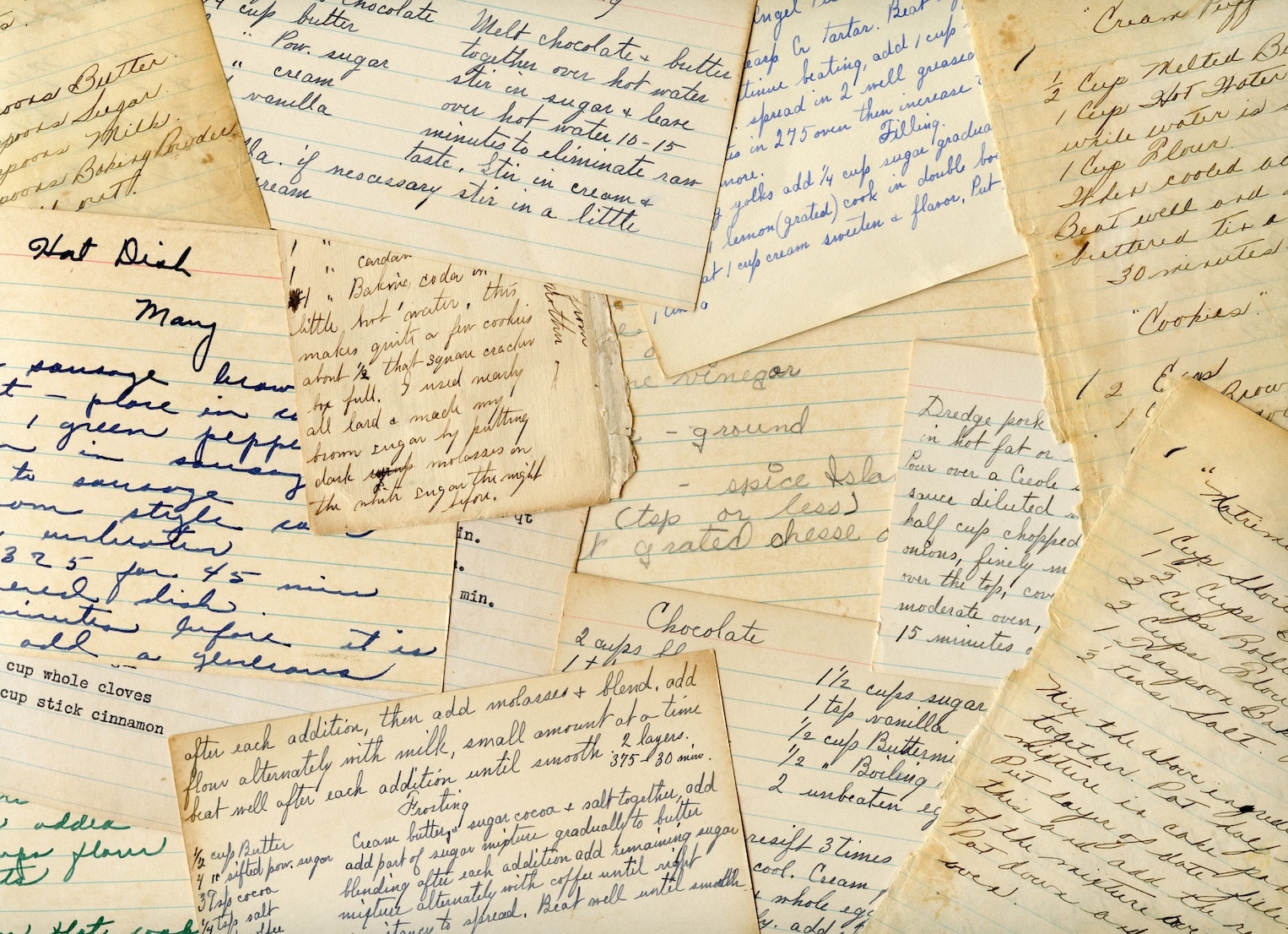



You probably have recipes in five different places right now. A gravy recipe on an index card with a butter stain across the corner. A bread recipe folded into a cookbook. Three screenshots from Instagram you meant to save properly. Maybe one note in your phone that starts with “Mom’s lasagna” and then trails off halfway through the ingredients.
That mess is normal. It’s also why an OCR recipe app feels so useful once you try one. Instead of treating recipes like random scraps, it turns them into something you can search, edit, organize, and cook from on a busy weeknight. And the most helpful part isn’t the flashy scan. It’s the simple cleanup step afterward that makes the result trustworthy.
Table of Contents
- From Shoeboxes of Cards to a Searchable Library
- How Your Phone Reads Your Grandmother’s Handwriting
- Practical Ways to Use OCR for Recipes
- Managing Expectations for OCR Scans
- What to Look for Beyond Just Scanning
- Your OCR Recipe App Questions Answered
From Shoeboxes of Cards to a Searchable Library
A lot of family recipe collections don’t look like collections. They look like clutter. One drawer holds handwritten cards. A shelf holds cookbooks stuffed with sticky notes. Your camera roll holds screenshots you can’t find when you need them.
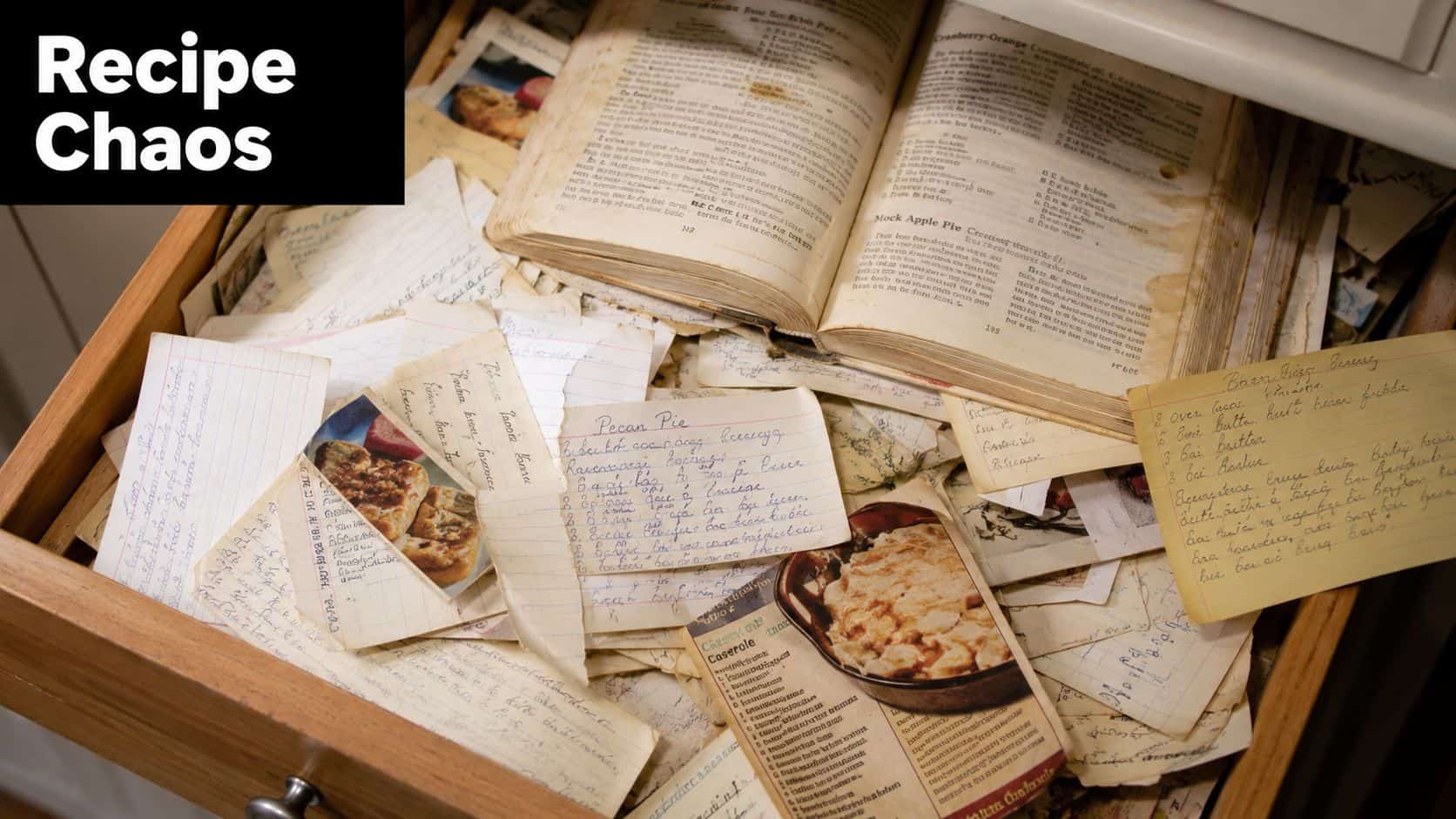
That’s where an OCR recipe app earns its keep. It takes a photo of a recipe and turns the words in that photo into text you can work with. Suddenly, “Aunt Lena’s apple cake” isn’t buried in a drawer or trapped in a screenshot. You can search for it, tag it, and pull it up while you’re standing in the grocery store trying to remember whether it needs walnuts or pecans.
This isn’t some tiny niche habit anymore. The global recipe app market has over 2.5 billion total downloads and more than 1 billion monthly active users, with the U.S. market projected to reach USD 943 million by 2033, which shows digital recipe organization has become a mainstream tool for home cooks (recipe app market data).
Why paper recipes get hard to live with
Paper has charm, but it also creates friction.
- Finding takes too long: You remember the dish, not where you put it.
- Sharing is awkward: You end up texting blurry photos to family members.
- Cooking is messy: One spill can damage a card you can’t replace.
- Collections drift apart: Printed recipes, screenshots, and handwritten notes don’t live in one place.
If you’ve ever digitized old family photos, the feeling is similar. You’re not just cleaning up clutter. You’re preserving something personal. That’s why a guide to digitizing cherished memories feels surprisingly relevant here too. Recipes carry stories the same way photos do.
Practical rule: The best digital recipe library still keeps the original feeling of the recipe. It just removes the frustration of hunting for it.
If you want ideas for where to begin, this roundup of simple ways to digitize old family recipes is a useful starting point. The key is to start with the recipes you cook most, not the whole pile at once.
How Your Phone Reads Your Grandmother’s Handwriting
OCR stands for Optical Character Recognition. That sounds technical, but the basic idea is simple. Your phone takes a picture of words, then software translates those word shapes into editable text.
It’s a digital kitchen assistant that reads the card for you and types it out. Not perfectly every time, but often well enough that you only need a few quick fixes.
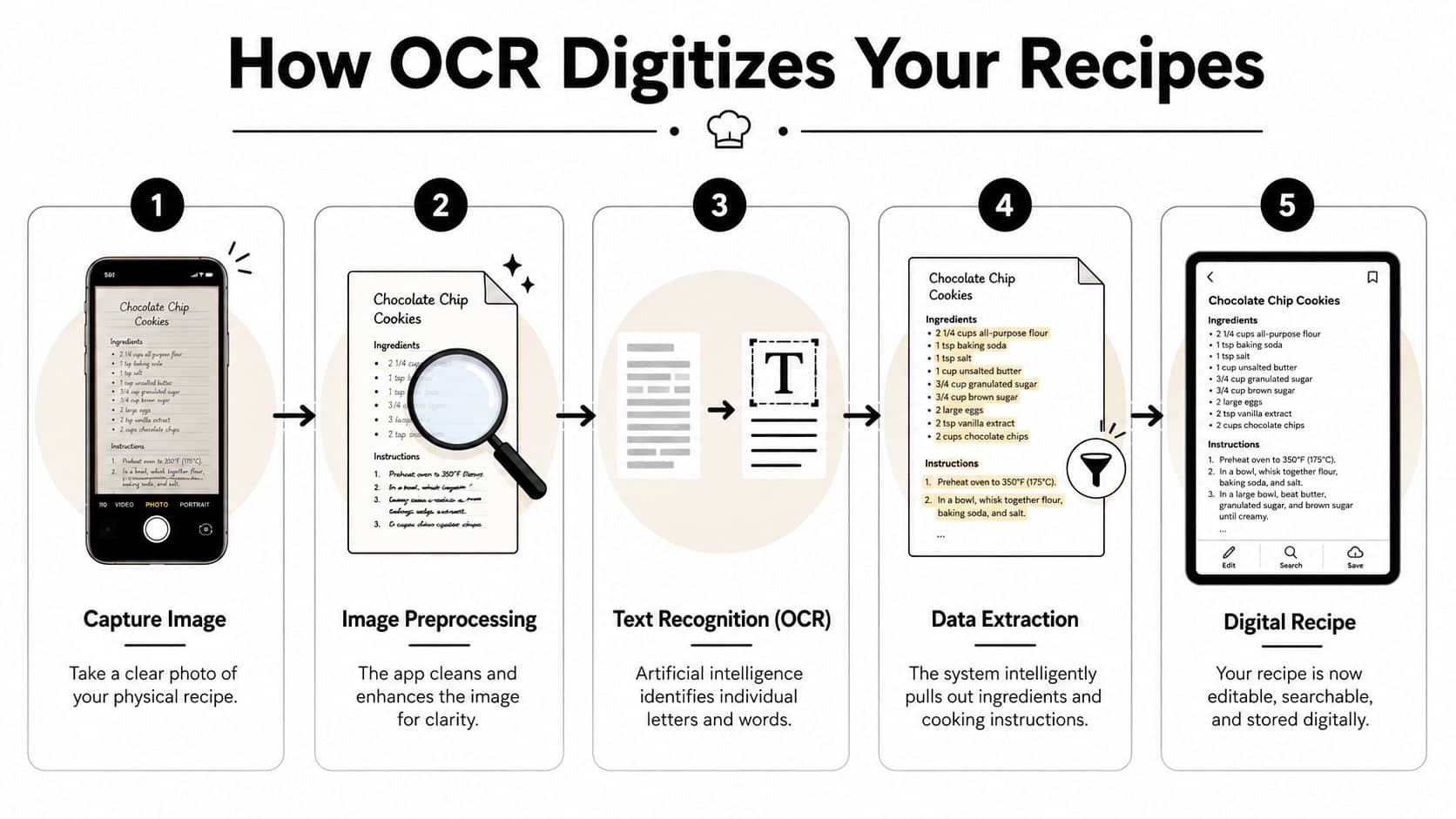
What happens after you snap the photo
Many assume the app just “reads” the recipe in one move. It’s a little more structured than that.
-
You capture the recipe image.
This could be a handwritten card, a cookbook page, or a printed clipping. -
The app cleans up the image.
It tries to deal with shadows, tilt, and low contrast so the letters are easier to read. -
The OCR engine identifies characters.
It looks at shapes and patterns, then decides which ones are letters, numbers, and punctuation. -
The app turns those characters into recipe text.
Good apps try to separate ingredients from directions so the result feels like a proper recipe, not a messy paragraph. -
You review and save.
This is the part many people skip in their minds, but it matters most.
Why this matters in a kitchen, not just on a screen
A photo alone isn’t very useful once you’ve saved hundreds of recipes. You can’t easily search your camera roll for “cumin” or “banana bread without nuts.” Editable text changes that. It lets you search by title, ingredient, or keyword, and it gives you something you can clean up for future use.
That’s why OCR technology has become a critical feature for turning images of handwritten cards and cookbook pages into editable text, especially for people digitizing personal recipe collections and organizing what they save (OCR recipe digitization overview).
OCR isn’t magic. It’s pattern recognition plus a photo plus your quick review at the end.
Handwriting is where readers usually get confused. They assume an OCR recipe app either reads cursive flawlessly or fails completely. In practice, it does something in between. It often gets enough right to save you a lot of typing, then lets you fix the bits it misunderstood.
If handwritten recipes are your main project, this article on AI tools for transcribing handwritten recipes gives a helpful overview of what these tools can and can’t do well.
Practical Ways to Use OCR for Recipes
The easiest way to understand an OCR recipe app is to look at the jobs it does in real kitchens. It’s less about technology and more about rescuing recipes from places that are hard to use.
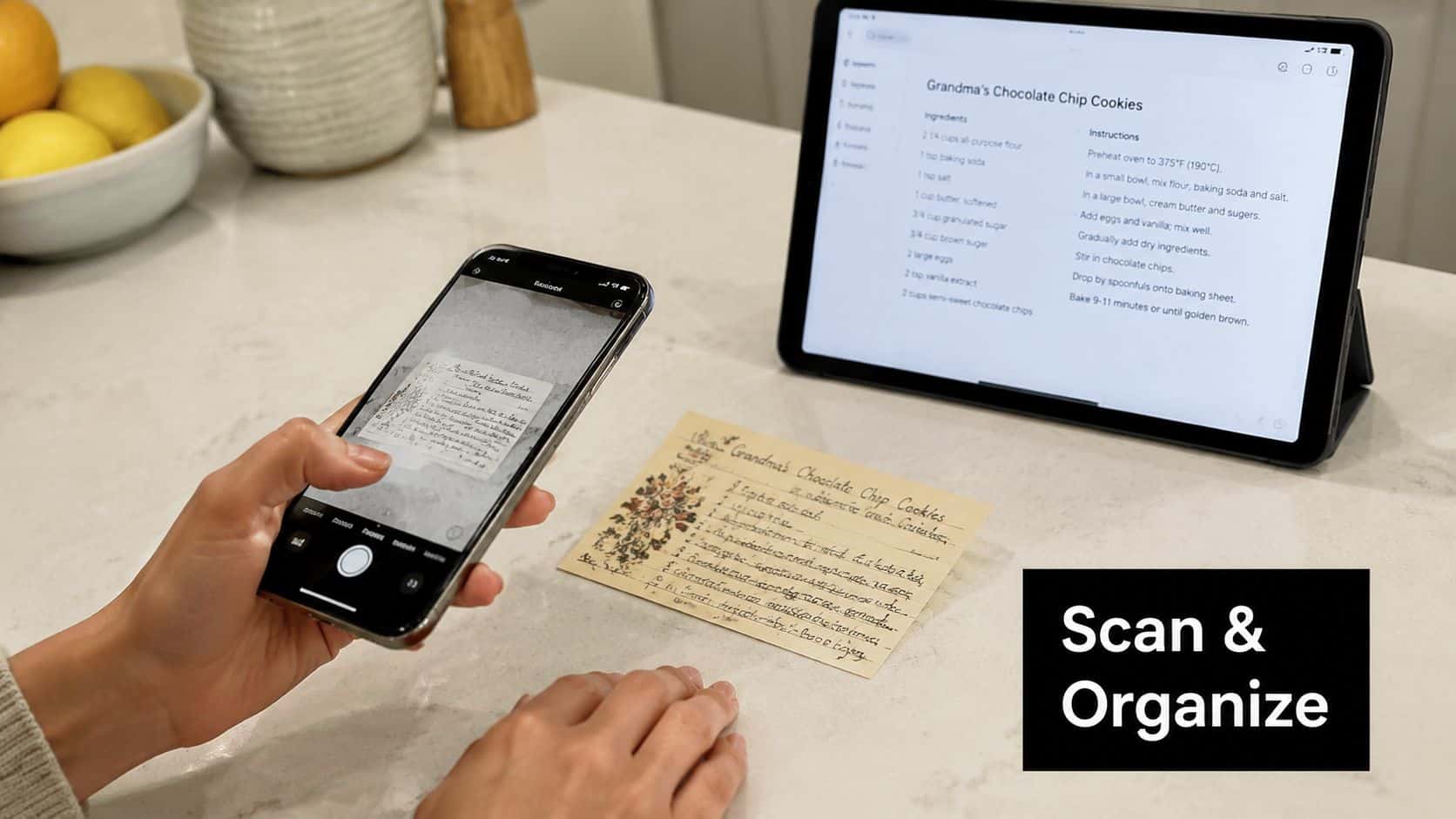
A lot of apps now include this kind of photo-to-text feature. In fact, over 68% of top-rated recipe apps in the US and EU markets include photo-to-text digitization as a core feature (discussion of OCR adoption in recipe apps). So the question isn’t whether scanning exists. It’s how you’ll use it day to day.
Preserving Handwritten Family Recipes
This is the emotional use case. You’ve got a card in someone’s handwriting, maybe with odd abbreviations and a note in the margin that says “good for holidays.” You don’t want to lose that.
The smartest move is to photograph the original, let OCR pull out the text, then keep both the image and the cleaned-up recipe. That way you preserve the look of the card and make the content searchable. If your sibling asks for the stuffing recipe, you send a clean version instead of trying to decode faded handwriting over text.
Scanning Your Favorite Cookbooks
Cookbooks are great to browse and annoying to search. You know there’s a soup recipe you love in one of them, but you can’t remember the page or even the title.
OCR works well here because cookbook pages tend to be more regular than handwriting. You can build your own “best of” shelf without retyping everything. Save the recipes you make. Tag them by dinner, baking, vegetarian, holiday, or whatever matches how you cook.
A short demo helps make that workflow easier to picture:
Saving Recipes from Social Media or Websites
This might be the most practical use of all. A recipe shows up on Instagram, TikTok, Facebook, or a website. You screenshot it because you’re busy. Then it disappears into your camera roll with vacation photos and random receipts.
OCR gives those screenshots a second life. Upload the image, extract the text, fix any formatting problems, and save it as a real recipe. Social content often proves fast and messy; links break, captions get edited, posts vanish, and screenshots provide scant information when viewed months later.
Here’s how the three common sources compare:
| Source type | Typical problem | How OCR helps |
|---|---|---|
| Family cards | Hard to read, easy to lose | Makes them searchable and easier to share |
| Cookbook pages | Hard to find later | Builds a personal digital “favorites” library |
| Screenshots | Buried in camera roll | Converts them into usable recipe entries |
The handiest OCR recipe app isn’t the one with the fanciest promise. It’s the one that helps with the messy formats you already have.
Managing Expectations for OCR Scans
This is the part marketing blurbs often skip. OCR is useful. It’s also imperfect, especially when the recipe wasn’t written for a machine to read.
For printed cookbook pages, OCR accuracy can reach 95 to 98 percent. For handwritten recipes, it drops to 82 to 87 percent, which is why a preview and quick-correction step matters so much. If you’ve ever seen “1 clove garlic” turn into something strange, that gap makes sense.
Where scans usually go wrong
Printed pages are more predictable. Handwriting brings more variables.
- Cursive letters blend together: “tbsp” and “tsp” can become a problem fast.
- Old cards fade: Light pencil or weak ink gives the scanner less to work with.
- Stylized cookbook fonts confuse recognition: Decorative headings can be misread.
- Shadows and curved pages distort words: A bent cookbook spine can scramble a line.
That doesn’t mean OCR fails. It means you should treat the first scan as a draft.
The best feature is the edit screen
A strong OCR recipe app doesn’t pretend every scan is one-tap perfect. It assumes you’ll want to glance over the title, ingredient amounts, and instructions before saving. That’s not a flaw in the workflow. It is the workflow.
Kitchen-safe advice: Always verify ingredients and quantities before you cook from a fresh scan.
This matters even more for family recipes because one wrong number can change the whole dish. A missed fraction in baking is a bigger problem than a typo in the title.
Privacy matters too. People often worry that scanning means handing over family recipes with no control. A reputable app should make storage, backup, and account settings easy to understand. You shouldn’t have to guess where your recipe photos go or whether you can still access them later on another device. Clear policies and secure backup matter just as much as scanning speed.
What to Look for Beyond Just Scanning
A lot of people choose an OCR recipe app based on the first impressive demo. Someone points a phone at a recipe card, text appears, and that seems like the whole story. It isn’t. Scanning is only the front door.
The better question is this: once the recipe is scanned, can you live with it?
A user complaint on Reddit gets right to the point. OCR tools can “sometimes choose something random and not in the recipe,” which is why fast self-editing is often more valuable than the scan alone (user discussion about OCR recipe scanning issues).
The Must Have Checklist
Some features matter more than flashy promises.
-
Easy editing after the scan
This should be the first test. Can you tap into the ingredient list and fix a mistake quickly, or do you have to fight the interface? -
Flexible organization
Tags, folders, categories, and search make the app usable once your collection grows. Without organization, a digital pile is still a pile. -
More than one import method
Real collections include cards, cookbooks, screenshots, and web recipes. A good app should fit the messy reality of how people save food ideas. -
Sync across devices
You might scan on your phone, meal plan on a tablet, and shop with your grocery list on another device. That flow should feel normal, not complicated. -
Offline access
Kitchens, stores, and family cabins don’t always have reliable internet. If your recipes vanish without a signal, the app becomes less dependable. -
Meal planning and shopping tools
This is where a recipe organizer starts to save real time. The ability to turn ingredients into a shopping list or pull recipes into a plan makes the collection useful, not just neat.
A Better Test Than Marketing Claims
When you’re comparing options, don’t ask, “Can it scan?” Ask these instead:
| Question | Why it matters |
|---|---|
| Can I correct mistakes in seconds? | OCR errors are normal, so editing speed matters daily |
| Can I organize recipes my way? | Families sort recipes differently than food bloggers do |
| Can I save recipes from multiple sources? | Most people don’t collect recipes from just one place |
| Can I use it while cooking and shopping? | The app should help after import, not stop there |
If you want a feature-by-feature overview of what strong OCR support looks like in recipe organizers, this guide to apps with built-in OCR for recipes is a practical reference.
What usually disappoints people isn’t bad scanning alone. It’s the combination of a decent scan and a frustrating cleanup process. The opposite is often better: a fast scan, a clear edit screen, smart organization, and tools that help when it’s time to cook.
Your OCR Recipe App Questions Answered
Can an OCR app read old or faded recipe cards
Sometimes yes, sometimes not well enough on the first try. If the card is faded, stained, creased, or written in very light pencil, OCR may catch part of it and miss the rest. In those cases, the best setup is an app that lets you keep the photo and finish the recipe with manual typing. That hybrid approach is often the safest way to preserve old family recipes accurately.
Are my scanned recipes private
That depends on the app, so it’s worth checking the privacy policy and backup settings before you commit. Look for clear language about storage, syncing, and account control. You want to know whether your collection is backed up securely and whether you can access it across devices without losing the originals.
Do I need a special scanner or just my phone
Typically, your phone is enough. A modern smartphone camera can handle recipe cards, cookbook pages, and printed clippings well if you use decent lighting and keep the page flat. A dedicated scanner might help with fragile archival materials, but for everyday kitchen use, your phone is the practical choice.
If a recipe matters, save both versions: the original image and the cleaned-up text.
That gives you the sentimental original and the usable digital copy. Best of both worlds.
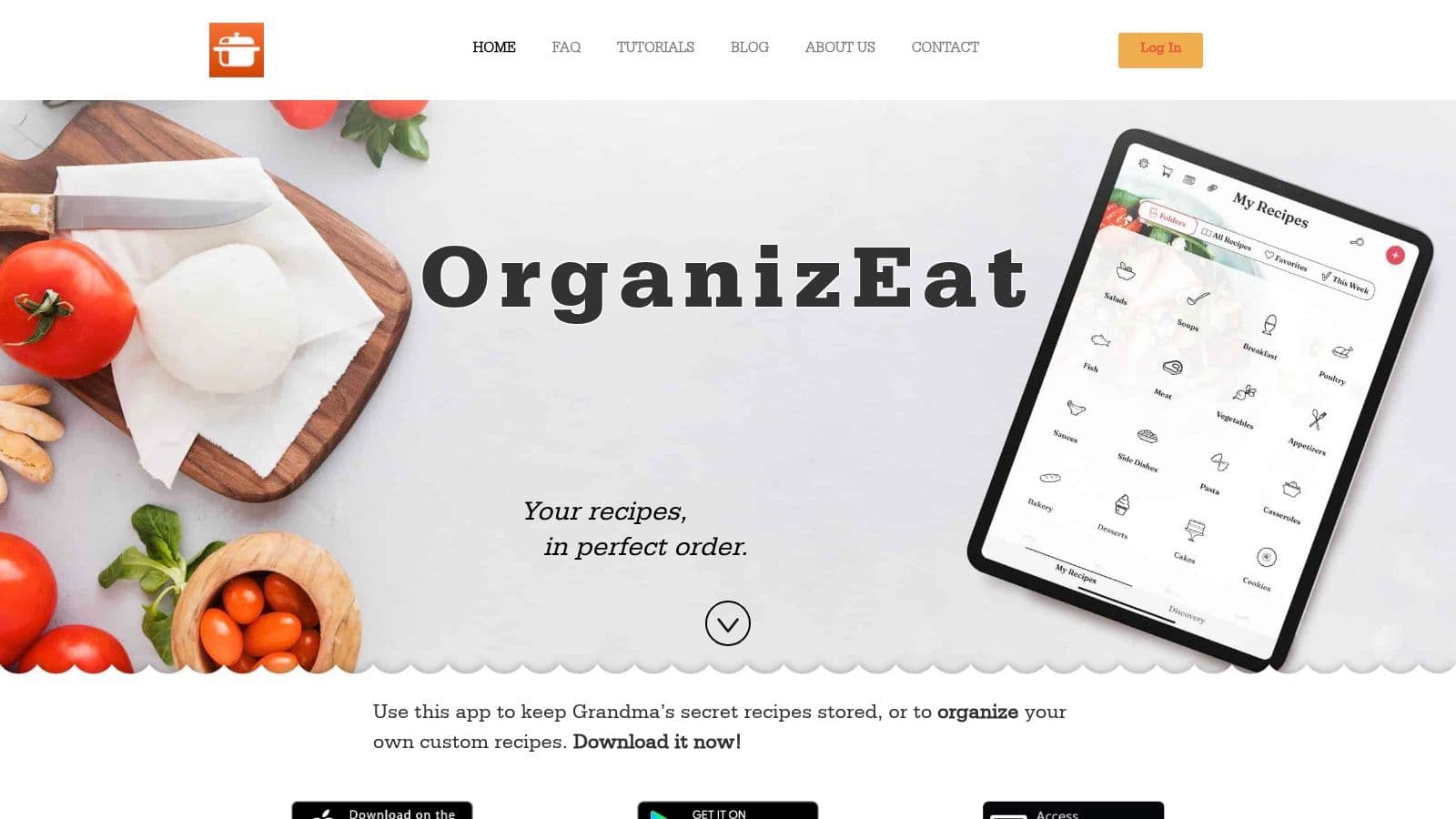
If you’re ready to stop digging through drawers, screenshots, and stained cookbook pages, OrganizEat is a practical place to start. It helps you scan handwritten recipes, save recipes from social media and websites, organize everything into a searchable library, and keep your collection available across devices when you’re cooking, shopping, or planning meals.