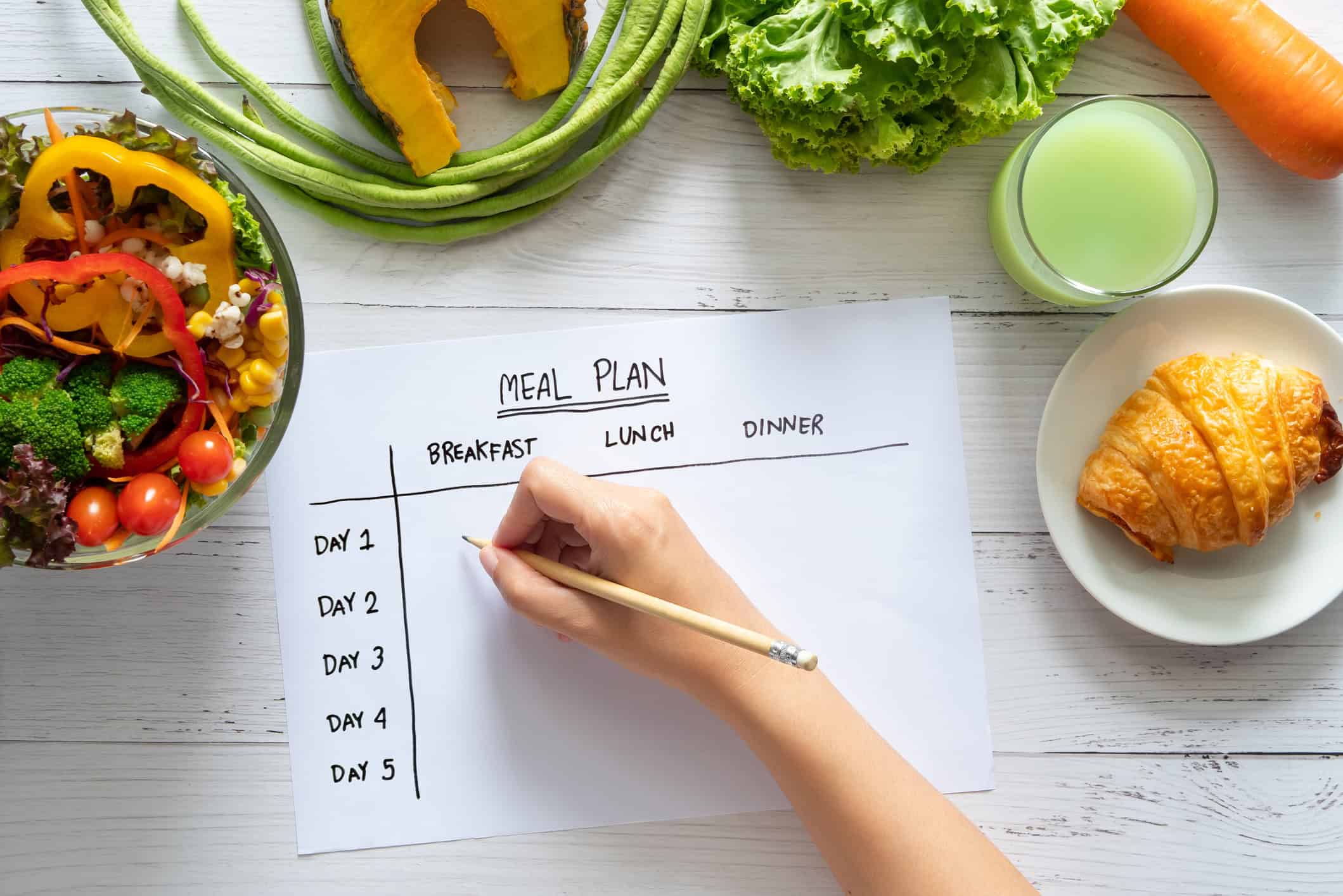



You've probably done this already. You open Amazon, search for a monthly planner, and get buried in pages of floral covers, neutral covers, pockets, tabs, stickers, and promises that this one will finally get your household organized. Meanwhile, dinner still needs an answer by 4 p.m., the fridge has half a bell pepper and three yogurts, and nobody can remember which night soccer practice runs late.
That's why the right planner matters. A good Amazon monthly planner can calm the kitchen down fast. It gives meals a home, cuts down the daily “what's for dinner?” loop, and helps you spot busy nights before they wreck your week. But paper also has limits, especially when recipes live on your phone, grocery decisions happen in the store, and your plan needs to survive spills, lost pages, or patchy internet.
This is the practical way to approach it. Pick the physical planner that fits your life, set it up so it works for meal planning, and then build a digital backup system so your recipes and plans don't disappear when life gets messy.
Table of Contents
- Choosing Your Perfect Amazon Monthly Planner
- Setting Up Your Planner for Meal Planning Success
- Converting Your Meal Plan into a Grocery List
- The Limits of Paper Planners in a Digital World
- The Digital Monthly Planner Alternative That Works Offline
- Finding the Right Meal Planning System for You
Choosing Your Perfect Amazon Monthly Planner
Amazon is full of planners that look good in photos and disappoint in daily use. For meal planning, the cover matters less than the layout, paper feel, and whether the planner fits where you'll use it. A beautiful planner that stays shut in a drawer won't help on a rushed Tuesday.
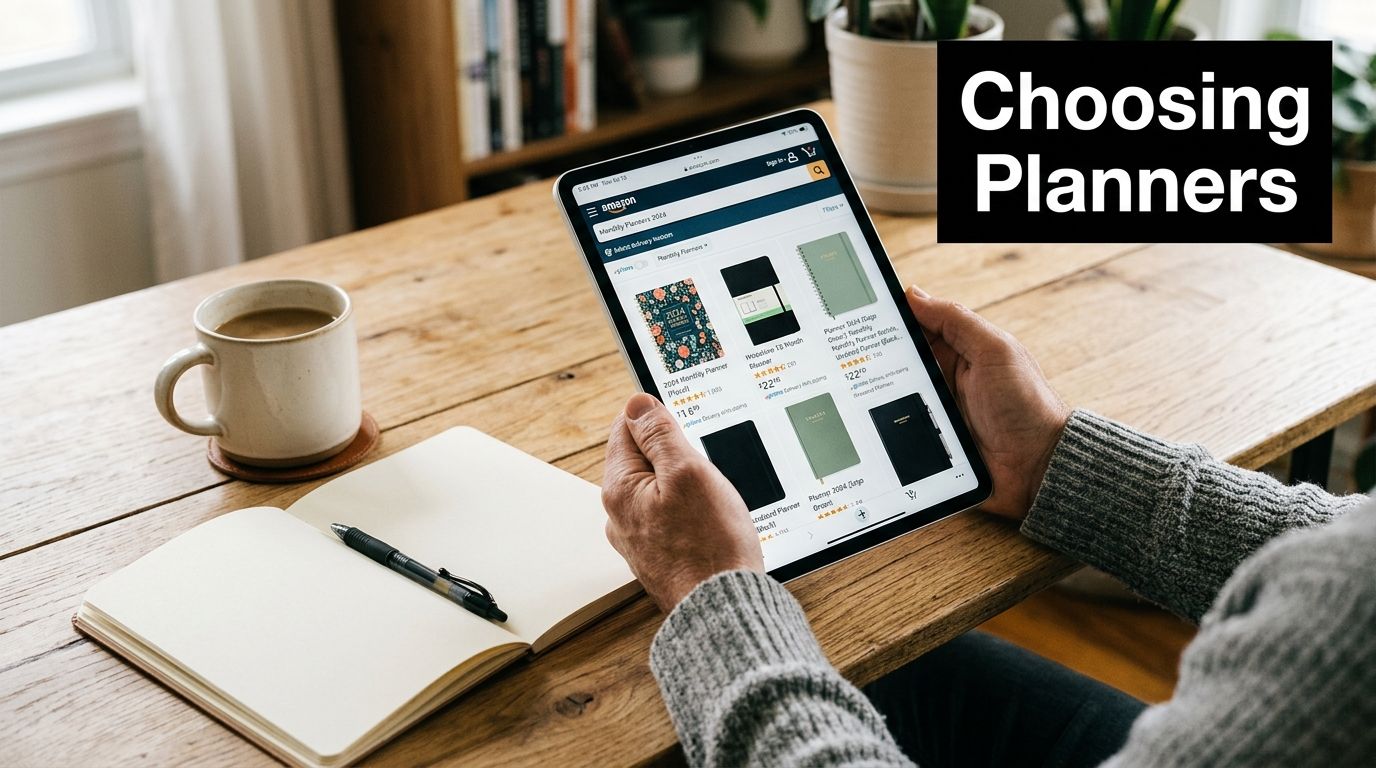
Start with the format you'll actually use
If your meal planning happens at the kitchen counter, choose a planner with enough writing space to see the whole month at a glance. If you plan in the car, at work, or during school pickup, a compact format is easier to keep with you. Neither is better. The right choice depends on where planning happens in real life.
Three details usually matter most:
- Monthly visibility: You need enough room to mark late nights, leftovers, batch-cooking days, and simple meals.
- Weekly support: Even if you mainly want a monthly planner, extra weekly pages help when a recipe needs prep the night before.
- Durability: Meal planners live hard lives. They sit near steam, coffee, grocery receipts, sticky hands, and overstuffed bags.
A planner can be minimal and still work beautifully. In fact, simple often wins because there's less friction. You don't need ten specialized trackers if what you really need is a clear meal map and a place to jot ingredients.
Practical rule: Buy for your busiest week, not your most organized fantasy week.
Look at what best sellers reveal
Best sellers tell you something useful about function. The top-selling pocket monthly planner on Amazon, with over 10,000 units sold monthly and a 4.7-star rating, demonstrates the high demand for simple, effective physical planning tools in a competitive field of over 140 options according to ASIN data on Amazon pocket monthly planners.
That matters because it shows what people keep rewarding with purchases. Not complexity. Not decorative extras. They choose planners that are easy to carry, easy to scan, and easy to use repeatedly.
When comparing options on Amazon, check these before you click Buy Now:
- See how much writing room each date box gives you. Meal names, prep notes, and family schedule details add up quickly.
- Check whether the planner is dated or undated. Undated planners are forgiving if you miss a week.
- Look for photos of the inside pages. You're buying the layout, not the cover.
- Think about where grocery notes will live. Some planners leave enough margin space. Others force you to use separate scraps of paper.
A good Amazon monthly planner should reduce decision fatigue. If it creates more of it, keep scrolling.
Setting Up Your Planner for Meal Planning Success
A blank planner can feel oddly intimidating. The easiest fix is to stop treating every square as equal. Some days need full meals from scratch. Others need leftovers, freezer dinners, or breakfast-for-dinner because everyone's tired and nobody wants to chop an onion.
The strongest setup is visual, flexible, and forgiving.
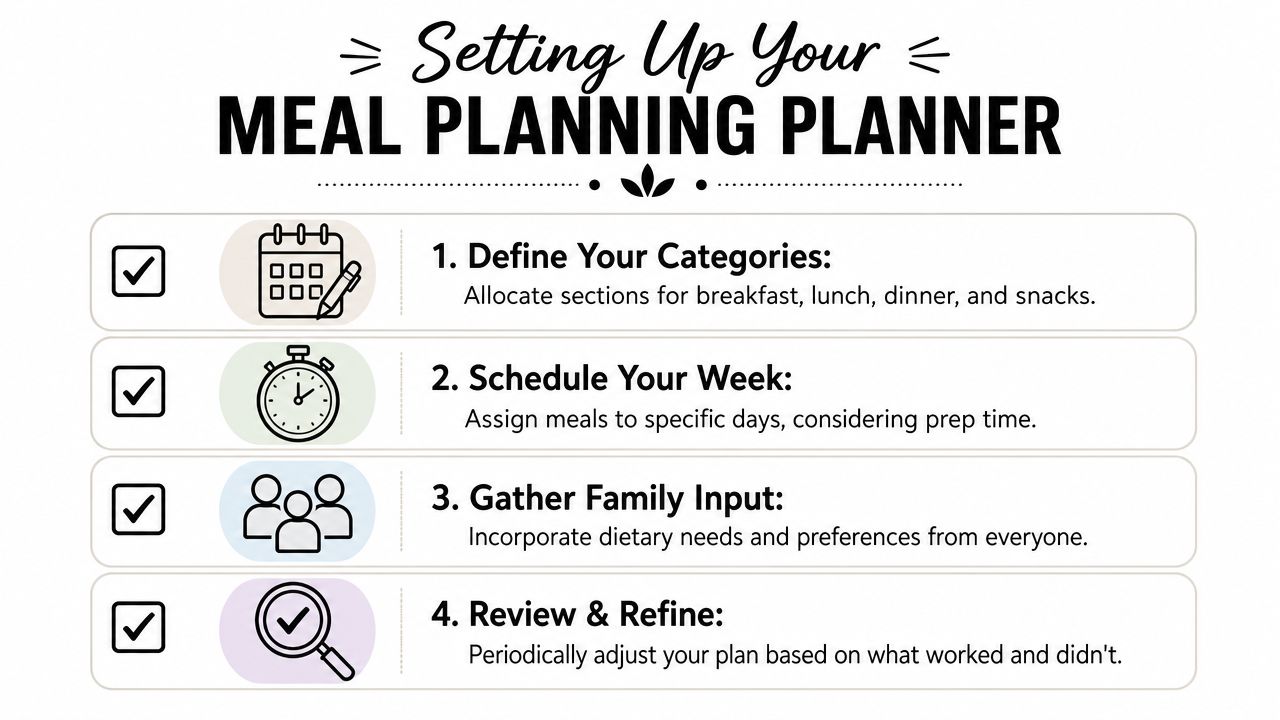
Build the month first
Start with the big picture. Mark anything that affects dinner before you write a single meal. That includes late meetings, sports, travel, birthday nights, and the day before a big grocery run.
Then add a loose meal rhythm. Not a strict menu, just categories that lower the daily mental load.
- Fast nights: Tacos, eggs, sandwiches, rotisserie chicken, or pasta.
- Cook once nights: Soup, casserole, roasted vegetables, or a double-batch protein.
- Use-it-up nights: Meals built from produce, leftovers, and pantry odds and ends.
- Treat nights: Pizza, takeout, or a family favorite that keeps morale up.
This approach works because you're planning energy as much as food. A planner should protect your week from over-ambition.
If every meal on your calendar requires full effort, the planner becomes another thing to fail at.
Use the weekly area for the real work
Monthly pages show rhythm. Weekly pages carry the details. That's where you assign actual recipes, note prep steps, and catch the small tasks that make dinner easier.
A useful weekly setup often includes:
- Breakfast lane: Keep it simple. Repeatable options save energy.
- Lunch lane: Focus on leftovers, packed lunches, or easy assembly meals.
- Dinner lane: This is the anchor. Add the meal and one prep note if needed.
- Snack or prep box: Muffins to bake, fruit to wash, hummus to restock, chicken to marinate.
If your planner doesn't have dedicated boxes, create your own system with initials, symbols, or colored pens. Keep it lightweight. The more rules you add, the faster the system becomes annoying.
Keep a notes section that earns its space
The notes area is where practical planning gets better. Use it for the things that don't fit neatly into a date square.
Try one of these:
- Pantry watch list: Rice low, oats low, olive oil nearly gone.
- Recipe queue: Meals you want to try next week.
- No-repeat reminders: Dishes the family didn't like enough to make again soon.
- Prep reminders: Defrost chicken, soak beans, pack lunches, wash greens.
The planner becomes useful when it reflects your real kitchen. Not an ideal kitchen. Your real one.
Converting Your Meal Plan into a Grocery List
A paper system either shines or starts to feel heavy. A meal plan on its own doesn't save time until it turns into a grocery list you can use quickly, in order, and without forgetting three things you needed for Wednesday.
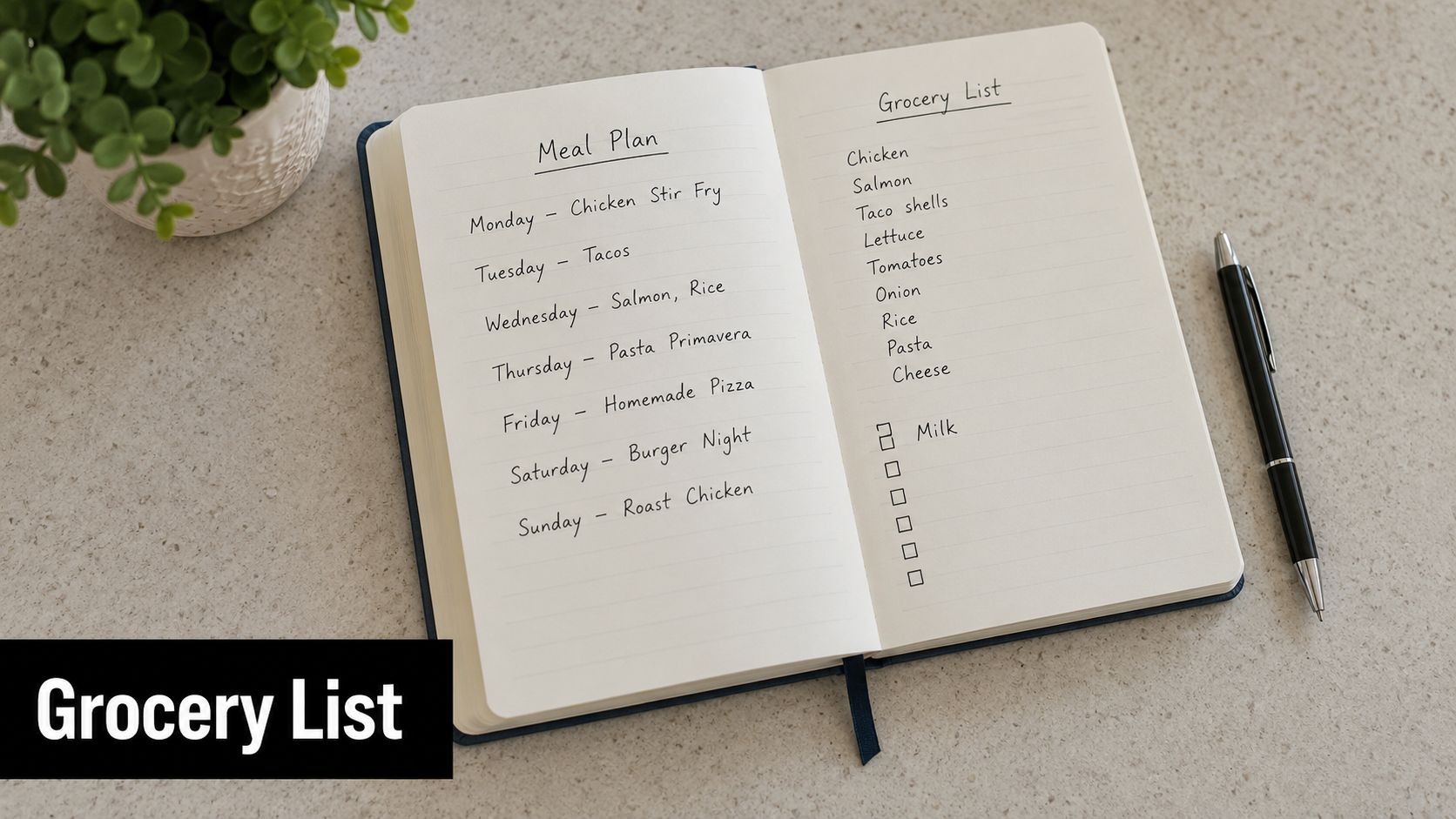
Pull ingredients from the plan, not from memory
Sit down with the planner and go meal by meal. Don't trust yourself to “remember the rest at the store.” That's how you end up with tortillas and no shredded cheese, or pasta and no garlic.
Use a short process:
- Read each planned meal.
- List every ingredient needed for that meal.
- Check your fridge, freezer, and pantry before writing it down.
- Cross off anything you already have in usable quantity.
This step is boring, but it saves the second shopping trip. It also stops overbuying, which matters when half the battle is using what's already in the house.
A categorized list helps even more. If you want a smarter structure for that process, this guide to a grocery list calculator for smart shopping is useful for thinking through list building in a more organized way.
Sort the list the way you shop
A random list makes shopping slower. Group items by area of the store so you move once through produce, once through dairy, once through pantry, and you're done.
A simple paper layout looks like this:
| Store Area | What to Write |
|---|---|
| Produce | Vegetables, fruit, herbs, salad items |
| Proteins | Chicken, ground meat, tofu, deli meat |
| Dairy and refrigerated | Milk, yogurt, cheese, eggs |
| Pantry | Pasta, beans, rice, canned goods, spices |
| Frozen | Vegetables, fruit, convenience meals |
| Household | Foil, soap, storage bags, paper goods |
Keep one more category if you use a second store, such as warehouse club or specialty market. That prevents duplicate buying and forgotten staples.
A quick visual example can help if you want to see how other home cooks map meals to shopping:
Paper lists still work well when your meals are simple and familiar. They get clunky when recipes come from multiple websites, social posts, handwritten cards, and screenshots spread across devices.
The Limits of Paper Planners in a Digital World
A paper planner works beautifully until real life pulls the plan out of your kitchen.
You leave for the store and the planner stays on the counter. Your partner texts at 4:30 asking what dinner is. The recipe you meant to make is saved in a browser tab on your laptop, but the ingredient notes are scribbled in the planner at home. That gap is where paper starts creating friction.
Where paper starts to break down
Paper still does a few jobs extremely well. It gives you a clean monthly view. Handwriting slows the decision process in a helpful way, which is one reason many home organizers and meal planners stick with it. I see that benefit all the time with families who get overwhelmed by too many app notifications and too many tabs.
The weakness is portability.
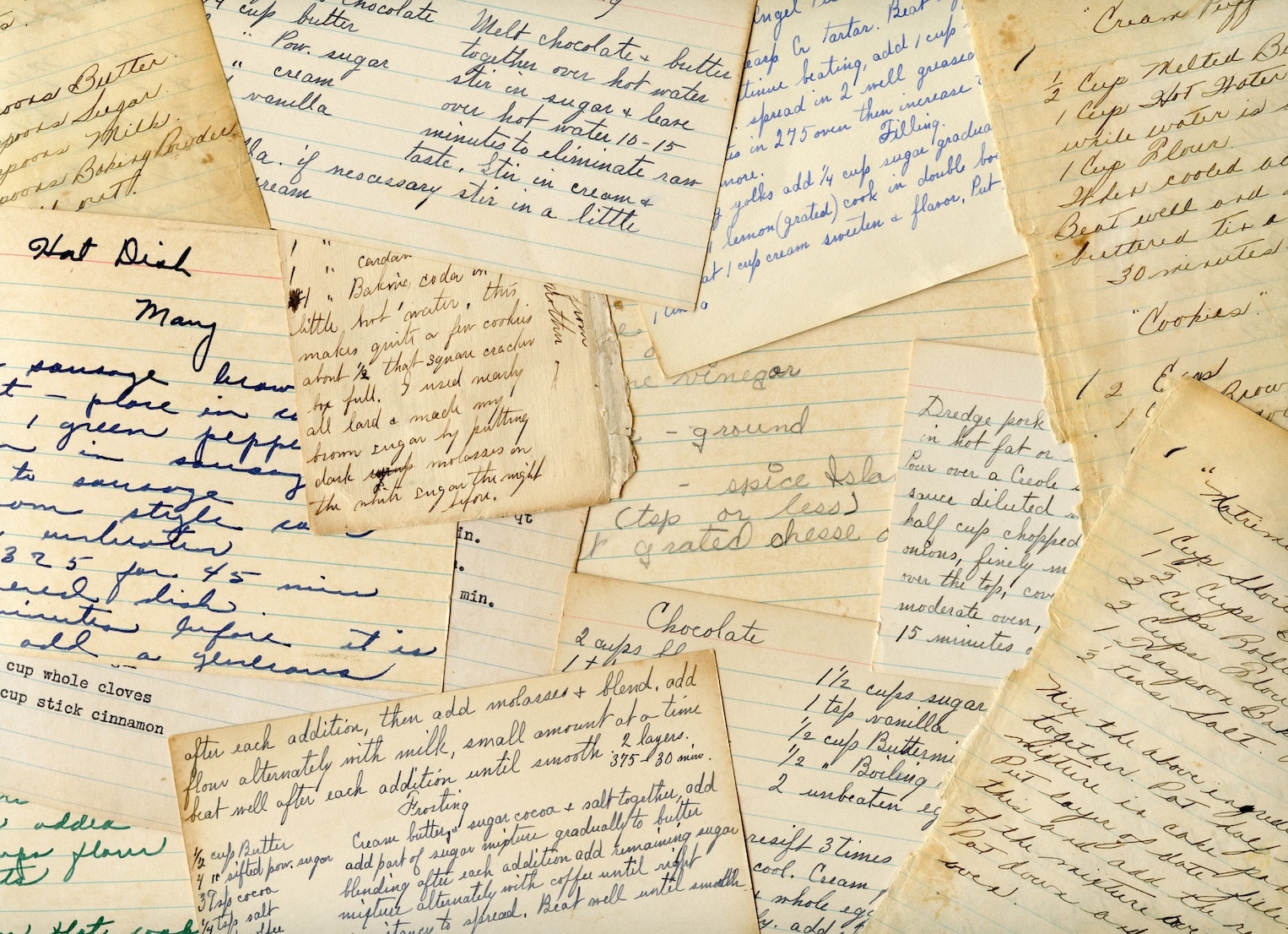
A paper system is hard to search, hard to share, and easy to break apart. Recipes end up split between printouts, sticky notes, screenshots, bookmarks, and handwritten edits in the margin. If you wrote “kids liked this pasta” three months ago, finding it again takes memory, time, and page flipping.
That shift toward digital support shows up in this discussion on digital meal planning preferences, which notes that a 2025 Nielsen report found 68% of U.S. meal planners prefer digital tools that support photo uploads of handwritten recipes and offline sync.
That preference makes sense. Meal planning is no longer just writing meals into boxes on a calendar. It also includes saving recipes from websites, keeping family favorites from disappearing, sharing the plan with other adults, and checking ingredients from a phone in the store.
For a closer look at what paper handles well and where it falls short, this comparison of recipe organization with paper vs digital storage methods is useful.
Paper is excellent for seeing. It is weak for retrieving, sharing, and protecting information.
Print planner vs digital planner
| Feature | Physical Paper Planner | Digital Planner (like OrganizEat) |
|---|---|---|
| Monthly overview | Easy to view on one spread | Easy to view across devices |
| Handwritten feel | Strong | Weaker unless using stylus or photos |
| Backup | Vulnerable to loss or damage | Stored and recoverable |
| Sharing | Manual, usually by photo or message | Simple across devices |
| Search | Slow, page by page | Fast |
| Recipe storage | Separate scraps, printouts, notes | Centralized |
| Offline access | Only if planner is with you | Available if the app supports it |
The practical answer for many households is not choosing paper or digital as if one has to win. Use paper for visibility and commitment. Use digital storage for backup, search, sharing, and offline access. That combination gives you the satisfaction of a physical Amazon monthly planner without building your whole meal system on something that can be lost, stained, or left at home.
The Digital Monthly Planner Alternative That Works Offline
Sunday night goes smoothly at the counter. Tuesday at 5:30 in the grocery store is where a meal planning system gets tested. If the recipe is trapped in a notebook at home, hidden in a dead browser tab, or saved on a page that no longer loads, the monthly plan starts to wobble.
A digital-first setup solves a different problem than paper. Paper gives you visibility. Digital storage gives you retrieval, backup, and portability. For meal planning, that difference matters most on busy nights, in weak cell service, and when more than one adult needs the same information.
Why offline access changes everything
Offline access sounds like a nice extra until you need it. Then it becomes the part that keeps dinner on track.
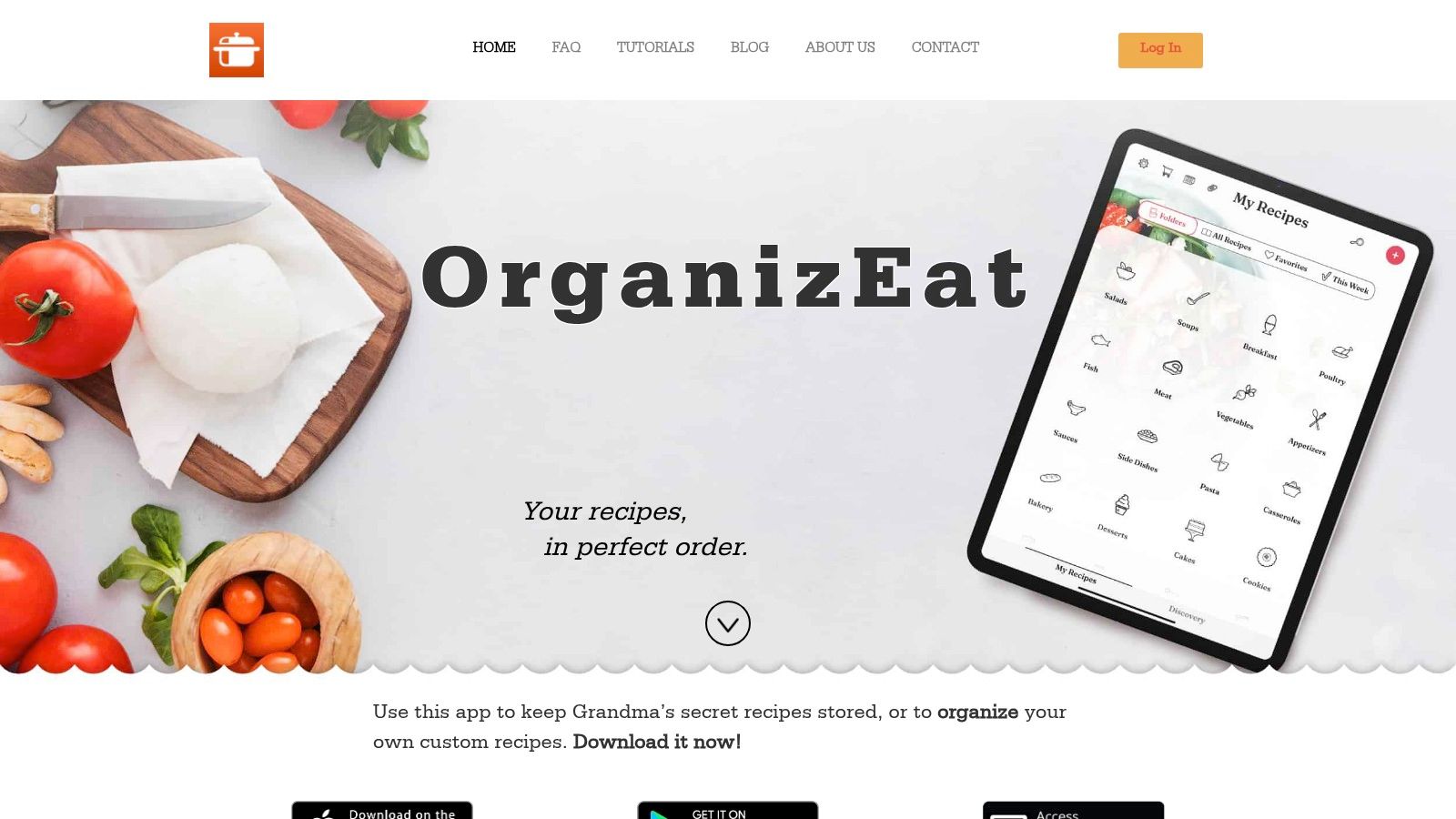
According to OrganizEat's monthly digital meal planning overview, the app supports monthly calendar planning and grocery list creation while keeping saved content available without relying on the original recipe page, which is the main advantage over a paper-only system or a basic calendar app. The point is not novelty. The point is stability.
I've seen the same failure points over and over. A family favorite lives in a screenshot folder no one can search. A recipe link breaks the day you planned to use it. One person writes the plan in a paper planner, but the person doing the shopping cannot see it.
A stronger system keeps the recipe, the plan, and the list connected.
A practical offline workflow
The households that stick with meal planning usually make one change. They stop treating the planner as the storage location for everything. The planner becomes the view. The digital system becomes the place that holds the working parts.
That setup usually works like this:
- Save recipes once: Import online recipes or photograph recipe cards and cookbook pages into one searchable library.
- Plan the month from that library: Drag or assign meals to the calendar based on busy nights, leftovers, and repeat favorites.
- Build the grocery list from the plan: Pull ingredients from scheduled meals instead of rewriting the list from scratch.
- Check everything from your phone: Use the same recipes and lists in the store, at home, or while another family member shops.
If you prefer a larger planning surface, an iPad planner for meal planning and recipe storage can feel closer to using a physical monthly planner while still giving you search, backup, and mobile access.
Where digital improves the paper system
Paper still earns its spot. It is good for seeing the month at a glance, jotting down theme nights, and making the plan feel real. I still like paper for brainstorming.
But paper has weak points that show up quickly in real use:
- Recipes get separated from the calendar. You write “chicken soup” on the 14th, then still have to hunt for the recipe.
- Shopping lists get rebuilt over and over. That repetition is where planning starts to feel like admin work.
- The system depends on one physical object. If the planner is at home, no one at the store can use it.
- Meal history is hard to search. You may remember making a good lentil curry in March, but finding it again takes time.
A hybrid approach fixes those weak spots without giving up the satisfaction of paper. Keep the Amazon monthly planner on the counter if it helps you stay consistent. Let the digital system carry the recipes, the grocery workflow, and the offline backup. That combination holds up better in everyday life than paper alone.
Finding the Right Meal Planning System for You
The best Amazon monthly planner is the one you'll keep opening. For some households, that's a slim pocket planner with a clean monthly grid. For others, it's a larger book that stays on the counter and acts like a kitchen dashboard.
Paper is excellent for visibility, habit-building, and that satisfying sense of writing the month into shape. It's often the easiest way to start. If planning has felt chaotic, a physical planner can settle things down quickly.
A digital system becomes the better fit when your recipes live in many places, your shopping list needs to travel, or more than one person needs access to the plan. It gives you search, portability, backup, and a way to keep your recipe collection from becoming a pile of screenshots and scraps.
The sweet spot for many people is hybrid. Use paper for the broad view and the emotional part of planning. Use digital for recipe storage, searchable meal history, synced grocery lists, and offline access when you're away from the kitchen.
Choose the system that reduces friction. If it feels nice but falls apart in real use, it isn't the right system yet.
If you want a meal planning setup that goes beyond a paper planner, OrganizEat gives your recipes, monthly calendar, and grocery lists a permanent home you can carry anywhere, even when the original recipe page is gone or your connection drops.