


You're probably here because grocery shopping has turned into a tiny recurring argument.
One of you is already at the store. The other is sending last-minute texts from the kitchen. Milk gets bought twice, cilantro gets forgotten, and somehow the one ingredient dinner depends on never makes it home. None of this feels dramatic, but repeated every week, it gets exhausting.
A good grocery list app to share with spouse isn't just a digital version of a paper note. It's a shared system for remembering, deciding, and updating in the moment. When it works, the list becomes the one place both of you trust. That changes the mood of shopping fast.
Table of Contents
- Why a Shared Grocery App Is a Relationship Saver
- Key Features for a Shared Grocery List App
- Setting Up and Syncing Your First Shared List
- Advanced Tips for a Perfectly Synced List
- Creating a Shared Shopping Workflow That Lasts
- Your New Era of Coordinated Shopping
Why a Shared Grocery App Is a Relationship Saver
One person is already at the store. The other is at home, opening the fridge and realizing the milk is almost gone, the taco toppings never got replaced, and there is only half a box of pasta left. Without a shared list, that turns into a string of texts, missed messages, and at least one wrong item.
A shared grocery app cuts down that friction because both spouses are working from the same running list instead of two separate versions of the truth. The benefit is practical. Fewer duplicate purchases, fewer last-minute substitutions, and fewer store-aisle check-ins about whether you already have sour cream at home.
The bigger win is how it changes the household process.
Couples rarely struggle because writing down "bananas" is hard. They struggle because one person is usually tracking meals, pantry gaps, and store timing in their head while the other jumps in later. A shared app makes that invisible planning visible. Once both people can add items the moment they notice them, the list stops depending on one person's memory.
That shift matters if you are trying to reduce the mental load around shopping, not just digitize it. A digital system usually works better than scraps of paper only if both people trust it and use it consistently. This comparison of digital lists vs paper lists for smart grocery shopping lays out that trade-off well.
I have found that the best shared grocery setup is less about the app itself and more about the agreement behind it. Add items as soon as you use the last one. Include enough detail to avoid follow-up texts. Check the same list before either person makes a store run. If your app supports how to share items with your family, it can support that routine, but the routine is what keeps resentment down.
A shared list will not fix uneven effort at home. It will remove a lot of preventable confusion, which is often the part that turns a simple grocery run into a small argument.
Key Features for a Shared Grocery List App
A shared grocery app works best when it reduces follow-up texts, duplicate purchases, and the quiet guessing that usually falls on one person. The right features support that outcome. The wrong ones create a prettier version of the same confusion.
Must-have features
Start with real-time syncing. If one person adds tortillas from the kitchen, the other should see them before walking past that aisle. A shared list only works as a reliable household tool if both people are looking at the same version at the same time.
Next is cross-platform access. Plenty of couples split between iPhone and Android, and sometimes the list gets checked from a laptop during meal planning. If the app breaks down across devices, people go back to screenshots, separate notes, or “Did you already get this?” texts.
Then look for item detail support. This matters more than flashy design. “Yogurt” creates questions. “Plain Greek yogurt, large tub” usually does not. Good apps let you add quantity, size, brand, and quick notes so the list carries enough context to prevent last-minute clarification.
Shared Grocery App Feature Checklist
| Feature | Why it matters for couples |
|---|---|
| Real-time sync | Both people see the current list while shopping or adding items at home |
| Cross-platform access | The list stays usable across different phones and computers |
| Per-item check off | One person can finish the trip without leaving the other guessing |
| Notes and quantities | Entries stay specific enough to avoid brand or size mix-ups |
| Categories | Shopping goes faster when items are grouped by aisle or department |
| Multiple lists | You can separate weekly groceries from Costco, pharmacy, or party shopping |
| Private lists | Personal items or surprise purchases stay off the main household list |
One feature that pays off over time is category organization. A shared list gets messy fast if every item lands in one long stream. Sorting by Produce, Dairy, Frozen, Pantry, and Household makes the trip easier, especially when different people shop at different speeds or stores. If your system also depends on tracking cost, this guide to a grocery list app with prices can help you decide whether price fields belong in your shared routine.
I also recommend multiple lists for households that shop in more than one pattern. One weekly grocery list is usually enough at first, but many couples eventually benefit from a second list for warehouse runs, meal prep ingredients, or household supplies. The trade-off is complexity. Too many lists means items end up in the wrong place or get missed entirely.
The best shared list feels ordinary. It updates quickly, stays clear, and gives both people enough detail to shop without extra coordination.
If an app handles those basics well, it can support a smoother routine at home. If it does not, the technology becomes one more thing to manage instead of one less thing to argue about.
Setting Up and Syncing Your First Shared List
A shared list only feels easy after the setup is clean. Start simple and resist the urge to create five lists, color codes, and a naming system on day one.
Start with one household list
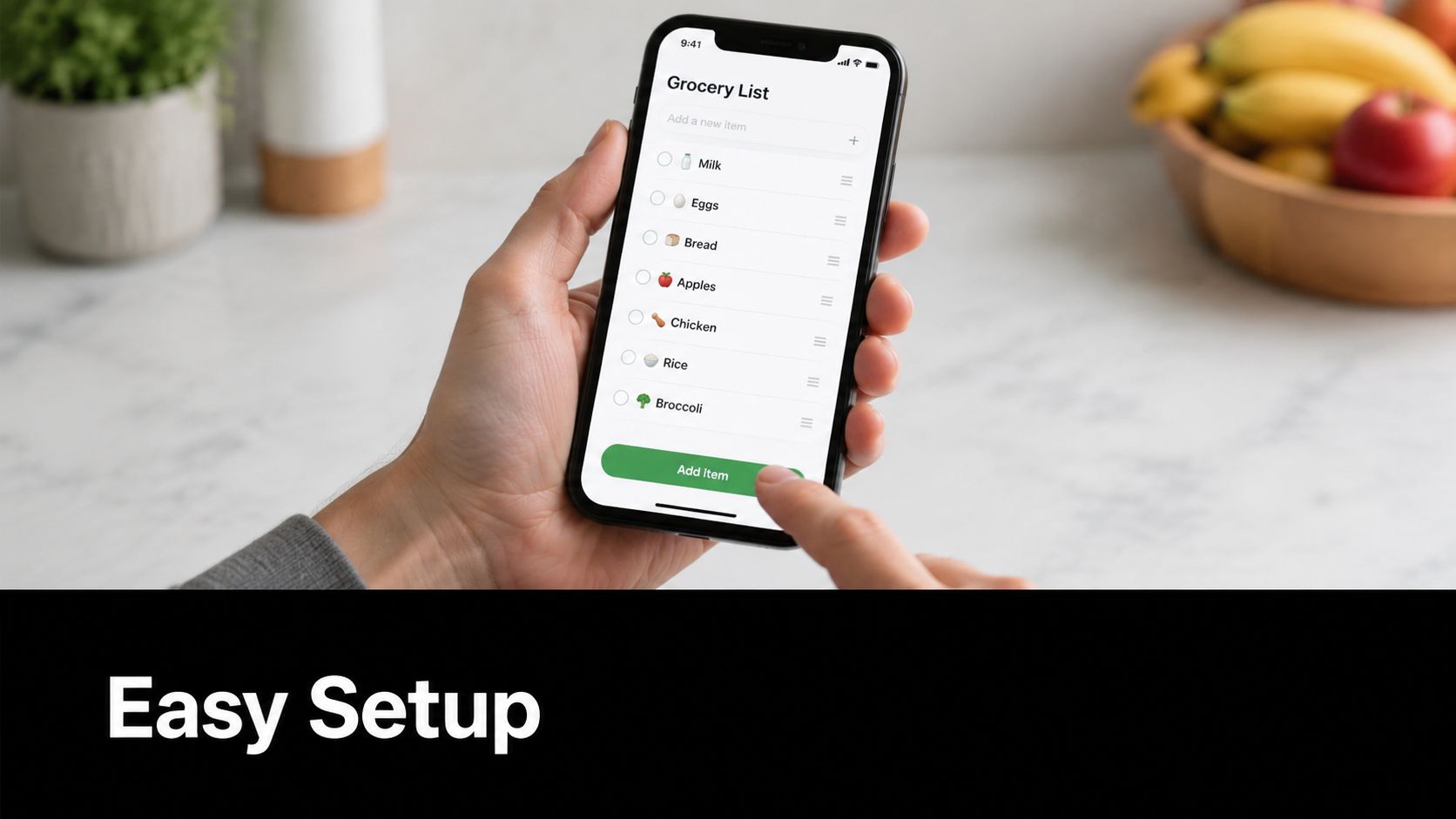
Download the same app on both phones. One person creates the primary list and names it something obvious, like Household Groceries or Weekly Groceries. Then send the share invitation and make sure both people accept it before adding real items.
Keep the first version lean. Add a few staples you buy often, such as milk, eggs, bread, coffee, and bananas. If the app allows categories, turn them on now. If it allows notes, add one or two test notes so you can see how they display on both devices.
A good shared list relies on real-time, conflict-free synchronization. In practical terms, edits made by one spouse should appear instantly on the other device so the list stays a single source of truth.
Test the sync before you trust it
Before using the app for a full grocery run, do a quick household test:
- Add one item from each phone and confirm both entries appear on both devices.
- Check off an item on one phone and confirm it updates immediately on the other.
- Edit a note or quantity and make sure the latest version is visible everywhere.
- Walk away and reopen the app later to see whether changes persist without manual cleanup.
One more practical move helps a lot. Decide which list is the shared one and which lists, if any, stay personal. Household groceries should be visible to both people. Personal errands, gifts, or one-off items can live elsewhere. If the sync lags, if checked items reappear, or if one person keeps seeing an outdated version, stop there and fix it. A stale list creates more friction than a paper one.
Advanced Tips for a Perfectly Synced List
Once a shared list is working, the next problem usually is not technology. It is list clutter.
Couples run into trouble when every household need, party idea, and last-minute craving lands in one place. The app still syncs, but the system gets noisy. A better setup gives each type of shopping its own lane so both people can trust what they are looking at.
Give each list one clear purpose
One shared list can carry a household for a while, but separate lists are easier to manage over time. I usually recommend splitting by shopping context, not by person:
- Weekly shop for the main grocery trip
- Bulk store for warehouse runs and stock-up items
- Quick refill for milk, fruit, bread, or anything grabbed midweek
- Event or trip list for holidays, guests, camping, or school functions
That small change cuts down on mental sorting in the store. The weekly list stays focused on true household needs. The event list holds the one-off items that would otherwise bury basics like eggs, onions, and coffee.
A good shared list should answer one question at a time.
Organize the list around how you actually shop
Categories help most when they match the path through your usual store. Group produce, dairy, frozen, pantry, and household supplies so the list follows your cart instead of making you zigzag across the building.
Notes matter just as much. They allow couples to avoid all the tiny repeat conversations that wear people down. Use notes for details such as:
- Brand or flavor preference
- Quantity
- Size
- Planned meal, like “for chili” or “kids’ lunches”
- Acceptable substitute, like “any ripe avocados” or “store brand is fine”
Those details reduce texting from the aisle and lower the odds of bringing home the wrong item. They also make the list usable for whoever happens to shop that day.
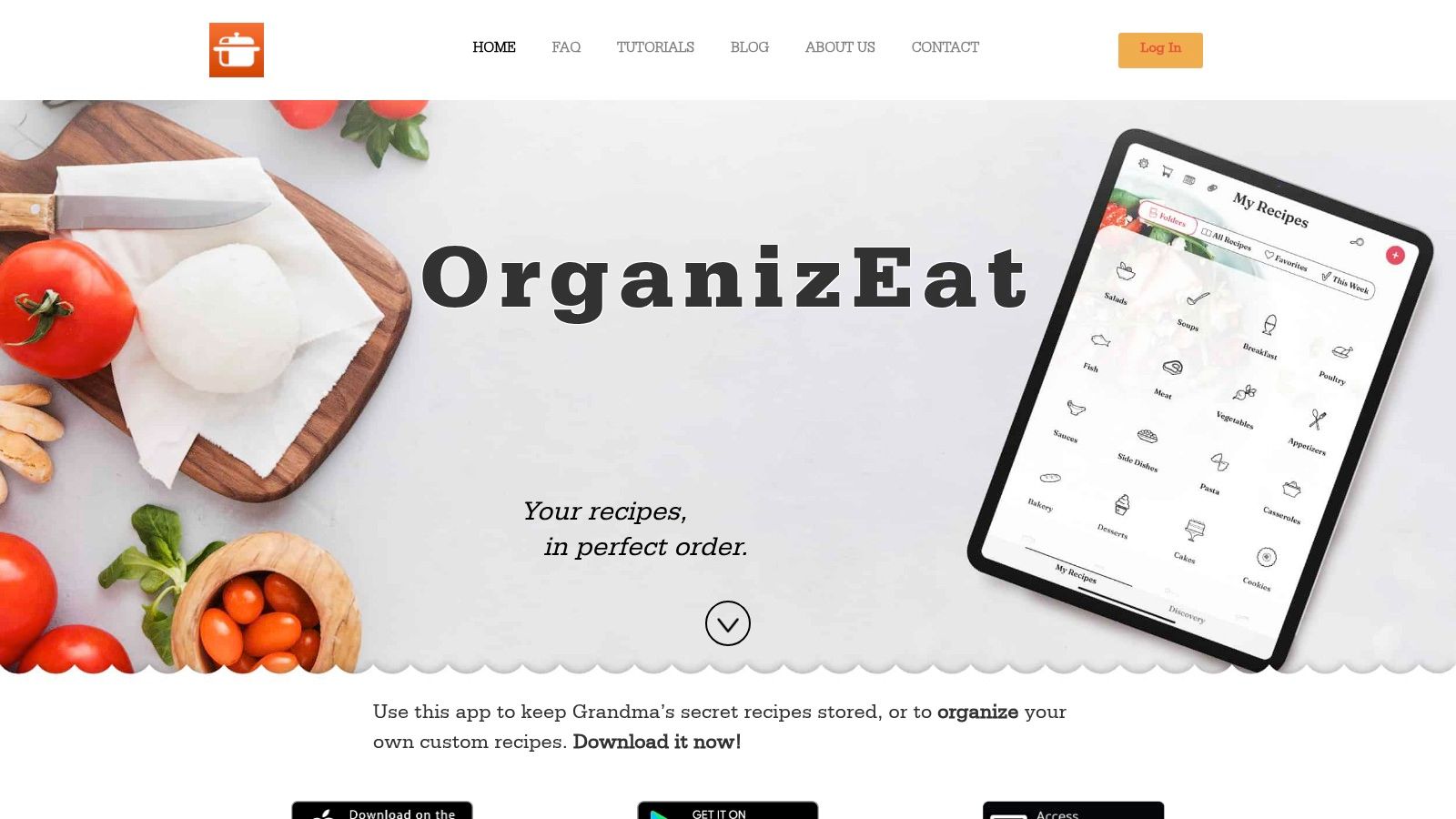
If your household plans meals before shopping, connect that habit to the list instead of treating them as separate jobs. OrganizEat, for example, can turn recipe ingredients into a grocery list and sync it across devices, which helps when meal planning and shopping happen together. This guide on using a meal planning app with pantry inventory is useful if you want the list to reflect what you already have at home.
Notifications can help, but they need restraint. Turn them on if one person often shops right after work or makes quick stops during the week. Turn them off if every small edit pings both phones and trains you to ignore the app.
The goal is not a more complicated setup. The goal is a list that stays clear, current, and easy to use without another household discussion every time someone needs to buy food.
Creating a Shared Shopping Workflow That Lasts
One of the most common grocery fights starts with good intentions. One person notices you are low on milk and assumes they will remember it later. The other person stops at the store after work, buys milk, and comes home to find a second carton already in the fridge. The app did not cause the mix-up. The missing piece was a shared routine.
Apps usually break down when couples never agree on how the list fits into daily life.
A shared grocery app can reduce the mental load of household management when both people use one master list and keep it current. NerdWallet describes this kind of shared list as a way to cut stress, stay on budget, and split planning work more evenly in daily life.
Agree on the rules before the next store run
The setups that last are easy to remember and easy to follow, especially on busy weekdays. Start with a few house rules and keep them boringly clear:
- Add items when they run low. If you open the last bag of rice on Wednesday, put rice on the list on Wednesday.
- Check off items while shopping. Waiting until later makes the list unreliable for the other person.
- Use notes only when they prevent confusion. Save notes for things that routinely cause mistakes or extra texts.
- Keep the shared list focused on household shopping. Personal treats, surprises, or one-off errands can live elsewhere if they clutter the main list.
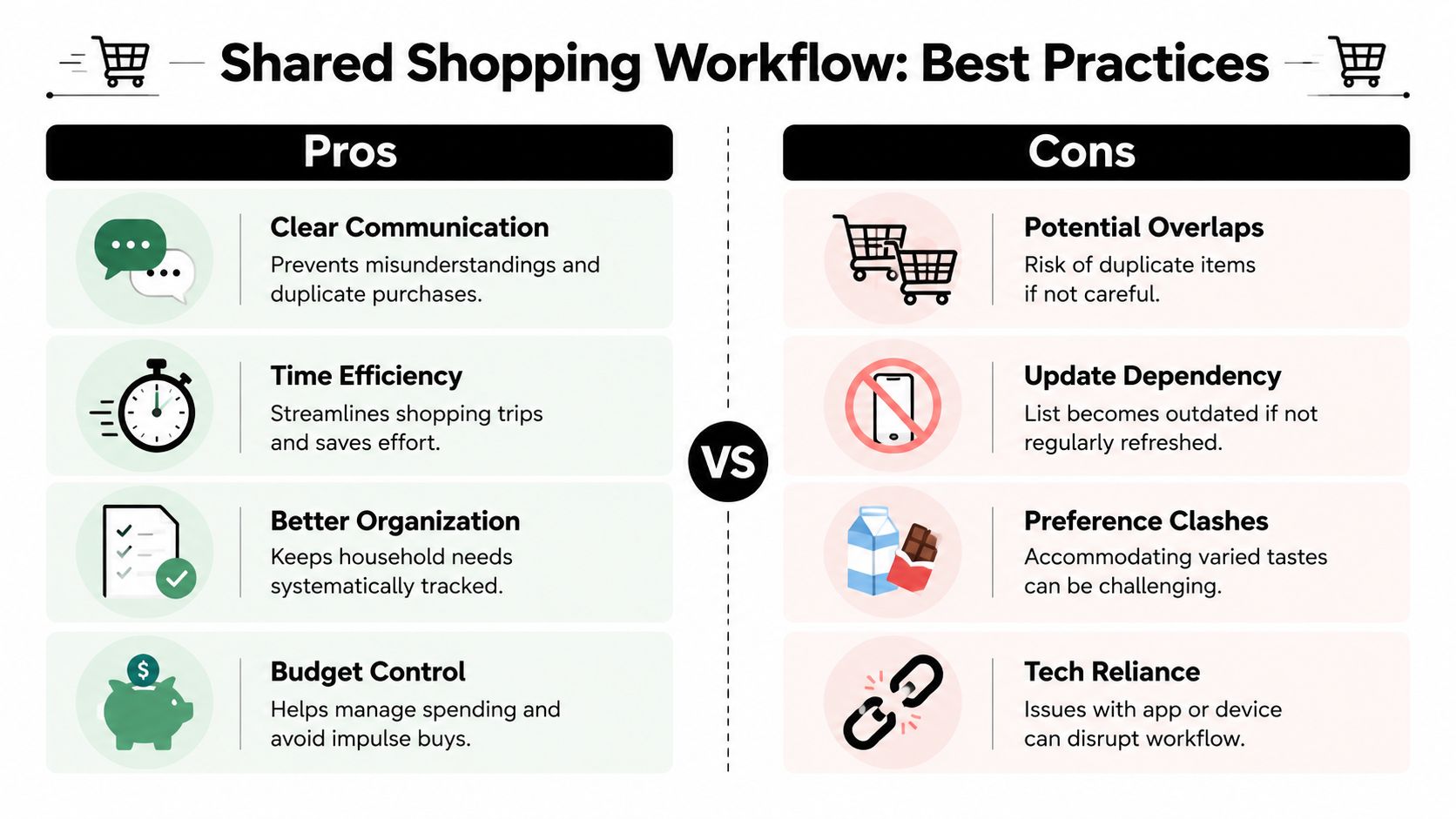
The core problem is not forgetting a single item. It is losing trust in the list. Once that happens, both people start making backup guesses, buying duplicates, or sending aisle texts to confirm what the app should have settled already.
Keep the list current between big shopping trips
A shared list works best when it reflects the house as it is today, not as it looked during last weekend’s shopping trip. If the last onion gets used on Tuesday, add onions that day. If your spouse grabs detergent on Thursday, they should mark it done before driving home.
That habit matters more than any feature inside the app.
A weekly rhythm helps too, but it does not need to be complicated. In many households, one person is better at noticing pantry gaps and the other is better at spotting what meals the week will allow. Split those jobs on purpose. For example, one person can do a five-minute kitchen check the night before the main shop, while the other scans the calendar for late work nights, school events, or meals worth skipping.
Shared systems work when both people trust that the list reflects reality right now.
That is what makes the workflow stick. The app becomes a tool both people can rely on, and the household stops depending on one person to remember everything.
Your New Era of Coordinated Shopping
A shared grocery app does not fix household friction by itself. It fixes a specific problem when both people agree on how the list gets updated, who checks it, and what “done” means at the store.
That is the shift. The app holds the list, but the workflow keeps the list trustworthy.
Once that process is in place, the weekly shop gets lighter. You send fewer clarification texts. You bring home fewer duplicates. One person no longer has to carry the family inventory in their head while the other hopes the list is accurate.
The best choice is usually the app you will both use without reminders. Fast syncing matters. Cross-device support matters. So does a simple routine: add items when you notice them, leave a note when brand or quantity matters, and check things off in real time. Those habits do more for a household than a long feature list ever will.
That is what turns a grocery list app to share with spouse from a download into a system you can trust week after week. And when the system works, grocery shopping stops being a small recurring argument and becomes a shared task with less guesswork.
If you’re looking for an app that fits this workflow-first approach, OrganizEat is worth a look. It gives home cooks one place to organize recipes, turn ingredients into shopping lists, and keep everything synced across devices, which is helpful if your meal planning and grocery planning need to stay connected.