


You're usually searching for a recipe card template in Word at the exact moment your recipe collection starts feeling messy. A few handwritten cards are in a drawer, a few recipes live in random Word files, and a few favorites are stuck in screenshots on your phone. You want something simple that prints well, looks decent, and doesn't force you to build a layout from scratch.
That's why this format has lasted. Adobe notes that the modern digital recipe-card format still follows familiar print conventions such as the classic 3×5 index card style, along with A4 and letter-sized layouts. The core fields also stay consistent: title, ingredients, instructions, cooking time, servings, and notes. For most home cooks, that consistency is the whole point. You don't want to redesign dinner. You want a card you can fill out, print, and file.
Word helped make recipe cards feel normal, not niche. Instead of setting up margins and text boxes manually, people could search inside Word for recipe templates and start editing. Office Templates Online even highlights 14+ free printable recipe card templates for MS Word, which tells you how broad this category has become.
Below are the Word template options worth your time, grouped by what they're good at.
Table of Contents
- 1. Vertex42 – Free Recipe Card Templates for Word
- 2. TemplateTrove – Recipe Card Templates (Word, Publisher, etc.)
- 3. Template.net – Recipe Card Templates (Word)
- 4. FreePrintableRecipeCards.net – Word DOC versions
- 5. Avery – Downloadable Word Templates for Card/Index/Postcard Stock
- 6. Samplewords – Recipe Card Template (Word)
- 7. 101Planners – Recipe Template + Recipe Card Maker
- 8. Prints of Joy (Alenka's Printables) – Free Samples + Paid Word Sets
- 9. New Orchards – Free Recipe Card Templates (Word/PDF/Excel)
- 10. Docsie – Standard Recipe Card Template (Word download)
- Top 10 Recipe Card Templates for Word, Comparison
- Final Thoughts
1. Vertex42 – Free Recipe Card Templates for Word
A lot of recipe card projects stall at the same point. You find a decent-looking Word file, print a test page, then lose an hour fixing margins, spacing, and card size. Vertex42 is a better place to start if your goal is a stack of usable cards that prints correctly the first time.
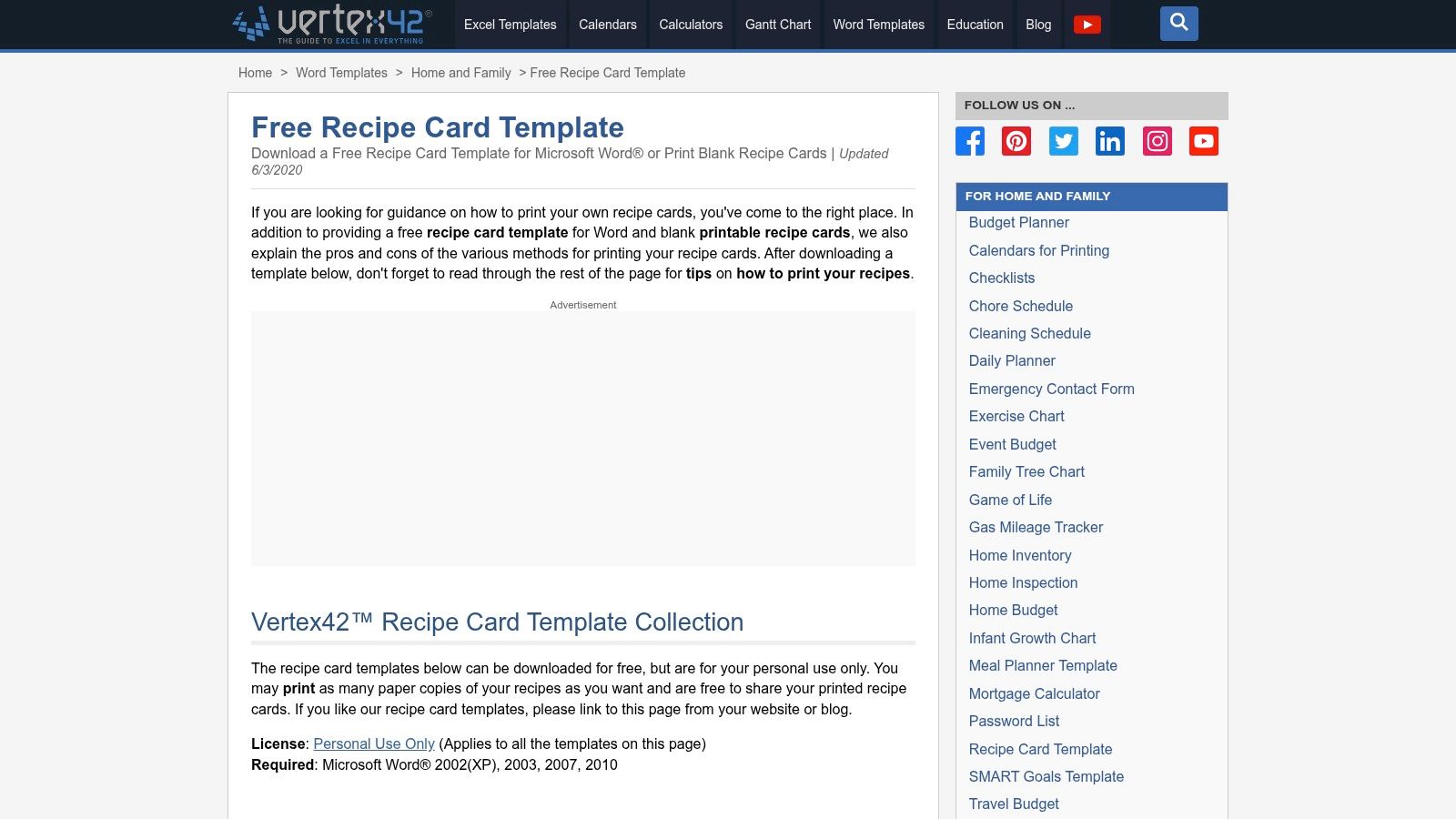
This source suits cooks who care more about clean output than decorative options. The templates focus on standard recipe card sizes, especially 3×5 and 4×6, and the printing notes are notably helpful. That matters more than people expect. A good template saves paper, cardstock, and patience.
Why it works best for printing
Vertex42 stands out in this guide because it handles the practical part well. You get Word templates sized for common cards, plus advice that helps avoid the usual Word problems like misaligned cuts and wasted sheets. For a family recipe box, church cookbook project, or a binder you want to build once and keep using, that reliability is worth more than extra design flair.
I also like that the site takes a realistic approach to cost. It suggests simple ways to print at home without turning recipe organization into a craft-store project. Regular paper, laminated copies, or prints mounted to index cards can all work, depending on how often the recipe gets used and how much kitchen wear you expect.
Practical rule: Choose Vertex42 when print accuracy matters more than visual variety.
Trade-offs are straightforward:
- Best point: Strong print guidance for standard card sizes.
- Watch for: Limited design variety if you want themed or gift-ready cards.
- Best use case: Building a dependable printed set before deciding what deserves a permanent place in a digital library.
For cooks deciding between a physical box and an app-based system, this guide to paper vs digital recipe storage methods is a useful next step. You can download the templates from Vertex42 recipe card templates for Word.
2. TemplateTrove – Recipe Card Templates (Word, Publisher, etc.)
TemplateTrove is the option I'd hand to someone who wants a simple recipe card template in Word that already looks finished.
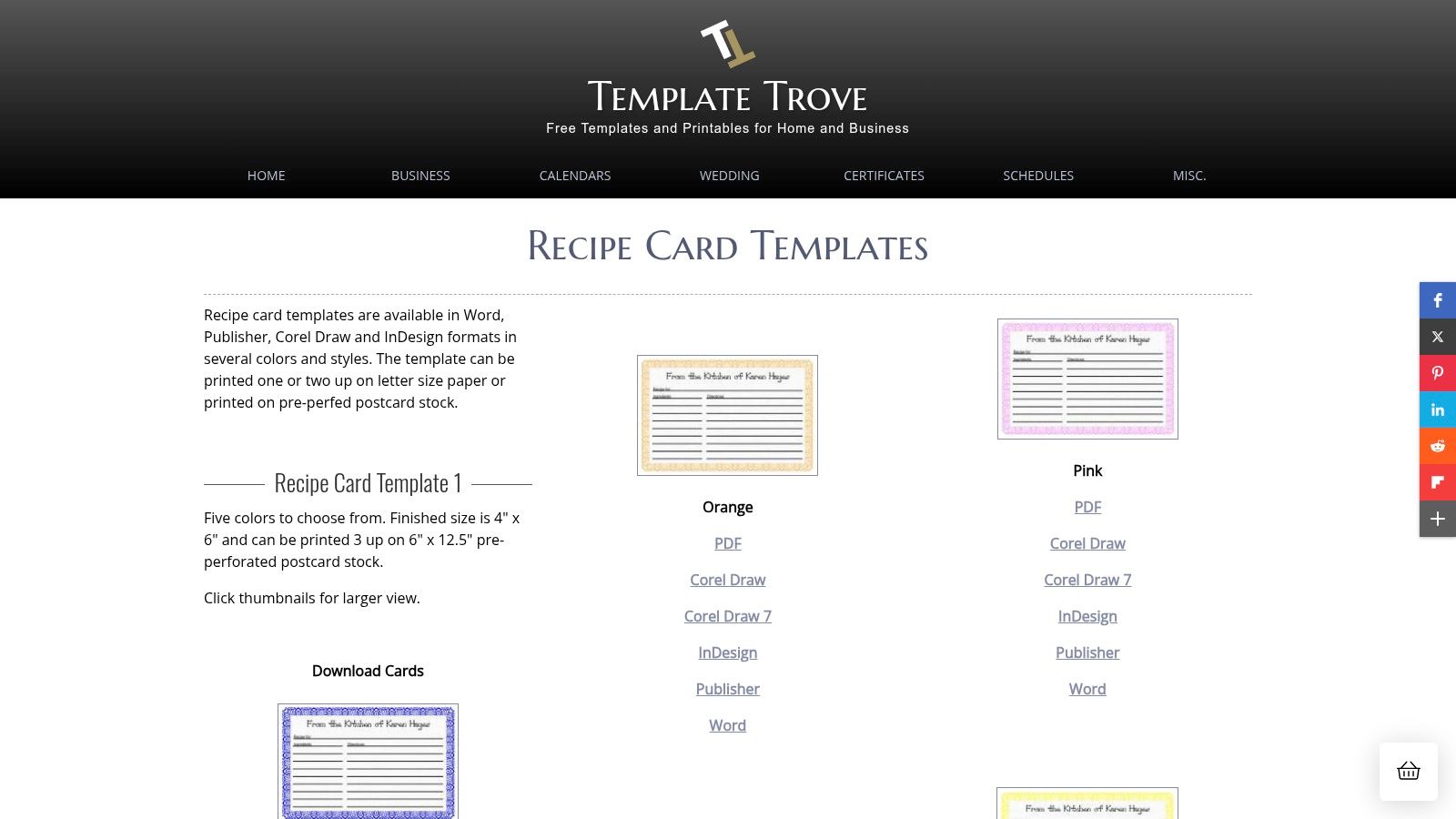
It doesn't try to overwhelm you with endless visual choices. Instead, it gives you straightforward layouts in several file formats, which is useful if your household still mixes Word with Publisher or other desktop tools.
Best fit for simple themed printing
A common requirement for those utilizing TemplateTrove is one thing: a card they can download, type into, and print with minimal cleanup. It suits that job well. The layouts are practical, with color variations that add a little personality without making the cards hard to read while cooking.
I especially like this kind of source for gift sets, bridal shower recipe collections, or holiday cookie swaps. You get enough design difference to avoid a bland look, but not so much ornament that the ingredient list feels cramped.
What works well here:
- Multiple file types: Handy if one person edits in Word and another wants to tweak elsewhere.
- Print-friendly layouts: Good for bulk printing on letter paper or card stock.
- Simple styling: Easier to live with long term than overly decorative cards.
What doesn't work as well is mobile browsing. The site can feel a bit old-school, and previews aren't always the easiest to compare quickly from a phone. If you're picking templates while standing in a craft store aisle, that can be annoying.
Keep the decorative border light. In actual kitchen use, readability beats charm every time.
Go directly to TemplateTrove recipe card templates.
3. Template.net – Recipe Card Templates (Word)
Template.net is for the cook who already knows the card has to look a certain way.
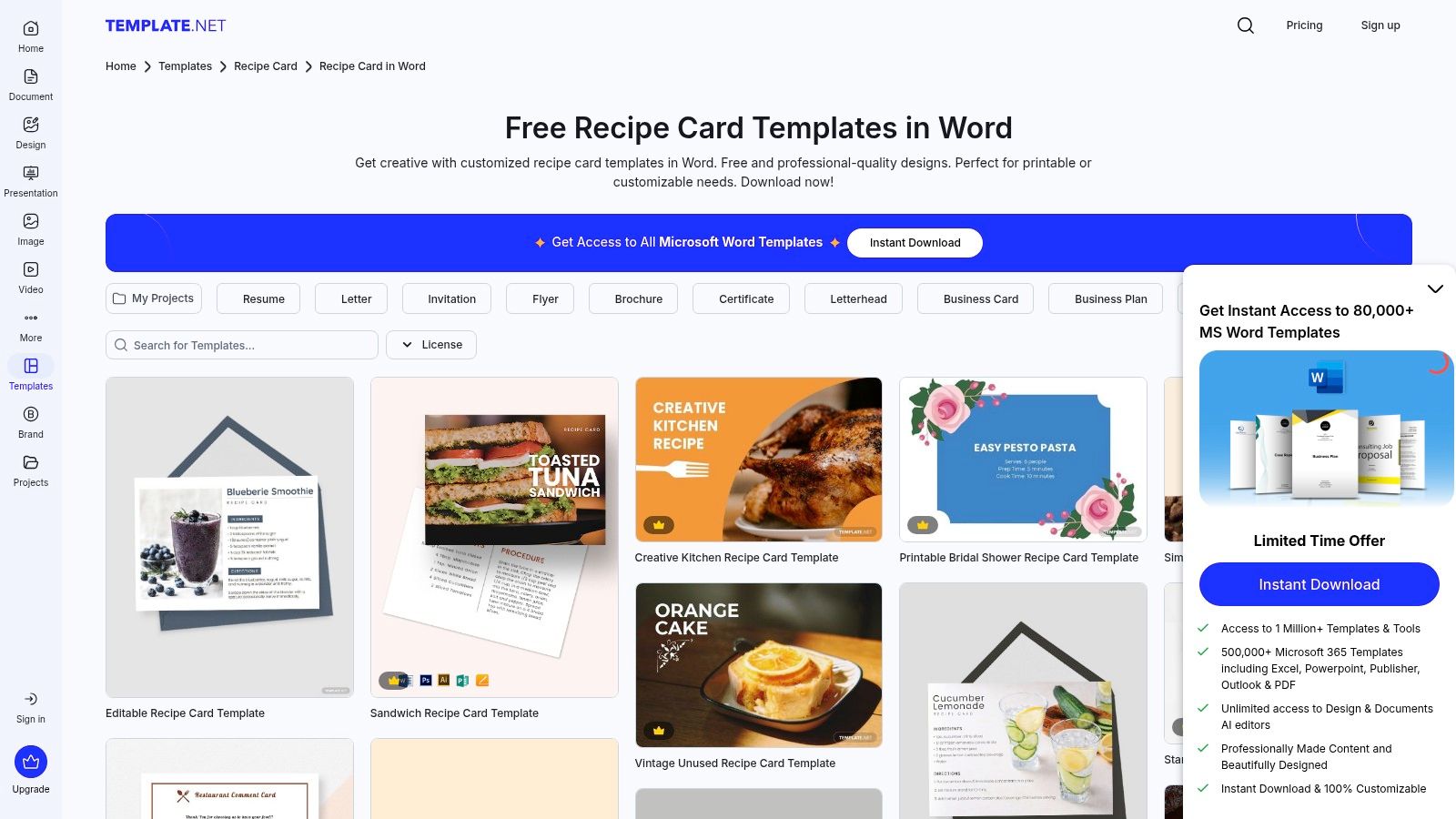
Maybe you're assembling a bridal shower recipe pack, a vintage-style family binder, or restaurant-facing inserts. In those cases, a plain recipe card template in Word may technically work, but it won't feel right. Template.net is better when presentation is part of the project.
Best when style matters most
This library has strong range. You can sort through classic, themed, event-based, and more polished designs without having to build the whole layout yourself. The Word files are the appeal here. You get editable structure with a more intentional look than the usual blank card.
That said, style-heavy libraries come with trade-offs. The nicest templates often sit behind account prompts or paid access, so this isn't always the fastest option if you just need to type up Grandma's soup recipe tonight.
A practical way to use Template.net is to treat it like a design source for your “keeper” collection:
- Use it for curated sets: Family cookbook sections, gifts, showers, or branded recipe handouts.
- Skip it for rough drafts: A simpler template is faster when you're capturing recipes in bulk.
- Plan consistency early: Pick one visual style before you've formatted twenty cards in different designs.
If you want a finished printed set later, a matching printable recipe book cover idea can help tie the whole collection together. Browse the template options at Template.net recipe card templates for Word.
4. FreePrintableRecipeCards.net – Word DOC versions
This one is best for people who want themed recipe cards and don't want another subscription in their life.
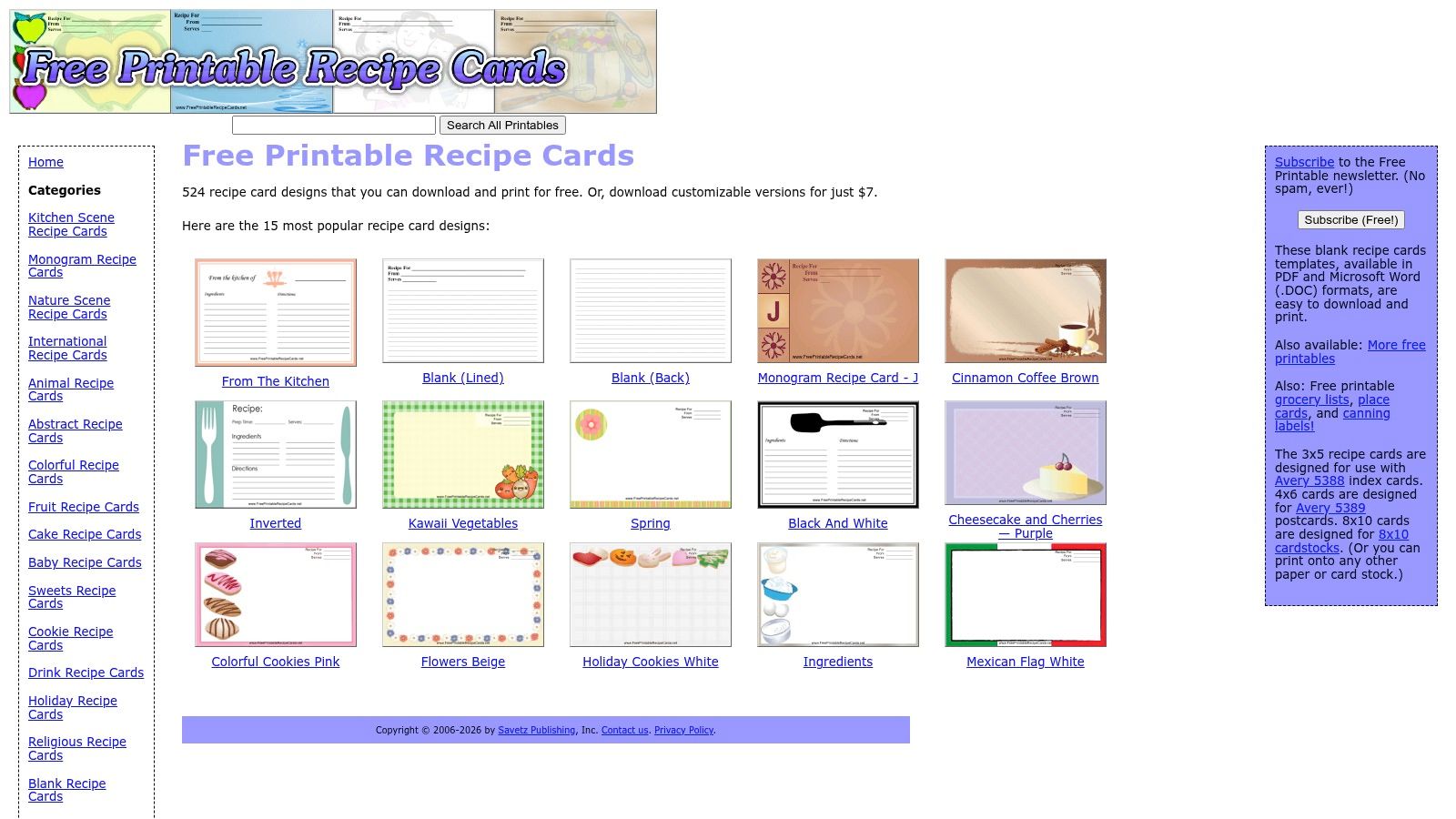
The site offers a very large design catalog. You can preview styles freely, then decide whether a specific editable Word version is worth buying. That model makes sense if you only need a handful of polished cards, not a whole template membership.
Best for themed collections without a subscription
Seasonal cooks tend to have fun exploring the options. If you're making holiday treats, wedding recipe keepsakes, church cookbook handouts, or themed family boxes, the range is the appeal. You can pick a design that fits the mood of the recipe set.
The drawback is that the editable files are often older Word DOC files rather than newer DOCX formats. That isn't a deal-breaker, but it can mean a little extra fiddling depending on your Word version and printer settings.
The smart use case looks like this:
- Great choice: You want a specific design theme and only need a few editable cards.
- Less ideal: You're standardizing a large recipe archive and want one uniform format.
- Worth checking first: Preview the PDF so you know the layout really fits your handwriting or typing style.
The site is at FreePrintableRecipeCards.net.
5. Avery – Downloadable Word Templates for Card/Index/Postcard Stock
Avery is the practical answer when your biggest problem isn't design. It's alignment.
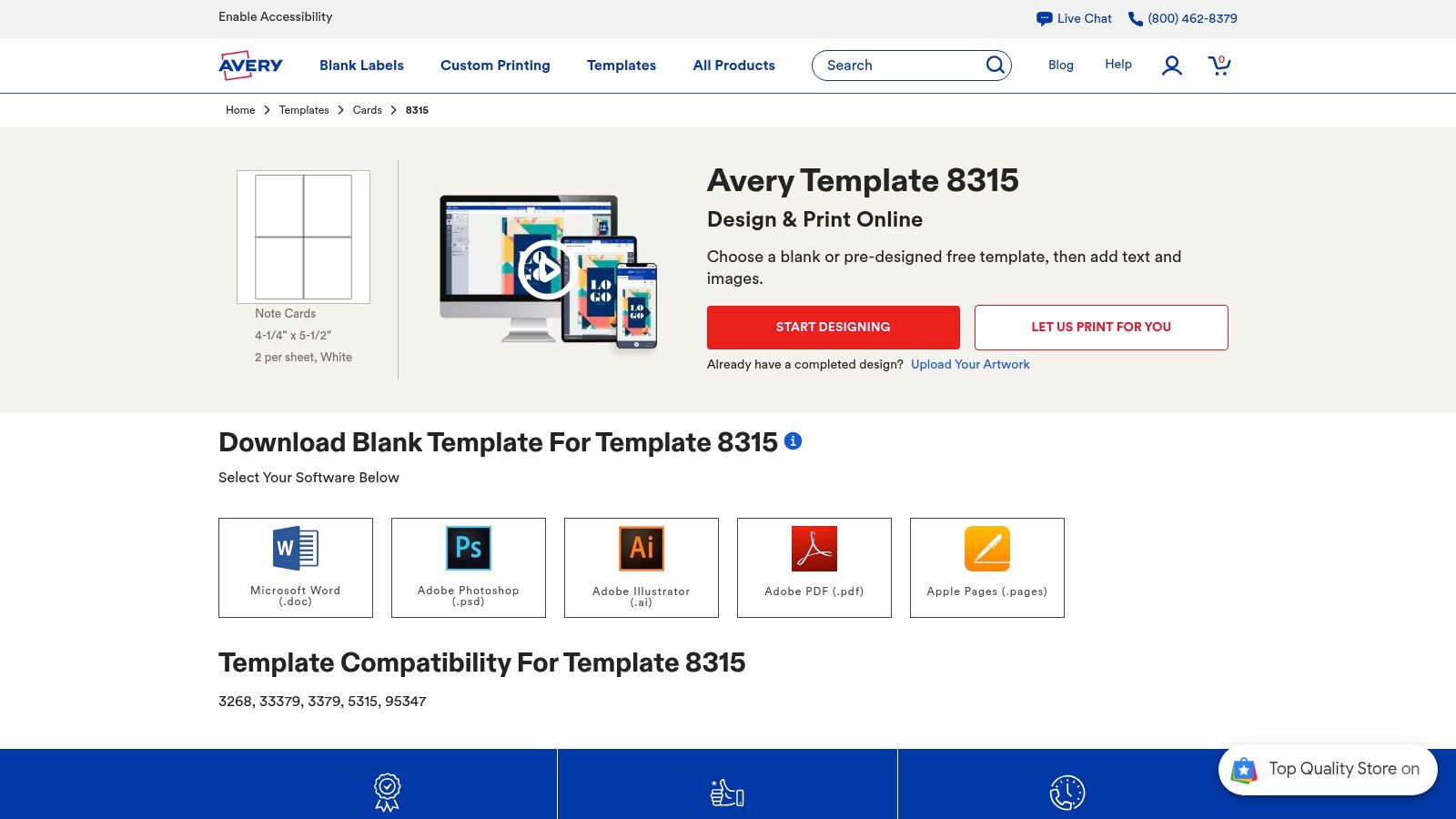
If you've ever printed a recipe card and watched the text drift too high, too low, or into a perforation line, you already know why blank stock-specific templates matter. Avery's system is useful because it starts with the paper product, then matches the Word layout to that exact sheet.
Best for exact cardstock matching
Avery doesn't give you recipe-themed cards out of the box. It gives you something more foundational: a blank template tied to the physical stock you're using. For cooks printing on pre-cut cards or postcards, that's often the difference between smooth printing and wasted paper.
This is the best pick when you already know your preferred card size and just need the recipe card template in Word to land exactly where it should. You'll have to supply your own formatting, fonts, and recipe structure, but the print accuracy is the benefit.
A few real-world notes:
- Best for: People using Avery card or postcard products and wanting dependable positioning.
- Not best for: Anyone who wants a finished decorative recipe design immediately.
- Important habit: Match the template to the exact product code before editing anything.
If you're creating cards for a family recipe box and care about tidy edges, Avery is worth the setup. Use Avery Word templates for card and postcard stock.
6. Samplewords – Recipe Card Template (Word)
Samplewords is the kind of site you use when you don't want to browse. You just want one clean card and you want it now.
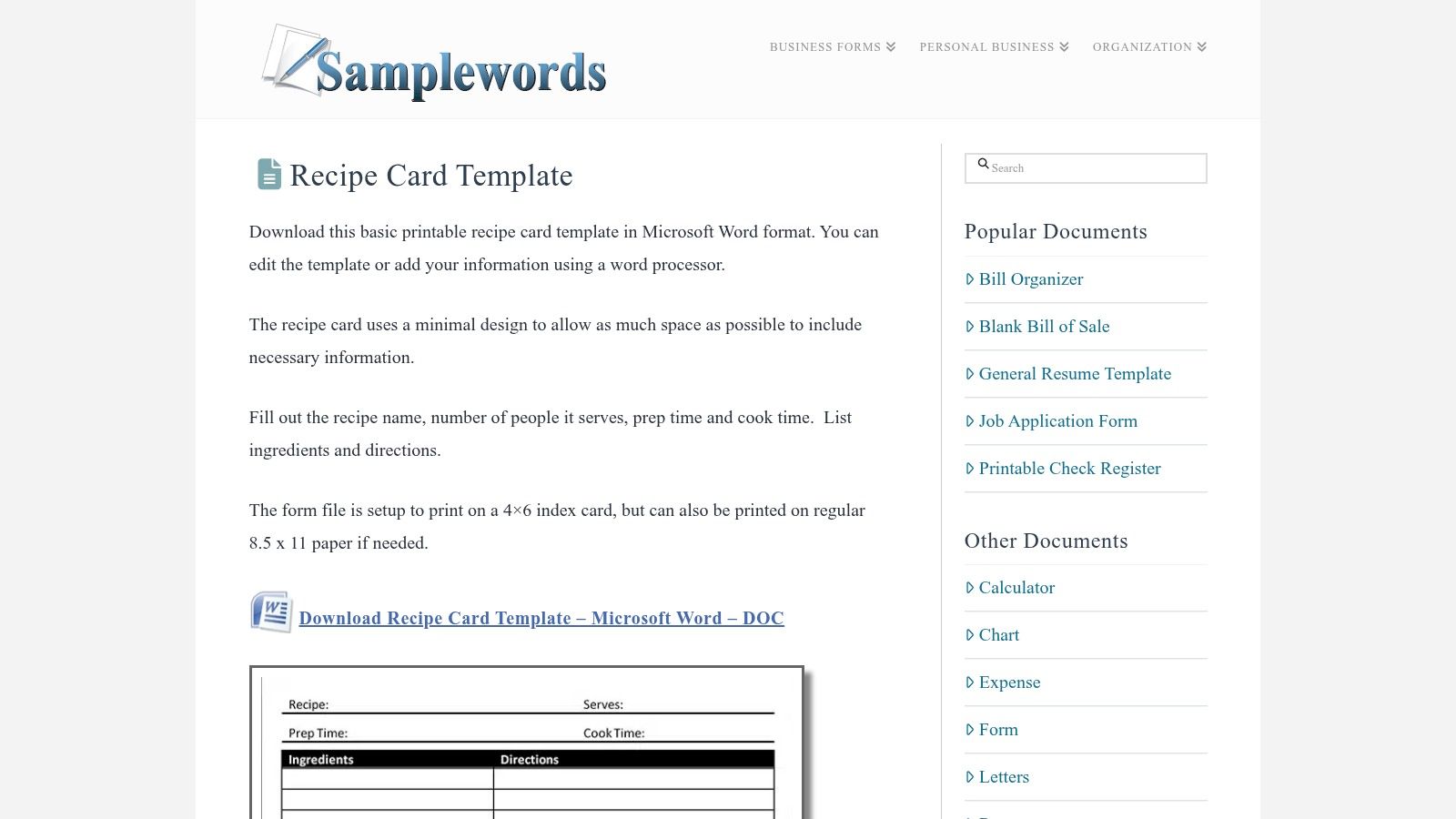
Its appeal is simplicity. The template includes the practical fields most home cooks expect, and the layout favors readability over decoration.
Best for a fast basic template
This is a good option for digitizing a handful of recipes in a hurry. If someone hands you a stained handwritten brownie card and asks you to “put it into Word,” Samplewords gets you there without distractions. You open it, replace the sample text, save, and print.
That minimalism is also the limitation. There isn't much variety, so this won't satisfy someone building a giftable or visually branded collection.
A plain card that gets printed and used beats a prettier card that never gets finished.
When I recommend this kind of template, it's usually for cooks who are still figuring out their long-term system. Start with a basic card, standardize your fields, and only then decide whether you need fancier designs. Visit Samplewords recipe card template.
7. 101Planners – Recipe Template + Recipe Card Maker
101Planners is useful when Word is only part of your workflow.
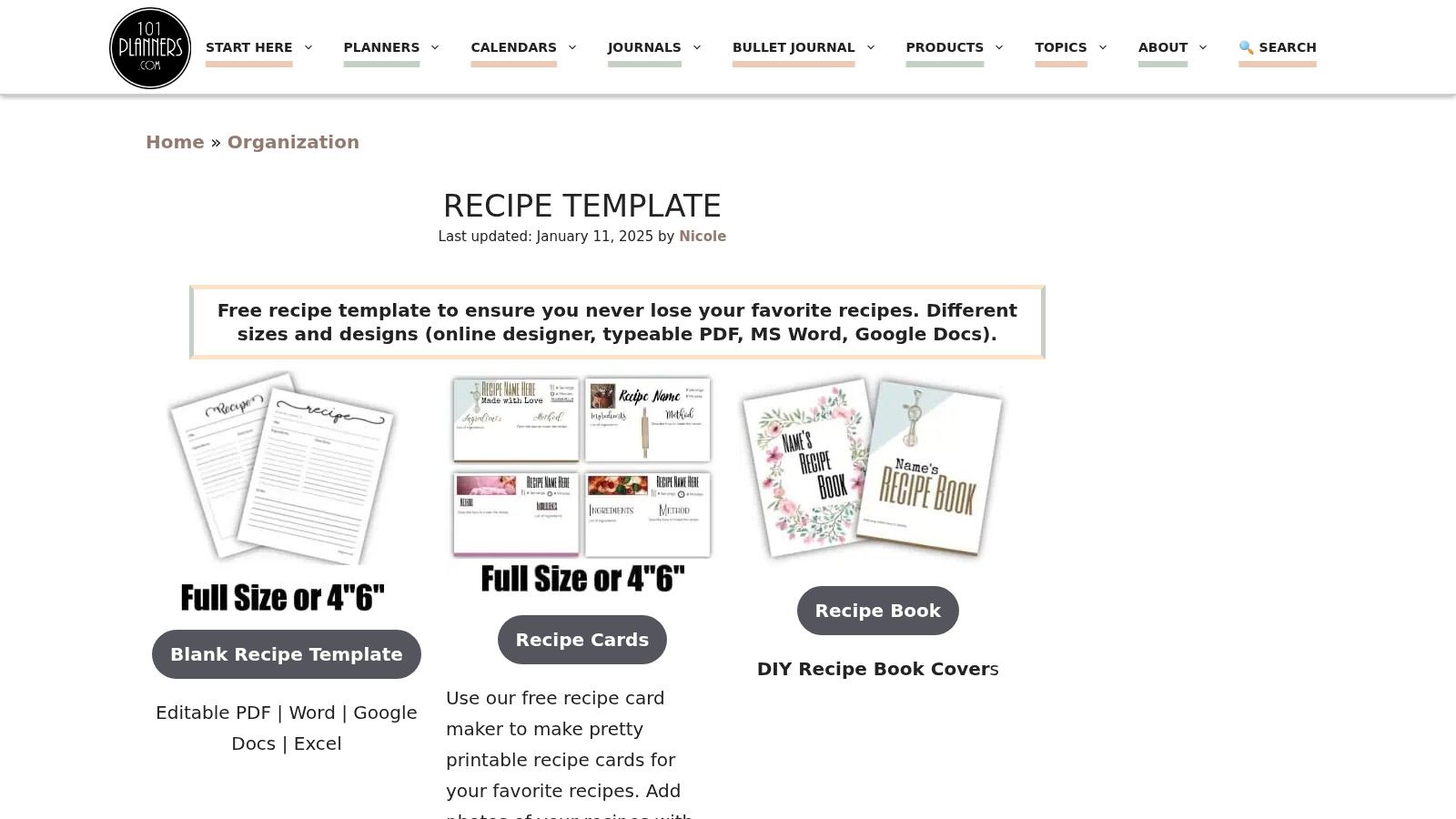
Some cooks want a Word file. Others want editable PDF, Google Docs, or a browser-based tool they can adjust before downloading. This site leans into that flexibility, which makes it more adaptable than a single-format template library.
Best for format flexibility
If you're working across devices or sharing recipe cards with family members who use different tools, 101Planners can save time. One person can customize online, another can edit a downloaded file later, and the final card can still be printed in a familiar format.
This is especially helpful during a digitizing project. Many family recipe collections start messy. Some are typed, some are handwritten, some are clipped from magazines. A flexible template source makes that transition easier.
Useful strengths include:
- Multiple editing paths: Good if Word isn't the only tool in the house.
- Printing notes: Helpful when switching between full-page and index-card output.
- Browser customization: Nice for people who dislike editing tables and text boxes in Word.
The downside is user experience. Ad-heavy pages can slow you down when you're trying to move quickly through several recipes.
If you're scanning old cards and trying to turn them into a searchable collection, these simple ways to digitize old family recipes are worth reading alongside the template options. The tool itself is at 101Planners recipe template and card maker.
8. Prints of Joy (Alenka's Printables) – Free Samples + Paid Word Sets
Prints of Joy is for the home cook who wants coordinated recipe cards and appreciates detailed printing instructions.
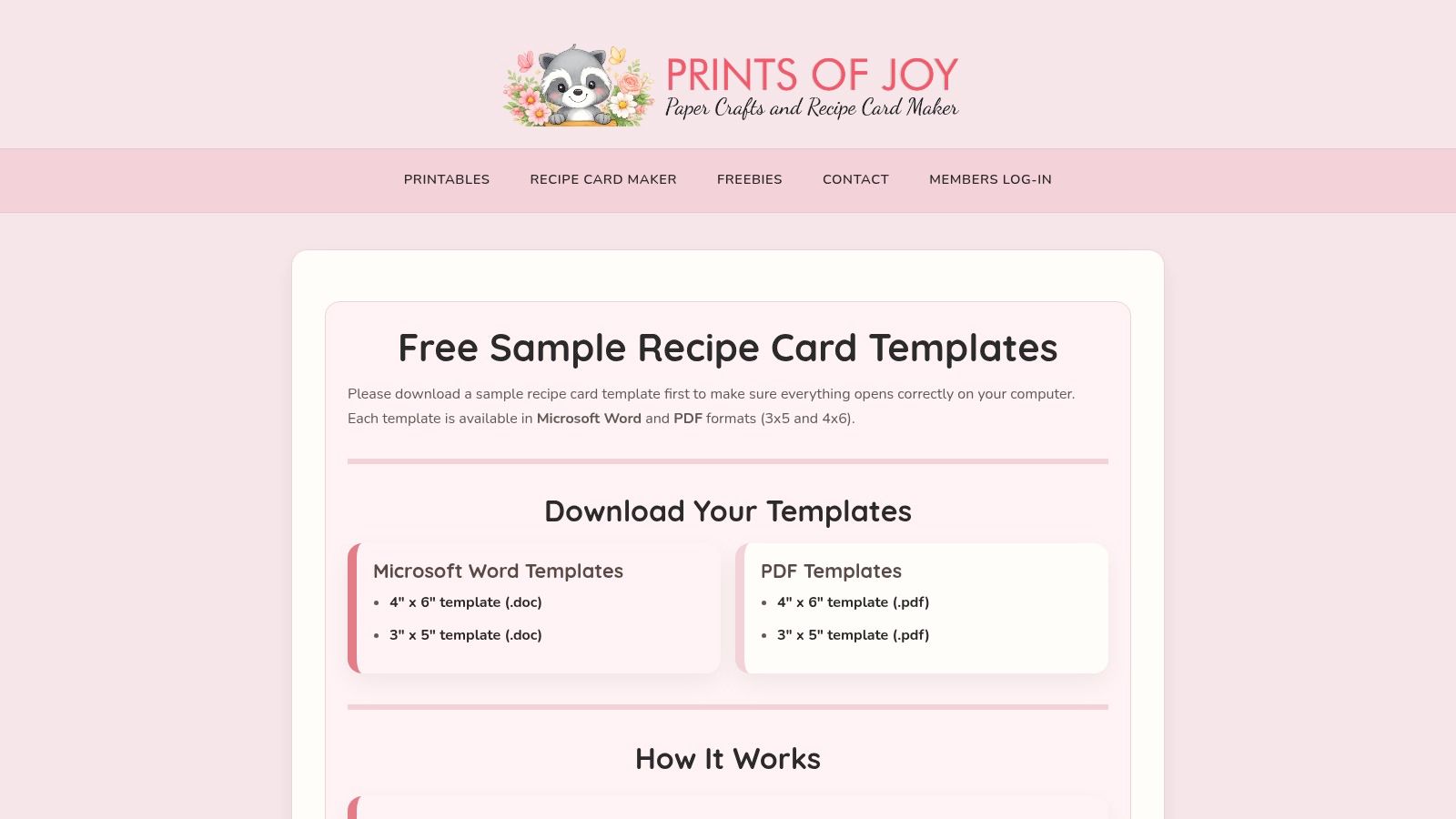
That last part matters more than many people expect. Nice templates often fail in practice because of printer scaling. If the card was designed well but prints at the wrong size, the whole thing becomes frustrating fast.
Best for coordinated printable sets
This shop-style source stands out because it pays attention to output, not just appearance. The free samples let you test sizing and formatting before buying a larger set, which is exactly how recipe card shopping should work.
The paid collections make sense if you want a matching family binder or a unified recipe gift. You get a more curated look than you would from utility-driven template sites, and the instructions help avoid the usual “fit to page” mistakes.
What I'd use it for:
- Family keepsake sets: Matching cards feel more intentional.
- Recipe gifts: Better visual cohesion for shower, holiday, or housewarming bundles.
- Print-sensitive projects: Helpful if your printer tends to resize unexpectedly.
It's a smaller catalog than larger marketplaces, but smaller can be good when you don't want to sort through too many uneven designs. Explore Prints of Joy recipe card samples and Word sets.
9. New Orchards – Free Recipe Card Templates (Word/PDF/Excel)
New Orchards is the utilitarian pick. It's not charming, but it gets the job done.
If you prefer modern DOCX files and want a straightforward download without much ceremony, this is a practical stop. The extra PDF and Excel formats also make it more flexible than it first appears.
Best for clean modern DOCX files
I like sites like this when the task is pure organization. You're not designing heirlooms. You're standardizing recipes into editable files that won't fight your current version of Word.
The Excel option is unusual but useful for certain people. If you sort recipes by category, prep notes, or ingredient planning outside a recipe app, spreadsheet-friendly formats can help during cleanup.
Good reasons to choose it:
- Modern file compatibility: DOCX works cleanly in current Word setups.
- Quick access: Useful when you don't want to create an account.
- Basic layouts: Fine for archives, binders, and household use.
The trade-off is obvious. Design variety is limited, and the site experience is more functional than polished. Go to New Orchards recipe card templates.
10. Docsie – Standard Recipe Card Template (Word download)
Docsie is the least kitchen-cute option on this list, and for some users that's exactly right.
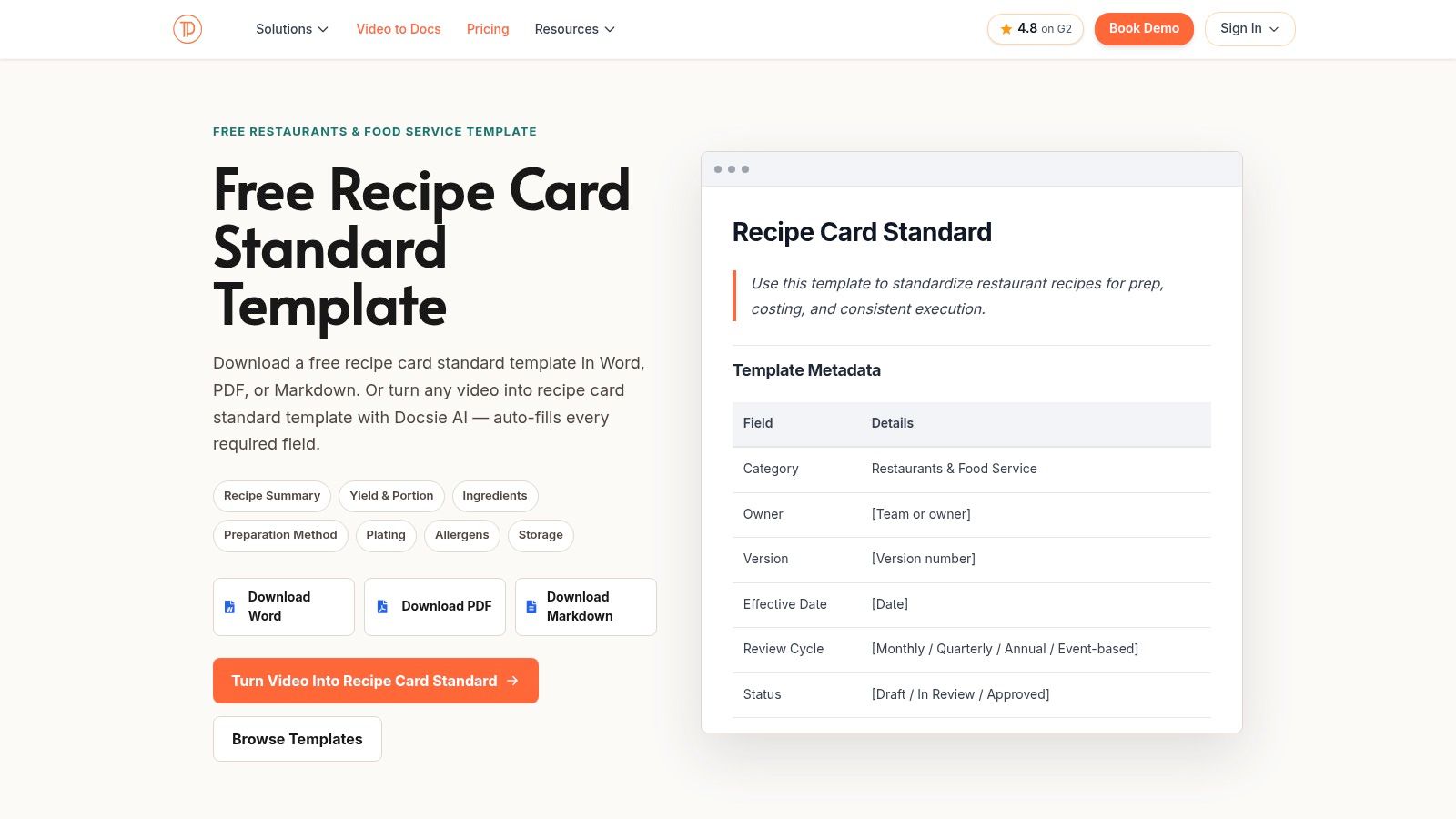
Its standard recipe card template is more about structure than decoration. That makes it a strong fit for bloggers, small teams, or anyone who wants recipes in a consistent format that can live beyond a printed card.
Best for structured documentation
The useful thing here is the export flexibility. A Word download is available, but the template also supports formats suited to digital publishing workflows. If your recipes may later become blog posts, internal kitchen docs, or shared process files, that structure helps.
For home cooks, Docsie makes the most sense when you've moved past collecting random cards and started building a system. The layout is clean and functional. It gives title, ingredients, and steps clear separation without trying to mimic a decorative stationery card.
If your recipes will live online later, choose structure first and decoration second.
This isn't the right source if you want postcard-style print layouts or decorative borders. It is useful if you want consistency that can grow with your collection. Check Docsie standard recipe card template.
Top 10 Recipe Card Templates for Word, Comparison
| Template | Key features | Quality (★) | Price & value (💰) | Best for (👥) | Standout (✨/🏆) |
|---|---|---|---|---|---|
| Vertex42 – Free Recipe Card Templates for Word | 3×5 & 4×6 Word + PDFs, 2‑up sheets, Avery alignment tips | ★★★★ | 💰 Free (personal use) | 👥 Home printers & Word users | ✨ Avery‑aligned printing guidance, 🏆 print‑ready Word files |
| TemplateTrove – Recipe Card Templates | Multiple colorways, Word/InDesign/Publisher, pre‑perf layouts | ★★★★ | 💰 Free downloads available | 👥 Casual printers wanting multiple formats | ✨ Multi‑format + pre‑perforated layouts |
| Template.net – Recipe Card Templates | Large library, DOCX with fields, free vs Pro filters | ★★★★ | 💰 Mix: Free + Pro subscription | 👥 Event planners, brands, designers | ✨ Huge style variety, easy filtering |
| FreePrintableRecipeCards.net – Word DOCs | 500+ themed designs, PDFs free, editable DOC paid | ★★★★ | 💰 PDFs free, editable DOC ≈ $7 each | 👥 Buyers wanting themed, editable cards | ✨ Massive themed catalog, one‑time purchases |
| Avery – Official Word Templates | Blank Word templates by product code, online editor | ★★★★★ | 💰 Free templates (buy paper) | 👥 Users of Avery pre‑cut stock | 🏆 Perfect margin/cut alignment for Avery |
| Samplewords – Recipe Card Template | Simple 4×6 DOC, fields for servings/time/ingredients | ★★★ | 💰 Free, no sign‑up | 👥 Users needing a quick minimalist template | ✨ Clean, ready‑to‑edit minimal layout |
| 101Planners – Template + Card Maker | Word/PDF/Google Docs + online maker, printing guidance | ★★★★ | 💰 Free templates + customizable maker | 👥 Users needing format flexibility & maker | ✨ Online card maker + multi‑format exports |
| Prints of Joy (Alenka's) – Free + Paid Sets | Free samples, paid coordinated sets, detailed printing guide | ★★★★ | 💰 Free samples, paid bundles | 👥 Buyers who want coordinated designs & tutorials | ✨ “No‑scaling” printing guide, varied sizes |
| New Orchards – Free Templates | DOCX, PDF & Excel options, simple modern layouts | ★★★ | 💰 Free & fast downloads | 👥 Users preferring DOCX or spreadsheet workflows | ✨ Excel template option for ingredient lists |
| Docsie – Standard Recipe Card Template | Word/DOCX + PDF + Markdown export, structured layout | ★★★★ | 💰 Free / documentation‑friendly | 👥 Bloggers, teams publishing recipes | ✨ Markdown export for web publishing |
Final Thoughts
A Word recipe card works well right up to the moment your collection spreads into three places. The printable version is in one folder, the revised version is in another, and the brownie recipe from a text thread never makes it onto a card at all. That is usually the point where a template stops being a full system and starts being just one useful tool.
Pick the template based on the job.
Vertex42 and Avery are the strongest choices for printing. Vertex42 is practical when you want a finished card with very little setup. Avery is the better fit when you already buy matching stock and want margins and cut lines to behave. TemplateTrove and Samplewords are easier to edit quickly, which matters when you are typing recipes in batches. Template.net, FreePrintableRecipeCards.net, and Prints of Joy make more sense for gifts, themed binders, or recipe swaps where the look matters as much as the layout.
That use-case approach is the main takeaway from this list. Some templates are better for clean printing. Others give you more design variety. A few are useful because they support extra formats or a card maker. Choosing that way saves time and keeps you from forcing one template to do a job it was not built for.
For many home cooks, the practical setup is a hybrid one. Use Word files for the recipes you want to print, share, or keep in a binder. Store the full collection digitally so screenshots, handwritten cards, clipped magazine pages, and web recipes all live in one searchable place. You keep the card box on the counter and still avoid the usual mess of duplicate files and missing versions.
OrganizEat fits that second part. It stores recipe photos, scans, web imports, and typed entries in one library, which makes it a useful next step after you outgrow static Word files.
A simple plan works well. Start with Vertex42 or Avery if printing is your priority. Start with Template.net or Prints of Joy if design variety matters more. Then move your growing collection into a digital library before the folder cleanup becomes its own kitchen project.