


Your camera roll is full, your family group chat is a mess, and half the photos you care about are trapped in different apps. Some got compressed in a text thread. Some are buried in social posts. Some never made it to the people who wanted them most. If you're trying to find the best app for sharing photos, the hard part isn't finding options. It's picking the one that matches how you share.
A single app is rarely sufficient for all users' needs. They need one app for private family updates, another for client delivery, or a simple way to send a full-resolution album without turning it into a tech support project. That's where most roundup lists fall short. They rank apps as if a parent sharing baby photos, a traveler sending trip albums, and a photographer delivering proofs all have the same job to do.
This guide sorts the best options by real use case, with the trade-offs that matter in everyday life. If you're also trying to gather images from a big event, this guide on how to collect wedding photos from guests solves a different but related problem.
Table of Contents
- 1. Google Photos
- 2. Apple Photos
- 3. Amazon Photos
- 4. Instagram
- 5. Flickr
- 6. SmugMug
- 7. Dropbox
- 8. Microsoft OneDrive
- 9. FamilyAlbum
- 10. Cluster
- Top 10 Photo Sharing Apps Comparison
- Your Photos, Shared Your Way
1. Google Photos
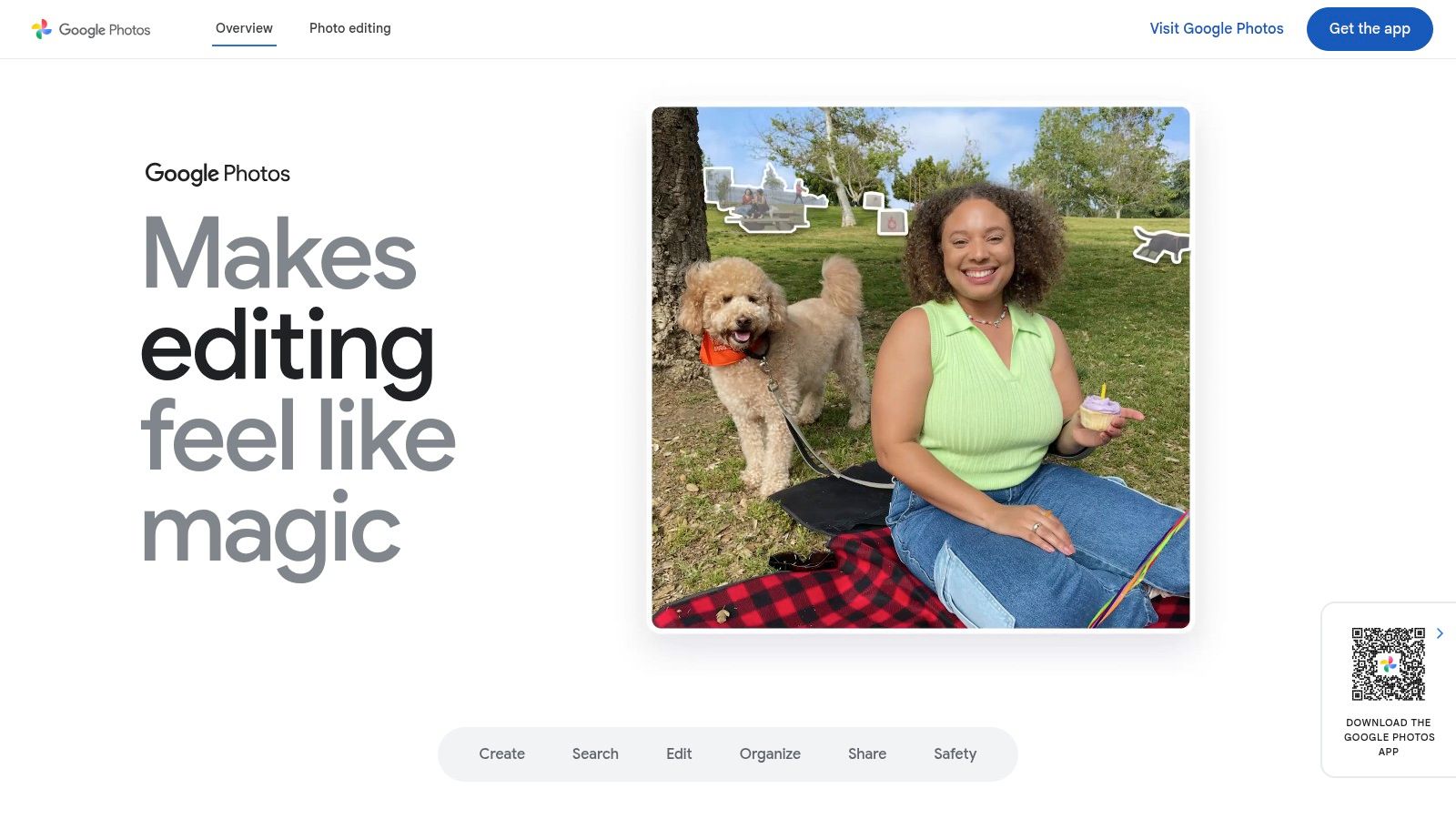
Google Photos is still the default answer for a lot of people because it solves the basic sharing problem with less friction than most alternatives. It works across iPhone, Android, and the web, and it doesn't fall apart when one person in the group uses a different device from everyone else.
Scale matters here. Google Photos had over 1 billion users worldwide by 2019, which helps explain why it's so often the easiest recommendation for mainstream sharing. In plain terms, there's a good chance the person you're sending to already uses Google in some form, or can at least open a shared album link without much trouble.
Why it works for most people
Google Photos is strongest when you want one place to back up, search, and share. Shared albums, direct links, comments, likes, and partner-style sharing all make it practical for households and friend groups that exchange photos regularly rather than once in a while.
What I like most is the search and organization layer. You don't have to manually build perfect folders to find what you need later.
- Best use case: Mixed-device families, casual group sharing, and ongoing albums
- What works well: Fast sharing links, strong search, easy browser access
- What gets annoying: Storage can become a factor once your library grows
Practical rule: If you want the best app for sharing photos across iPhone, Android, and desktop without teaching everyone a new system, start with Google Photos.
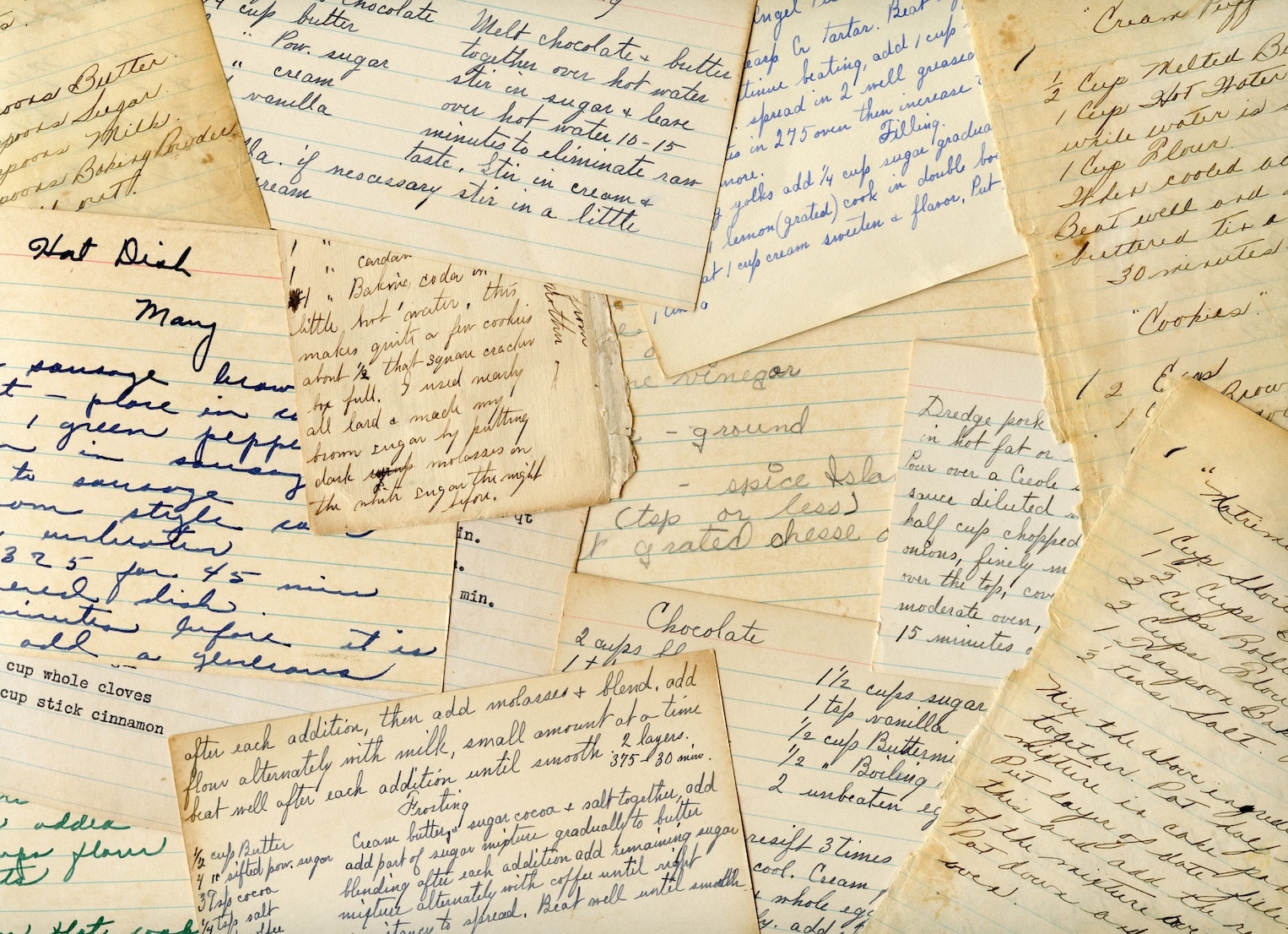
It also pairs well with long-term memory keeping. If you're digitizing older family materials along with photo albums, this guide on simple ways to digitize old family recipes fits the same organizing mindset.
Use Google Photos when convenience matters more than perfect control.
2. Apple Photos
Apple Photos is excellent inside an Apple household. If everyone uses iPhone, iPad, or Mac, the experience feels built in rather than bolted on. That alone makes it one of the best app choices for sharing photos in families that don't want to think about setup.
The standout feature is iCloud Shared Photo Library. It lets up to six people contribute to one shared library with full add and edit rights, and it supports automatic contribution rules based on person, date range, or proximity. That's much closer to a real shared household library than a basic album link.
Best for Apple households
Apple's advantage isn't reach. It's smoothness. Photos sync naturally across devices, edits carry through, and the shared space feels like part of the normal camera roll workflow.
That said, this recommendation has a clear boundary. If even one key person in the group lives outside the Apple ecosystem, the experience gets less elegant fast.
- Best use case: Couples and families fully committed to Apple devices
- What works well: Automatic contribution, original-quality syncing, clean device integration
- What gets annoying: The best features really assume an Apple-first household
For people scanning older prints into a Mac-based library, a dedicated photo scanner workflow for Macs can help before you drop everything into Apple Photos.
Use Apple iCloud Photos if your home already runs on Apple gear and you want sharing to feel invisible.
3. Amazon Photos
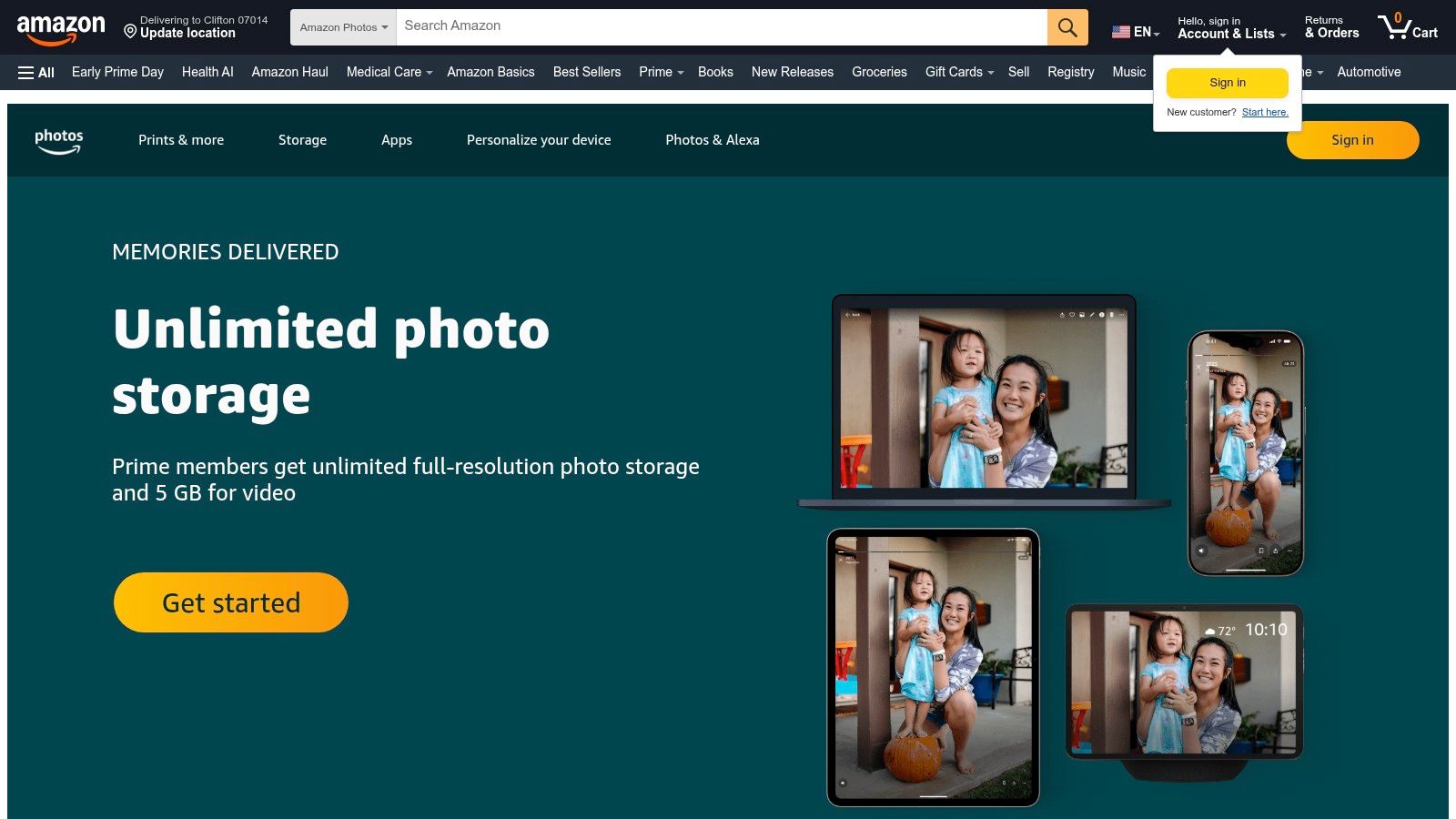
Amazon Photos makes more sense than people expect, especially for households that already pay for Prime and want a photo service that mostly stays out of the way. It handles backup, albums, family sharing, and living-room display reasonably well.
Its practical strength is value inside the Amazon ecosystem. Family Vault and shared album links make it easy to give relatives access without turning the whole setup into a social platform. If you have Fire devices or an Echo Show, viewing becomes part of everyday life rather than a separate task.
Where it fits best
Amazon Photos isn't the most polished option for discovery, editing, or album presentation. It is, however, a solid choice for families who want storage and simple sharing more than creative tools.
The platform works best when your priorities are straightforward. Back up the library, send albums, and let other family members view photos without confusion.
For Prime households, Amazon Photos often feels less like a new app and more like an included utility you should probably be using.
Use Amazon Photos if you want practical family sharing and you already spend time in Amazon's ecosystem.
4. Instagram
Instagram is for broadcasting, not preserving. If your main goal is to share moments with followers, friends, or a broader audience, it's one of the easiest places to post photos people will see. If your goal is private archiving, it isn't the right tool.
That distinction matters. A lot of people treat Instagram like a photo home when it's really a publishing channel. Stories, carousels, DMs, close-friends sharing, and group chats make it flexible socially, but none of that replaces a proper backup or family archive.
Best for visibility, not storage
Instagram shines when reach matters. Creators, small brands, hobby photographers, and everyday users all use it to post quickly, spark conversation, and keep a visual presence active.
The trade-off is control. Feeds are algorithmic, compression affects presentation, and your photos live inside a social environment designed for engagement, not careful organization.
- Best use case: Social sharing, creator visibility, and casual public posting
- What works well: Fast publishing, audience interaction, built-in creative tools
- What gets annoying: It's a poor long-term archive and not ideal for private family sharing
If your real goal is storytelling on the platform itself, this guide on how to create engaging Instagram photo stories is more useful than a storage tutorial.
Use Instagram when you want people to react to your photos, not just store them.
5. Flickr
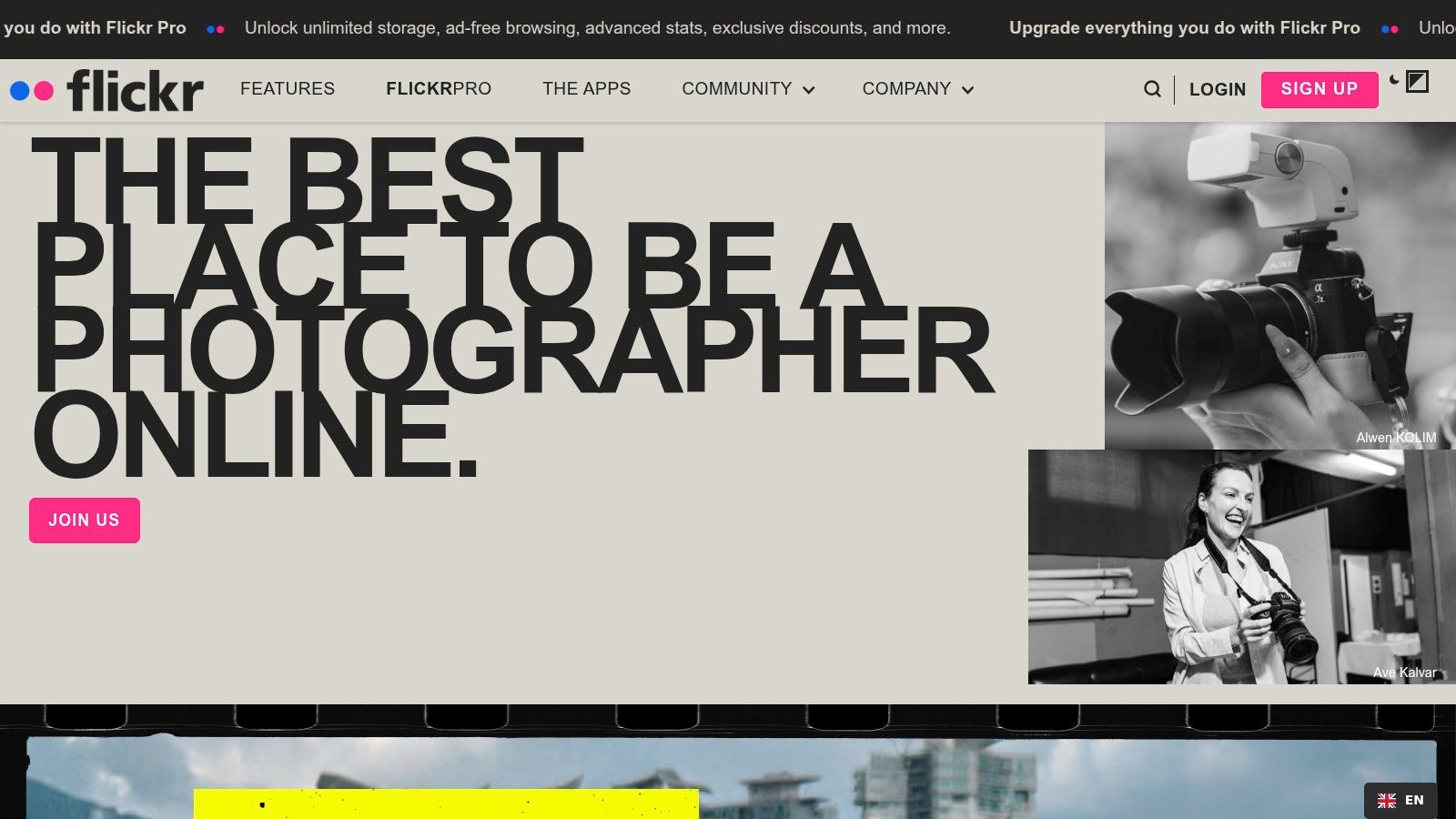
Flickr still has a real place in this category because it respects the photo as a photo. That's a bigger deal than it sounds. Many modern sharing apps treat images as disposable content, while Flickr still gives attention to albums, metadata, EXIF details, licensing, and community feedback.
For hobbyists and photographers who care about presentation without building a full client site, Flickr remains useful. You can keep albums private, public, or selectively shared, and the surrounding community is still more photography-focused than what you'll get on a mainstream social app.
Built for people who care about the photo itself
Flickr works best when you want your images viewed in a photographer-friendly environment. It also suits people who enjoy joining topic-based groups, following niche interests, and getting feedback from others who pay attention to craft.
The downside is reach. Flickr's audience is smaller and more specialized than Instagram's, so it isn't the best place if your top goal is broad discovery.
- Best use case: Hobbyists, enthusiasts, and image-focused sharing
- What works well: Metadata support, album control, photography communities
- What gets annoying: The platform feels niche, and serious use may push you toward a paid plan
Use Flickr when the image quality, metadata, and viewing context matter as much as the act of sharing.
6. SmugMug

SmugMug is what I recommend when the album itself needs to look polished. It isn't trying to be a social network, and that's exactly why it works for photographers, serious hobbyists, and anyone delivering images in a more deliberate way.
The galleries look clean, the privacy settings are useful, and the client-facing experience feels more premium than a generic cloud folder. Password protection, proofing tools, downloads, and print options make it especially strong for portrait sessions, family galleries, and portfolio-style presentation.
Best when presentation matters
SmugMug is less about speed and more about the finish. If you're sending vacation pictures to cousins, it's probably more than you need. If you're sharing a maternity shoot, wedding gallery, school portraits, or a polished body of work, it makes much more sense.
What it doesn't do well is casual social interaction. There isn't much community discovery compared with Flickr or Instagram, and there's no free forever tier to ease into.
SmugMug is the photo-sharing version of setting the table properly. It doesn't change the food, but it changes how people experience it.
Use SmugMug when you want private galleries or client delivery to feel intentional and professional.
7. Dropbox
Dropbox is one of the best answers when your real problem isn't social sharing. It's file delivery. If you need to send original-quality photos, exports, edits, selects, or full folders with clear permissions, Dropbox is often easier than any photo-first app.
It also lines up with a major gap in most "best app" lists: how to share large photo sets without losing quality or control. Community discussions regularly bring up the challenge of sending 100-plus photos and compare options like Google Drive, WeTransfer, and Pixieset for handling bulk delivery and access control in a more manageable way, rather than just saying "make a shared album" and hoping that solves it (discussion reference).
Best for original files and control
Dropbox works because recipients don't need much hand-holding. You can share folders or albums by link, let non-users preview in a browser, and keep a cleaner separation between viewing and downloading than many consumer photo apps offer.
This isn't the most charming option. It won't auto-curate memories or make your vacation gallery feel magical. But if you're sending photos to clients, collaborators, or family members who want the actual files, the straightforward folder system is hard to beat.
- Best use case: Full-resolution delivery, collaboration, and large photo sets
- What works well: Browser access, reliable sync, folder permissions
- What gets annoying: Limited free storage and very little photo-specific personality
Use Dropbox when quality retention and download control matter more than a pretty feed.
8. Microsoft OneDrive
OneDrive is easy to overlook, but for a lot of households it's the most practical answer. If you already use Windows and Microsoft 365, it can handle photo backup and sharing well enough without adding another subscription or another app to manage.
The photo experience is good rather than exciting. You can create albums, share by link, and keep everything tied into the broader Microsoft account setup your family may already use for documents, email, and device logins.
A practical household choice
OneDrive isn't trying to win on style. It wins on consolidation. If your family already stores files in Microsoft's ecosystem, putting photos there can simplify the whole digital-home setup.
That's especially true for people who want private link sharing without much ceremony. The app is cross-platform, the browser experience is solid, and Windows integration is naturally strong.
Use Microsoft OneDrive if you want a sensible, low-drama place to store and share photos alongside everything else in your Microsoft life.
9. FamilyAlbum
FamilyAlbum stands out because it solves a problem many mainstream apps only partly address. Private family photo sharing isn't just about convenience. It's about consent, boundaries, and keeping personal moments in a space that doesn't feel public by default.
That angle is often underserved. FamilyAlbum is positioned specifically for families, and its Google Play listing describes it as a private photo-sharing app with organizing features. That's why it belongs on a shortlist for the best app for sharing photos when children, grandparents, and everyday family life are involved.
Private family sharing done right
This app is built for invite-only family circles. Relatives can comment, react, and follow along without the pressure or exposure of social media. The organization also feels family-shaped rather than generic, with features oriented around ongoing milestones and age-based sorting.
For many families, that focus is the whole point. You aren't trying to build an audience. You want one calm, private place where the right people can see the right photos.
- Best use case: Baby photos, kid updates, and private family albums
- What works well: Invite-only sharing, easy interface for relatives, family-specific organization
- What gets annoying: It isn't meant for public sharing or broader creative workflows
If you're organizing family members into clearer digital circles before sharing, this quick guide to creating groups on iPhone can help with the communication side.
Use FamilyAlbum when privacy matters as much as ease of use.
10. Cluster
Cluster is one of the cleanest options for private group sharing that isn't specifically about kids or family. Think trips, weddings, sports teams, classrooms, clubs, roommates, or a long-running friend group that wants one shared space without opening everything to the internet.
Its appeal is simple. You create a private group, invite the people who belong there, and keep all the photos and videos inside that space. No public feed. No algorithm. No pressure to post performatively.
Best for private groups that aren't just family
Cluster works especially well for recurring groups. That's where many mainstream apps get clumsy. A group chat becomes noisy, a social app becomes too public, and a cloud folder feels too much like work.
Cluster keeps things more relaxed. Members can upload, comment, and react, but the experience stays centered on the group rather than outside attention.
If you want a shared album that feels social enough to be alive, but private enough to stay personal, Cluster hits a sweet spot.
Use Cluster when you want a private, ongoing photo space for a defined group of people.
Top 10 Photo Sharing Apps Comparison
| Service | Core Features | UX Quality (★) | Value & Pricing (💰) | Target Audience (👥) | Standout (✨🏆) |
|---|---|---|---|---|---|
| Google Photos | Cloud backup, shared albums, AI search, casting | ★★★★☆, Smart cross‑device search | 💰 Free limited; Google One for more | 👥 General users & families | ✨ Powerful AI search & auto‑grouping 🏆 |
| Apple Photos (iCloud Shared) | Shared library (6 ppl), auto rules, original‑quality sync | ★★★★★, Seamless Apple integration | 💰 Uses iCloud; paid storage plans | 👥 Apple households | ✨ Auto‑contribute rules & privacy 🏆 |
| Amazon Photos | Unlimited full‑res (Prime), Family Vault, TV apps | ★★★★☆, Reliable, basic edits | 💰 Best value with Prime membership | 👥 Prime families | ✨ Unlimited full‑res for Prime 🏆 |
| Public/private posts, Stories, DMs, discovery tools | ★★★☆☆, Social & engaging; compressed | 💰 Free; not a backup solution | 👥 Creators & social sharers | ✨ Massive reach & engagement | |
| Flickr | Albums, EXIF/metadata, communities, Pro analytics | ★★★★☆, Photographer‑friendly | 💰 Free limits; Pro for unlimited | 👥 Hobbyist & pro photographers | ✨ Rich metadata + active communities 🏆 |
| SmugMug | Custom galleries, client proofing, print storefront | ★★★★☆, Polished professional display | 💰 Paid plans only (pro features) | 👥 Pro photographers & sellers | ✨ Commerce & branding tools 🏆 |
| Dropbox | Folder sync, share links, version history, previews | ★★★★☆, Very reliable sync | 💰 Small free tier; paid storage | 👥 Collaborators & pros | ✨ Fine‑grained permissions & collaboration 🏆 |
| Microsoft OneDrive | Cloud storage, photo albums, MS365 integration | ★★★★☆, Great on Windows | 💰 Strong value with Microsoft 365 | 👥 Microsoft‑centric households | ✨ 1TB + Office apps with 365 🏆 |
| FamilyAlbum | Invite‑only family albums, auto‑sorting, photo books | ★★★★☆, Simple for non‑tech relatives | 💰 Free basic; Premium for extras | 👥 Parents, grandparents & family | ✨ Kid‑centric auto features & privacy 🏆 |
| Cluster | Private group spaces, full‑quality uploads, event albums | ★★★★☆, Clean, private group UX | 💰 Free/low‑cost; focused on privacy | 👥 Trips, teams, close groups | ✨ Invite‑only groups; no public feeds 🏆 |
Your Photos, Shared Your Way
You get back from a family trip with 600 photos, send a few in the group chat, post a couple to Instagram, and promise yourself you will organize the rest later. A month passes, and now the best shots are scattered across apps, phones, and message threads. That is usually the moment people realize they did not need just a photo-sharing app. They needed the right kind of photo-sharing app.
That is why a single ranked list only gets you part of the way. The better question is simpler: what job should this app do well? Private family sharing, public social posting, client delivery, portfolio presentation, and file backup all sound related, but they call for different tools. Google Photos works well as a broad default for mixed-device households. Apple Photos is the easier choice inside an Apple-only setup. FamilyAlbum and Cluster fit private sharing better than general cloud folders. SmugMug and Flickr make more sense when presentation and image quality matter. Dropbox and OneDrive are stronger picks when original files and folder control matter more than social features.
A common mistake is using Instagram as an archive. It is built for visibility, not long-term organization or original-file storage. Another common mistake is treating a group chat as the home for event photos. That works for two days, then the album disappears under newer messages. Generic cloud folders can also create friction, especially for relatives who want one tap and clear albums, not a file tree.
Match the app to the use case, and photo sharing gets easier fast. Use private family apps for family memories. Use gallery platforms for client work or portfolios. Use storage-first services for originals and backup. Use social apps when discovery and engagement are the actual goal.
That same principle applies to other personal archives. Organizing photos and organizing family materials often overlap, especially when households are trying to preserve recipes, scanned cards, and handwritten keepsakes in one place. OrganizEat is one example of a tool built for that kind of structured family archive, with photo support and sharing features that fit naturally beside a more intentional photo system.
If you want a second opinion focused more on photographer workflows, this guide can help you find the ideal app for photographer workflow.