



Dinner pressure usually starts before anyone sits down. One child asks for pasta, another rejects anything green, your partner texts from the store to ask if there's cumin at home, and the recipe you meant to make is buried in photos, browser tabs, or a social post you forgot to save.
That is the purpose of a family meal planner app. It should cut down decisions, keep the shopping list shared, and make it easier to cook food your household will eat.
The strongest apps do this in different ways. Some build a weekly plan fast. Some are better for shared grocery trips, where two adults need the same list in real time. Others work best for families who already cook from their own recipes and want to keep those recipes organized instead of starting over every week. If you want a stronger routine before choosing an app, this guide to meal planning for busy families is a useful place to start.
Fit matters more than feature count. A family with picky eaters needs something different from a household that batch cooks on Sundays. A parent who wants dinner chosen for them has different needs than one who wants to preserve grandma's handwritten recipe cards. That is where OrganizEat stands out in a practical way. It helps families store heirloom recipes, capture recipes from social media, and keep everything in one place without losing the personal side of cooking.
This list is built around those real use cases, so you can match each app to the kitchen problem you are trying to solve.
Table of Contents
- 1. OrganizEat
- 2. eMeals
- 3. Plan to Eat
- 4. Mealime
- 5. Paprika Recipe Manager
- 6. AnyList
- 7. Cozi Gold / Max
- 8. Samsung Food formerly Whisk
- 9. Prepear
- 10. SideChef
- Top 10 Family Meal Planner Apps: Key Features Comparison
- Final Thoughts
1. OrganizEat
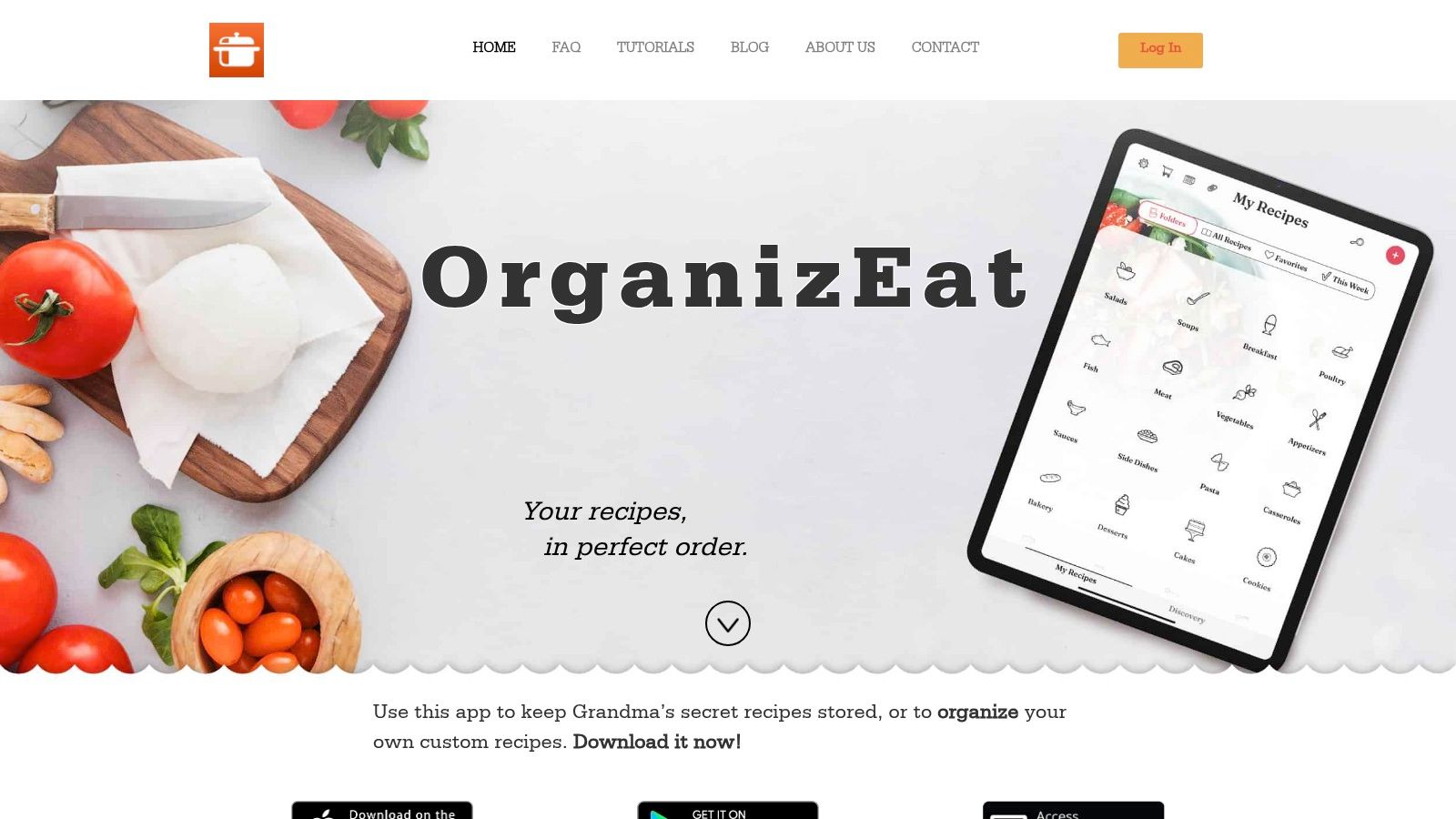
Dinner gets harder fast when one parent saved a pasta idea on Instagram, another has a favorite chicken recipe on Facebook, and the only copy of grandma's soup lives on a stained index card. OrganizEat is built for that kind of family kitchen. It focuses on collecting the recipes you already use, keeping them organized, and turning them into a workable meal plan.
That family-recipe angle matters. Many meal planner apps are strongest at suggesting new dinners. OrganizEat is stronger at helping you keep the meals your household already returns to, including handwritten cards, cookbook pages, screenshots, and social posts that may disappear later.
Why it stands out for families
OrganizEat fits families that want one place for old recipes and new ones. You can save recipes from social media and websites, photograph handwritten or printed recipes, and keep the original look of those family cards instead of typing everything into a plain text box. For parents trying to preserve heirloom recipes while still grabbing a weeknight idea from TikTok, that is a real differentiator.
It also covers the planning side well enough for everyday use:
- Recipe capture that matches real family behavior: Save from Instagram, TikTok, Facebook, and websites without rebuilding each recipe manually.
- Heirloom recipe preservation: Scan or photograph handwritten cards, clippings, and cookbook pages so family recipes stay readable and easy to find.
- Shared planning tools: Add meals to a calendar and turn ingredients into a grocery list, which helps when one parent plans and the other shops.
- Cook-mode display: Full-screen viewing is practical when you are cooking with messy hands and checking steps quickly.
A good rule here is simple. If your family cooks from its own saved recipe mix more than from app-generated weekly menus, recipe ownership should come before meal-plan inspiration.
Where it fits best
OrganizEat works best for households with a mixed recipe life. Part family archive, part social-media saves, part cookbook staples. It is a strong match for parents who want to preserve recipes across generations and still plan regular dinners without switching between five apps.
The trade-off is that discovery is not the main selling point. Families who want an app to hand them a fresh set of weekly dinner ideas may prefer a more content-driven option. Families who already know what they like cooking often get more value here.
Before subscribing, check the current app store listing for pricing, since the main site does not lay out plan details clearly. If scanning quality is a deciding factor for your household, test a few handwritten cards and cookbook pages during the trial or free setup process rather than assuming every old recipe format will import equally well.
For families building a repeatable system around saved recipes, this guide to best features to look for in recipe apps is a useful next read.
2. eMeals

eMeals works best when the hardest part of dinner is deciding what to make. Instead of asking you to build a recipe archive from scratch, it leans into weekly meal plans and a decide-and-shop flow that feels built for tired weeknights.
Best for done-for-you weekly dinners
This is a strong fit for households that want dinner choices narrowed down fast. The service offers weekly dinner plans across different eating styles, builds a consolidated grocery list, and connects to major grocers for pickup or delivery. For a busy parent, that means less scrolling and fewer “what should we make” debates.
The upside is obvious. You spend less time planning, and the shopping side is simplified. The downside is just as important. eMeals is content-driven, so it's less appealing if your family mostly cooks from saved personal recipes.
Consider this practical approach:
- Choose eMeals if: You want weekly guidance, built-in meal ideas, and grocery ordering support.
- Skip it if: Your best dinners already live in your own recipe collection and you don't want to work around a service's menu structure.
Some families don't need more inspiration. They need fewer decisions.
If you're comparing recipe apps more broadly, this breakdown of best features to look for in recipe apps helps clarify whether a curated planner or a recipe keeper suits your kitchen better. You can explore the platform at eMeals.
3. Plan to Eat
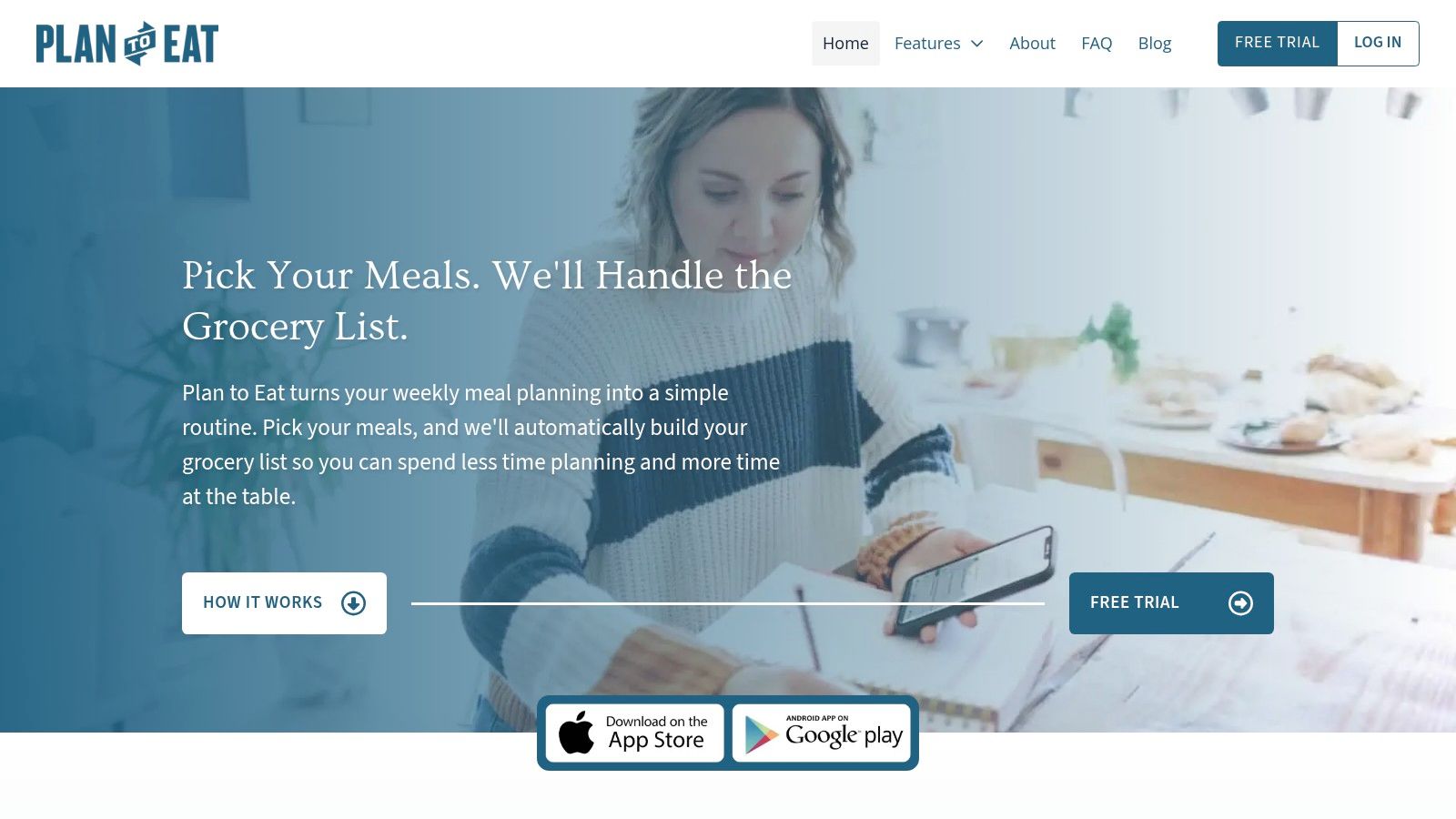
Plan to Eat has a very specific strength. It respects the idea that many families already know what they like to cook. They just need a better way to put those meals on a calendar and turn them into a clean shopping list.
Best for families who cook from their own recipes
This app is for planners, not browsers. You import recipes from the web, tag and organize them, then drag them onto a daily, weekly, or monthly calendar. Once the plan is set, the grocery list is generated and deduplicated so you're not buying onions three separate times because they appeared in three recipes.
That makes it a strong match for families with a stable rotation. Taco night, soup night, one slow-cooker meal, one use-up-the-fridge dinner. Plan to Eat handles that rhythm well.
Its main trade-offs are easy to predict:
- Strong fit: Families who want recipe ownership, rescheduling flexibility, and long-term control.
- Weaker fit: Families who want built-in discovery, grocery delivery integration, or a “pick for me” experience.
I'd put Plan to Eat near the top for households where one adult enjoys planning and wants a digital command center without heavy automation. Visit Plan to Eat.
4. Mealime
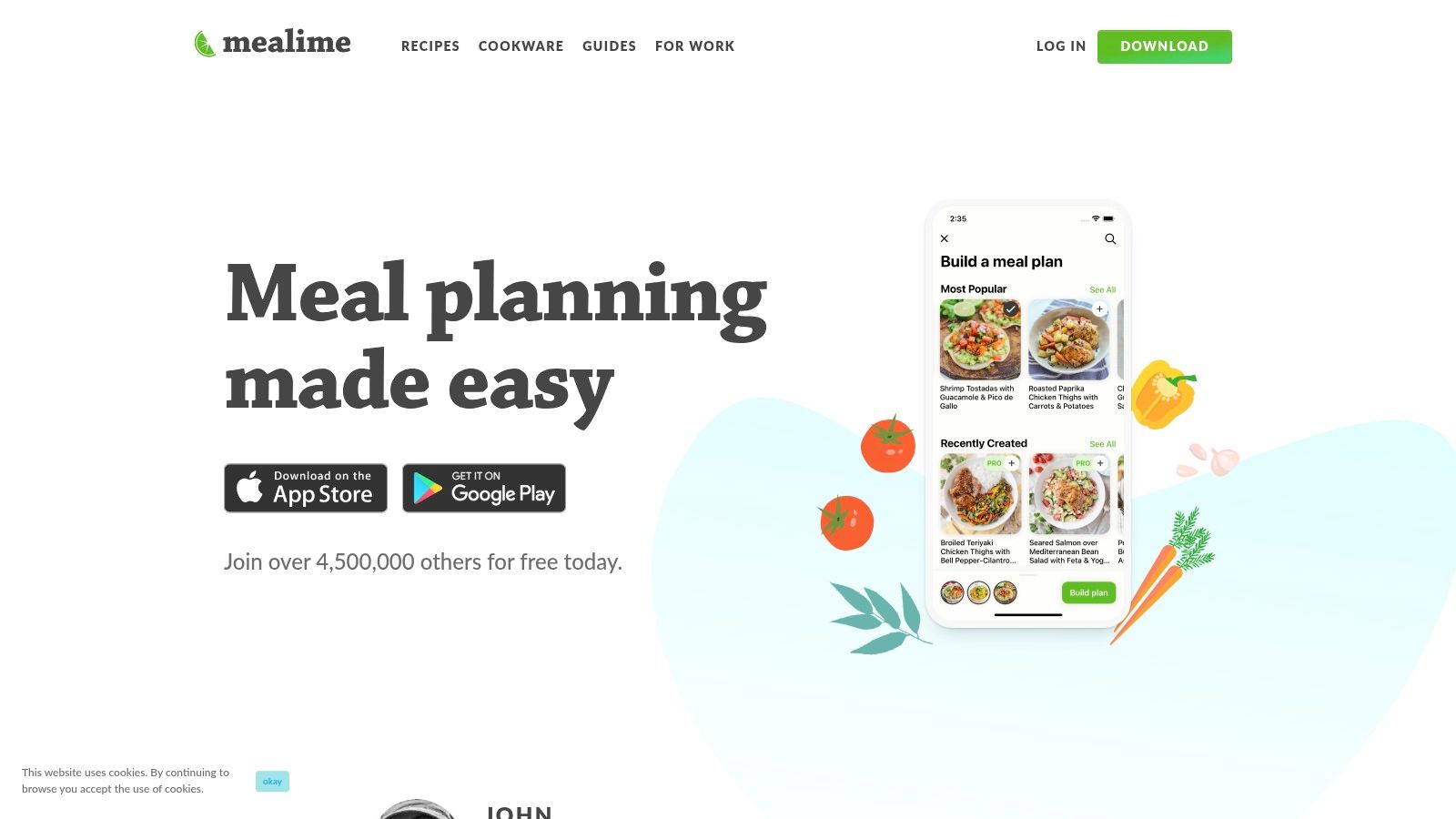
Mealime is one of the easiest apps to recommend to a family that's overwhelmed and needs momentum more than customization. Pick meals, get the grocery list, cook dinner. That simplicity is the product.
Best for fast weeknight cooking
Mealime says it helps busy singles, couples, and families plan meals for the entire week in minutes, and it offers more than 200 personalization options along with a single organized grocery list built from your selected recipes on Mealime's official site. For families dealing with allergies, picky eating, or a tight weeknight schedule, that level of filtering is useful because it narrows choices before you ever hit the stove.
The online shopping angle is also practical. Mealime says users can send grocery lists directly to fulfillment partners and complete grocery shopping online in under 10 minutes at zero markup on its platform page. That's appealing if your family wants one grocery run, not three scattered store stops.
Mealime is strongest in three situations:
- You need low-friction planning: The app is quick to learn and quick to use.
- You want straightforward family dinners: The recipes stay close to mainstream ingredients and weeknight-friendly cooking.
- You prefer app-provided recipes: That's where it shines.
Its limitation is the same reason many people love it. Mealime isn't centered on preserving your own family cookbook. If recipe ownership matters more than speed, another app will suit you better. But if your goal is to get dinner on the table without a lot of setup, Mealime is one of the cleanest options.
5. Paprika Recipe Manager
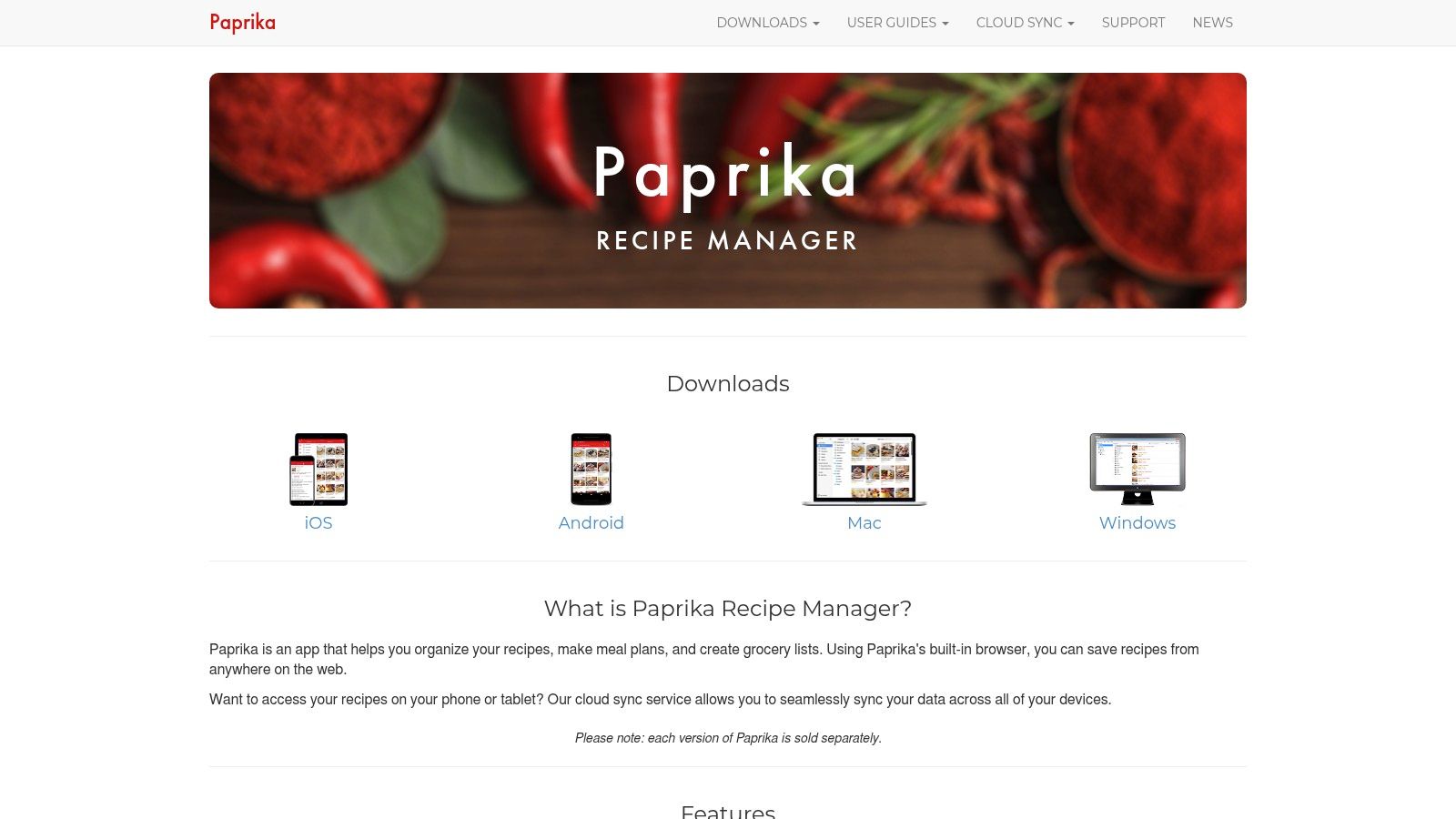
Paprika has been a favorite among serious home cooks for years because it does the fundamentals well. Save recipes. Organize them. Plan meals. Build shopping lists. Keep everything accessible offline.
Best for long-term recipe ownership
If your family treats recipes like a collection, Paprika is a dependable choice. You can capture recipes from websites, add manual entries, plan meals across different calendar views, and generate shopping lists that are sorted in a way that makes actual store trips less annoying.
The buy-once-per-platform model also appeals to families tired of subscriptions. That's a real advantage if you plan to keep your recipe library for years and want less ongoing friction.
Where Paprika falls short is collaboration. It isn't the most natural shared-family system if multiple people are constantly adding, editing, and shopping in parallel. It also doesn't offer native grocery delivery integrations, which matters if online ordering is part of your routine.
For recipe collectors, reliability beats novelty. An app you still trust in three years is worth more than one flashy feature you stop using next month.
Paprika is best for the household cook who wants a stable kitchen database first and collaborative household coordination second. You can find it at Paprika Recipe Manager.
6. AnyList
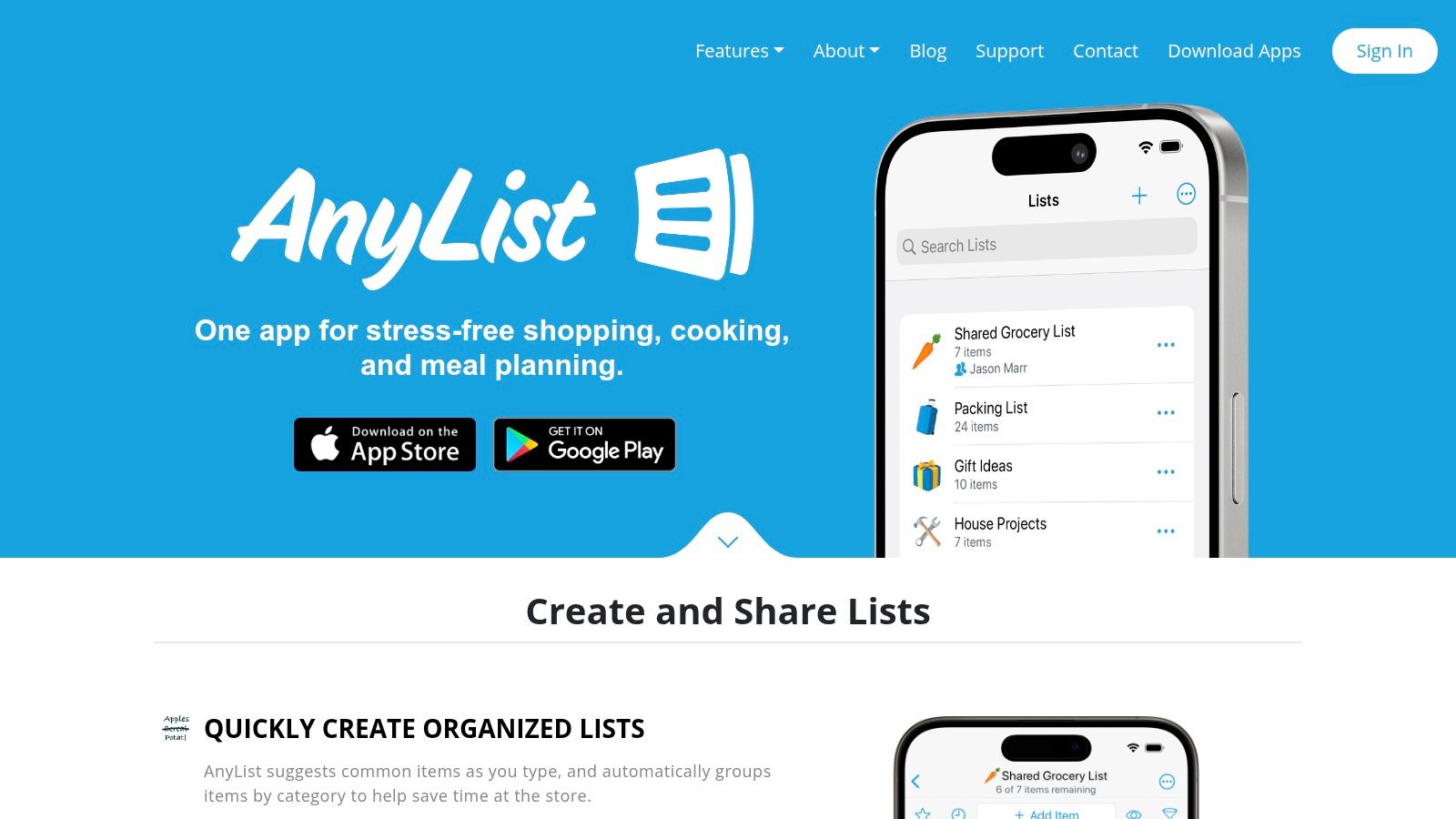
Some families don't need a recipe revolution. They need one shared grocery list that everyone updates. That's AnyList's lane, and it handles it well.
Best for shared shopping trips
AnyList feels built around the common household problem of split errands and last-minute store runs. Shared grocery lists update in real time, recipes can feed into planning, and there's web and desktop access for people who prefer planning from a laptop instead of a phone.
This category matters because families often succeed or fail on coordination, not culinary ambition. One family-oriented recommendation thread specifically highlights meal planning apps that allow shared household access where up to four family members can connect to a central recipe library and grocery list without subscription fees or hidden costs, according to this Reddit discussion on family meal planning apps. AnyList fits the spirit of that need very well, even if its more advanced features sit behind the Complete tier.
A simple way to evaluate it:
- Best use case: One person plans, another shops, both need instant list updates.
- Nice bonus: Google Calendar sync and desk-friendly planning.
- Main drawback: Some of the stronger planning and recipe features require the paid upgrade.
AnyList is often the best meal planner app for families whose biggest dinner pain starts at the store, not on the stove. Explore it at AnyList.
7. Cozi Gold / Max

Cozi makes sense when meals are just one part of family logistics. If your week already lives in a shared calendar full of practices, school events, appointments, and errands, a separate meal-planning app can feel like one app too many.
Best if meals and family scheduling live together
Cozi combines a shared family calendar, shopping lists, recipe storage, and meal planning in one hub. Meals can sit alongside everything else that determines whether dinner happens on time. For many families, that's more useful than a deeper recipe tool.
The newer paid tiers add more advanced meal features, including AI options. Still, Cozi remains more of a family organizer than a pure meal-planning product, and that distinction matters. If your household needs a recipe vault, this won't be the strongest specialist choice.
For busy parents, the convenience is in the consolidation. If Saturday is packed, you can see that context while planning dinner. That sounds simple, but it's exactly why some households stick with organizer-style apps longer than cooking-first ones. If you need a broader hub, these are good top tools to organize family life, and Cozi belongs in that conversation.
Families who want a meal planner they can share may also find this guide to a meal-planning app you can share helpful. Cozi itself is at Cozi.
8. Samsung Food formerly Whisk
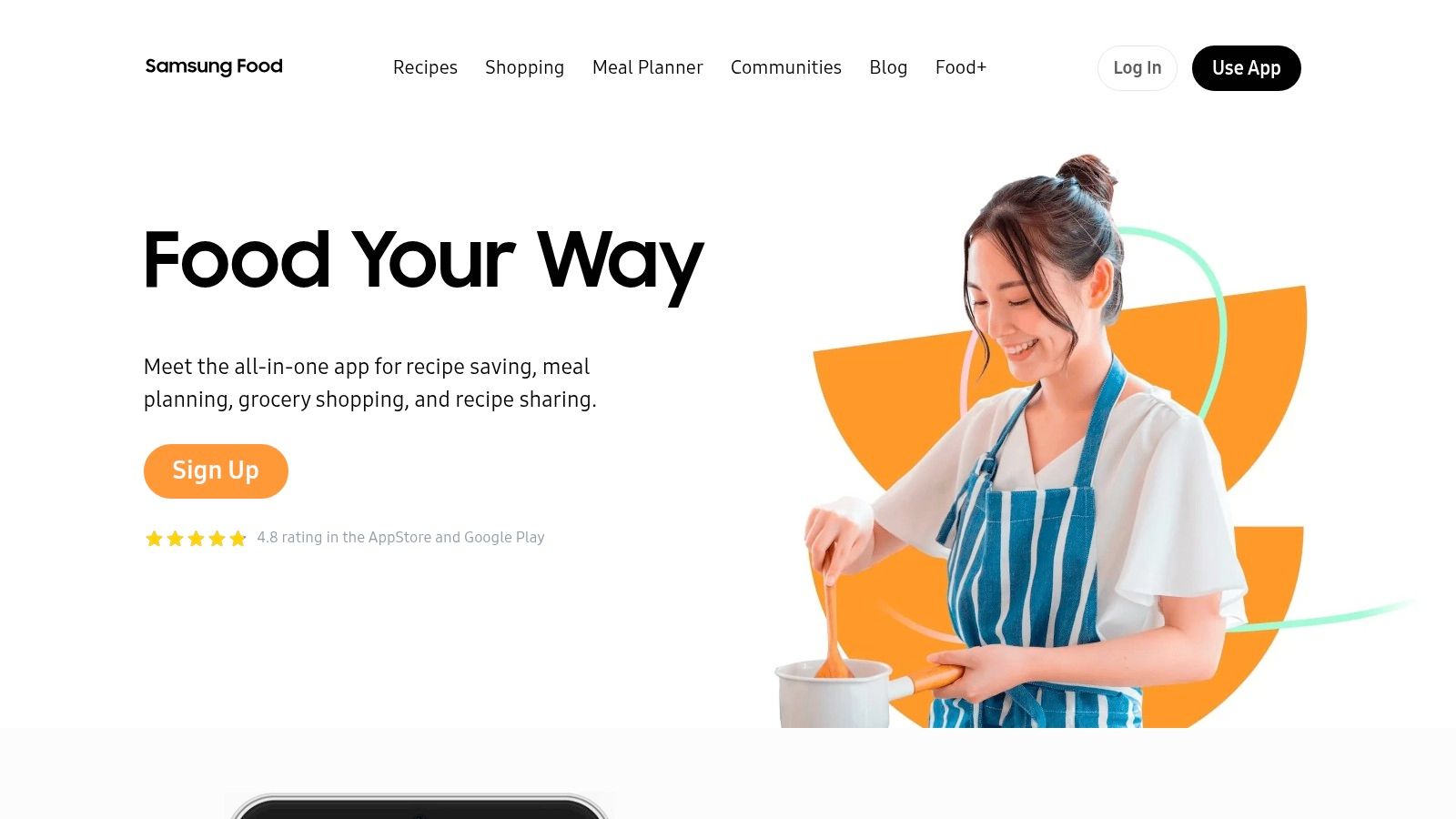
Samsung Food is one of the more flexible free-entry options because it combines recipe saving, planning, and grocery support without demanding a subscription at the start. That makes it easy to recommend to families who want to test a system before committing.
Best free option for recipe saving and planning
Its biggest strength is recipe capture. If your family pulls ideas from all over the web, the browser extension and mobile saving tools reduce friction. Shared recipe boxes and cross-device access also make it more practical than many free tools that feel built for one person only.
Samsung Food works especially well for households that sit between two camps. They want their own recipe collection, but they also want some planning help and optional nutrition features. If you use Samsung appliances, the connected-kitchen angle is an extra benefit, not the main reason to choose it.
The trade-off is focus. It does many things, which can make the experience feel broader and less opinionated than a specialist app. Families who want a simple, narrow workflow may prefer a tool with fewer moving parts. You can explore it at Samsung Food.
9. Prepear
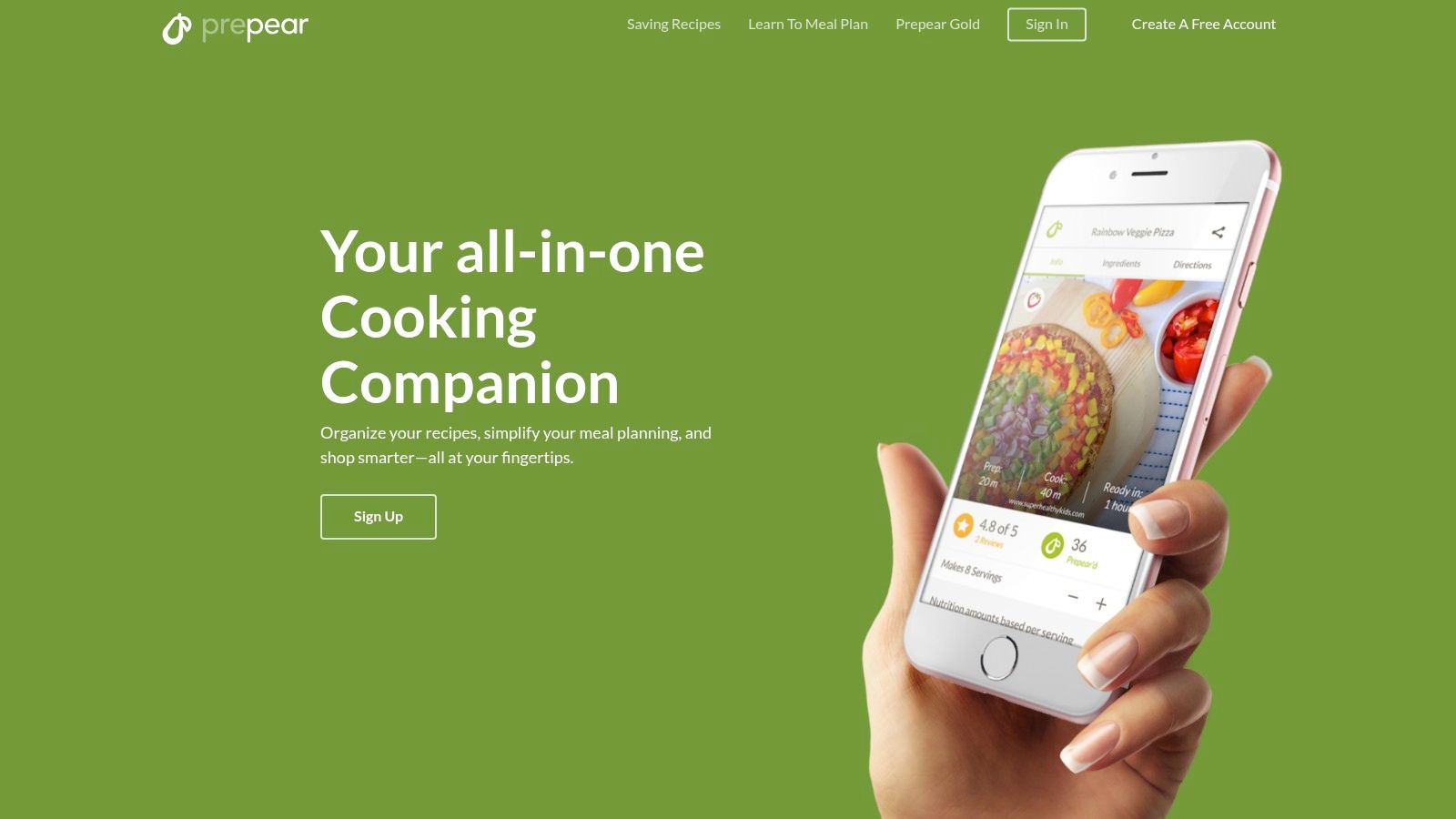
Prepear is a good middle ground for families who want both personal recipe management and outside inspiration. It's less rigid than a pure done-for-you planner, but it gives you more curated content than a bare recipe organizer.
Best for curated meal plan inspiration
This is the app I'd look at if your family gets bored easily. Prepear mixes your own recipes with access to meal plans and cookbooks from creators and partners, which can help when your usual rotation starts feeling stale.
That balance is useful in real households. Some weeks you want your proven dinners. Other weeks you want someone else to suggest a reset. Prepear supports both without making either one the whole product.
Its drawback is straightforward. A lot of the most attractive content lives behind the Gold tier. So the app makes more sense for families who know they'll use those curated plans regularly, not just occasionally. Visit Prepear.
10. SideChef
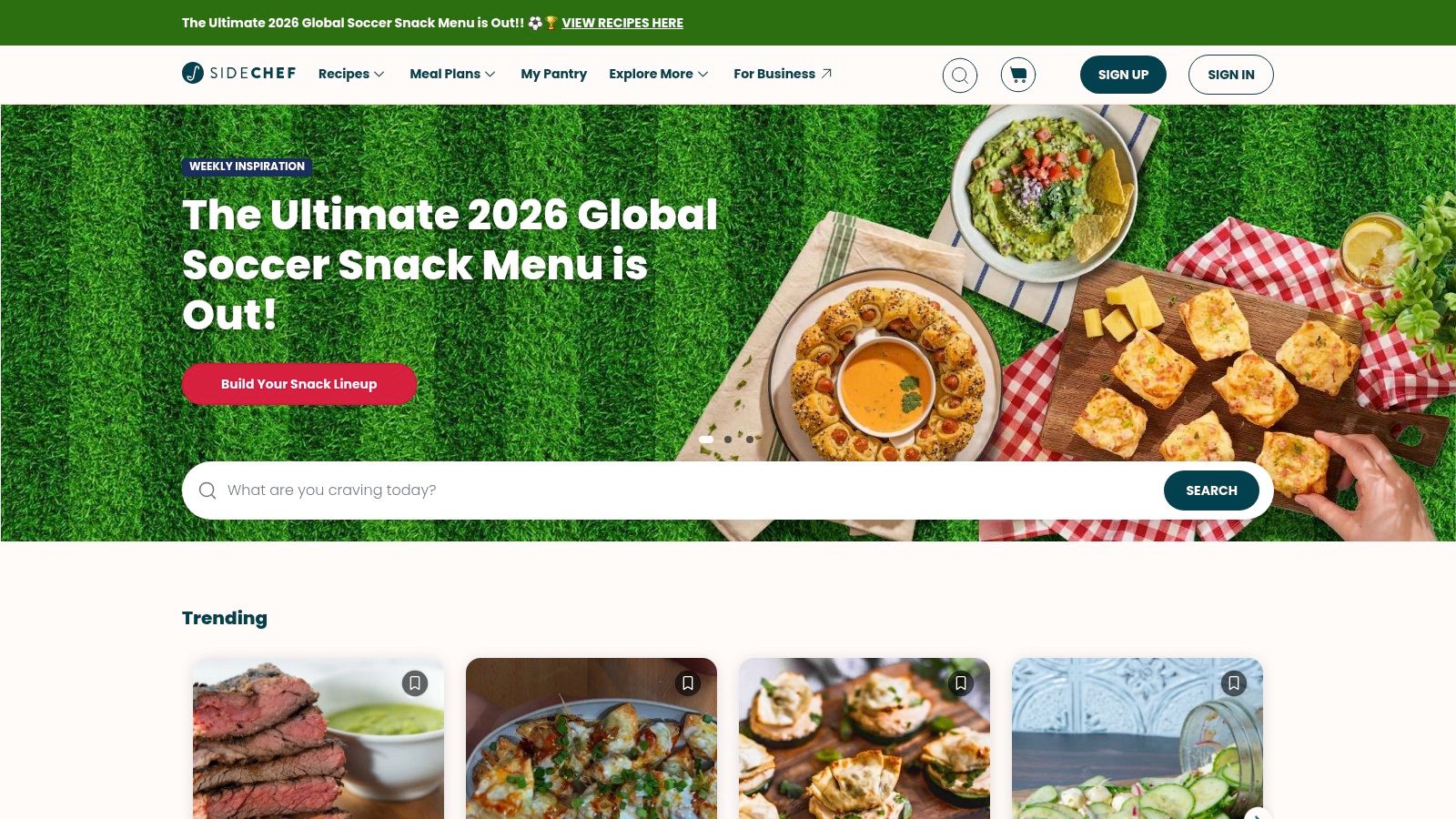
SideChef is a strong pick for families who don't just need meal planning. They need help getting everyone through the recipe successfully. That's a different problem, and SideChef addresses it with visual, guided cooking.
Best for visual guided cooking
If older kids or teens help in the kitchen, visual step-by-step instructions are more valuable than people often realize. A recipe organizer can store dinner, but a guided cooking app can help someone make it without constant supervision.
SideChef also includes meal planning tools, shopping lists, grocery ordering, and appliance connectivity. So it covers the practical path from choosing dinner to cooking it. For families trying to build cooking confidence, that's useful.
The main compromise is that it leans discovery-first. Families who mostly cook from cherished saved recipes may find that approach busier than necessary. But if your household likes exploring new meals and wants more hand-holding during cooking, SideChef is one of the better fits. You can find it at SideChef.
Top 10 Family Meal Planner Apps: Key Features Comparison
| Product | Core features | UX / Quality ★ | Value & Pricing 💰 | Target Audience 👥 | Unique Selling Points ✨ |
|---|---|---|---|---|---|
| 🏆 OrganizEat | Social & web one‑tap import, photo capture, offline sync, meal planner, Cooking Mode | ★★★★☆, elegant, kitchen‑friendly | 💰 Pricing TBA, check site/trial | 👥 Home cooks wanting a personal digital cookbook | ✨ Preserves handwritten look; social import + full‑screen Cooking Mode |
| eMeals | Weekly curated plans, consolidated lists, retailer checkout (Walmart, Kroger, Instacart) | ★★★★, time‑saving for families | 💰 Subscription, includes grocery partners | 👥 Busy families who want done‑for‑you plans | ✨ Strong US grocery integrations for one‑tap ordering |
| Plan to Eat | Drag‑and‑drop calendar, web import, deduplicated shopping lists | ★★★★, planner‑first, reliable | 💰 Paid subscription (affordable) | 👥 Cooks who want ownership of personal recipes | ✨ Full control of your recipe library + easy menu rearrange |
| Mealime | Diet/allergy filters, 30‑min recipes, smart shopping lists | ★★★★, fast planning & cooking | 💰 Free + Premium options | 👥 Weeknight cooks seeking quick, simple meals | ✨ 30‑minute focus + family portion sizing |
| Paprika Recipe Manager | One‑tap web capture, offline library, pantry tracking, meal planner | ★★★★★, extremely reliable & fast | 💰 Buy‑once per platform (no subscription) | 👥 Families preserving long‑term recipe collections | ✨ Buy‑once model, robust offline & pantry features |
| AnyList | Real‑time shared lists, recipe import (Complete), calendar sync | ★★★★, family‑friendly & polished | 💰 Free + AnyList Complete (affordable) | 👥 Families wanting shared shopping & sync | ✨ Item photos, store organization & Google Calendar sync |
| Cozi (Gold / Max) | Shared family calendar, shopping, recipe box; Cozi Max AI planner | ★★★★, simple family hub | 💰 Free + Gold/Max tiers (ad‑free/AI) | 👥 Families seeking all‑in‑one organizer | ✨ Integrated family scheduling + AI meal planning (Max) |
| Samsung Food (Whisk) | Save from any site + Chrome extension, meal planning, appliance links | ★★★★, strong web capture | 💰 Free tier + Food+ subscription | 👥 Families using web saves & Samsung appliances | ✨ Excellent web‑to‑app capture + smart‑appliance integration |
| Prepear | Custom planner, grocery lists, marketplace of blogger plans/cookbooks | ★★★★, mix of personal & curated content | 💰 Free + Prepear Gold (paid) | 👥 Families wanting curated blogger plans | ✨ Marketplace of partner cookbooks & meal plans |
| SideChef | Visual, step‑by‑step recipes, meal planner, grocery ordering | ★★★★, guided & visual experience | 💰 Free + Premium collections | 👥 Families who enjoy guided cooking (kids/teens) | ✨ Visual cooking guides + smart ordering & appliance support |
Final Thoughts
Dinner problems usually repeat themselves. A parent shops from memory and misses half the list. One child rejects the plan. The recipe everyone loves is trapped in an old binder, a phone screenshot, or a social post you meant to save.
Pick the app that solves the failure point your family hits every week.
OrganizEat stands out for families managing recipes from different generations and different sources. It can bring handwritten cards, cookbook pages, and social media finds into one place, which is a practical advantage if you want to keep heirloom recipes in circulation instead of losing them in a drawer. For households that care about both meal planning and recipe preservation, that combination is hard to replace. If that sounds like your kitchen, you can look at OrganizEat directly at https://home.organizeat.com.
Other apps fit narrower family-use cases better. eMeals and Mealime reduce day-of decision fatigue, but they do it differently. Mealime is the easier pick for fast setup and simple weeknight cooking. eMeals works better for parents who want more structure around planning and shopping.
Plan to Eat and Paprika ask for more input, but they reward families who want control. Plan to Eat is the better choice for households that like building the week around their own recipes and shifting plans as schedules change. Paprika suits the cook who wants a dependable recipe library, pantry tracking, and offline access, and does not mind setting more things up manually.
Shared errands change the equation. AnyList is strong when two adults shop at different times and need the same list in sync. Cozi makes more sense when dinner planning has to live beside school pickups, sports, and appointments. Samsung Food, Prepear, and SideChef also have clear roles. Samsung Food is useful for saving recipes from the web, Prepear fits families who like creator meal plans, and SideChef helps kids, teens, or less confident cooks follow along with visual instructions.
The app your family keeps using is usually the one that removes friction on the busiest night of the week.
Choose based on how your household cooks, shops, and saves recipes. A family trying to preserve Grandma's soup recipe, organize Instagram dinner ideas, and keep one shared grocery list has different needs than a family that just wants three quick meals on the calendar by Sunday night. Match the tool to that real use case, and the app is far more likely to stick.